Table of Contents
In today’s fast-paced business world, staying connected with customers is crucial. InboxPlus offers an all-in-one solution for automating your follow-ups and improving your communication strategies. Whether you’re looking to enhance your email marketing efforts or streamline interactions across various channels, InboxPlus promises to deliver results. In this InboxPlus review, we’ll explore its features, benefits, and pricing to help you decide if it’s the right tool for your business.
InboxPlus Review
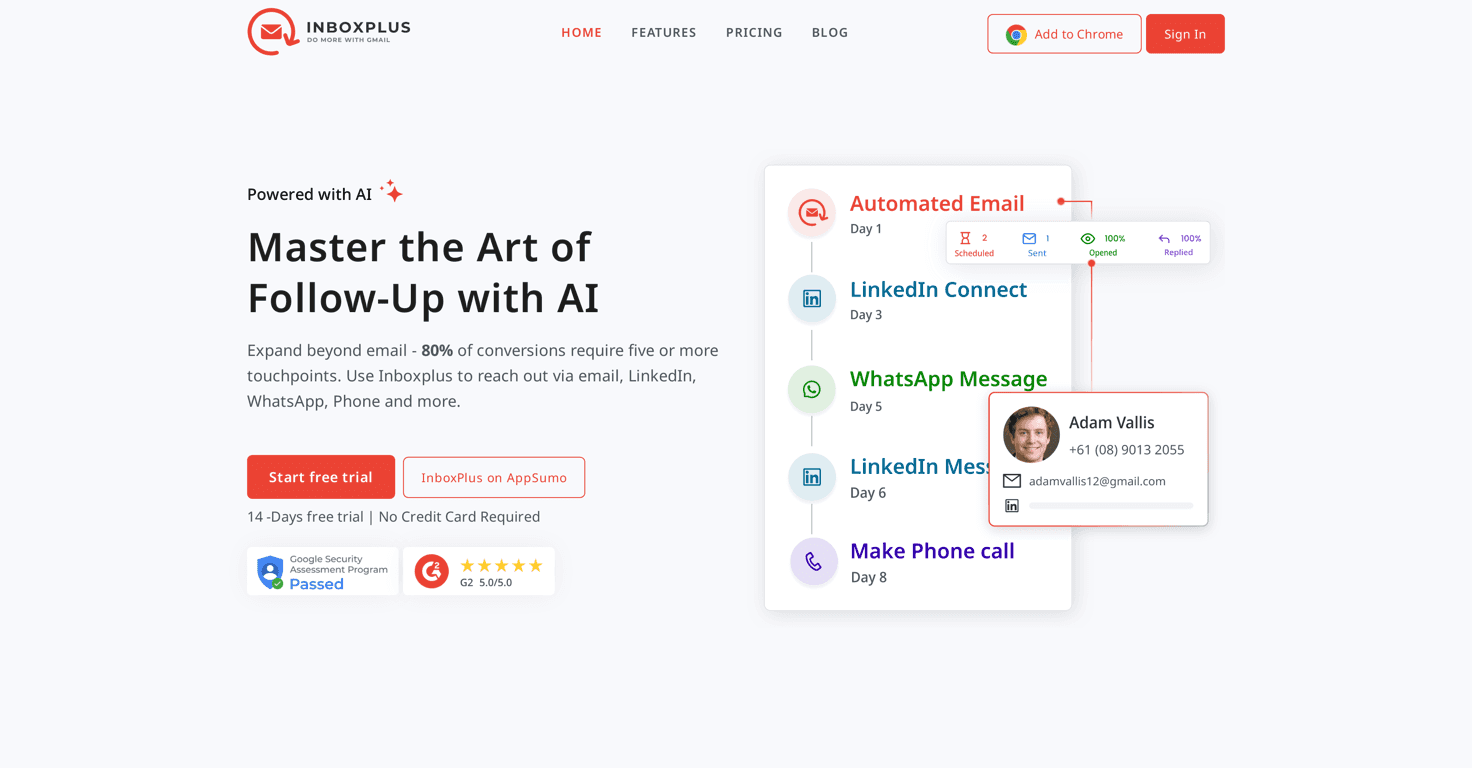
InboxPlus is designed to elevate your email and multi-channel communication efforts with remarkable ease. The software focuses on email automation, helping you craft personalized messages with its AI Email Writer. You’ll never have to worry about forgetting to follow up again, as the task reminder feature keeps you on track. The interface is user-friendly, allowing you to access Gmail integration and track engagement with just a few clicks. Overall, InboxPlus simplifies communication while increasing engagement, making it a must-have for any business seeking to close deals faster.
Key Features
- AI Email Writer generates personalized emails.
- Email Sequences automate follow-ups for continuous communication.
- Multitouch Sequences ensure messages reach the audience across various channels.
- Email Tracking provides insights into engagement rates.
- Email Analytics delivers actionable insights for campaign improvement.
- AI Email Templates for quick and professional messaging.
- Task Reminder helps manage timely follow-ups.
- Template Management for easy customization and organization.
- Team Management facilitates collaboration among team members.
- Chrome Extension integrates seamlessly with Gmail.
Pros and Cons
Pros
- Automates routine tasks, saving users valuable time.
- Increases engagement through multi-touch follow-up strategies.
- Easy integration with Gmail enhances user experience.
- Offers detailed analytics for better decision-making.
Cons
- Currently optimized for Gmail, limiting other email platform users.
- Users may require time to learn the software features.
Pricing Plans
InboxPlus offers a 14-day free trial allowing users to explore all features without needing to provide credit card details. For detailed pricing options beyond the trial period, check the official website or contact customer support.
Wrap up
In conclusion, InboxPlus stands out as a powerful tool for automating and enhancing business communications. With its rich features and user-friendly interface, it’s an excellent choice for anyone looking to improve their follow-up process. While it may be best suited for Gmail users, the seamless integration and advanced capabilities make it worth considering. If you’re ready to boost your engagement and streamline your communication, give InboxPlus a try with their free trial!