Table of Contents
Are you struggling to create engaging lead magnets that attract potential customers? You’re not alone! Many businesses find it challenging to produce high-quality content that resonates with their audience. That’s where Lead Magnet Generator comes in. This AI-powered tool simplifies the process of content creation, allowing you to focus on what truly matters – growing your business. In this review, we’ll explore its features, benefits, and pricing to help you determine if it’s the right fit for your marketing strategy.
Lead Magnet Generator Review
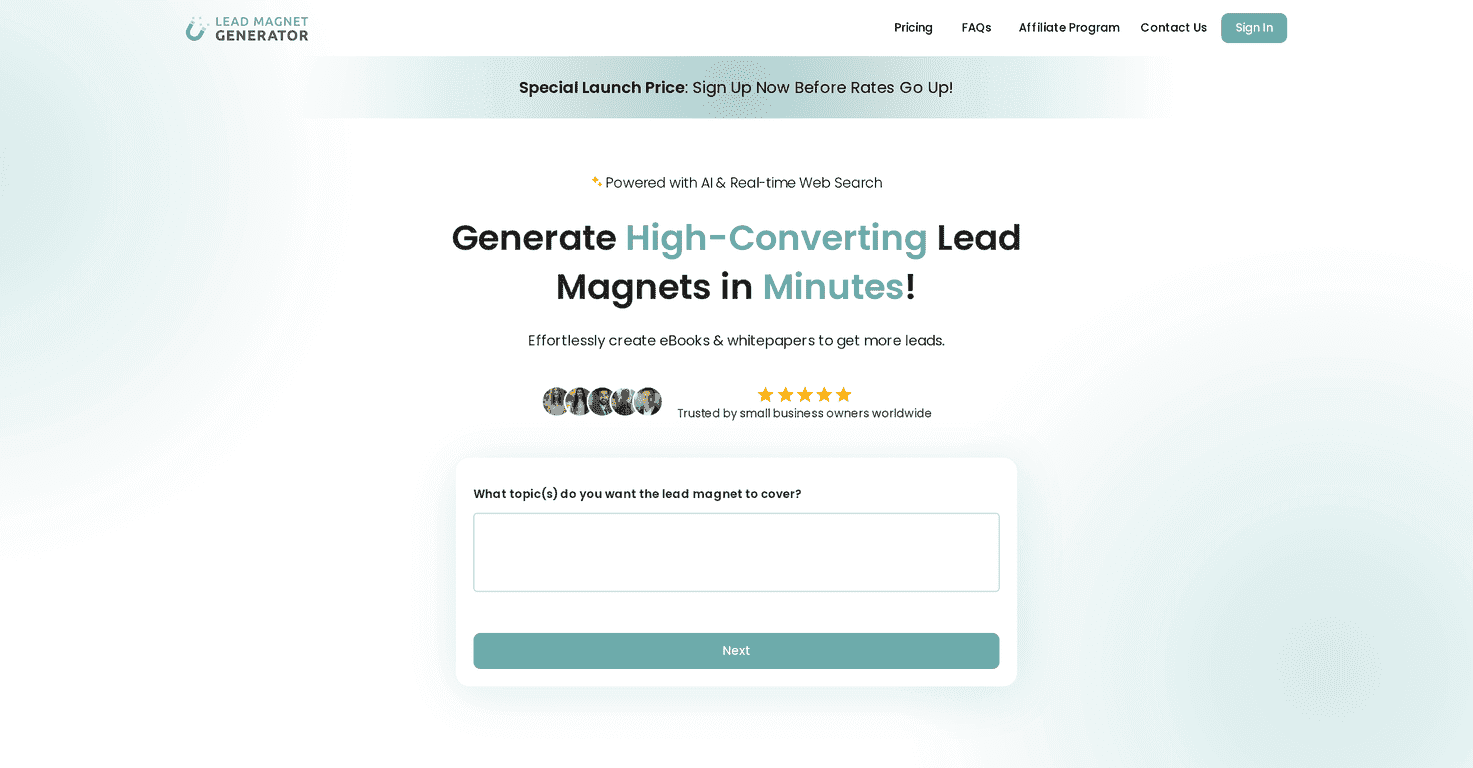
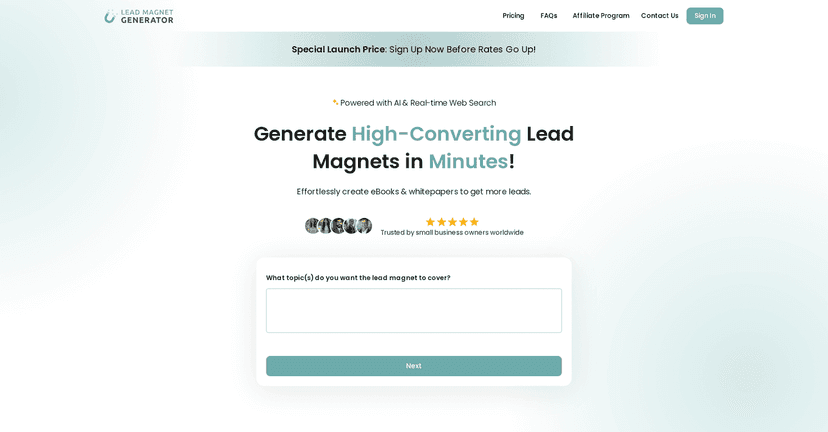
Lead Magnet Generator is an innovative online tool specifically designed for marketers and business owners looking to create compelling lead magnets with ease. By leveraging the power of AI, it provides users with the ability to generate tailor-made eBooks and whitepapers quickly. All you need to do is input some information about your product, service, or industry, and the tool takes care of the rest. It’s user-friendly, and it generates high-quality content in just a few minutes, making it an excellent choice for busy professionals.
The results are not only visually appealing but also SEO-optimized, ensuring your lead magnets will be easily discoverable online. Whether you want to create informative whitepapers or engaging eBooks, this tool helps deliver precisely what you need without the headache of extensive writing.
Key Features
- AI-Powered Creation that generates engaging content based on input.
- Customization Options allowing for tailored content that reflects your brand.
- Fast Turnaround to create lead magnets in a matter of minutes.
- User-Friendly Interface designed for effortless navigation.
- SEO Optimized content to enhance online visibility.
- Downloadable Formats available in PDF and DOCX with commercial licenses.
- Satisfaction Guarantee enabling content regeneration for unsatisfied users.
Pros and Cons
Pros
- Quick and easy to use
- High-quality, professionally designed content
- Cost-effective compared to hiring content writers
- Customizable to meet specific audience needs
- AI reduces time needed for strategic content creation
Cons
- Limited control for highly specific content creators
- Quality relies on user inputs; poor inputs yield poor results
- Subscription plans may incur additional costs for regular use
Pricing Plans
The Launch Price for Lead Magnet Generator is just $9, making it an affordable option for those seeking personalized lead magnets. Additional packages and pricing tiers can be found on their pricing page.
Wrap up
In conclusion, Lead Magnet Generator is a valuable tool for any business looking to enhance their lead generation strategy with minimal effort. Its AI-powered features, customization options, and fast turnaround make it an appealing choice for marketers. Despite some limitations, it offers high-quality, engaging content at an affordable price. If you’re ready to streamline your content creation process and attract more leads, give Lead Magnet Generator a try.
Promote Lead Magnet Generator