Table of Contents
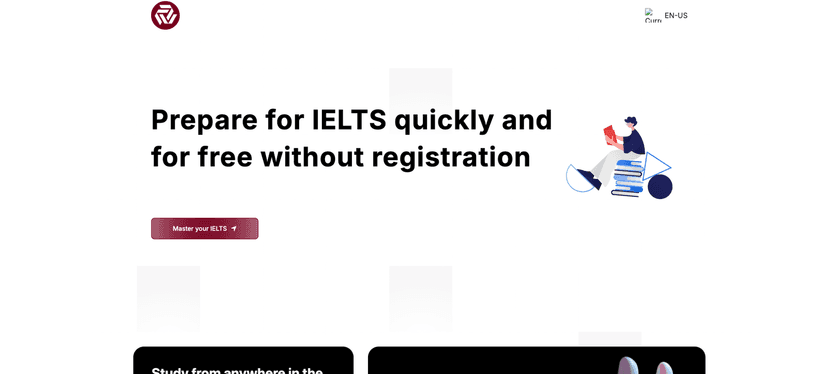
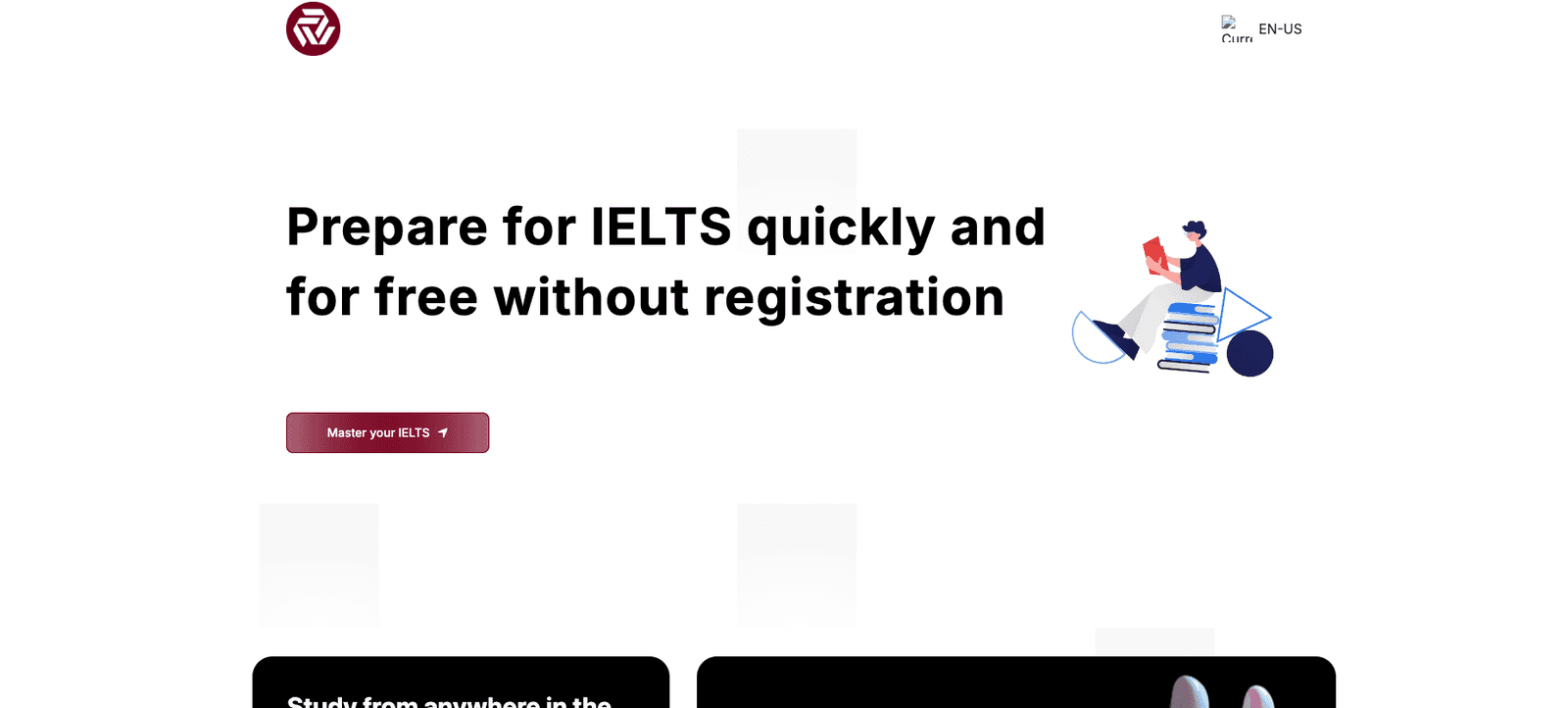
IELTS prep can get pretty stressful fast. One day you’re trying to memorize vocabulary, the next you’re wondering if your writing is actually improving or if you’re just “studying harder” without seeing results. That’s exactly why I was curious about LeadAI—an AI assistant that’s built to support you across the whole test, not just one section.

In my experience, what makes or breaks an IELTS tool isn’t the promise—it’s whether you can get useful feedback consistently. LeadAI positions itself as a personalized assistant for listening, reading, writing, and speaking, with recommendations meant to help you focus on the areas that need the most work. It’s also designed for flexible study, so you can use it from anywhere (which matters when you’re juggling work, classes, or both).
Another thing I liked is the “student-first” vibe. It’s not just about throwing resources at you—it’s about trying to respond to user questions quickly and keeping the support accessible, including free resources. If you’re just starting out, that’s a big plus. If you’re already in the final stretch, having quick guidance can still save you time.
LeadAI Review: Does It Actually Help with IELTS?
Here’s what I’d tell a friend: if you like structure and you want feedback that points you to specific weaknesses, LeadAI could be a solid addition to your IELTS routine. If you already have a full plan and you mainly need human-style correction (especially for writing and speaking), you might still want a tutor—but you can still use an AI assistant to practice more often.
LeadAI’s core idea is pretty straightforward: it’s an AI-powered assistant that supports all IELTS sections—listening, reading, writing, and speaking—so you’re not stuck doing random practice without knowing what to fix next.
Also, the flexibility is real. When I’m studying, I don’t always have an hour. Sometimes it’s 20 minutes. Having a tool you can come back to quickly matters more than people think. It’s easy to fall off your routine if your prep setup is too complicated.
Key Features (What You’ll Use Most)
- AI-assisted learning with personalized assessments – The main promise here is customized recommendations based on your performance. In practice, that’s the difference between “do more practice” and “do this kind of practice because it matches your weak spots.”
- Full IELTS coverage – LeadAI is aimed at the entire exam: listening, reading, writing, and speaking. That’s helpful if you want one place to manage your prep instead of bouncing between apps.
- Study from anywhere – If you’re traveling, working late, or just don’t have a consistent schedule, being able to use it flexibly is a genuine benefit.
- Free resources – This is one of the biggest selling points. You can start without committing immediately, which is great if you’re testing whether the platform fits your learning style.
- Customer-centric support – LeadAI focuses on responding to user inquiries quickly. When you’re stuck on an explanation (especially for writing structure or speaking ideas), fast help is underrated.
- Quick recommendations – The tool is positioned as responsive, so you’re not waiting around forever to get guidance.
- Guidance that’s meant to be personalized – The platform also mentions tailored guidance, including study plans and university selections. If you’re applying for a specific program, that can be useful beyond just the test.
Pros and Cons (My Honest Take)
Pros
- Targeted practice beats generic practice. If the recommendations are accurate for your level, you’ll spend less time repeating what you already understand.
- It covers all IELTS sections. That means you can keep momentum instead of switching tools every time you move to a new skill.
- Free resources lower the risk. You can try it and see if it matches your learning habits before paying.
- Convenient for busy schedules. Short sessions are easier to fit in, which helps you stay consistent.
- Support seems responsive. If you have questions, you’re not stuck waiting days to get clarity.
Cons
- Your results depend on how you use it. An AI tool can’t magically improve your band score without your effort. If you don’t actually practice with the feedback, it won’t do much.
- Limitations aren’t fully clear. I’d want more transparency about what the AI can and can’t do—especially for writing and speaking, where human nuance still matters.
Pricing Plans (What I Could Find)
LeadAI’s pricing details aren’t clearly shown in the information I reviewed. That means you’ll likely need to visit the website (or contact them directly) to see what plans are available and what each one includes.
If you’re deciding whether it’s worth paying for, I’d personally check for a few things before committing:
- What’s included in the free tier? Can you practice writing and speaking there, or does it only cover basics?
- How feedback works in paid plans. Do you get more detailed recommendations, more practice attempts, or faster support?
- Whether university selection guidance is included. If that’s part of your goal, make sure it’s not only available at a higher tier.
Don’t be afraid to ask them directly—most IELTS learners want clarity on features, not just a price tag.
How I’d Use LeadAI in a Real IELTS Plan
If you’re wondering how to fit it into your routine, here’s a simple approach that works well for me (and for a lot of students I’ve coached):
- Start with a baseline. Use it early so you know which section needs the most attention.
- Practice in small blocks. For example, 20–30 minutes a day is better than 2 hours once a week.
- Write, then revise. If LeadAI gives writing guidance, use it to rewrite your answers—not just to read the explanation and move on.
- Track improvements. Even a simple checklist helps: vocabulary variety, grammar accuracy, clarity, and coherence for writing/speaking.
And one more thing—don’t let AI replace real practice. You still need repetition, timing, and familiarity with IELTS-style questions.
Wrap up
LeadAI looks like a modern IELTS preparation assistant that’s focused on covering all sections and pushing you toward personalized recommendations. The free resources are a nice entry point, and the flexible “study from anywhere” angle is exactly what busy students need. Just keep expectations realistic: engagement matters, and pricing details (and any AI limitations) are something you’ll want to verify on the site before you commit.
If you want an AI tool that can help you stay consistent and spot what to work on next, LeadAI might be worth your time.