Table of Contents
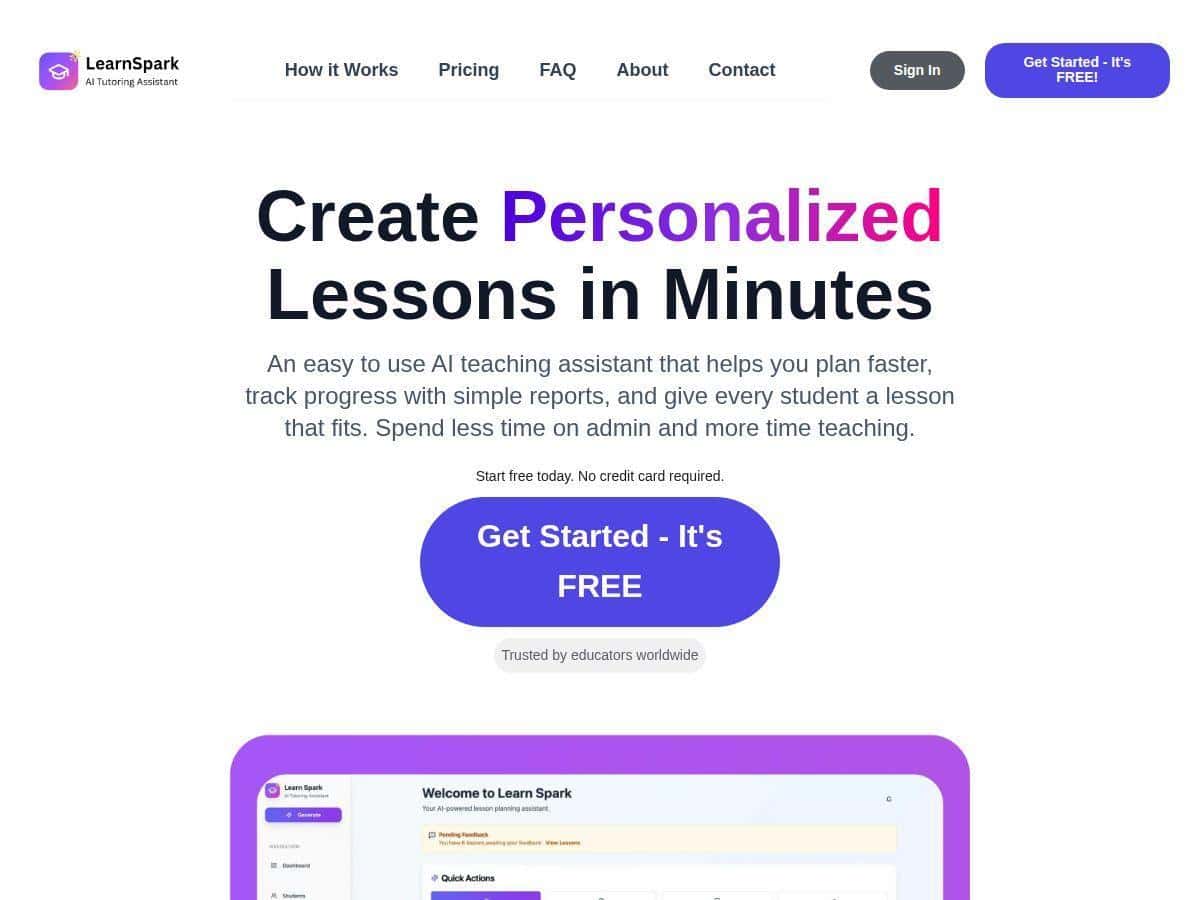
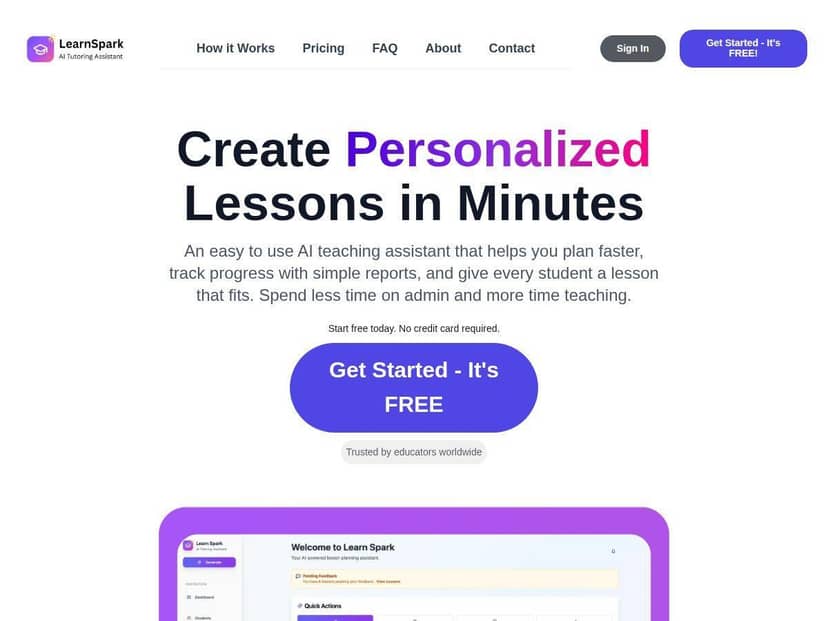
When I first heard about LearnSpark, I’ll be honest—I was skeptical. I’ve tried a bunch of “AI for teachers” tools that sound great in marketing copy, but fall apart the second you try to build something real. So I tested LearnSpark end-to-end and looked for the stuff that actually matters: how fast it is to set up, what the lesson output looks like, whether the progress tracking is meaningful, and how much time it really saves.
LearnSpark Review: What I Actually Did (and What I Got Back)
Test setup: I used LearnSpark in a standard classroom planning workflow—starting from scratch, adding a class context, and then generating a lesson. I tested it on a laptop browser (Chrome), and I also tried the experience on a tablet just to see if the interface feels “native” or if it’s clearly desktop-only.
How I set it up: The onboarding felt pretty straightforward. I didn’t have to fight with a bunch of settings before I could generate anything. The main thing I had to do was provide basic teaching details (grade level/topic) and student context so the AI could tailor the plan. That’s where I noticed the biggest difference between tools that “generate text” and tools that actually help you plan.
My example lesson prompt: I generated a lesson around a common classroom need: a short unit-style lesson with differentiated supports. I entered the topic, the target learning goal, and then included student needs (for example, one group that needed more scaffolding and another that could move faster). I also tried specifying that I wanted curriculum-aligned activities—not just generic worksheets.
What the AI output looked like: The lesson plan came back structured enough that I could use it immediately. It wasn’t just a blob of text. I saw sections that mapped to a typical lesson flow: objectives, guided instruction steps, and student practice. Most importantly, it included differentiation suggestions rather than treating every student the same.
One thing I liked a lot: the tool didn’t feel like it was trying to “replace” me. It gave me a starting point, and I could quickly edit the parts I didn’t like. In my experience, that’s the sweet spot. If I have to rewrite everything anyway, it’s not saving time.
Student progress tracking (the part teachers care about): LearnSpark’s progress tracking is where it got more interesting. Instead of only giving me lesson plans, it also focuses on monitoring. The “real-time” part is basically about refreshing/updated insights as you log or reflect on student engagement and performance. In my test, I could see metrics and summaries that helped me spot who was stuck and who was ready to extend.
How it changed my instruction: I used the tracking view to adjust pacing. When the data suggested certain students needed more support, I swapped in an extra guided step and adjusted the practice activity. That’s the kind of feedback loop that’s hard to replicate with a static worksheet-only workflow.
Reports: The automated reports were one of the most practical features. After I generated and used the lesson, the reporting side produced an organized summary of insights. I didn’t have to manually compile everything into a spreadsheet or doc. If you’ve ever spent your Sunday afternoon formatting “evidence of learning,” you’ll understand why I appreciated this.
Time saved (my honest estimate): For me, the biggest time savings came from first-draft planning and report organization. I’d estimate roughly 2–4 hours per week depending on how many classes you teach and how much you customize. (If you only need one lesson and you’re already a fast planner, your savings might be lower. If you differentiate heavily and write lots of notes, it could be higher.)
What didn’t feel perfect: The AI output was strong as a draft, but I still had to review it for tone and alignment with my exact classroom style. And like most AI tools, the quality improves when you provide clearer student context. Garbage in, garbage out—no surprises there.
Key Features: Where LearnSpark Actually Helps
- Personalized Lesson Plans tailored to different student needs (not just one-size-fits-all). In my test, the differentiation suggestions were the most immediately useful part.
- Student Progress Tracking focused on engagement and performance. I found the value in the quick “who needs support” view, especially during the middle of a lesson cycle.
- Automated Reports that compile insights so you’re not starting from a blank page. This is the feature that reduced the paperwork load for me.
- User-Friendly Interface that’s easy to navigate once you know where lesson inputs live and where the report summaries appear.
- Device access (desktops/laptops/tablets). My tablet check was usable, but the full experience felt best on a larger screen for editing lesson details.
- Curriculum Alignment to support different educational standards. I liked that it wasn’t purely “generic AI content.”
- Collaboration tools for sharing plans and insights with colleagues. In practice, this matters most when you’re co-planning or want another teacher to review your lesson structure.
Pros and Cons (Based on My Test)
Pros
- Faster planning: I didn’t measure it down to the minute, but the first-draft time dropped noticeably because I wasn’t building every section manually. That’s where the “save time” claim makes sense.
- Better differentiation starting point: The lesson outputs included supports/extensions that I could actually use, instead of leaving me to invent everything from scratch.
- Progress tracking that informs decisions: It’s not just a dashboard for show. I used the insights to adjust pacing and supports during the lesson.
- Reports reduce admin work: Generating a summary automatically is a big deal if you’re constantly writing feedback or compiling evidence.
- Free 14-day trial: I like that you can test drive it before committing—especially since lesson planning is personal and you’ll want to see if the style matches your classroom.
Cons
- AI still needs your input: If you don’t provide clear student context, the plan won’t magically know your class. I had to refine details to get the best results.
- Not fully “set it and forget it”: I wouldn’t hand this to a substitute teacher with zero review. You still need to read through and make sure the lesson tone and sequencing fit your expectations.
- Internet dependency: Like many web-based AI tools, it’s not something I’d rely on in a spotty connection environment. I didn’t test offline mode, and I didn’t see a clear offline workflow in my session.
Pricing Plans: What You’ll Pay After the Trial
LearnSpark includes a free 14-day trial. After that, pricing starts at $49 per month. From what I saw, the final cost depends on classroom size and which extra features you want.
If you’re deciding whether it’s worth it, I’d do the math based on your time. If it saves you even a couple hours a week on planning and reporting, it can pay for itself quickly—especially in schools where you’re expected to document learning outcomes consistently.
Who LearnSpark Is Best For
In my experience, LearnSpark fits best if you’re:
- Teaching multiple sections or subjects and need faster planning cycles
- Doing differentiation regularly (and want scaffolds/extensions built into the plan)
- Responsible for reporting or evidence of learning and want less manual compilation
- Comfortable reviewing AI drafts and editing them to match your classroom style
If you only teach one class and you already have a polished lesson bank you reuse, you might not feel the time savings as strongly.
Wrap up
After testing LearnSpark, I came away impressed with how practical it feels for day-to-day teaching. The lesson planning is strong as a first draft, the progress tracking helps you adjust instruction, and the automated reports cut down the admin work I usually dread. It’s not perfect—AI still needs guidance, and you’ll want to review the output—but if you’re trying to spend less time writing and more time teaching, LearnSpark is worth a serious look.