Table of Contents
If you’ve ever posted a “new profile pic” and thought, yeah… but it doesn’t really say anything, I get it. Static photos are great, but they don’t move, they don’t react, and they don’t carry the little facial cues that make people feel present. That’s why I was curious about Live Portrait AI.
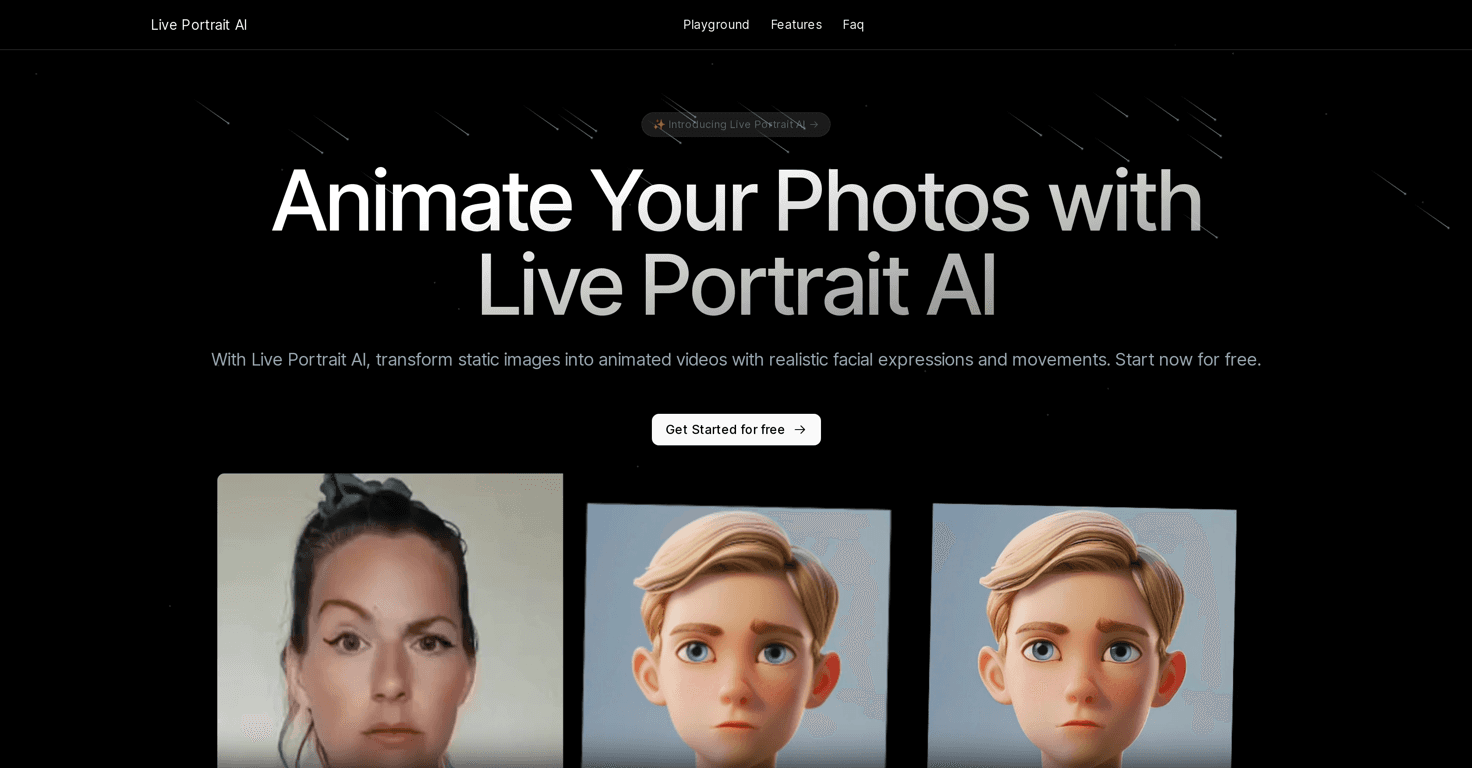
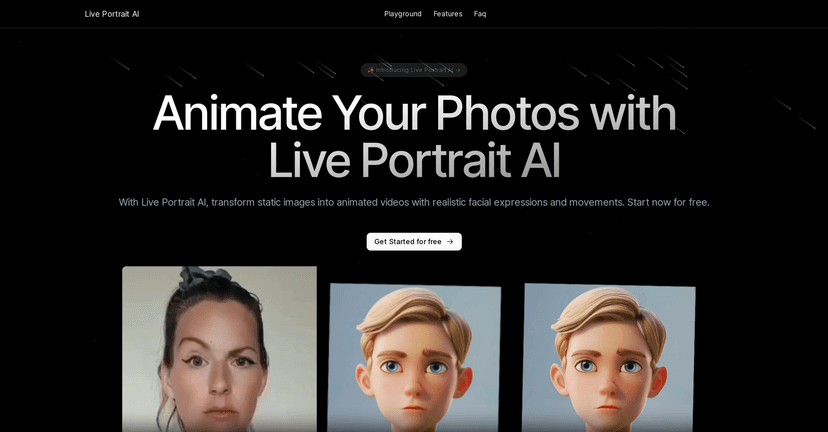
In my experience, Live Portrait AI is pretty straightforward: you upload a source photo (the person you want to animate) and you provide a driving video (the motion reference). Then the AI generates an animated portrait that mimics facial movement—things like eye direction, mouth motion, and expression changes—so your still image starts to feel “alive.” The results can look surprisingly convincing, especially when your input photo is sharp and your driving video has clear facial motion.
Live Portrait AI Review: What I Actually Noticed
Let me be honest—my first thought was: Will this look creepy? Some AI face tools can be uncanny fast. What I noticed with Live Portrait AI is that it’s at its best when you give it good inputs. A clear, well-lit headshot helps a lot. If your source photo is blurry, heavily filtered, or shot at a weird angle, you’ll usually feel that in the final animation.
On the motion side, the driving video matters just as much. The clearer the facial movement (eyes, mouth, subtle expression changes), the more natural the result feels. When I used a driving clip where the person was facing the camera and talking normally, the mouth movement looked more believable. When the driving video had lots of head movement or was too dark, the output started to look “off” around the edges of the face.
One thing I really liked is the variety in styles. It’s not just “animate a normal portrait and call it a day.” You can apply artistic looks—like oil painting or sculpture-style effects—so you’re not stuck with one visual vibe. That’s a big deal if you’re making content for different audiences or you simply don’t want your animation to look like everyone else’s.
Also, the tool focuses on retargeting key facial regions. In plain terms: it tries to keep eye and lip motion aligned with the driving video. For me, that’s the difference between an animation that feels like a face “performing” and one that feels like a face “moving.”
So if you’re using Live Portrait AI for personalized messages, announcements, or fun social posts, it delivers what you’d expect: your still image becomes a short video with expression and motion. It’s not magic, but it’s genuinely useful.
Key Features That Matter (Not Just Buzzwords)
- Photo Animation — brings faces in pictures to life with expression and movement, based on your driving video.
- Portrait Animation with Style Options — includes artistic looks (like painting/sculpture-style vibes) so you can match different aesthetics.
- Personalized Video Editing — great for making announcements or custom messages feel more engaging than a static image.
- Eye and Lip Retargeting — helps control facial expression where it counts most for realism.
- User-Friendly Upload Flow — you don’t need to be a motion graphics expert to get something working quickly.
- High Accuracy (when inputs are solid) — realistic results are easier to achieve with a high-quality source photo and a clean driving clip.
Pros and Cons: The Real Tradeoffs
Pros
- Quick to get started. I didn’t have to fight the interface—upload, generate, review. That alone saves time.
- Realistic animations (with the right inputs). When the source photo is sharp and the driving video is clear, the eye and mouth motion looks convincing.
- Style variety helps you stand out. The artistic portrait options make it easier to create content with a distinct look.
- Good for personalization. It’s perfect for “send this to someone” moments—birthdays, announcements, or even playful creator posts.
Cons
- Manual control is limited. If something looks slightly off, you can’t always fine-tune it like you could in a full editor.
- Quality depends heavily on your inputs. Low-res photos or messy driving videos can reduce realism fast.
- There’s a learning curve. Not huge, but you’ll get better results after a couple tries—especially figuring out which driving clips work best.
Pricing Plans: What to Expect
Pricing for Live Portrait AI is listed on their website, and it typically comes down to what subscription tier you choose (or whether there’s a trial option available). If you’re just testing the waters, I’d recommend starting with whatever trial plan lets you generate a few outputs—because once you see how your specific photos perform, you’ll know if it’s worth paying for longer-term access.
If you want the most consistent results before you commit, try generating with:
- a high-resolution, front-facing photo (good lighting, minimal filters)
- a driving video where the subject’s eyes and mouth are clearly visible
- short clips with natural expression changes (talking normally beats dramatic movement)
Wrap up
Live Portrait AI is one of those tools that’s genuinely fun—and useful—if you care about making your visuals feel more human. It won’t replace professional video editing, and you do have to work with input quality, but the results can look impressive enough to share right away.
If you’re ready to turn still images into expressive short videos, it’s worth trying. And honestly, once you see how different styles look (painting/sculpture vibes included), you’ll probably end up generating more than you planned.