LIFETIME DEAL — LIMITED TIME
Get Lifetime AccessLimited-time — price increases soon ⏳
AI Tools

Manga Translate Review – The Ultimate Manga Reading Tool

Updated: April 20, 2026
6 min read
#Ai tool#Translation

Table of Contents

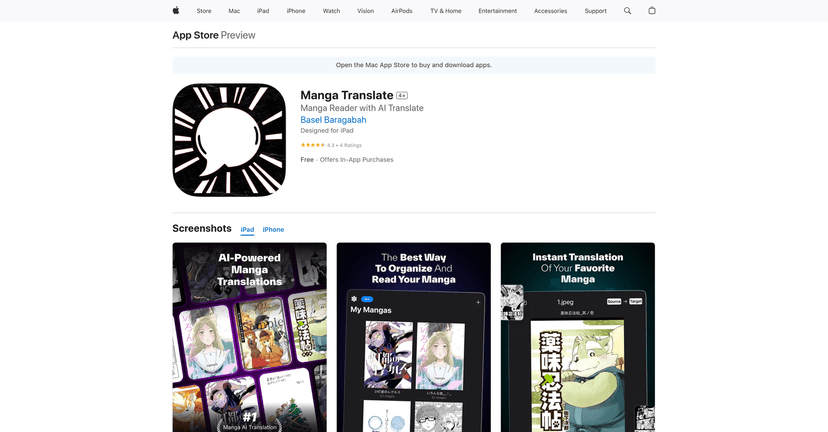
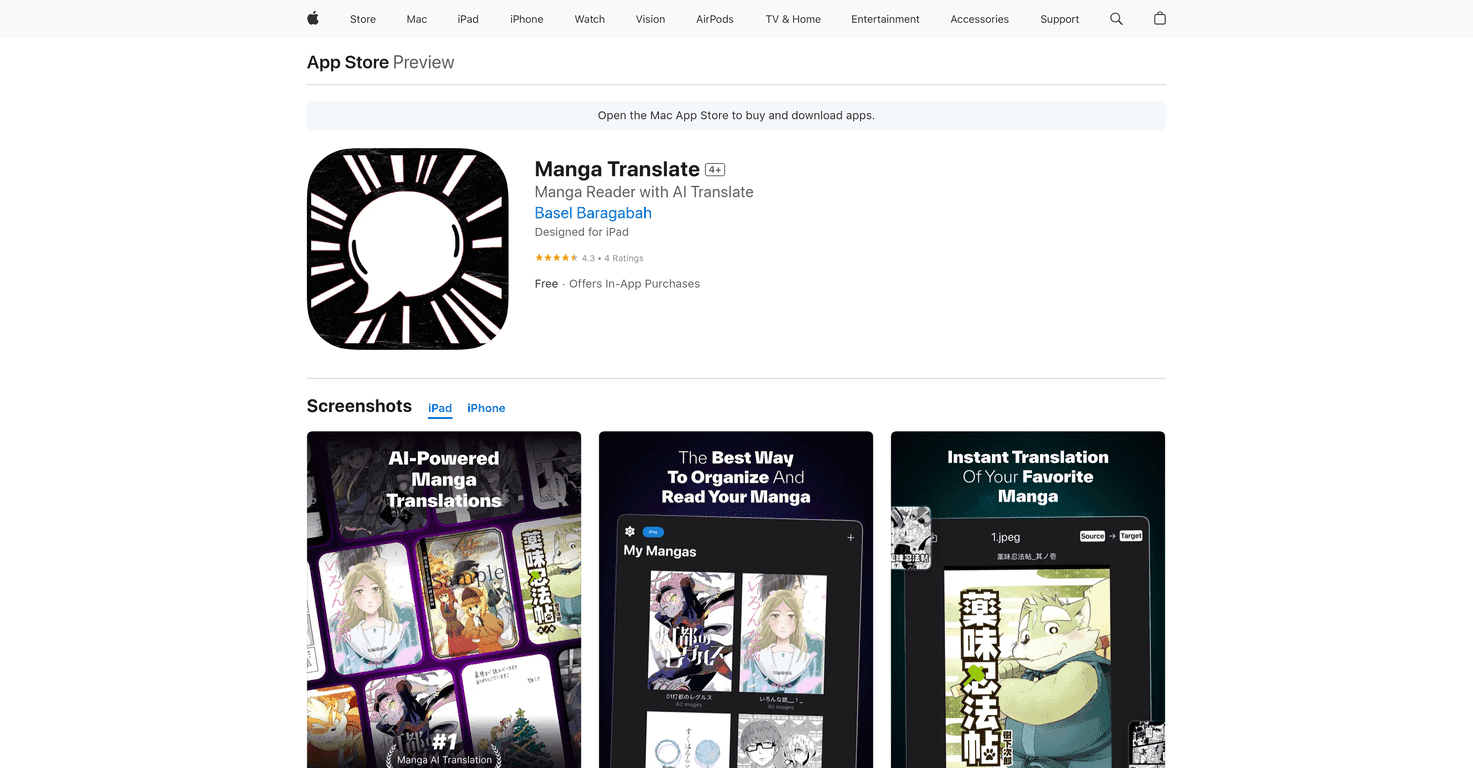
If you like manga but you also like understanding what you’re reading, Manga Translate is the kind of app I end up keeping installed. The basic idea is simple: you import your manga files, read them inside the app, and then translate the text into the language you want. No more squinting at scans or bouncing between tabs just to figure out what a panel says.

Manga Translate

What I noticed right away is that the experience feels built for actual reading. You’re not just “upload and get results.” You’re viewing pages, moving through panels, and then using translation when you need it. There are two translation modes too: Cloud Mode and Local Mode. Cloud Mode is the one you’ll likely use when you want the strongest translation, while Local Mode is great when you don’t want to rely on internet access.

Language support is broad as well—think English, Spanish, Chinese, Arabic, and more. And yes, there’s a subscription piece for the AI translation features. Still, the free version isn’t useless; it’s enough to get a feel for the reader and workflow.

So, does it actually make manga more enjoyable? In my experience, it does—especially if you read casually and you just want the meaning without the hassle.

Manga Translate Review: A reader that actually helps you understand panels

Here’s the thing with manga translation apps: a lot of them either focus on the translation output but ignore the reading experience, or they show you results in a way that makes it annoying to follow the story. Manga Translate feels more balanced.

When I tested it, I liked that the app supports offline reading and gives you flexibility with translation modes. If you’re on the go, offline matters. If you’re at home and want the best translation, Cloud Mode is the obvious pick.

Cloud Mode: Use this when you want AI translation that’s generally stronger and faster to get going (assuming you’ve got a decent connection). It’s the mode I’d pick for longer sessions where accuracy matters.

Local Mode: If you download language packs, you can translate without needing an internet connection. I’m a big fan of this for travel or when I don’t want my translation to depend on Wi‑Fi.

Supported languages include major options like English and Spanish, plus languages like Chinese and Arabic. That’s a nice spread—especially if you read beyond one language or you like exploring different series from different regions.

One more practical point: the app is built around importing your own files. That means you’re in control of what you read. It also means you’ll want to have your manga pages ready in a format the app accepts (and you’ll likely spend a few minutes learning the import flow the first time).

Key Features (and what they look like in real use)

  1. Free manga reader with offline capability
    You can read without constantly worrying about connectivity. In my experience, that alone makes the app worth trying if you’ve got a local library.
  2. AI-powered translation in two modes: Cloud and Local
    Cloud Mode is your “best translation” option when you have internet. Local Mode is great when you’ve downloaded language packs and want to translate anywhere.
  3. Multiple languages for translation
    The app supports languages like English, Spanish, Chinese, and Arabic, which covers a lot of common manga-reading needs.
  4. User-friendly import options for manga files
    You don’t have to hunt for a special viewer. You import your files and start reading. It’s straightforward, though the first import takes a little setup time.
  5. Unlimited translations with a premium subscription
    If you plan to translate often, the subscription model makes sense. If you only translate once in a while, you might not want to pay immediately.

Pros and Cons: What I liked, and what could annoy you

Pros

  • Easy navigation — the interface doesn’t fight you while you’re trying to read panel-to-panel.
  • Translation that feels usable — the AI output is the main reason to install it, and it generally does a solid job getting the meaning across.
  • Offline reading support — you can still enjoy the manga part without being dependent on a network connection.
  • Strong language coverage — English, Spanish, Chinese, Arabic, and more makes it more than a one-language gimmick.
  • Free to start — you can test the reader experience before committing to a subscription.

Cons

  • AI translation is subscription-based — if you expect full translation features for free, you’ll be disappointed.
  • You import your own manga files — the app doesn’t host content, so you’ll need to have your own library ready.

Pricing Plans (what you’ll actually pay)

There’s a free version for basic reading, and then a subscription for unlimited AI translations. The pricing is:

  • Monthly: $4.99
  • Yearly: $49.99

If you read a lot of manga in languages you don’t fully understand yet, the yearly plan might be the better deal. But if you’re only translating occasionally, I’d start with the free version first and see how often you really use the AI features.

Quick tips before you commit

  • Use Local Mode when you’re offline. Download the language packs you care about so you’re not stuck waiting for connectivity.
  • Test a chapter before you translate everything. I like to run a single page or short section first—just to see how the text renders and how readable the translation is.
  • Keep your files organized. Since you’re importing your own manga, a clean folder setup saves time later.

Wrap up

To me, Manga Translate is a practical tool for manga fans who want to read across languages without turning the experience into a chore. The reader is smooth enough for actual sessions, and the Cloud/Local translation setup is a big win. The subscription requirement is the main drawback, and the fact that you import your own files isn’t for everyone.

Still, if you’ve got manga you want to understand right now, it’s definitely worth trying—especially if you’re the type who likes discovering series in languages beyond your comfort zone.

Promote Manga Translate

Stefan

Stefan

Stefan is the founder of Automateed. A content creator at heart, swimming through SAAS waters, and trying to make new AI apps available to fellow entrepreneurs.

Related Posts

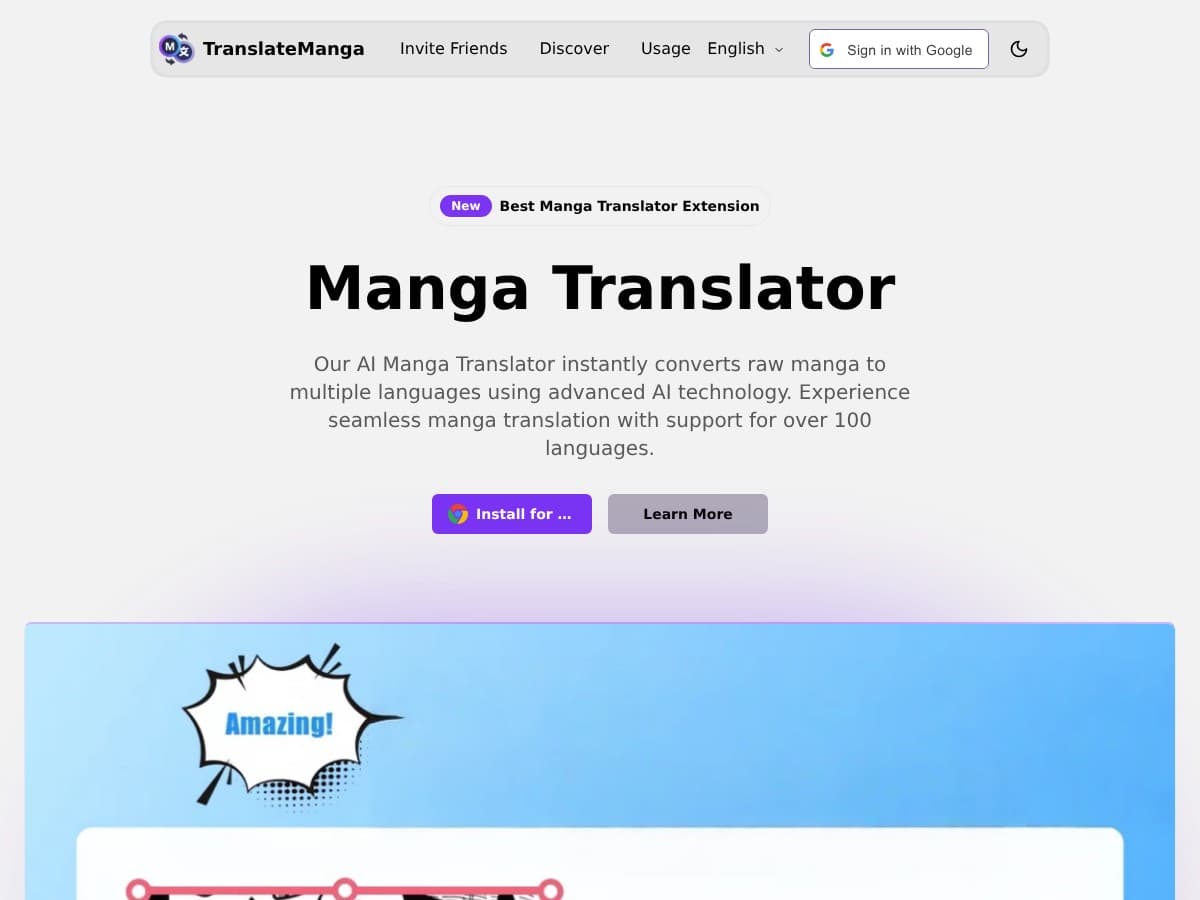
TranslateManga Review – Your Ultimate Manga Translation Tool

TranslateManga Review – Your Ultimate Manga Translation Tool

language barriers stopping you from enjoying manga

Stefan
Quizomatic Review – The Ultimate AI Flashcard Tool

Quizomatic Review – The Ultimate AI Flashcard Tool

Quizomatic transforms your notes into flashcards

Stefan
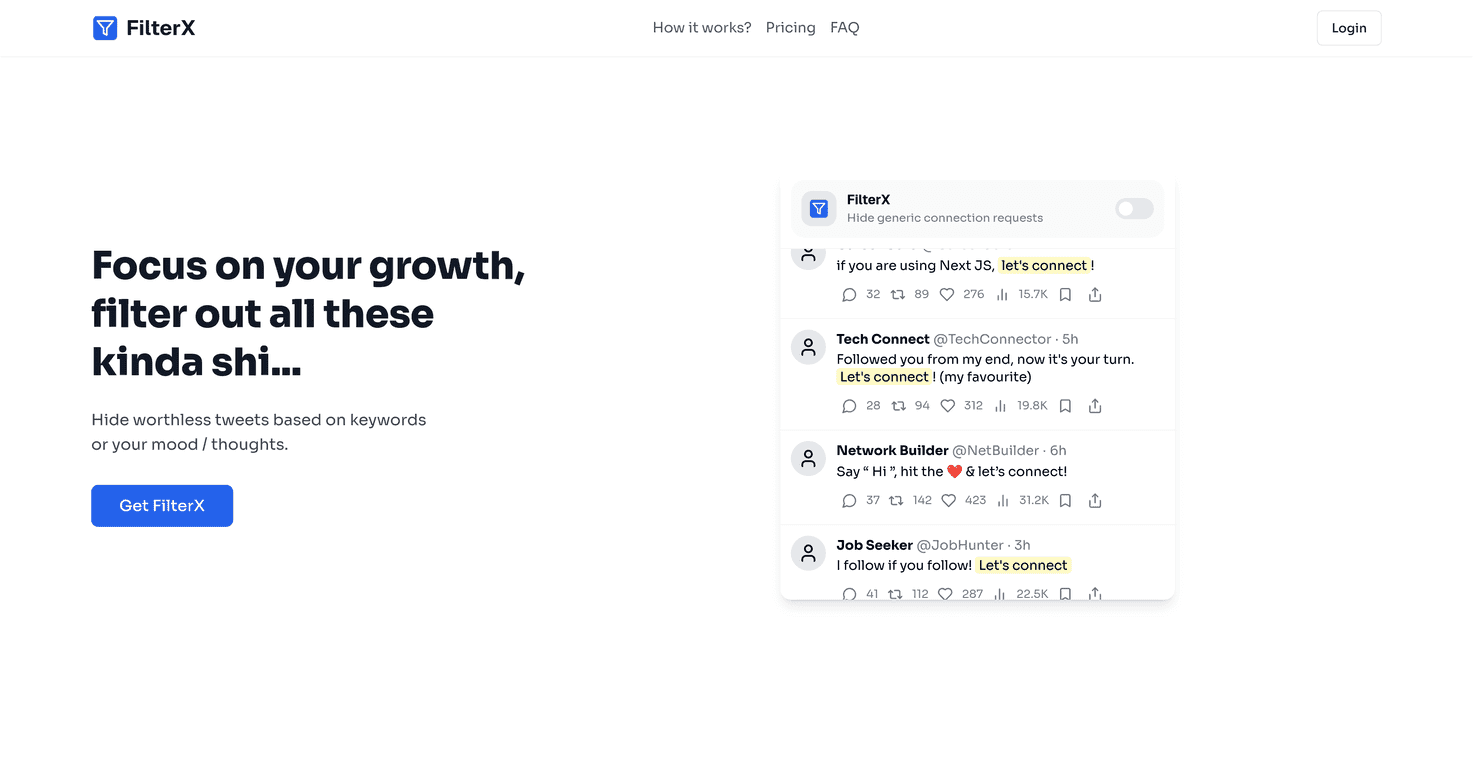
FilterX Review – The Ultimate Tool for Your Needs

FilterX Review – The Ultimate Tool for Your Needs

filtering and managing information is essential

Stefan

Create Your AI Book in 10 Minutes