LIFETIME DEAL — LIMITED TIME
Get Lifetime AccessLimited-time — price increases soon ⏳
AI Tools

NoEffort AI Review – Create Stunning Videos Instantly

Updated: April 20, 2026
5 min read
#Ai tool#video

Table of Contents

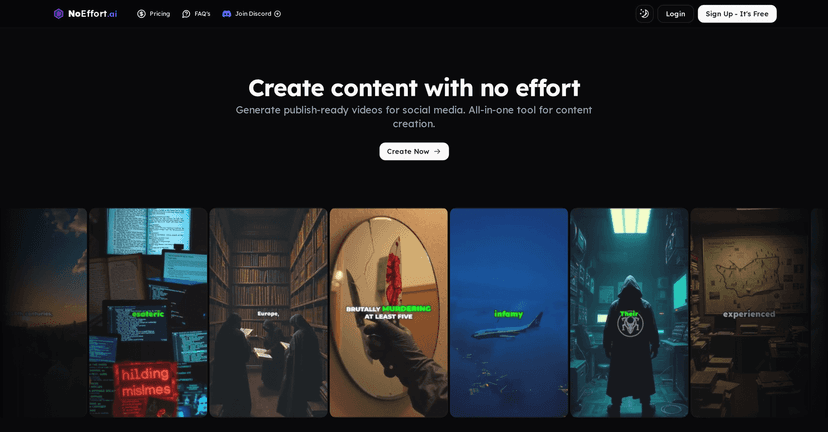
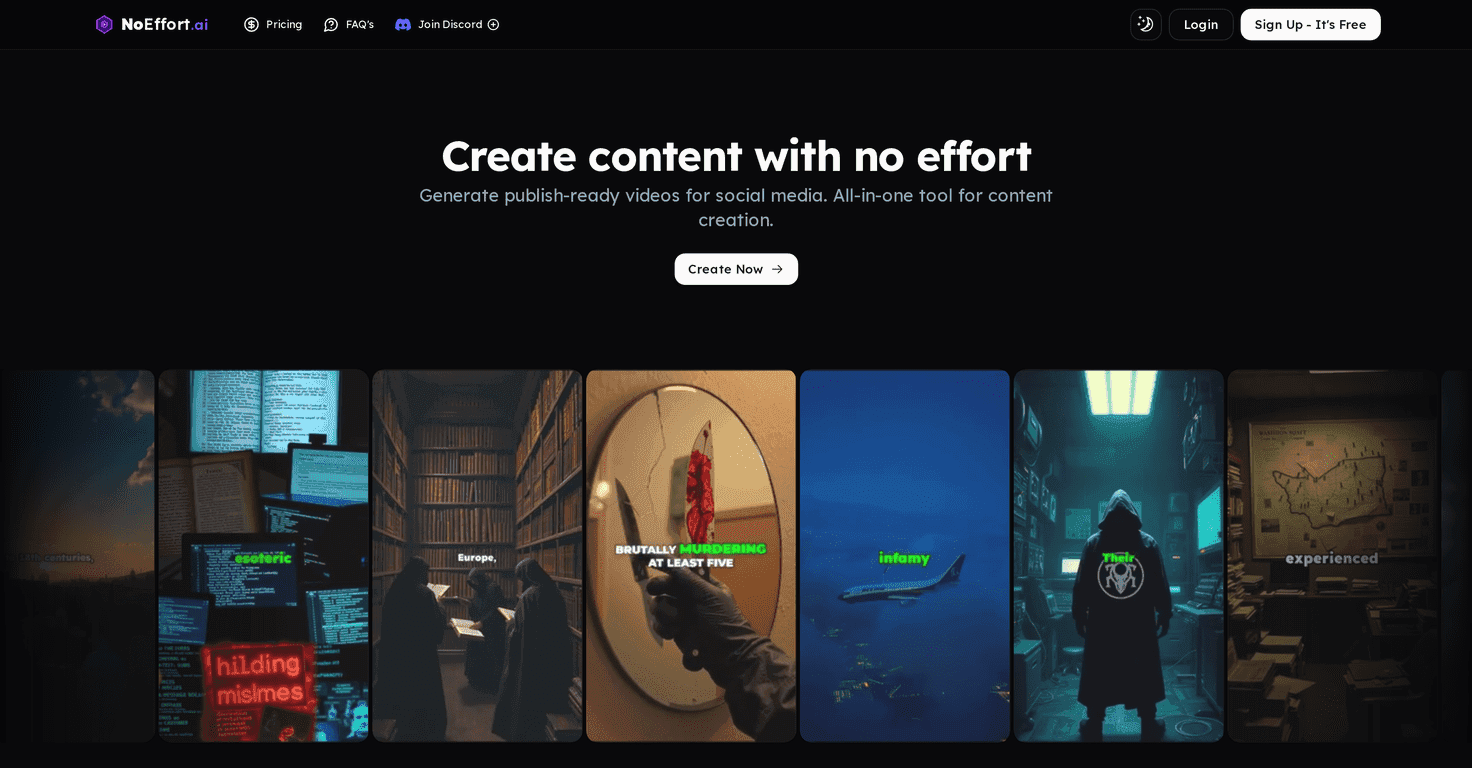
I’ll be honest—making videos for social media is one of those “easy on paper, painful in real life” tasks. You write the idea, record (or find) footage, worry about captions, then spend way too long tweaking the pacing. That’s why I was curious about NoEffort AI. It’s built to help you go from a topic or script to a finished short without needing editing skills or fancy software.

Noeffort Ai

In my experience, the pitch is pretty simple: you feed it a topic (or paste a script), and it generates the visuals, subtitles, voiceover, and background music. Then you get something you can publish right away. No hunting for stock clips for hours. No “where did the audio go?” moments. Just generate and refine if you want to.

Now, it’s not magic. If you’re picky about brand style or want very specific scenes, you’ll still want to review what it produces. But for quick, high-volume social content? That’s where NoEffort AI starts to make a lot of sense.

NoEffort AI Review: Can It Really Turn Scripts Into Shorts?

NoEffort AI is aimed at people who want to publish video content fast—especially for platforms like YouTube Shorts, TikTok, and Instagram Reels. You don’t need to know editing software. You just input your topic or script, and it handles the heavy lifting: visuals, subtitles, voiceover, and background music.

What I liked most is how “end-to-end” it feels. Instead of generating only one piece (like just captions or just a voice), it tries to build the whole short in one go. And yes, it’s designed with social in mind, so the output is meant to be ready for publishing without you doing a ton of formatting.

One small reality check though: the free tier is limited. If you’re serious about testing multiple styles, you’ll likely hit the credit/image limits sooner than you want.

Key Features (What You Actually Get)

  1. Instant video creation from scripts or topics
    Type your idea, paste your script, and it generates a video structure around it.
  2. AI visuals + subtitles + voiceover + music
    In my tests, the workflow covers the whole package—so you don’t have to stitch together separate tools for captions and audio.
  3. Premium voiceover options
    This is useful if you want the voice to match your brand vibe (professional, upbeat, etc.).
  4. Social-ready output
    The goal is to produce formats that are built for short-form posting, not long-form editing projects.
  5. YouTube Shorts support + AI image generation
    If you’re repurposing content or experimenting with visuals, having AI image generation built in can save time.

Pros and Cons (My Honest Take)

Pros

  • Beginner-friendly — If you can type a topic and click generate, you’re basically good to go.
  • Fast turnaround — You’re not spending hours assembling clips and timing captions.
  • Voice customization — Being able to choose from voice options makes a noticeable difference in how “finished” the video feels.
  • Free plan available — It’s a legit way to test the workflow before you commit money.

Cons

  • Free plan limitations — You’re capped at one YouTube Short and about ~100 AI images, so it’s more of a trial than a long-term plan.
  • Credits/top-ups may be necessary — If you plan to publish consistently, you’ll likely need additional credits sooner than later.
  • Less control for advanced creators — If you need super specific visuals or advanced editing options, this might feel a bit constrained.

Pricing Plans (What It Costs to Keep Creating)

NoEffort AI uses top-ups rather than a “pay once, unlimited forever” approach, which is pretty common with AI tools. Here’s the breakdown:

  • Starter Plan (Free)
    Includes one YouTube Short and about ~100 AI images.
  • Creator Plan
    Costs $10 per top-up, and gives you about ~15 YouTube Shorts plus access to all features, with about ~1000 AI images.
  • Professional Plan
    Costs $29 per top-up, providing about ~45 YouTube Shorts and around ~2900 AI images.

My suggestion? If you’re testing content ideas, start with the free plan and see how the generated visuals and voiceover match your style. If you’re planning to post regularly, the Creator plan is usually the sweet spot to avoid constantly worrying about credits.

Wrap up

For quick social video creation, I think NoEffort AI is genuinely useful. It’s not trying to replace professional editing, but it does a great job of turning a script into a publishable short without making you wrestle with tools. The free plan is good for testing, and the paid top-ups make sense if you’re aiming for consistency.

If you want to publish more often and spend less time on production logistics, NoEffort AI is worth a look. Just don’t expect unlimited freedom on the free tier—you’ll want to upgrade once you find a style that works for you.

Promote NoEffort AI

Stefan

Stefan

Stefan is the founder of Automateed. A content creator at heart, swimming through SAAS waters, and trying to make new AI apps available to fellow entrepreneurs.

Related Posts

experts publishers featured image

Experts Publishers: Best SEO Strategies & Industry Trends 2026

Discover the top experts publishers in 2026, their best practices, industry trends, and how to leverage expert services for successful book publishing and SEO.

Stefan
wann macht ein blog sinn featured image

Wann macht ein Blog Sinn? Warum Bloggen sich 2026 lohnt

Entdecke, warum ein Blog 2026 noch immer sinnvoll ist. Erfahre praktische Tipps, Vorteile und wie du mit deinem Blog langfristig Erfolg hast. Jetzt lesen!

Stefan
done for you audio books featured image

Done For You Audiobooks: The Best Top Strategies for 2026

Discover the best done-for-you audiobooks strategies in 2026. Learn how to leverage expert services, top platforms, and industry trends to succeed.

Stefan

Create Your AI Book in 10 Minutes