Table of Contents
Essay writing has a way of sneaking up on you. One minute you’re “just outlining,” the next you’re staring at a blank page with a deadline that’s basically breathing down your neck. That’s where I started looking at Olovka AI Essay Writer. I tested it with a few different prompts (short school essays, longer argumentative topics, and a couple of research-style assignments) and here’s what I actually noticed—what feels genuinely helpful, what’s a little hype, and how you can use it without turning your brain off.

Olovka AI Essay Writer Review
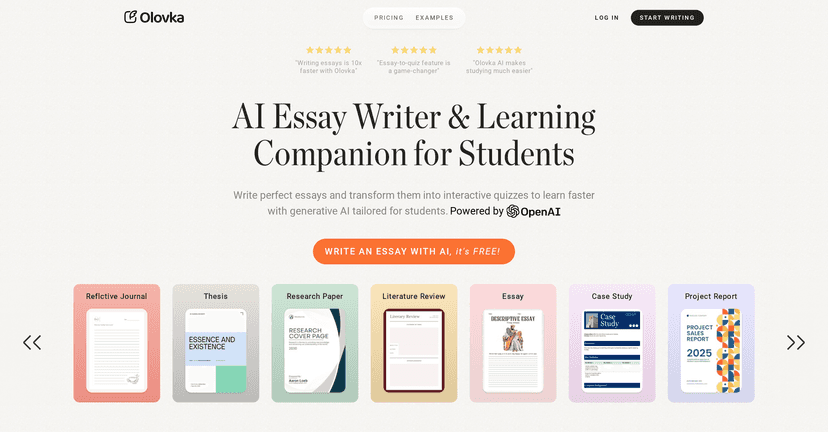
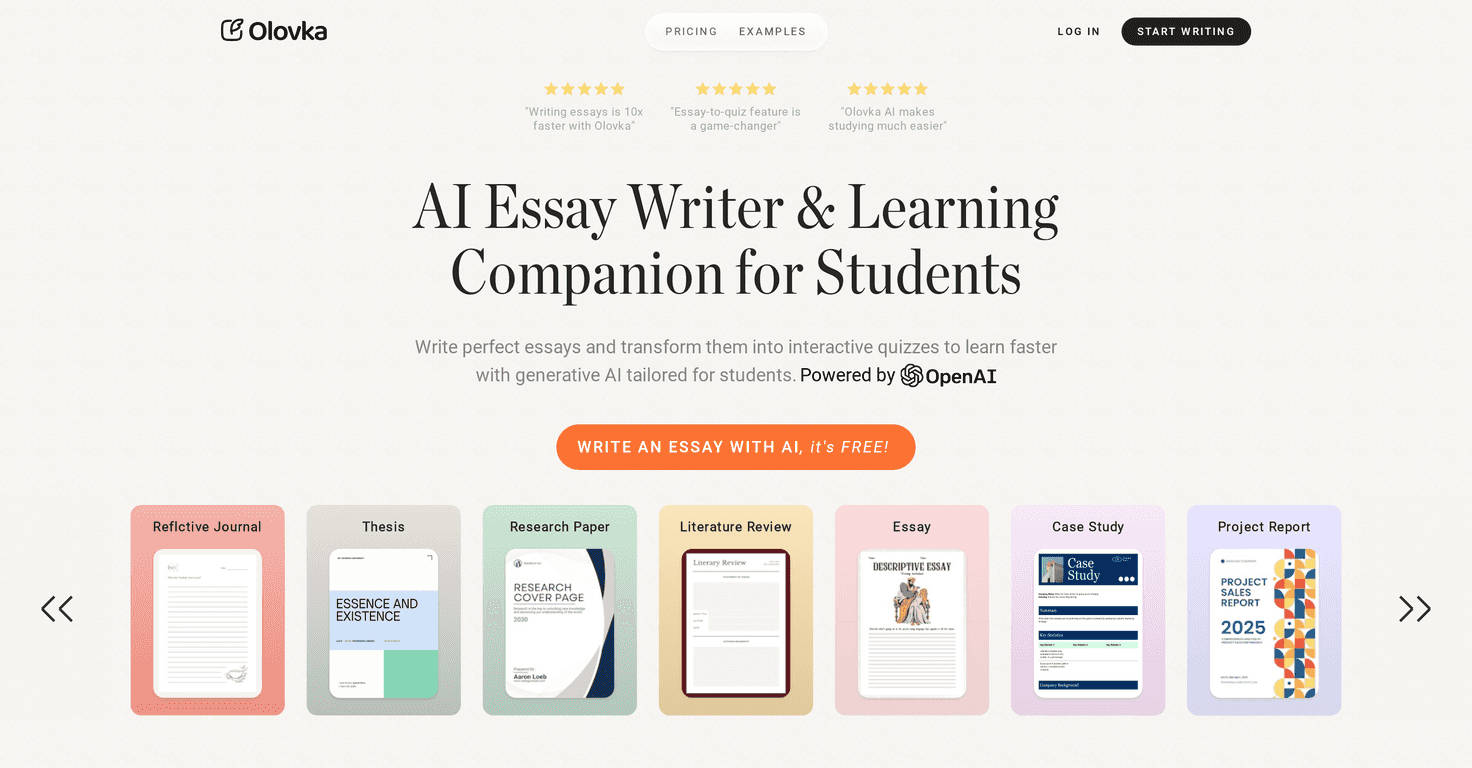
Olovka AI Essay Writer is built for students who need more than “generate an essay, good luck.” The pitch is pretty clear: it uses OpenAI-powered tech to help you plan, write, and learn as you go. I liked that it doesn’t just spit out text—it nudges you toward understanding the material, which matters when you’re going to be quizzed later.
One thing I paid attention to: how it handles different assignment types. For example, when I tried a prompt like “Write a persuasive essay on whether social media helps students learn,” it didn’t just produce a generic response. It encouraged structure (claim, reasons, examples) and gave me a starting point that was actually usable. Could I still tell where AI started and where I should refine? Yep. But the first draft was close enough that I didn’t waste an hour forcing words onto the page.
Key Features
- Essay Writing Assistance — Helps you move from prompt to draft. In my tests, the output was best when I provided a clear topic, grade level, and what the teacher wanted (argument, compare/contrast, summary, etc.).
- Interactive Quizzes — This is the feature I kept coming back to. Instead of only writing, you can practice the concepts. If you’ve ever written an essay and then realized you can’t explain your own points in class… you’ll get why this helps.
- Tailored Suggestions — It adapts suggestions based on what you’re working on. I noticed it was more effective when I asked for “stronger evidence” or “more specific examples” rather than just “make it better.”
- Research Facilitation — It’s more like guidance than a full-on database. Still, it helps you think through what sources you’d need and how to frame them.
- Customized for Academic Levels — I tested it for different difficulty levels, and the tone/complexity changed. That’s useful if you’re not trying to write like a college student when you’re in high school.
- Advanced Text Editor — You can revise without starting over. I found this matters because essay writing is editing-heavy, not “write once.”
- Learning and Test Modes — The split between writing and practicing is a smart idea. It nudges you toward retention instead of last-minute cramming.
Pros and Cons
Pros
- Faster drafting — The “up to 10x faster” claim is bold, but I can see where it comes from. Once you’ve got a solid outline, you can go from rough structure to a readable draft quickly.
- Better alignment to student needs — It feels built for assignments, not just content creation. That academic focus shows in the structure and pacing.
- Quizzes help you actually learn — In my experience, the quiz-style practice made it easier to remember key points after writing. It’s not magic, but it’s more effective than rereading the essay once.
- User-friendly interface — I didn’t have to fight the tool. It’s pretty straightforward for students, which is honestly half the battle.
Cons
- There’s still a learning curve — Not huge, but you do need a minute to figure out how to prompt it well. If you just type “write an essay,” you’ll get something generic. If you specify requirements, it improves a lot.
- Don’t let it replace your thinking — If you rely on AI for everything, your writing skills won’t develop. I’d treat Olovka like training wheels: helpful, but you still need to ride the bike yourself.
- AI drafts need revision — Even with good suggestions, you’ll want to tighten wording, check flow, and make sure the argument matches your assignment rubric.
Pricing Plans
Olovka offers a free trial, so you can test the writing and learning features before committing. For the exact pricing and plan details, you’ll want to check their pricing page directly (since prices can change over time): Olovka AI Essay Writer.
My quick “use it the right way” tips
- Start with the assignment prompt + rubric keywords (like “thesis,” “counterargument,” “cite evidence,” “5 paragraphs”). It makes the output more relevant.
- Ask for an outline first, then write. In my experience, starting with structure saves time during editing.
- Use quizzes after drafting. Don’t skip this step—you’ll catch weak points faster than rereading.
- Revise like you’re the teacher. Cut filler, add specific examples, and make sure each paragraph supports the thesis.
Wrap up
Overall, I think Olovka AI Essay Writer is a solid option if you want help writing essays without losing the learning part. It can speed up drafting, and the quiz/test-style features make it feel more like study support than just a text generator. Just remember: the best results come when you guide it with clear requirements and then do the real work—editing, tightening, and making sure your argument is yours.