Table of Contents
I’ve used a bunch of project management tools over the years, and most of them fall into one of two camps: either they’re great at tasks but weak on “why” decisions, or they give you dashboards but don’t really help the team move. That’s why I was curious about Ontezo. The big pitch here is AI-driven support—stuff like smarter planning, clearer reporting, and guidance that helps you stay on track without spending your whole day in meetings.
In this Ontezo review, I’ll break down what it actually does, what I liked, and where it can feel a bit annoying (especially if your team isn’t used to AI tools). I’ll also point out the practical stuff—what you’ll likely notice day-to-day.

Ontezo Review
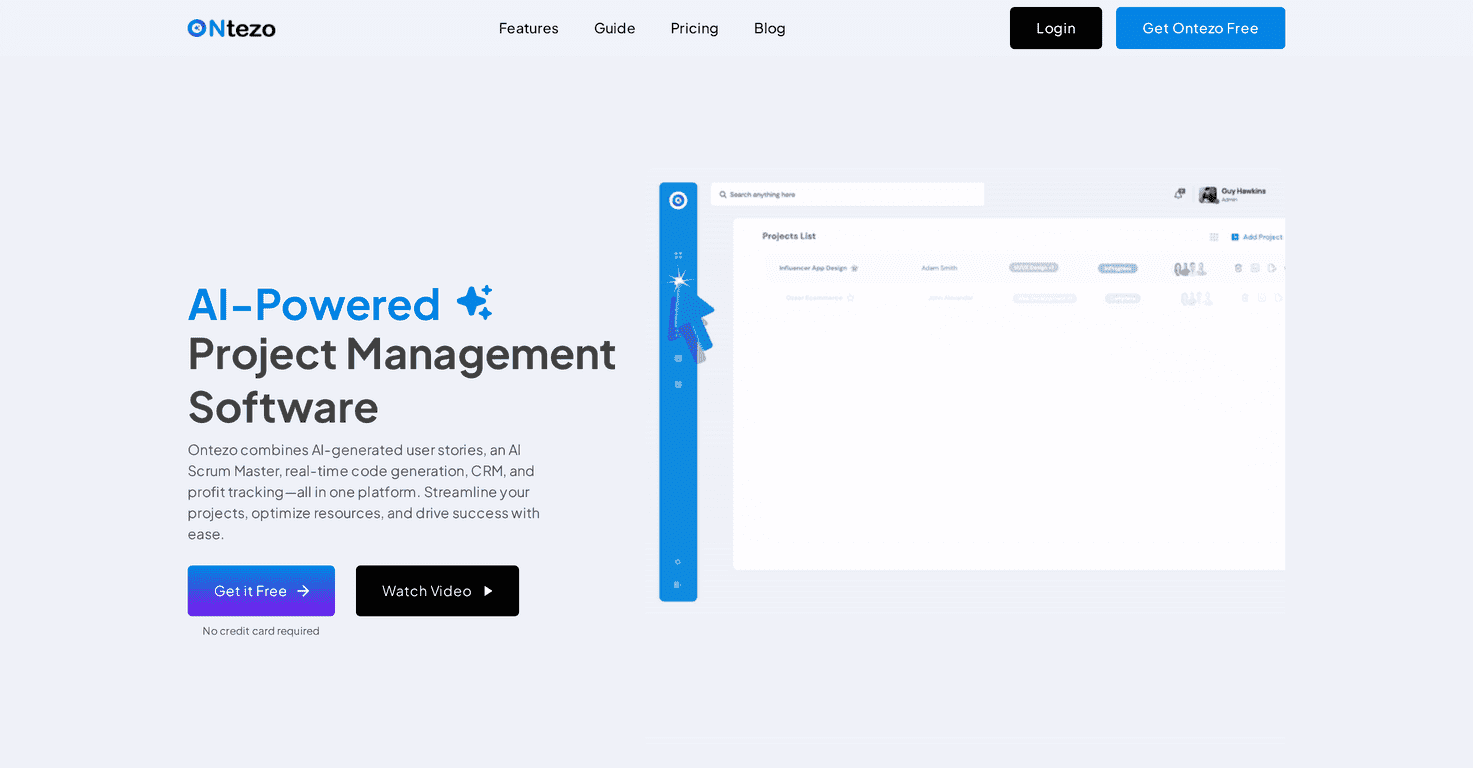
Ontezo is positioned as an AI-assisted project management platform. The goal isn’t just to track tasks—it’s to help you make better calls while the project is still moving. In my experience, that’s where most tools fall short. They’ll show you what happened. They rarely help you prevent the next issue.
What I liked right away is the “all-in-one” vibe. You’ve got the basics—task management, collaboration, time tracking, and reporting—plus AI-driven insights meant to guide decisions. If your team is juggling multiple projects (or lots of moving parts inside one project), having reporting and resource views in the same place can save a ton of back-and-forth.
That said, it’s not magic. If you don’t set things up consistently (clear task ownership, realistic timelines, and clean updates), the AI insights won’t magically fix messy inputs. Garbage in, garbage out—same as always, just with a fancier interface.
Key Features
- AI-driven insights for decision-making
Instead of only showing progress, Ontezo aims to add guidance around planning and priorities. What you’ll notice is that it tries to connect the dots between tasks, deadlines, and outcomes—helpful when you’re trying to decide what to tackle next. - Task management that keeps projects organized
You can break work down into manageable tasks and keep everything tied to the project. I found this useful for teams that need structure but don’t want a complicated setup process. - Collaboration tools for day-to-day teamwork
Collaboration matters most when people aren’t in the same room. Ontezo’s tools are meant to keep communication attached to the work, so updates don’t live in random chats. - Time tracking to support deadlines
Time tracking is one of those features that sounds boring until you need it. If your team bills clients, audits work, or just wants to understand where time goes, having time tracking built in is a big plus. - Reporting for project analysis
The reporting is where you start seeing the platform’s “management” side. You’re not just staring at tasks—you’re looking at what’s on track, what’s slipping, and where attention is needed. - Resource allocation across tasks
This is especially valuable if multiple people are shared across projects. In practice, the goal is to reduce the “who’s overloaded?” guessing game.
Pros and Cons
Pros
- AI support that’s actually tied to project work
It’s not just a standalone chatbot. The insights are meant to help you plan and decide with your project context. - Interface feels straightforward
I didn’t feel like I needed a training course to start. If you’ve used tools like Asana/Trello-style workflows, you’ll probably adapt quickly. - Collaboration features reduce “status meeting” fatigue
When updates are in the same space as tasks, it’s easier to check progress without chasing people. - Reporting helps with oversight
If you manage multiple projects, having reporting in one system makes it easier to spot patterns—like recurring delays or tasks that consistently run long. - Resource management options
Even basic resource visibility can make project planning smoother, especially for teams that juggle priorities.
Cons
- There can be a learning curve with AI features
If your team isn’t used to AI-assisted tools, you’ll want to spend time on how to interpret recommendations (and what to ignore). - Subscription cost may hit smaller teams
I can’t confirm exact numbers here, but for smaller teams, monthly costs add up fast—especially if you only need a few core features. - You’ll want reliable internet
Because it’s cloud-based, you’re dependent on your connection for full functionality. Not a deal-breaker, but it matters.
Pricing Plans
Pricing can vary by subscription tier, and it’s one of those things that changes more often than you’d expect. For the most accurate, up-to-date pricing details (and which plan includes the features you care about), check the official Ontezo website.
Quick tips before you commit
If you decide to try Ontezo, here’s what I’d do first to get value fast:
- Start with one real project (not a demo project). Your team will quickly reveal what’s missing.
- Define task owners and due dates clearly. AI insights are only as useful as the data you feed it.
- Use time tracking consistently for a week so you can see patterns in the reporting.
- Review reports weekly instead of daily. Daily checking turns into noise.
Wrap up
Overall, Ontezo looks like a solid option if you want an AI-assisted project management tool that combines planning, collaboration, time tracking, and reporting in one place. The best part is the promise of smarter decision-making—not just “here’s what happened,” but “here’s what to do next.”
Just keep expectations realistic. If your team’s setup is messy or people don’t update tasks regularly, the AI won’t rescue the process. But if you’re willing to use it consistently, Ontezo could genuinely make project management feel less chaotic and more measurable.
Promote Ontezo