Table of Contents
Let’s be honest—most of us don’t wake up thinking, “Today I’ll edit photos like a pro.” We just want something that looks good fast. That’s exactly where Persona AI caught my attention. I tested it to see if it could actually turn regular selfies into something that looks like real, high-end imagery—not that overly plastic “AI face” vibe.
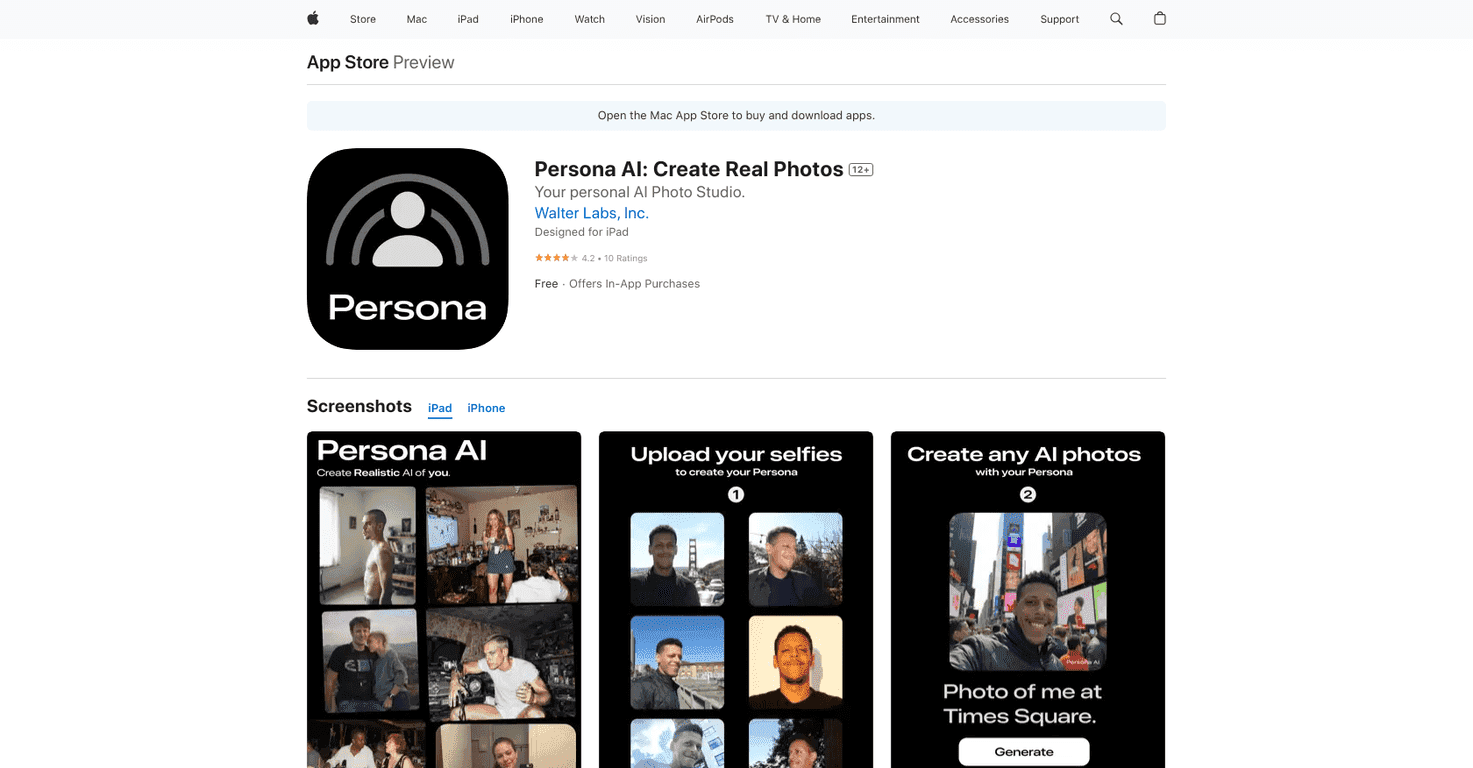
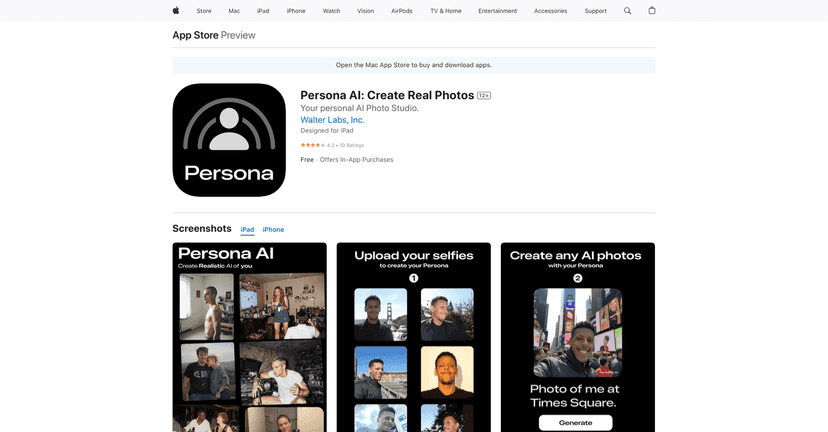
Persona AI is a mobile app that builds a styled, lifelike image using your selfies. The basic idea is simple: upload a set of photos (the app recommends around 12 to 20 images), and then the AI generates results based on your face and the style you pick. You can go for “model” looks, cinematic scenes, and all kinds of themed transformations. It’s made for people who want creative output without learning Photoshop.
Persona AI Review: What I Noticed After Trying It
When I first opened Persona AI, the flow felt pretty straightforward. Upload your selfie set, pick a style/theme, and generate. That’s it. No complicated sliders, no “learn the model” nonsense. If you’ve ever tried other AI photo apps, you know how quickly they can get overwhelming. This one doesn’t.
What I liked most is that it’s trying to keep results lifelike. The app isn’t just slapping on a filter—it’s generating images that look like they were shot with better lighting, better styling, and a more cinematic vibe. Depending on the theme, the output can look surprisingly polished.
One practical tip: I got better results when my selfie set had variety. Think: different angles, decent lighting, and a mix of expressions. If your photos are super blurry or all taken from the same distance with harsh shadows, the results tend to suffer. It’s not a dealbreaker, but it’s real.
Also, I appreciate that Persona AI is positioning itself around privacy. No matter what app you use, you should always read the privacy details before uploading personal photos. But the fact that it emphasizes secure processing is at least reassuring.
Key Features That Actually Matter
- Hyper-realistic AI generations – The main goal is lifelike images, and in my tests, the best results came from clearer selfies with good facial visibility.
- Styles and themes you can switch up – You’re not stuck with one look. I tested different themes and noticed the background and overall “mood” can change a lot, not just the face.
- Easy selfie upload – It’s designed for quick use. Uploading 12–20 photos doesn’t feel like a chore, and the interface stays simple.
- Privacy-focused messaging – The app claims secure processing, which matters when you’re uploading personal photos.
- Sharing options – If you want to post your results right away, the app is built for that. It’s not a “save somewhere complicated” situation.
Pros and Cons (Realistic Take)
Pros
- Results can look genuinely realistic when your input photos are clear and well-lit.
- Simple workflow—it doesn’t feel like you need a tutorial to get started.
- Lots of style variety, so you can create different vibes without remaking everything from scratch.
- Privacy emphasis—at least it’s not ignoring the fact that you’re uploading real faces.
Cons
- In-app purchases can feel necessary if you want lots of tries. I didn’t mind paying once, but I can see how heavy users would get annoyed.
- Your photo quality affects outcomes. If your selfies are low-res, motion-blurred, or poorly lit, the AI has less to work with.
Pricing Plans: What You’ll Likely Pay
Persona AI is free to use, but generation options come through in-app purchases. Here are the pricing options listed in the app:
- Create Your Persona for $9.99
- Pack of 100 Generations for $9.99
- Pack of 40 Generations for $4.99
- Pack of 1200 Generations for $99.99
In my experience, the “starter” packs are the way to go if you’re just testing styles. If you know you’ll generate a ton of variations, the bigger packs start to make more sense.
Wrap up
Persona AI is a solid option if you want your selfies turned into stylized, realistic-looking images without doing heavy editing. The workflow is easy, the styles are fun, and the results can look impressively lifelike—especially when you upload clear photos with decent variety. The main downside is that the generation experience can push you toward in-app purchases, and you’ll notice quality drops when your input selfies aren’t great.
If you’re the type who likes posting fresh looks (or just wants a few “wow” images for your feed), this is worth trying—just go in with a good set of selfies and expect that you may want to buy more generations once you find a style you like.
Promote Persona AI