Table of Contents
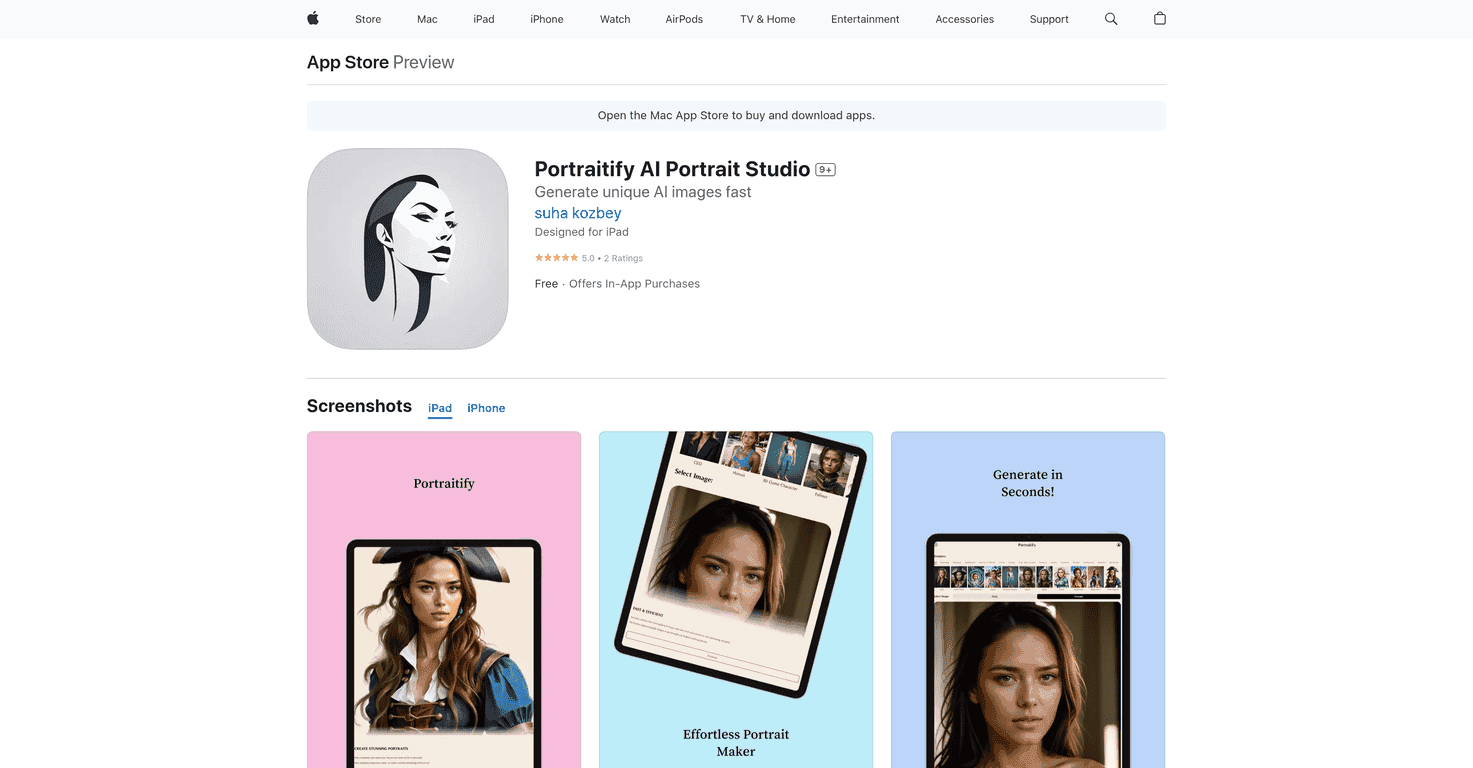
Have you ever wanted to transform your selfies into stunning works of art? Look no further than Portraitify AI Portrait Studio, a fun and creative app that does just that! With advanced technology, this app promises to deliver breathtaking portraits in mere seconds. In this review, we’ll explore how Portraitify can elevate your selfie game and unleash your artistic side.
Portraitify Review
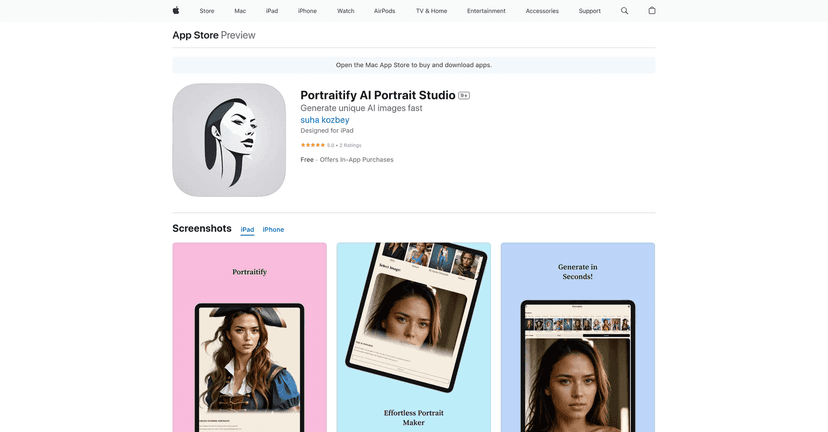
Portraitify AI Portrait Studio is a delightful entertainment application that lets users create unique, AI-enhanced portraits from their cherished selfies. With a straightforward interface and professional image transformation capabilities, users can craft amazing portraits with just a few taps. Whether you’re an aspiring artist or simply love to have fun with images, Portraitify makes the process both engaging and effortless.
The app utilizes advanced AI technology to create jaw-dropping portraits quickly, transforming your photos in under 20 seconds. With over 110 templates available—including themed designs for holidays and pop culture—there’s always something new to explore. Each week, Portraitify adds fresh designs, keeping your creative options flowing. The user-friendly interface makes it easy to navigate through the app, eliminating the need for complicated processes that can often frustrate users.
Plus, once you’ve crafted your masterpiece, sharing your creations on social media is a breeze! Portraitify encourages users to follow for updates and draw inspiration from the community, ensuring the fun never stops. This aspect adds a social element to the app, allowing you to connect with fellow creators.
Key Features
- AI-Powered Portraits for stunning transformations
- Fast Image Transformation takes less than 20 seconds
- Diverse Templates with over 110 options available
- User-Friendly Interface for easy navigation
- Social Sharing to show off your creations
Pros and Cons
Pros
- Free to download with in-app purchases available
- Highly rated with 5.0 stars from users
- Wide variety of creative templates
- Fast processing time for creating portraits
Cons
- In-app purchases may be required for extra features
- Currently only available for iOS devices
Pricing Plans
The app is free to download, with in-app purchases ranging from $2.99 for 5 credits to $12.99 for 50 credits, allowing users to unlock additional features as they wish.
Wrap up
In conclusion, if you’re looking for a fun and fast way to create artistic portraits from your selfies, Portraitify AI Portrait Studio is a fantastic choice. With its impressive AI capabilities and user-friendly design, this app guarantees creative enjoyment for users of all ages. However, keep in mind the need for in-app purchases for premium features and its limited availability on iOS devices. Overall, Portraitify is an engaging tool that can transform your photos into beautiful art in no time!
Promote Portraitify