Table of Contents
If you’re a designer, artist, writer, or photographer, you’ve probably had that moment where you just want to create faster—without sacrificing quality. That’s where Qolaba AI Studio caught my attention. I spent some time poking around the platform and testing a few of the tools, and the big idea here is pretty simple: you get a bunch of generative AI features in one place instead of juggling separate websites and logins.
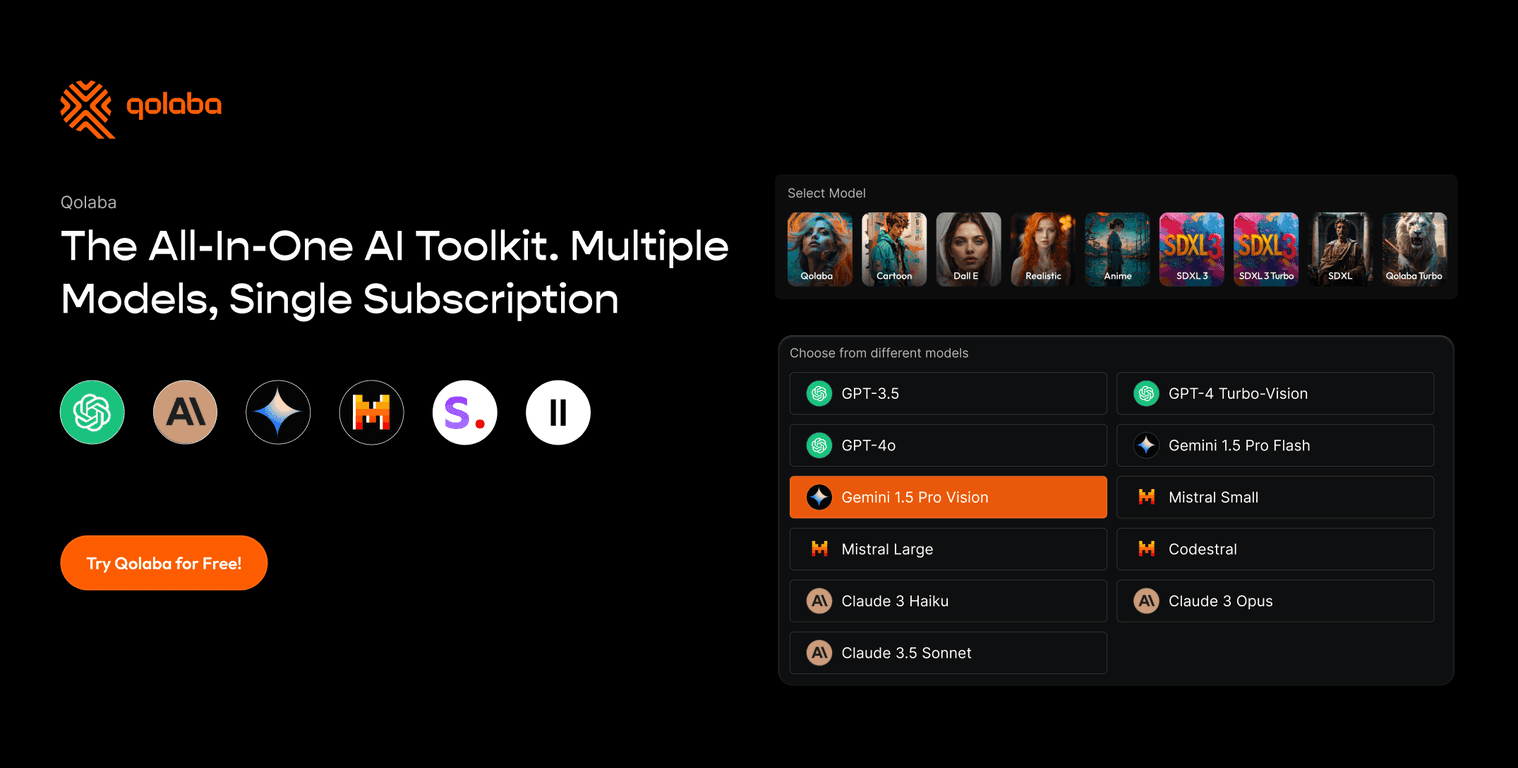
So, what exactly is it? Qolaba AI Studio is an all-in-one creative workspace with generative tools for images, audio, chatbots, and more. It’s aimed at people who want to go from an idea to something tangible—whether that’s a visual concept, a rough script, or a prompt that actually works. And yes, the interface is one of the reasons I didn’t get instantly overwhelmed. It feels organized, not chaotic.
From what I noticed, the platform leans on well-known models like GPT-4 and DALL-E 3, which matters because you’re not starting from some sketchy “toy” model. You can use it for content creation across different formats, and the customizable workspaces are a nice touch if you collaborate or manage multiple projects at once.
That said—nothing’s perfect. Some of the more advanced features can take a little time to get comfortable with. But if you’re willing to experiment with prompts and settings, you’ll probably find your rhythm pretty quickly.
Qolaba AI Review: Does It Actually Help You Create Faster?
In my experience, the main win with Qolaba AI Studio is that it’s built like a creative hub rather than a random collection of tools. Instead of bouncing between different apps for writing, ideation, and image generation, you can keep everything inside one workspace.
When I tried it for typical creative tasks, I noticed a few things pretty quickly:
- It’s easy to start. Even if you don’t know what “prompt engineering” means, you can still get usable output with basic prompts.
- It supports multiple content types. You’re not limited to just images or just text. That matters if you’re a multi-discipline creator (or you work with a team).
- Workspaces help you stay organized. I like when tools don’t just generate stuff—they also help you manage projects, especially if you’re bouncing between clients or campaign ideas.
Under the hood, it uses AI models such as GPT-4 and DALL-E 3. That’s a big deal because those models are widely recognized for strong writing and solid image generation. Still, your results won’t be “perfect” every time—like any generative tool, you’ll need to iterate. But at least you’re iterating on something that has real capability.
One more thing: the platform includes a chatbot-style experience that can help with browsing and file analysis. I found that useful when I wanted quick context or needed help turning messy notes into something structured. Not every answer is flawless, but it’s the kind of assistant that can save you time in the early stages.
Key Features I’d Actually Use
- Centralized hub of AI tools so you don’t waste time switching platforms.
- Cost-effective pricing model that’s positioned as unlimited access (which is great if you use it often).
- Unlimited user access for teams—useful if you’re collaborating or managing multiple projects.
- AI-assisted productivity for writing, ideation, and creative refinement.
- Advanced model support including GPT-4 and DALL-E 3, plus additional options depending on the workflow.
- Chatbot features that support browsing and file analysis (handy for research and organizing information).
- Customizable workspaces for clients, campaigns, or team projects.
- Prompt-saving so you can reuse what works instead of starting from scratch.
- Multimodal content creation across different media types.
- Website reading capability to process online information and turn it into usable output.
If you’re wondering how this plays out day-to-day: I’d use prompt-saving for anything repetitive (like ad variations or consistent branding prompts), and I’d lean on the chatbot/file analysis side when I needed to summarize or restructure content quickly.
Pros and Cons (Straight Talk)
Pros
- All-in-one setup: it combines multiple AI tools in one place, which cuts down on friction.
- User-friendly interface: it’s not overly technical to get started.
- Better value than buying tools separately (especially if you’d otherwise pay for multiple subscriptions).
- Broad feature set: writing + images + chatbot-style help means it fits different creative workflows.
Cons
- There’s a learning curve if you want to use every feature well. Some settings take a bit of trial and error.
- You need a reliable internet connection for full functionality.
- Free plan limitations (if you’re on the free tier) can restrict what you can do in a meaningful way. You may end up upgrading sooner than you expect.
Honestly, the “best” experience depends on how disciplined you are with prompts. If you just type one vague sentence and hope for magic, you’ll be frustrated. But if you iterate—add style notes, context, constraints—you’ll get way more consistent results.
Pricing Plans: What You’ll Pay (and Why It Might Be Worth It)
Qolaba AI Studio offers a Pro Plan at $20 per month. The positioning is that you get access to top-tier tools like ChatGPT-4 and DALL-E 3, along with additional features depending on the workflow you’re using.
There’s also a free trial available for basic features. And if you were to buy individual tools separately, the total can add up—Qolaba lists an example where separate purchases could sum to $92.
In my view, the value makes the most sense if you’re going to use it regularly. If you only need AI once in a while, you might not feel the same “bundle” advantage.
Wrap up
Qolaba AI Studio is one of those platforms that feels built for creators who want speed and variety—writing when you need words, images when you need visuals, and chatbot-style help when you need structure. It’s not perfect, and you’ll still need to experiment to get consistently great output, but the all-in-one approach is genuinely convenient.
If you’re tired of jumping between tools and you want a single creative workspace that supports multiple formats, Qolaba AI is worth trying—especially if you’re looking for a practical way to boost your workflow without multiplying subscriptions.