LIFETIME DEAL — LIMITED TIME
Get Lifetime AccessLimited-time — price increases soon ⏳
AI Tools

ResumeSet Review – Your Ultimate Free Resume Builder

Updated: April 20, 2026
5 min read
#Ai tool#resume

Table of Contents

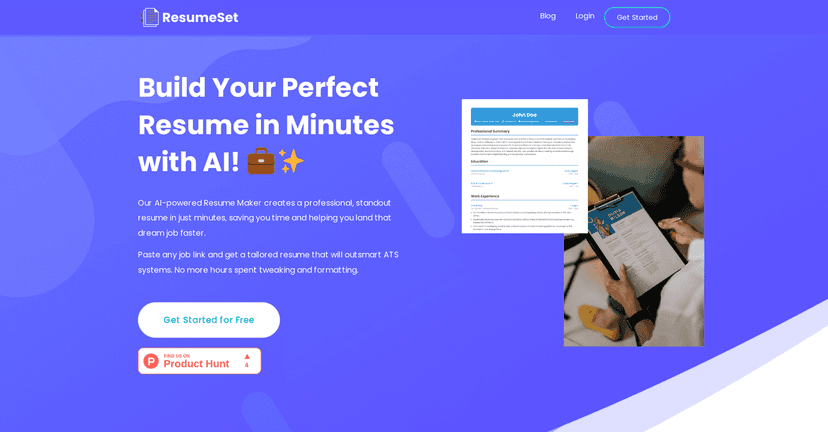
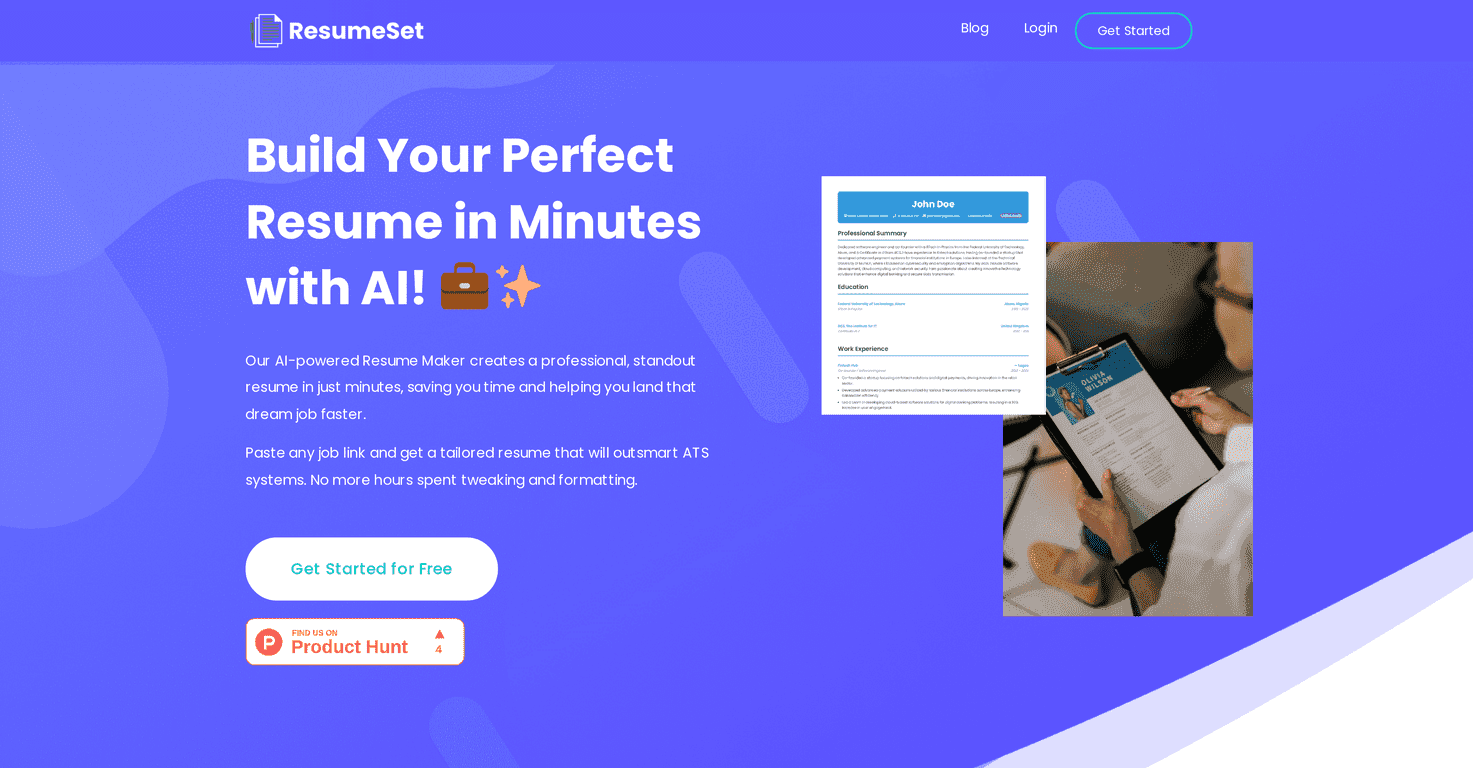
If you’ve ever stared at a blank resume page thinking, “I have experience… why does it sound so bad when I write it down?”, I get it. ResumeSet is a free resume builder that tries to fix that exact problem by letting you generate a tailored resume from a job posting. You paste a job link, and it builds the content around what that employer is asking for—then formats it in a way that’s meant to work well with Applicant Tracking Systems (ATS).

In my experience, the “paste the job link” part is what makes ResumeSet feel different. Instead of starting from scratch and guessing what keywords matter, you’re basically giving it the target. Still, I always recommend running a quick sanity check after any AI writes your resume—because no tool knows your real story as well as you do.

Resumeset

ResumeSet Review (What I Like, What to Watch)

ResumeSet is aimed at people who want a professional resume without spending hours formatting, rewriting bullet points, or hunting for ATS-friendly layouts. The core workflow is simple: you paste a job posting link, and the tool generates a resume tailored to that role.

What I noticed right away is that the output tends to follow the structure employers expect—summary, experience-style bullets, and skills that map to what’s in the job description. If you’re applying to multiple roles, that “tailored” angle is the big selling point because it reduces the amount of copy/paste you’d normally do.

That said, no AI should be trusted blindly. You’ll still want to read through everything and swap in your real metrics, tools, and results. If you don’t, your resume can sound generic—even if it’s technically keyword-matched.

Key Features

  1. AI Writing Assistant that generates tailored resume content based on the job posting you provide
  2. Bullet Point Generator to turn your experience into clearer, impact-focused highlights
  3. Tailored resume creation with just a job link (no manual keyword hunting)
  4. ATS-friendly structure designed to help your resume get parsed correctly
  5. Free PDF download (no watermarks)
  6. No credit card required for sign-up and usage
  7. Import existing JSON resumes if you already have a structured resume format

Pros and Cons (Realistic Take)

Pros

  • It’s actually free. No subscription bait, no “pay later” wall when you just want to try it.
  • Fast resume generation. Once you have the job link, you’re not stuck staring at templates for an hour.
  • Better bullet points than most people write on their first attempt. I’ve seen AI rephrase duties into more readable achievement-style bullets.
  • Tailoring feels specific. The content is clearly influenced by the posting, not just a generic resume format.
  • ATS-oriented formatting is a plus. Even if ATS accuracy isn’t perfect, the layout is at least built with parsing in mind.

Cons

  • Editing can be awkward once you export. The PDF is great for sending, but if you want to make changes after downloading, you may end up needing conversion or rework depending on your workflow.
  • Data security is always a concern. ResumeSet claims your data is safe, but if you’re applying for roles with sensitive details, you’ll still want to be cautious about what you paste in.

One more thing I’ll call out: if your job history doesn’t match the job posting closely, you’ll need to guide the content. Otherwise, the AI may “fill in the blanks” with phrasing that sounds plausible but isn’t truly your experience.

Pricing Plans

ResumeSet is entirely free. There are no subscription fees and you don’t have to enter a credit card to start building or downloading your resume. For anyone testing different roles—especially early in a job search—that matters a lot.

If you’re the type who applies to, say, 10–20 jobs over a couple weeks, paying for tools adds up fast. ResumeSet keeps that cost at $0, which is hard to beat.

Quick Tips Before You Hit “Download”

  • Replace vague claims with numbers. “Improved reporting” is fine, but “reduced monthly close time by 2 days” lands harder.
  • Match the job title and core skills. If the posting mentions tools like Excel, SQL, Salesforce, or specific frameworks, make sure you actually include what you’ve used.
  • Keep formatting simple. Even though ResumeSet is ATS-focused, don’t add weird icons or tables later if you’re sending to ATS systems.
  • Do a fast read-out-loud check. If a bullet sounds off when you say it, it’ll probably sound off to a recruiter too.

Wrap up

ResumeSet is a solid option when you want a professional, ATS-friendly resume without paying for fancy software. I like how quickly it turns a job link into a tailored draft, and the bullet-point style usually gives you something usable right away. Just don’t skip the part where you personalize it with your real achievements—because that’s the difference between “AI-generated” and “interview-worthy.”

Promote ResumeSet

Stefan

Stefan

Stefan is the founder of Automateed. A content creator at heart, swimming through SAAS waters, and trying to make new AI apps available to fellow entrepreneurs.

Related Posts

experts publishers featured image

Experts Publishers: Best SEO Strategies & Industry Trends 2026

Discover the top experts publishers in 2026, their best practices, industry trends, and how to leverage expert services for successful book publishing and SEO.

Stefan
wann macht ein blog sinn featured image

Wann macht ein Blog Sinn? Warum Bloggen sich 2026 lohnt

Entdecke, warum ein Blog 2026 noch immer sinnvoll ist. Erfahre praktische Tipps, Vorteile und wie du mit deinem Blog langfristig Erfolg hast. Jetzt lesen!

Stefan
done for you audio books featured image

Done For You Audiobooks: The Best Top Strategies for 2026

Discover the best done-for-you audiobooks strategies in 2026. Learn how to leverage expert services, top platforms, and industry trends to succeed.

Stefan

Create Your AI Book in 10 Minutes