Table of Contents
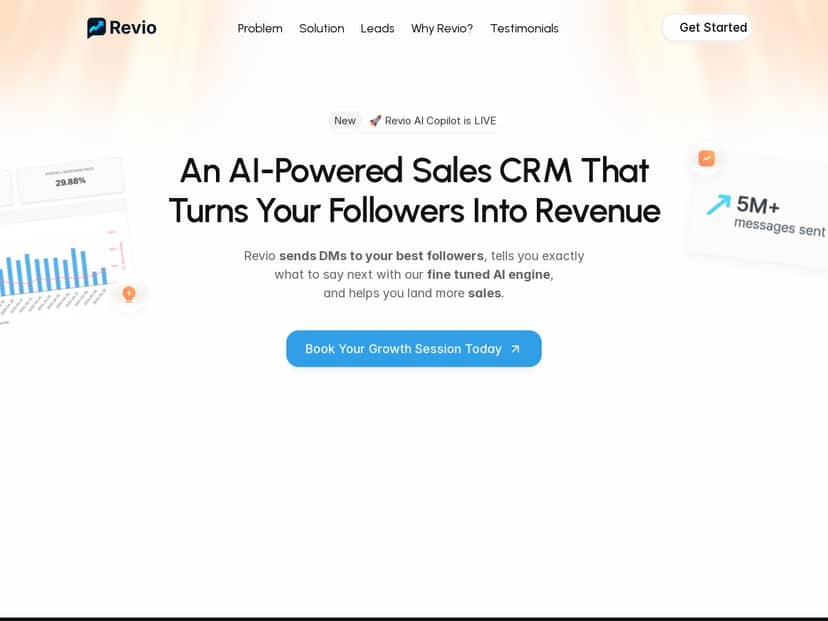
Trying to turn Instagram followers into actual customers is harder than it sounds. You can post every day, reply to comments, and still struggle to get DMs that convert. That’s why I decided to test Revio—to see if AI-powered outreach really helps, or if it’s just another “set it and forget it” tool.
In this review, I’ll walk you through what I did, what I actually saw inside the platform, and who I think Revio is best for (and who should probably skip it). No fluff—just a real-world breakdown of the features, the setup, and the results I got over a few weeks.

Revio Review (2026): What I Tested, What Worked, What Didn’t
I tested Revio for a few weeks with the goal of making my Instagram outreach more consistent. I’m not talking about “spray and pray” DMs—I wanted something that could help me reach the right people without me spending hours every day in my inbox.
What I did to set it up:
- I started by connecting my Instagram account inside Revio (the platform is built around social DM outreach, so that connection is the first step).
- Then I configured an outreach flow: who to message, what to say, and how the tool should decide who’s worth my attention.
- I also used the AI coaching part during the conversation stage so my replies weren’t just “auto-generated”—I wanted to keep them on-brand.
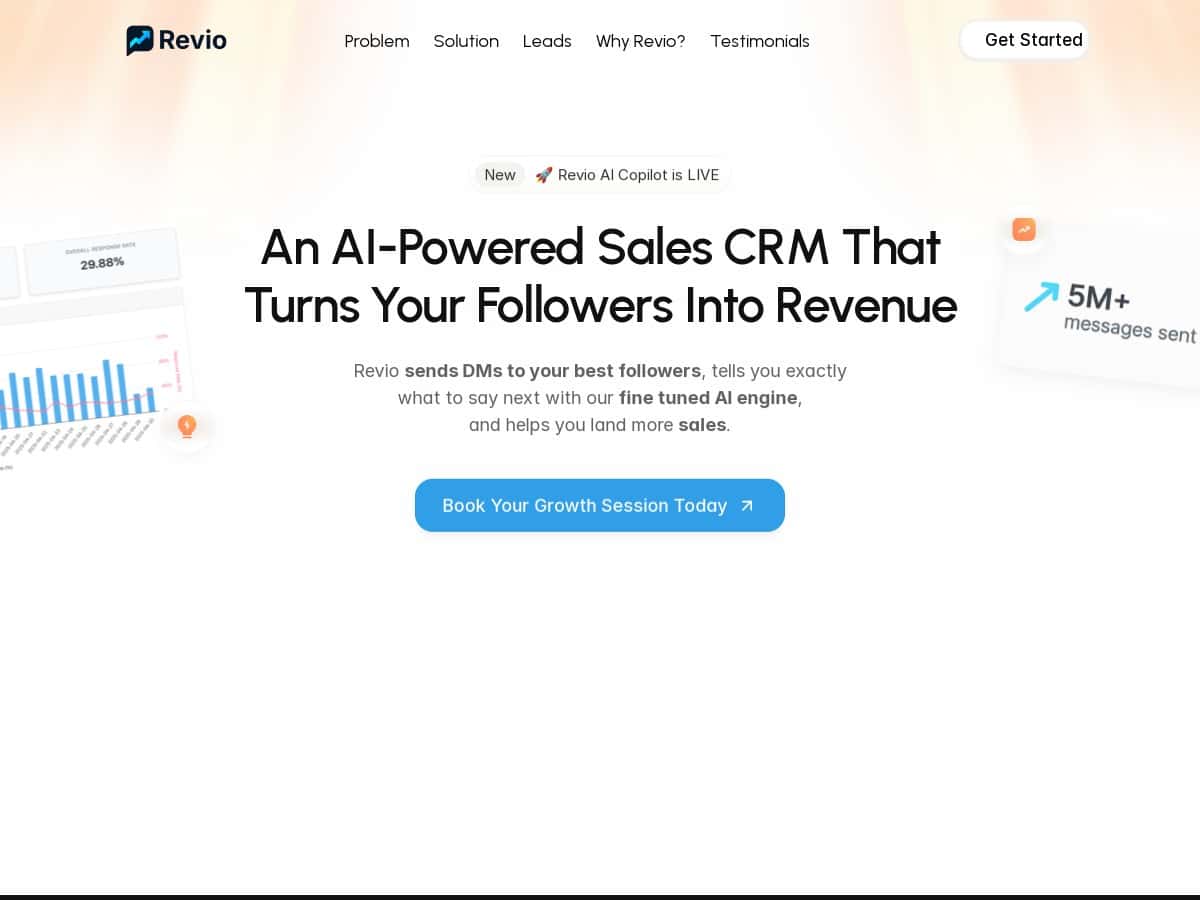
What I noticed right away: Revio feels like it’s designed for people who want to follow up with leads quickly. Instead of me manually hunting for “maybe interested” profiles, the tool focuses on identifying prospects and drafting outreach so I can spend my time on the conversations that have momentum.
One honest limitation: I didn’t see a magic button that guarantees conversions. If your offer is unclear or your DM doesn’t match what the person actually cares about, you’re still going to get low responses. The automation helps you show up consistently, but it can’t replace good targeting and a solid message.
Key Features: How Revio Actually Works for Instagram Sales
- Automated outreach (DMs to followers)
- What you provide: your Instagram connection, a message template, and the audience rules for who should receive a DM.
- What you get: Revio sends direct messages automatically based on your setup, so you don’t have to manually DM every day.
- Example from my test: I used a short opener + a question to make replies easy (instead of a long pitch). That’s usually what performs best in DMs, and Revio made it simple to keep that structure consistent.
- Constraint: you still need to review and refine your messaging. Automated outreach only works if the template sounds like you.
- AI-based lead scoring (find the “most promising” people)
- What you provide: your targeting criteria and the kind of prospects you’re trying to reach.
- What you get: a prioritized list (or ranking) so you can focus on leads that are more likely to respond—rather than treating every follower the same.
- Example from my test: instead of responding to every “maybe” DM, I worked the highest-priority conversations first. That alone helped me move faster because I wasn’t guessing which chats deserved my time.
- Constraint: scoring isn’t perfect. If your targeting is broad, you’ll still get some lower-quality leads mixed in.
- Real-time coaching (better messaging while you reply)
- What you provide: the context of the conversation and your draft reply (or the direction you want to go).
- What you get: suggestions for how to respond—basically prompting you toward clearer questions, better pacing, and more persuasive wording.
- Example from my test: when someone asked a basic question, the coaching nudged me to ask a follow-up instead of just answering and ending the chat. That small change improved the momentum of the conversation.
- Constraint: if you don’t review what it suggests, you can end up sounding generic. I had to tweak a few replies to keep my tone consistent.
- Instagram-first integrations (LinkedIn is mentioned as coming later)
- What you provide: your Instagram account connection.
- What you get: a workflow built around Instagram DM outreach and engagement tracking.
- Example from my test: because it’s Instagram-focused, the setup felt direct—less time figuring out “where do I connect everything?”
- Constraint: if your primary channel is LinkedIn, you may need to wait (or use another tool) until LinkedIn support is fully available.
- Analytics (campaign performance)
- What you provide: campaign goals and your outreach setup.
- What you get: visibility into how your outreach is performing—so you can adjust messaging and targeting.
- Example from my test: I used the results view to see which messages were getting traction, then tightened up my next batch of DMs. That feedback loop is the difference between “set it once” and actually improving over time.
- Constraint: analytics are only useful if you’re tracking your own outcomes too (like whether chats turn into calls or sales).
Pros and Cons: My Real Take After Using Revio
Pros
- Consistency without living in DMs. If you’re currently spending 30–60 minutes a day sending messages, automation can seriously cut that down.
- Lead prioritization. The AI scoring helped me focus on the conversations most likely to move forward.
- Coaching that improves reply quality. I noticed better follow-ups and clearer questions when I used the coaching prompts.
- Performance feedback. You can iterate based on what’s working instead of guessing forever.
Cons
- It’s built for social media leads. If your sales cycle doesn’t start in Instagram DMs, Revio won’t magically fix that.
- AI still needs your voice. I had to edit suggestions so messages didn’t sound too templated.
- Pricing transparency is limited. More on that below—if you need a clear monthly number before you buy, you may have to request info.
Pricing Plans: What I Could (and Couldn’t) Confirm
Here’s the part I wish was clearer: specific pricing details aren’t publicly listed in the material I reviewed. I didn’t see a straightforward “$X/month for Y seats” breakdown.
What I did find instead is that the site points people toward a growth session or demo request to get tailored plan options for your business. In my experience, that usually means pricing depends on things like:
- how many outreach messages you plan to run
- how many Instagram accounts you’re managing
- which features you want (automation level, coaching, analytics depth)
My recommendation: if you’re serious about buying, request the demo and ask for the exact plan tiers and limits before you commit. Don’t be shy—tools like this can vary a lot based on usage.
Should You Use Revio? (Quick Decision Guide)
- Revio makes sense if: you sell through Instagram DMs, you want faster follow-up, and you’re okay putting a bit of effort into your message templates so they sound like you.
- Revio might not be worth it if: your leads don’t come from social engagement, your sales process relies on long-form content or inbound forms, or you don’t want to review/edit AI-assisted replies.
If you want, tell me your niche (and roughly how many DMs you send per day). I can help you figure out whether Revio’s workflow matches your sales reality—or suggest a better approach if it doesn’t.