Table of Contents
If you’re trying to build a brand from scratch (or refresh one that’s starting to feel stale), you quickly run into the same problem: where do you even start? I’ve been there—logo, colors, messaging, content ideas… it all piles up fast. That’s why I wanted to test Zoviz Branding Expert.
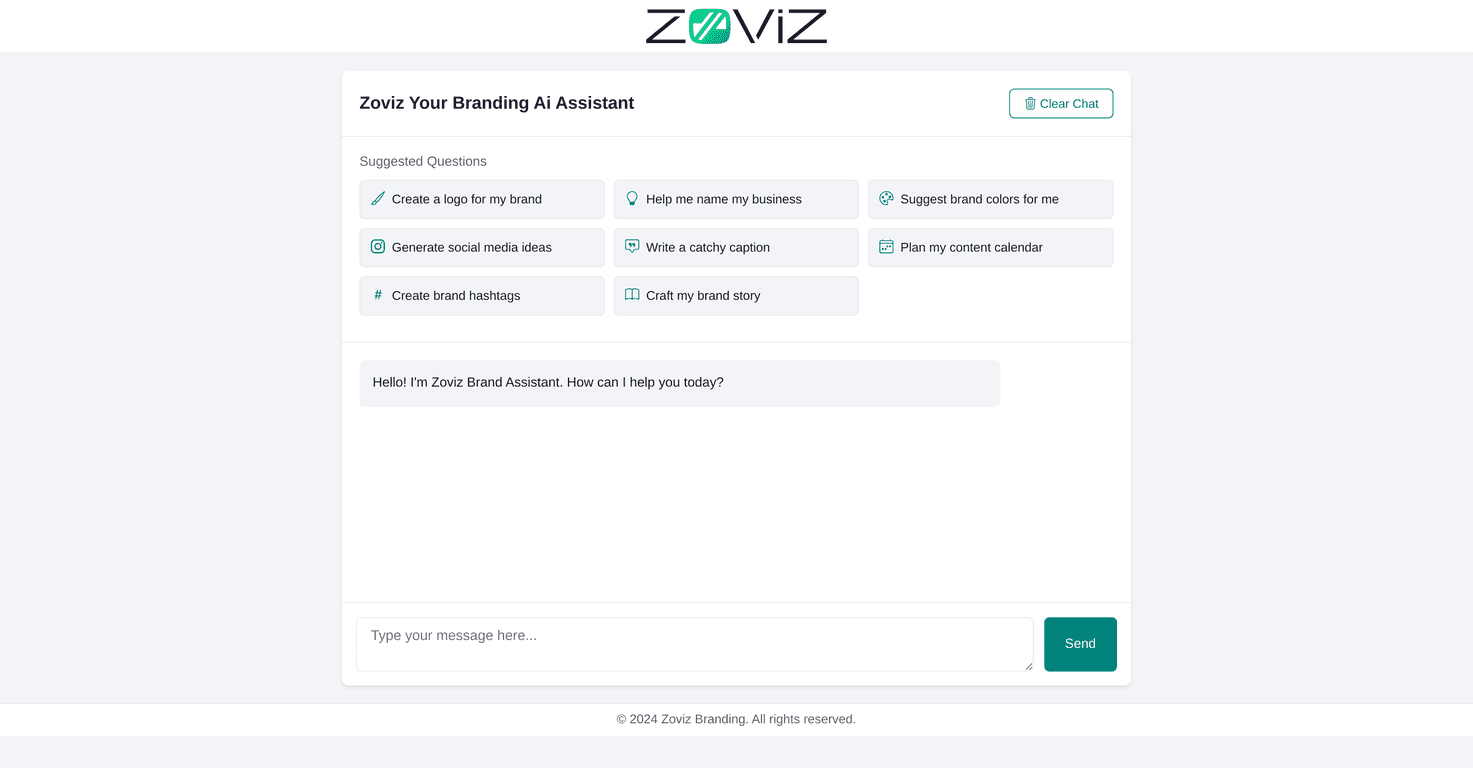
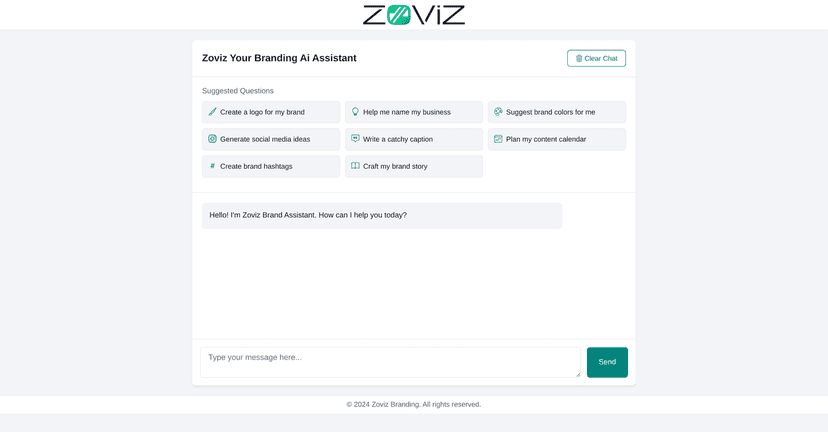
It’s an AI-powered branding assistant that helps you generate a bunch of the basics in one place. Think logo concepts, brand color palettes, content ideas, business naming, hashtags, and even brand story prompts. The interface is pretty straightforward, and I didn’t feel like I needed a design degree to get going. You just answer questions, tweak what you want, and move from one piece to the next.
What stood out to me most was the logo creation workflow. You’re not just getting random images—you can steer the direction toward your brand personality, and the tool helps you generate options you can actually work with. I also liked the brand color selection part. Instead of tossing you colors randomly, it serves up palettes that are meant to match a vibe (more “calm and trustworthy” vs. “bold and energetic,” for example). Those starting points save time.
That said, I wouldn’t call it a “set it and forget it” solution. If you lean too hard on AI outputs, your brand can end up feeling generic. You still need to inject your own taste—what you stand for, the tone you want to sound like, and the real-world details only you can provide.
Zoviz Branding Expert Review
In practical terms, Zoviz Branding Expert feels like a guided branding “starter kit.” I went through the prompts and generated a set of assets that could kick off a real brand launch—especially if you’re building a website, social profiles, or a content plan and you want everything to look like it belongs together.
One thing I appreciated: it doesn’t just throw output at you and call it done. It pushes you through decisions (like who you’re speaking to and what vibe you’re going for), which is where most branding tools fall short. Still, if you already have a strong brand identity in place, you may find yourself wanting more control than what AI can reliably offer.
Key Features
- Logo Creation: Generate logo concepts based on your brand direction. I found it helpful when I needed options fast, even if I later customized the final look.
- Brand Color Selection: Get curated palettes designed to match a mood. This is great when you’re stuck choosing between “friendly” and “premium.”
- Content Ideas Generation: Helps you come up with topics when your calendar is empty and you don’t want to stare at a blank page.
- Content Calendar Planning: Useful for organizing posts instead of guessing what to publish next. (Even a rough plan beats none.)
- Business Naming Assistance: Generates name ideas you can then filter based on what feels right for your niche and audience.
- Brand Hashtags Creation: Generates hashtag sets for social posts. I’d still sanity-check these for relevance to your exact audience and region.
- Brand Story Crafting: Produces story-style copy prompts that can help you describe what you do and why it matters.
Pros and Cons
Pros
- Easy to use: The layout is clean, and the flow makes sense. I didn’t get stuck trying to figure out “what to do next.”
- Lots of branding pieces in one place: Logo, colors, story, hashtags, and content planning are all covered, so you’re not jumping between five different tools.
- AI suggestions that actually help: The outputs feel targeted to the prompts you provide, not just generic copy.
- Interactive prompts: The suggested questions make it easier to build a brand description instead of starting from nothing.
Cons
- AI can push you toward “safe” choices: If you don’t steer it, you might end up with branding that feels a little too broad.
- You’ll still need a human touch: Final decisions (especially logo and messaging) should match your real personality, not just the AI’s best guess.
- Customization may feel limited: Depending on how specific you want to be (industry rules, strict style guides, existing brand assets), you might hit boundaries.
Pricing Plans
Pricing for Zoviz Branding Expert isn’t clearly listed in the content I reviewed. If you want the most accurate current numbers (and to see whether there are free trials, monthly vs. yearly options, or tiers), check the official website directly from the product page.
Wrap up
Overall, I think Zoviz Branding Expert is a solid option if you need a fast, guided way to build brand foundations—especially logos, color palettes, and early content planning. It’s not perfect, and you can’t outsource your taste, but it’s genuinely helpful for getting unstuck.
If you’re a small business, a creator, or anyone rebuilding their identity and you want momentum, this tool is worth trying. Just make sure you review everything with fresh eyes and tweak the parts that should sound like you.
Promote Zoviz Branding Expert