Table of Contents
Bottom line: AI Generate SVG (by SVG.LA) turns a text prompt — or a reference image — into a scalable vector graphic, with several style models to choose from and no login required. It’s a fast, free way to get logos, icons, and simple illustrations as clean SVG files, with a Pro tier for heavier use. Here’s what it does well, where it falls short, and what it costs in 2026.
⚡ TL;DR – Key Takeaways
- •AI Generate SVG (svg.la) creates scalable vector graphics from text prompts and reference images — no login needed.
- •Multiple style models (cartoon, sketch, geometric, line art) let you match the look you want.
- •Output is true SVG, so it scales to any size without losing quality — ideal for logos and icons.
- •There’s a free tier plus a Pro plan for more models, faster generation, and background removal.
- •SVG.LA also bundles converters (image-to-SVG, SVG-to-PNG/JPG, compression), so it’s a small vector toolkit, not just a generator.
What is AI Generate SVG?
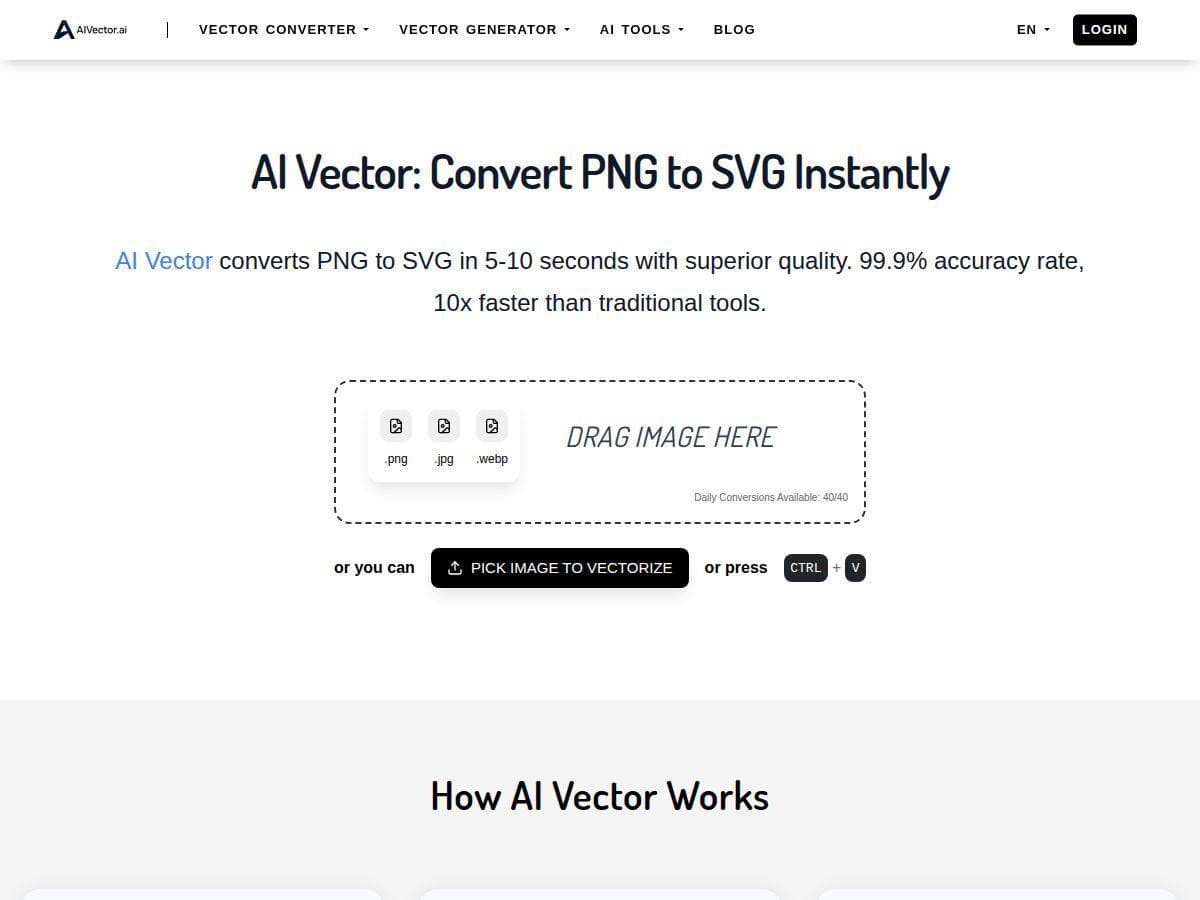
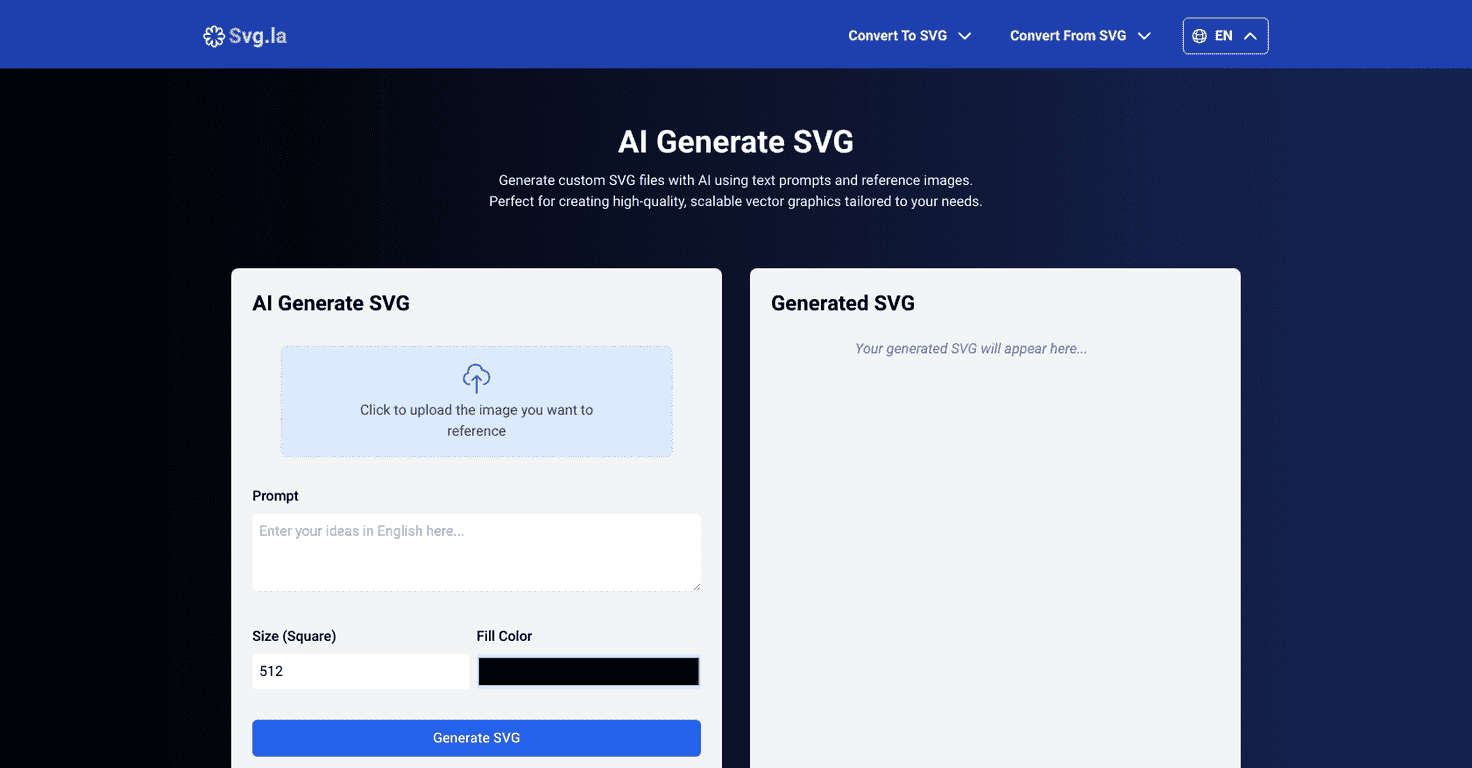
AI Generate SVG is the flagship tool on SVG.LA, a platform focused entirely on vector graphics. You describe what you want (or upload a reference image), pick a style, and the AI produces an editable, scalable SVG. Because the output is a true vector — not a PNG or JPG — it stays crisp at any size, which is exactly what you want for logos, icons, and print work. No account is required to start.
Key features
- Text-to-SVG and image-to-SVG: generate from a written prompt, a reference image, or both together.
- Multiple style models: choose looks like cartoon, sketch, geometric, or line art to fit your project.
- True scalable vectors: resolution-independent SVG files that scale cleanly from a favicon to a billboard.
- No login to start: jump straight in on the free tier.
- Background removal (Pro): get clean cutouts for logos and icons.
- Built-in converters: image-to-SVG (PNG, JPEG, BMP), plus SVG-to-PNG/JPG and an SVG compressor.
- Commercial use allowed: the generated files can be used for personal and commercial projects.
How much does AI Generate SVG cost?
SVG.LA offers a free tier that lets you generate SVGs at no cost, plus a Pro plan that unlocks more AI models, faster generation, and background removal. Because the exact Pro price and limits can change, check the current SVG.LA pricing page before subscribing. For casual use — an occasional icon or logo concept — the free tier is usually enough.
Pros and cons
Pros
- Real vector output (SVG), not a rasterized image pretending to be one.
- Free to start, no login required.
- Multiple style models give you creative control.
- Bundled converters make it a handy all-round vector toolkit.
Cons
- AI-generated vectors can need cleanup in an editor for pixel-perfect logos.
- Complex, detailed scenes are harder for any text-to-SVG model than simple icons and marks.
- The best features (extra models, speed, background removal) sit behind Pro.
Who is AI Generate SVG for?
This tool shines for founders, marketers, and self-publishers who need clean graphics fast without opening Illustrator — think logo concepts, icon sets, spot illustrations, and simple brand marks. It sits within the broader wave of AI creative tooling that has gone mainstream; McKinsey’s 2025 research found roughly 88% of organizations now use AI in at least one business function (source: McKinsey, The State of AI, 2025), and design is one of the fastest-moving corners of that shift.
If you’re assembling a design workflow, it’s worth comparing options: see our Vectorubi review for another vector-focused tool, this AI image generator review for raster art, and LogoGen if a logo is specifically what you need. Authors can put these vectors to work in book cover design — and when it’s time to build the book itself around that cover, Automateed handles the writing and layout.
Frequently asked questions
What is AI Generate SVG?
It’s an AI tool from SVG.LA that turns text prompts and reference images into scalable vector (SVG) graphics, with several style models to choose from.
Is AI Generate SVG free?
There’s a free tier you can use without logging in. A paid Pro plan adds more AI models, faster generation, and background removal.
Can I use the SVGs commercially?
Yes — SVG.LA states the generated files can be used for both personal and commercial projects. As always, review the current terms for your specific use.
What image formats can it convert to and from?
Alongside generation, SVG.LA includes converters: image-to-SVG (from PNG, JPEG, and BMP), plus SVG-to-PNG and SVG-to-JPG, and an SVG compressor.