Table of Contents
In today’s world, the demand for high-quality content is rising. Many writers are turning to AI tools for assistance, but these tools often produce text that sounds robotic. That’s where AI Humanize.IO steps in. This handy tool promises to turn your AI-generated text into engaging, human-like content that can bypass detection systems. In this review, we’ll explore how AI Humanize.IO works and whether it lives up to its promises.
AI Humanize Review
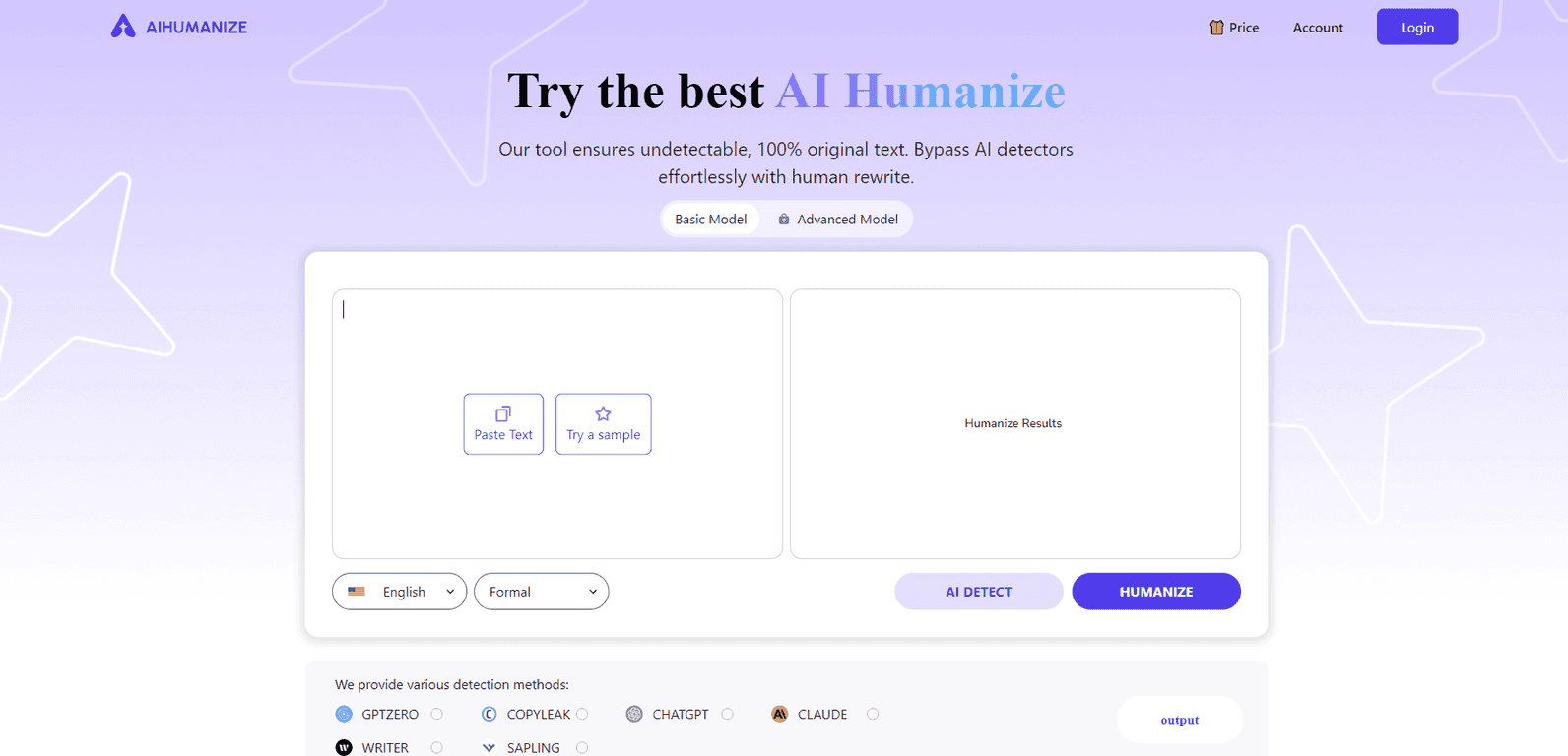
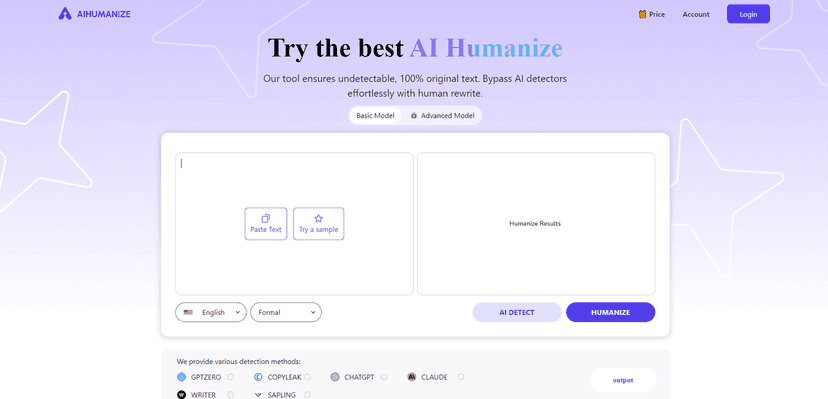
AI Humanize.IO is designed to take the often-choppy outputs of AI and refine them into polished, human-readable text. It is particularly beneficial for students or professionals who must submit original content that passes stringent checks from tools like Turnitin and GPTZero. The interface is user-friendly, making it easy for anyone to input their text and select preferences for tone and style, whether you want it to be emotional, formal, or casual. Additionally, it provides stats on how well your text performs against detection systems, which is a nice touch for those who want peace of mind.
When it comes to features, AI Humanize.IO shines with options that cater to a wide array of users, from students to professionals. The customization aspect is a standout; you can dictate the emotional tone or formality of your text, which can make a significant difference in how the content is received by your audience. With various subscription plans, it covers both casual and heavy users alike, ensuring that everyone finds a suitable option that fits their needs.
Key Features
- Converts AI-generated text into high-quality human content
- Bypasses AI detection systems with ease
- User-friendly interface for easy text processing
- Customization options for language and rewrite style
- Reference stats on detection scores and results
Pros and Cons
Pros
- Efficient humanization of AI-generated content
- High success rate in passing detection systems
- Multiple subscription options available
- Easy to navigate interface
- Responsive customer support
Cons
- Effectiveness can vary based on the quality of input text
- Subscriptions are required for full access to features
- Limitations on word counts for lower-tier plans
Pricing Plans
AI Humanize.IO offers several pricing plans to cater to different needs:
1. Monthly Plans:
– Basic Plan: $9.9/month for 15,000 words.
– Standard Plan: $19.9/month for 50,000 words.
– Pro Plan: $29.9/month for 100,000 words.
2. Annual Plans (30% Off):
– Basic Plan: $7/month (billed annually).
– Standard Plan: $14/month (billed annually).
– Pro Plan: $21/month (billed annually).
Wrap up
In conclusion, AI Humanize.IO offers a powerful solution for anyone looking to enhance their AI-generated text. With its user-friendly design, customizable options, and flexibility in pricing, it bridges the gap between artificial intelligence and human creativity. Whether you’re a student looking to impress or a professional needing polished reports, AI Humanize.IO may be just what you need to make your writing stand out.
Promote AI Humanize