Table of Contents
Did you know that animated book covers can significantly increase social media engagement and sales? As the trend evolves in 2026, mastering this visual tool is essential for authors.
⚡ TL;DR – Key Takeaways
- •Animated book covers are short, looping GIFs or videos that enhance promotional efforts on social media and websites.
- •Using 5-10 simple frames can create compelling, story-driven animations without requiring advanced design skills.
- •Popular effects include sparkles, splashes, and subtle motions that draw attention while avoiding text distortion.
- •Tools like Canva, Gifmaker.me, and Glitterboo enable non-designers to craft professional animated covers easily.
- •Avoid common pitfalls such as platform limitations and overcomplicating animations; focus on simplicity and cohesiveness.
Understanding the Power of Animated Book Covers in 2026
Animation has transformed how authors promote their books, especially with the rise of GIFs and short videos. Animated book covers are essentially looping GIFs or brief video snippets of static covers that bring a new layer of visual storytelling to your marketing efforts.
These animated covers are primarily used for social media promos, author websites, and advertising campaigns. However, platforms like Kindle Direct Publishing do not support uploading animated files as final covers, so their use is mainly promotional rather than in the final product.
In my experience working with authors, what surprises many is how simple yet effective these animations can be. A few sparkles or subtle movements in backgrounds can create a cinematic feel that draws attention instantly.
Why are they trending in 2026? The answer lies in the increasing importance of visual marketing and social media engagement. Visuals like animated covers boost visibility and help authors stand out in crowded markets.
Design trends now lean toward hybrid styles—combining stock photos, custom illustrations, and collages—to create eye-catching effects. Experts like Eleanor Hecks note that animation serves as a mini-story, making your book more memorable and shareable.
Platforms like TikTok, Instagram, and Facebook favor short, loopable GIFs that can go viral quickly. The key is to craft visuals that tell a mini-story while fitting into short attention spans.
In my own experiments, I’ve seen authors link animated covers to sales pages with great success, especially when paired with compelling storytelling in motion. The goal is to make your book's visual stand out amid countless static images.

Best Examples of Animated Book Covers
Some of the most cinematic examples come from authors who link their animated covers directly to sales or landing pages. For instance, a fantasy novel might feature a moving dragon or shimmering magic effect that hints at the story's tone.
Platforms like BookMojo and Canva have made it easier for authors to craft these effects without professional design skills. For example, Canva's animation tools allow you to add simple motion to your static cover, such as a sparkling effect or a gentle background shift.
Creative indie designers have used sites like gifmaker.me to generate splash effects with quotes or reviews layered over high-contrast visuals. These effects can be combined with glitter or shimmer overlays for a Hollywood-quality look. For more on this, see our guide on design book covers.
Author campaigns often include animated covers with effects like sparkles, splashes, or subtle movements that grab attention and evoke emotion. These visuals work especially well with genres like romance, fantasy, or thrillers, where vibrant animations can convey the story's mood.
International variations are also common, with cultural influences adding vibrancy. For example, a Japanese-inspired fantasy might feature animated cherry blossoms or glowing runes that appeal to global audiences.
In my experience, the key is to keep animations simple—around 5-10 frames—to maintain clarity and impact. Overloading with effects can distract or slow down loading times, especially on mobile devices.
How to Create Animated Book Covers
Designing animated covers begins with creating multiple static frames. I recommend designing 5-10 variations in Canva or similar tools. Use high-contrast backgrounds and focus on key visual elements like characters, symbols, or objects.
Each frame should be saved as a PNG file to preserve quality. When ready to animate, use free tools like Canva's animation features, gifmaker.me, or Glitterboo. These allow you to add simple visual effects like sparkles, splashes, or background movements.
Limit your effects to keep the GIF file size manageable and ensure quick loading. Experiment with timing and sequencing to tell a mini-story or highlight essential features of your book.
Adding effects is straightforward—apply glitter overlays on high-contrast areas or splash effects near quotes or reviews. Remember, avoid animating text to prevent distortion, which can be distracting.
Loops should be short—under 10 frames—for a viral effect. For example, a subtle shimmer over the title or a moving background can create a cinematic feel that resonates on social media platforms like Instagram or TikTok.
Tools and Platforms for Animated Covers
There are numerous free and paid tools to create animated book covers. Canva remains my favorite for its user-friendly interface and built-in animation options. It offers templates and export settings that make creating GIFs easy.
Gifmaker.me is great for quick GIF creation, especially with splash and sparkle effects. Glitterboo specializes in shimmer effects, perfect for adding visual effects to high-contrast areas. For more on this, see our guide on best fonts book.
Automateed is an AI-powered platform I built to help authors generate professional-looking animated covers quickly. It’s especially useful if you want custom animations without extensive design skills.
For advanced users, Photoshop or After Effects offer full control over animations and effects. Mobile apps like DP Animation Maker are also handy for quick edits on-the-go.
The choice of tools depends on your skill level and the complexity of design you want. If you're new, start with Canva or Glitterboo. For more advanced effects, Photoshop or After Effects are preferable.

Using Animated Covers on Social Media and Websites
Platforms like Twitter, Instagram, TikTok, and Wattpad support GIFs and short videos, making them ideal for animated covers. Embedding these visuals on your website or landing pages can boost engagement and direct traffic to sales pages.
Design tips for social media include using bold colors, movement, and visual effects that grab attention instantly. Testing different effects and timing can help identify what resonates best with your audience.
Maintaining consistent branding across your animated visuals is crucial. Use similar color schemes, fonts, and styles to build recognition and trust among fans and followers.
For example, an author might create a trailer-inspired animated cover that teases key story elements, then share it across all platforms to generate buzz.
Embedding animated covers on author websites can also serve as an interactive element, encouraging visitors to explore more about your books. Linking these visuals to your sales page or book previews helps convert interest into purchases.
Design Tips for Creating Effective Animated Book Covers
Keep it simple and story-driven. Limit your animation to 5-10 frames to ensure clarity and impact. Use motion to tell a mini-story or highlight key features of your cover, like a shimmering sword or glowing eyes.
Focus effects on contrast points—such as a bright splash over a dark background—to enhance visibility. Avoid overloading with visual effects that can distract or slow down load times. For more on this, see our guide on much does cost.
Be cautious about animating text. It often distorts or becomes unreadable at small sizes, especially on mobile devices. Instead, focus on imagery and backgrounds.
Test your animated covers across different platforms and screen sizes. A GIF that looks great on Instagram may need adjustments for Twitter or your website.
Remember, the goal is to create a captivating visual that complements your branding and genre, whether it's minimalist, cartoon, or Hollywood-quality.
Popular Styles and Concepts for Animated Book Covers
In 2026, trends in animated cover styles include hybrid designs blending stock photos with illustrations, creating vibrant visuals that appeal on social media. Cartoon and minimalist styles remain popular for their clarity and quick recognition.
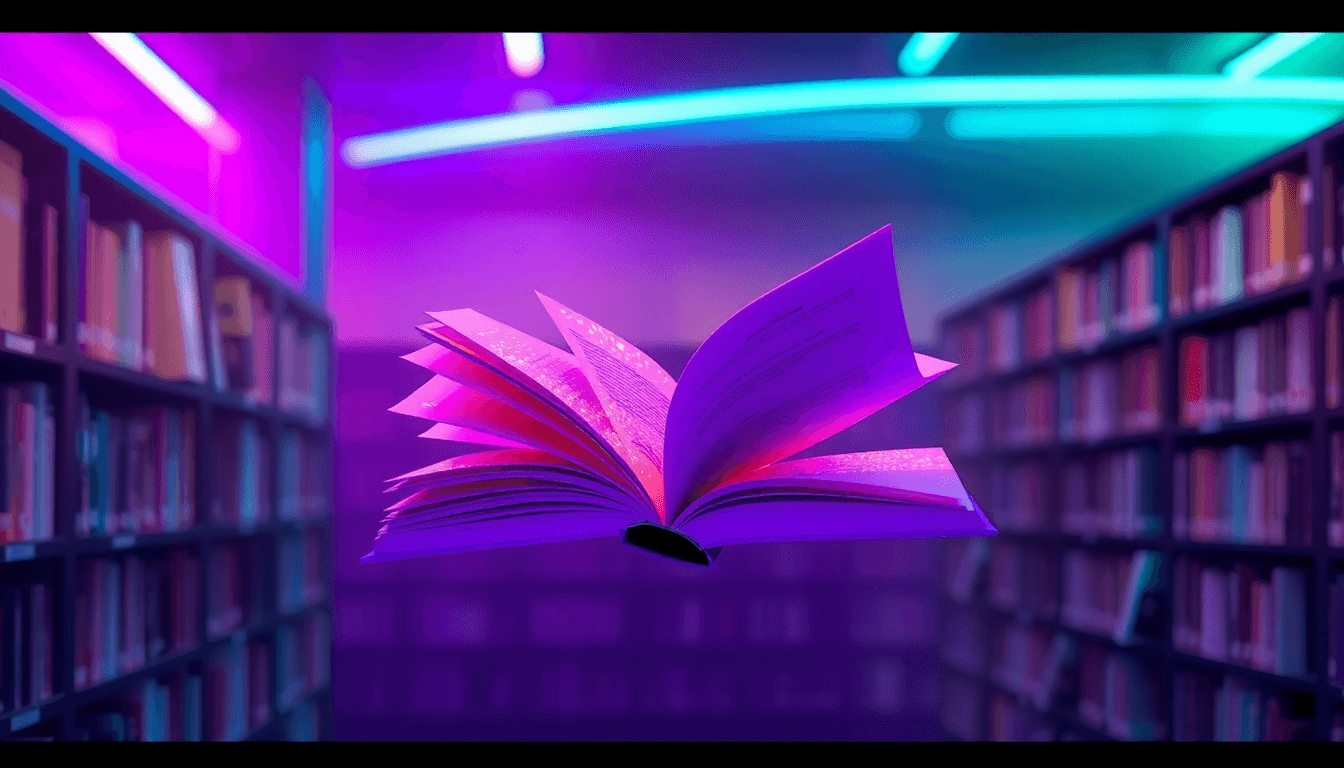
Vibrant, cartoonified aesthetics often draw attention in feeds, especially with the use of bold colors and playful effects. Cinematic trailer-inspired animations are common for thrillers and fantasy genres, adding a Hollywood-quality touch.
International influences have introduced more cultural vibrancy—think animated cherry blossoms or glowing symbols—that diversify the visual language of covers. Genre-specific effects, like glitter for romance or crystals for fantasy, help communicate tone instantly.
In my experience, matching the visual style to your book's genre and branding increases engagement and helps your cover stand out amid countless others.

Case Studies and Real-World Examples
Many authors have successfully used animated covers to boost their visibility. For instance, a self-published romance author linked a glittering animated cover to her sales page, resulting in a noticeable spike in clicks and conversions.
Authors who experiment with platforms like Canva and BookBrush learn that short, impactful animations—like a shimmering title or a moving background—can be very effective. These visuals often lead to more shares and likes on social media.
Lesson learned? Keep your animations aligned with your branding and genre. Test multiple versions to see what resonates best with your audience. For more on this, see our guide on author facebook groups.
Designers emphasize the importance of short loops and simple effects, especially for mobile viewers. A well-crafted animated cover can be a powerful tool for author branding and book promotion.
Conclusion: Elevate Your Book’s Presence with Animated Covers
Animated book covers are no longer optional in a visual-driven marketing landscape. They help your book stand out, tell a mini-story, and boost engagement across social media and websites.
Start small—design 5-10 frames and experiment with free tools like Canva or Glitterboo. Remember, keeping it simple and aligned with your brand ensures maximum impact.
As trends shift toward hybrid and vibrant styles, incorporating animated covers can give you a competitive edge in 2026 and beyond. Don’t be afraid to test and refine your approach—your visual storytelling can make all the difference.
FAQ
How can I create animated book covers?
Start by designing 5-10 static frames using tools like Canva or Crello. Then, use free platforms like gifmaker.me or Glitterboo to animate these frames, adding effects like sparkles or splashes. Keep loops short and simple for best results.
What tools are best for designing animated covers?
For beginners, Canva and Glitterboo are excellent options. For more advanced effects, Photoshop and After Effects provide full control. Mobile apps like DP Animation Maker also work well for quick edits.
How do animated covers improve book marketing?
They increase visibility on social media, boost engagement, and help your book stand out amid static images. Animated covers can tell a mini-story or evoke emotion, making your promotion more memorable.
Can I use animated covers on social media platforms?
Yes, platforms like Twitter, Instagram, TikTok, and Wattpad support GIFs and short videos. Embedding or sharing animated covers can dramatically increase your reach and interaction.
What styles are popular for animated book covers?
In 2026, hybrid styles blending stock photos with illustrations, cartoonified visuals, and cinematic trailer effects are trending. Bright colors and bold motion help attract attention instantly.
Are there free resources for animated cover design?
Absolutely. Canva, Glitterboo, and gifmaker.me offer free tools and effects to create stunning animated covers without needing expensive software or design skills.