LIFETIME DEAL — LIMITED TIME
Get Lifetime AccessLimited-time — price increases soon ⏳
AI Tools

AutoBrowser Review – Effortlessly Automate Your Browsing

Updated: April 20, 2026
4 min read
#Ai tool#Automation

Table of Contents

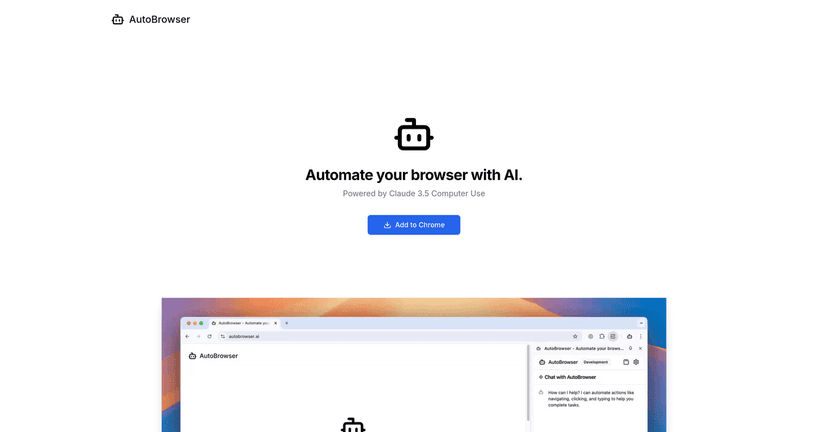
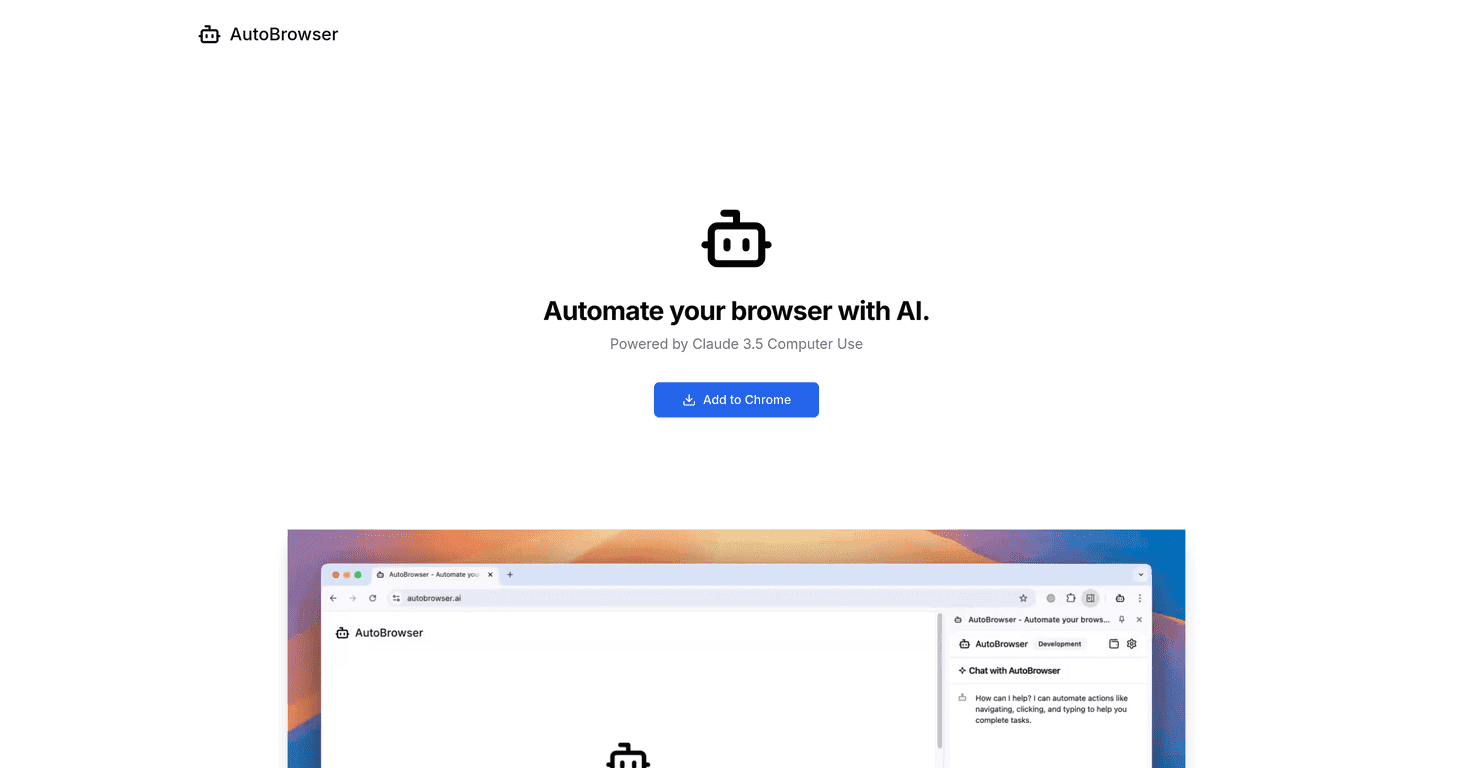
I’ve spent enough time clicking through the same websites—forms, dashboards, “confirm” buttons—that I honestly get why people look for browser automation tools. That’s where AutoBrowser caught my attention. It’s a Chrome extension that lets you describe what you want to do in plain English, and then it handles the clicking, typing, and navigation for you.

In my experience, the appeal is pretty simple: if you’ve got repetitive browser tasks (data entry, pulling the same info from multiple pages, moving through multi-step workflows), AutoBrowser can take the boring part off your plate. That said, it’s not magic—AI automation can still stumble, especially when a site layout changes or a step requires very specific input.

Autobrowser

AutoBrowser Review: What It Actually Does (and When It Helps)

AutoBrowser’s core idea is straightforward: you tell it what to do, and it tries to perform those actions inside the browser. The extension uses AI to interpret your instructions and then goes through steps like clicking buttons, filling fields, and moving between pages.

Where I think it shines is when the task is repetitive but not fully “scriptable.” For example, you might want to:

  • Log into a site and fill out a form using values from your notes
  • Open a list of items, grab a few fields from each page, and move to the next
  • Navigate through a multi-step workflow where the exact clicks are annoying to do manually every time

One thing I noticed, though: the better your instructions are, the better the results tend to be. If you’re vague (“go to the page and submit”), you’ll usually get shaky behavior. If you spell out what you want (“open the contact form, enter name/email, select the dropdown option ‘Support’, then click Submit”), it’s a lot smoother.

Key Features That Matter in Real Use

  1. Full browser automation powered by AI
    It can handle multi-step navigation and actions instead of just running a single fixed macro.
  2. Natural language task description
    You don’t need to write code. You just describe the workflow in normal language.
  3. Supports web scraping and workflow automation
    If your “scrape” is basically “open pages, extract a few fields, repeat,” this is the kind of use case it’s built for.
  4. Use your own Anthropic API key or buy credits
    If you already pay for Anthropic usage elsewhere, you can integrate that instead of always purchasing credits.
  5. Video demo available
    This is helpful because it shows the extension in action, not just marketing screenshots.

Pros and Cons (My Honest Take)

Pros

  • Easy to get started: the interface is simple enough that you can try an automation task without a learning curve.
  • Time savings are real: for repetitive “click/type/navigate” tasks, even a partially working automation can save you minutes each run.
  • Free to use, pay for AI usage: you’re not locked into a monthly subscription just to test things.

Cons

  • It can make mistakes: AI automation isn’t perfect. If a page loads slowly, a button label changes, or a field behaves differently than expected, it may click the wrong element or miss a step.
  • Costs can creep up: the AI usage isn’t free, and longer workflows usually mean more tokens/compute.
  • Credits aren’t refundable: this matters if you test a bunch of tasks and some of them don’t work as well as you hoped.

So, should you trust it with critical tasks? I wouldn’t. I’d treat it like an assistant that speeds things up, then I’d double-check the output—especially for anything where a wrong submission could cause problems.

Pricing Plans: What You’ll Pay For AI Time

AutoBrowser is free to use, but you’re still responsible for AI costs through credits. The pricing model is essentially pay-as-you-go, which is good for testing. It’s also the part you’ll want to watch if you plan to run automations frequently.

Here are the numbers the service lists:

  • Simple actions: about $0.05 for simple actions
  • Credit markup: credits are billed at 1.3x the actual AI cost
  • Refund policy: purchased credits are non-refundable

In practice, I recommend you do this: run one short test workflow first (like “open page → fill one form → submit”), see how it behaves, and only then scale up. It’s the easiest way to avoid burning credits on tasks that need better instructions.

Wrap up

AutoBrowser is genuinely useful if you have repetitive browser tasks and you want something faster than manually clicking everything. The natural language approach is convenient, and the automation can save time—when the website behaves and your instructions are clear.

Just don’t assume it’ll be flawless. Plan for occasional errors, keep an eye on AI costs, and treat it as “automation with oversight,” not a set-and-forget solution.

Promote AutoBrowser

Stefan

Stefan

Stefan is the founder of Automateed. A content creator at heart, swimming through SAAS waters, and trying to make new AI apps available to fellow entrepreneurs.

Related Posts

Figure 1

Strategic PPC Management in the Age of Automation: Integrating AI-Driven Optimisation with Human Expertise to Maximise Return on Ad Spend

Title: Human Intelligence and AI Working in Tandem for Smarter PPCDescription: A digital illustration of a human head in side profile,

Stefan

ACX is killing the old royalty math—plan now

Audible’s ACX is moving from a legacy royalty model to a pooling, consumption-based approach. Indie audiobook earnings may swing with listener behavior.

Jordan Reese
AWS adds OpenAI agents—indies should care now

AWS adds OpenAI agents—indies should care now

AWS is rolling out OpenAI model and agent services on AWS. Indie authors using AI workflows for writing, marketing, and production need to reassess tooling.

Jordan Reese

Create Your AI Book in 10 Minutes