Table of Contents
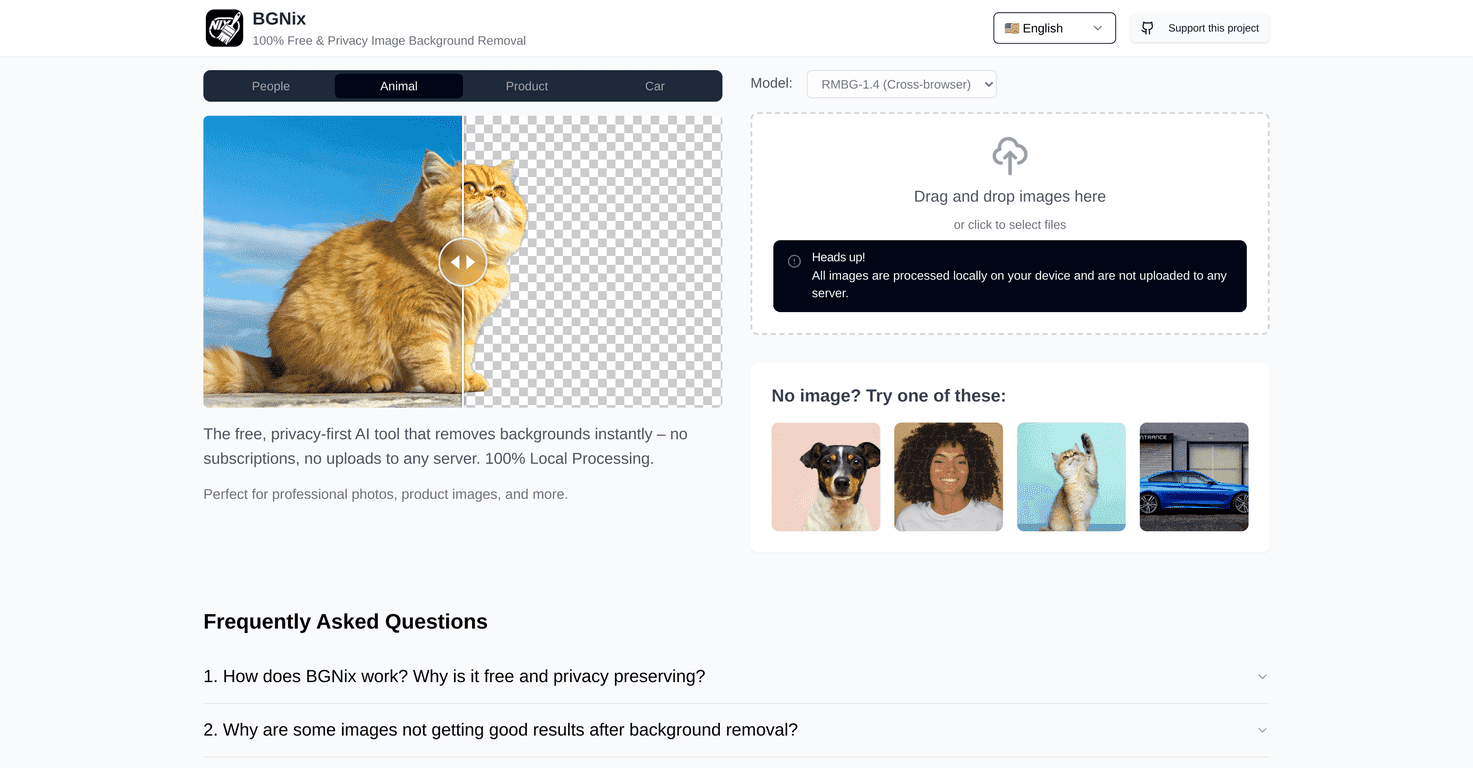
I’ve used a bunch of background removal tools over the years, and most of them have the same trade-off: either you upload your image to a server (privacy hit) or you deal with slower processing and clunky controls. That’s why I was genuinely interested in BGNix. It’s a free AI tool that removes backgrounds—and from what I noticed, it’s built around local processing, so your images don’t get shipped off to some remote service.
So how does it actually feel to use? Let’s get into it.
BGNix Review
BGNix is a 100% free AI background remover, and the big selling point for me is the privacy angle. Instead of uploading your photo to a third-party server, it’s designed to process images locally on your device. That means your original file stays on your computer—no “mystery upload” step.
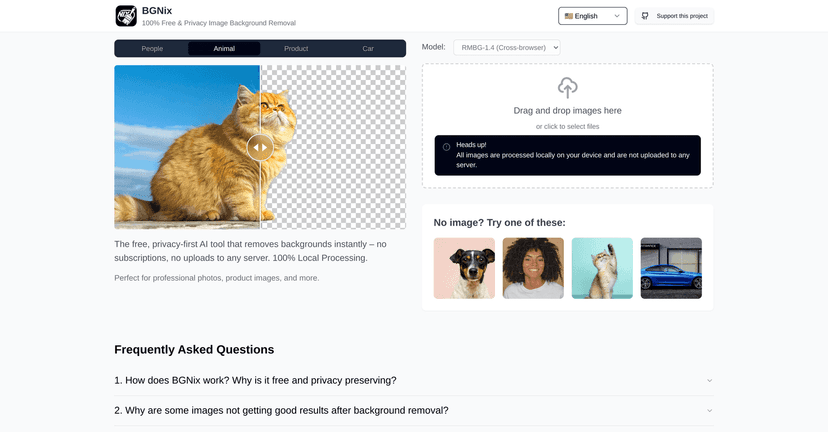
In practice, I found the workflow refreshingly simple. You load an image, the background gets removed, and you get a clean cutout you can use right away. No complicated menus. No “wait for the email link” nonsense. Just results.
Now, I’ll be honest: background removal quality always depends on the image. If the subject has fuzzy edges, hair strands, or a busy background, no tool can magically be perfect every single time. But for the kinds of photos people typically use for social posts, product listings, and quick design mockups, BGNix feels like it hits the sweet spot between speed and accuracy.
Key Features
- Instant background removal with AI
What I noticed right away is that it doesn’t feel like a multi-step process. You upload, it processes, and you’re ready to export without babysitting the workflow. - Local processing for privacy
Because the processing happens on your device, you don’t have to worry about your images being transferred to an external server. For anyone working with personal photos, client images, or sensitive content, that matters. - Free to use (no subscriptions)
BGNix doesn’t push you into a paid plan just to get basic results. If you only need occasional background removal, this is a big advantage.
Pros and Cons
Pros
- It’s actually free — no forced trial, no credit card wall, no annoying “upgrade to continue” prompts.
- Privacy-focused approach — local processing is a real benefit. I prefer tools that don’t require uploading my images.
- Quick and beginner-friendly — the interface doesn’t make you feel like you need a design degree. I could get usable results without hunting through settings.
- Good for everyday use — if you’re making profile pictures, simple product cutouts, or quick marketing graphics, it’s a solid fit.
Cons
- Performance depends on your device — since it’s local, a slower computer or weaker hardware can mean longer processing times.
- Hard edges still need a little help — like most background removers, tricky scenes (hair, motion blur, patterned clothing) can produce imperfect edges. You may need to refine manually or use a better source photo.
- Fewer “pro” controls than paid suites — if you’re used to advanced masking tools, you might miss extra editing options.
Pricing Plans
BGNix is entirely free to use. There aren’t any subscription fees or hidden charges to unlock basic background removal. If you’re comparing it to paid background removal services, that’s where it really stands out—especially for casual users who just need clean cutouts now and then.
Wrap up
After using BGNix, my takeaway is simple: it’s one of the better free background removal tools because it doesn’t treat privacy like an afterthought. The local processing approach is the standout feature for me, and the workflow is fast enough that I don’t feel stuck waiting around.
If you need background removal for everyday projects—social posts, product images, quick flyers—BGNix is worth trying. Just keep expectations realistic for super complicated photos, because no AI can perfectly handle every messy background without any refinement. Still, for free, it delivers.
Promote BGNix