Table of Contents
If you’ve ever stared at a blank screen thinking, “I can’t believe I still have to do all this manually,” you’re not alone. I tested Cliptics because I wanted something free that could actually help with day-to-day creator work—without making me learn a whole new workflow.

Cliptics is basically a web-based toolbox of AI features aimed at social media managers, marketers, and content writers. The big promise is speed: you feed it something (a photo, some text, an idea) and it gives you a usable output pretty quickly. And honestly? That’s the part I care about most when I’m creating—getting from “idea” to “draft” fast.
In my experience, it’s best for the kinds of tasks that eat time but don’t always require a designer or audio engineer. Think background removal, text-to-speech, quick visuals tweaks, and hashtag ideas. If you’re posting consistently, these small wins add up.
Now, let’s talk specifics—because “AI tools” can mean anything from magic to disappointment. What I noticed was that Cliptics focuses on practical creator tasks, not just random demos. The AI Hashtag Generator is one of the most immediately useful features when you’re trying to squeeze more reach out of a post without spending 20 minutes researching tags.
It’s also browser-based, which matters. I don’t want another app sitting on my computer. I want to open a page, run the tool, and move on.
Cliptics Review (2026): What It’s Actually Good At
When I say “actually useful,” I mean I can see where it fits into a real posting routine. Here’s how it played out for me:
- Quick edits for visuals — If you’re making thumbnails, product images, or social graphics, the background tools are the kind of thing you’ll use more than you expect.
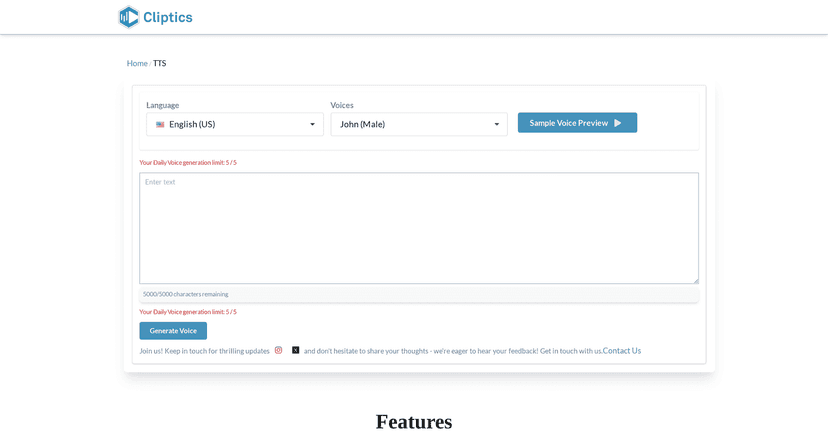
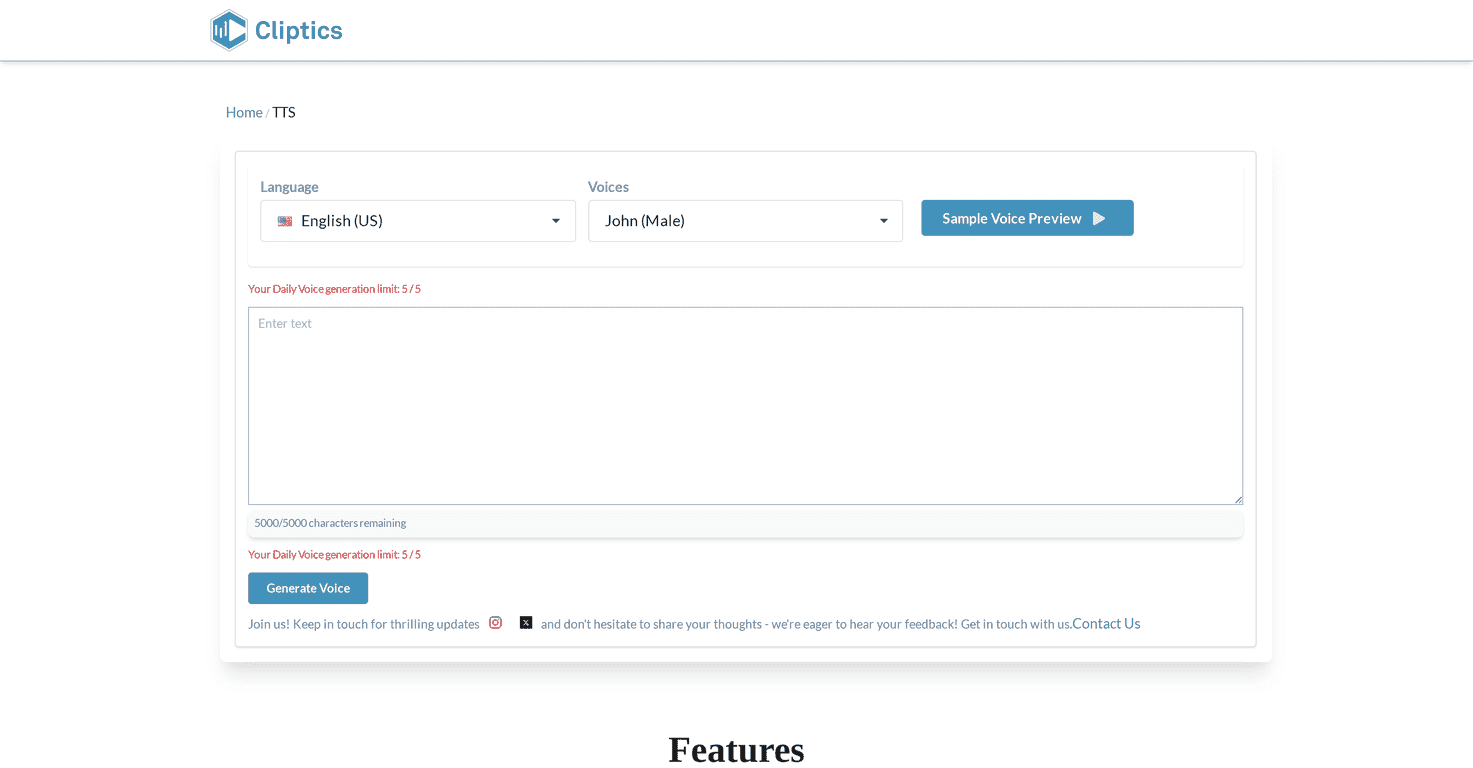
- Text-to-speech for content — I tried it for voiceover-style drafts. It’s not meant to replace professional narration, but it’s great for quick videos, reels, and explainer clips.
- Hashtag suggestions — I used it to generate a starting set of hashtags. Then I filtered based on what I already know about the audience. The benefit is speed, not perfection.
- Idea generation — I’m not saying it’ll invent your “viral idea,” but it can nudge you out of a rut when you’re stuck on what to post next.
One thing I appreciated: the interface doesn’t feel overly complicated. You don’t need to be a tech person to get results. That’s huge for creators who are juggling content with everything else.
That said, I’ll be straight with you—AI accuracy depends on what you feed it. If you’re working with a messy image or a complex background, results can be hit-or-miss. And like most web tools, it requires internet access, so you can’t rely on it offline.
Key Features That Creators Will Use
- AI Background Remover — Great for cutting out subjects fast. I used it for social images and product-style graphics where you need the subject to pop.
- Text to Speech Converter — Turn scripts into audio drafts. This is especially helpful if you want to test video ideas before recording a real voice.
- AI Hashtag Generator — Useful for generating a list you can tweak. I usually take the suggestions and adjust for niche terms and brand voice.
- Content Idea Generator — Helpful when you’re staring at your calendar and nothing sounds good. It’s more of a spark than a full content calendar.
- Multi-Voice Text to Speech — Lets you pick different voice styles so your content doesn’t sound one-note every time.
- Blur Background Feature — A quick way to make images look more “designed” without doing it manually in an editor.
- Additional tools (and upcoming features) — Cliptics positions itself as an expanding set of creator utilities, not a single gimmick tool.
If you’re wondering whether these features are “real” or just marketing—here’s the practical test I recommend: pick one task you do weekly (like generating voiceovers or cleaning up images) and run it with Cliptics for a week. If it saves you even 10–15 minutes per post, it’s doing its job.
Pros and Cons (From Someone Who Actually Tried It)
Pros
- Completely free — No surprise paywalls popping up mid-task (that’s been my biggest frustration with a lot of “free” AI tools).
- Easy to use — The layout is straightforward. I didn’t feel like I needed a tutorial to get results.
- Fast outputs — The tools generate results quickly enough that you can keep momentum.
- Multiple creator tools in one place — It’s not just text-to-speech or just image editing. You get a small suite that covers common social tasks.
- Good fit for different roles — Social media managers, educators, and e-commerce sellers can all find something useful here.
Cons
- Internet required — If you lose connection, you’re done. That’s normal for web apps, but it’s still a limitation.
- AI results vary — Background removal and image effects can struggle with complex edges, busy hair, or highly detailed backgrounds. You may need to redo or refine.
- Not a replacement for professional production — Text-to-speech can sound “AI-ish” depending on the voice and script. I’d still treat it as a draft tool or a quick production option.
Pricing Plans: Is Cliptics Really Free?
Cliptics is entirely free to use. That means you can access the tools without paying for a subscription or hitting a hard limit (at least based on what’s currently offered). If you’re testing AI for content creation and you don’t want to commit money yet, this is one of the clearer options I’ve seen.
One practical tip: since it’s free, I’d use it to speed up drafts and repetitive tasks first (like quick image cleanup and voiceover tests). If you later decide you need higher-end quality, you’ll know what to upgrade.
Wrap up
Cliptics is the kind of free AI tool I actually recommend to creators who need speed, not hype. It covers the stuff people keep doing over and over—background removal, text-to-speech, hashtag ideas, and quick visual enhancements. Just don’t expect every AI output to be perfect on the first run, especially with tricky images.
If you’re trying to post more consistently without spending all day editing, it’s worth giving Cliptics a real test for a week. I think you’ll see the value quickly—especially if you rely on social content to grow your audience.