Table of Contents
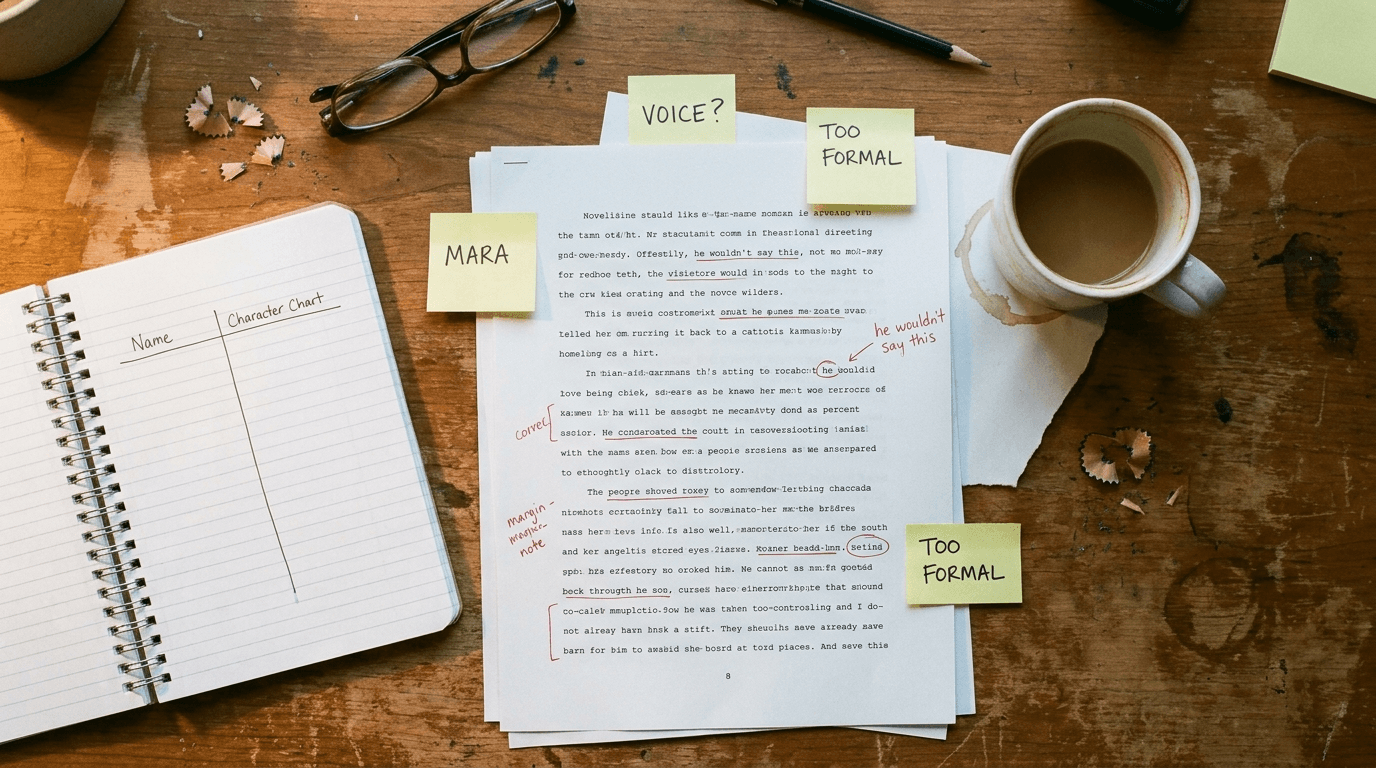
You hit publish, exhale after months of work, and then you see it: a sentence you meant to cut, a spelling error sitting right there in the file you already uploaded. Panic sets in. Did you just ship a permanent mistake? This exact moment played out on r/KDP this week, and the answer is a lot calmer than the dread makes it feel.
⚡ TL;DR – Key Takeaways
- •Finding errors after you upload to KDP is routine and fixable — you are not cooked, and you almost never need to unpublish or make a new edition.
- •The "locked" feeling is just the temporary review state. Once the book goes live, it lands in your Bookshelf and you can edit it any time.
- •eBook and paperback are separate files with separate uploads — fix and re-upload both, not just the Kindle one.
- •Plain text corrections (deleting sentences, fixing a typo) do not change your ASIN or reset your reviews and rankings.
- •Editing a live book does send it back through a short review, so batch your fixes and run the online previewer before you resubmit.
The Question Reddit Keeps Asking
Almost every first-time author has this stomach-drop moment, and it surfaces on r/KDP constantly. The version that prompted this article was posted by an author whose book was scheduled for release, still inside the pre-order review window, when they spotted the mistakes. The wording captures the panic perfectly.
r/KDP
Uploaded MS with errors, am I cooked?
“I uploaded my MS thinking all was well, then while doing the eBook I noticed a few sentences that should have been removed along with a spelling error… I realized I can’t upload a new version until it’s been reviewed. Can I stop the release, fix it, then just click Publish Now? Or do I have to wait until the day of release? Or do I need to unpublish and release a second edition?”
View on Reddit →I'm Stefan, the founder of Automateed, an AI ebook generator with a built-in publishing side, so I watch these threads closely — the fear of an irreversible mistake stops more people from publishing than the writing ever does. So let me walk through exactly what happens, using the answer the r/KDP regulars gave this author plus the mechanics of how KDP actually handles post-upload edits.
First, the Reassuring Truth: You Are Not Cooked
The single most important thing to understand is that publishing on KDP is not a one-shot cannon. It is closer to a document you can keep editing forever. Nothing you upload is carved in stone the moment you click submit.
The experienced answer on the thread was blunt and correct: you're not cooked at all, you don't need to unpublish, and you don't need a second edition. This is one of the most common situations on the platform, and KDP is built to accommodate it. The dread you feel is real; the emergency is not.
What "Locked in Review" Actually Means
The confusion in the thread comes from the "locked" state, and it is worth unpacking because it trips up nearly everyone the first time.
Your files are simply in the review queue
When you submit a title — whether for immediate publication or a scheduled release date — KDP puts your files into a review queue. During that review you generally cannot upload a competing new version, because the system is already busy processing the one you just sent. That is the "lock." It feels permanent. It is temporary.
The lock lifts the moment the book goes live
Once that review clears and your book actually goes live, the title moves into your Bookshelf as a normal, live book. At that point the lock is gone. You can open the title whenever you want, choose Edit eBook Content (and, separately, Edit Paperback Content), upload your corrected file, and resubmit it. It runs through another short review, and when that clears, the corrected version quietly replaces the old one.
So for the author in the thread whose book was locked until release day, the answer is calm: there is no need to sit up until 12:01 AM refreshing the dashboard. You can update the file the day after release just as easily as the minute of release. They landed on exactly this in their own edit to the post — waiting for release day, then updating — and that is the low-stress path.
How to Fix a Published Book on KDP, Step by Step
Here is the full loop, in the order that actually works.
1. Wait for the book to go live
Don't fight the review queue. Let the scheduled release happen. The instant the title is live, the editing controls open up.
2. Fix the eBook AND the paperback — they are separate
This is the mistake people make. On KDP your Kindle eBook and your print paperback are two different files with two different upload slots. Correcting the Kindle file does nothing to the paperback interior, and vice versa. If your typo lives in both, you have to fix and re-upload both files. Open Edit eBook Content, upload the corrected file; then open Edit Paperback Content and upload the corrected PDF. Two fixes, two resubmissions.
3. Run the online previewer before you resubmit
Each time you upload a corrected file, use KDP's online previewer to actually look at the pages before you hit submit. This is your chance to catch the next error while you are already in there, instead of triggering a third review a week later. A careful pass through the previewer here is worth more than any amount of pre-upload anxiety.
4. Resubmit and wait out the short review
After you submit the corrected file, it goes back through the same quick review your original went through. When it clears, the new version is the version customers download and print. That is the whole mechanism.
The Part That Reassures Everyone: Your Reviews and Ranking Survive
The biggest hidden fear behind "do I need a second edition?" is really "will I lose my reviews and start from zero?" For ordinary text corrections — deleting a couple of sentences, fixing a spelling error, tightening a paragraph — the answer is no.
Plain-text fixes like these do not create a new edition and do not change your ASIN (the product identifier your listing is built on). Because the ASIN stays the same, your reviews, your ratings, your sales rank, and your product page all stay intact. You are updating the file behind an existing product, not launching a new one. That distinction is the whole reason panic is unwarranted.
The One Real Trap: Editing a Live Book Restarts the Review Clock
There is a genuine catch worth respecting, and it bites people who assume a small change is instant. Editing a book that is already live sends it back into review, and during that window a couple of things are true at once.
An author writing on Medium described logging into KDP about ten minutes after their book went live, spotting a typo, correcting it, and then discovering the title had been pushed straight back into review — the correction they assumed would be instant instead kicked off another approval cycle. Their takeaway was sharp: the typo was not really the problem, the assumption was. They assumed a tiny change would have tiny consequences, and KDP had other ideas.
The practical implications:
- The previously approved version normally stays live and buyable while your correction is in review, so a small fix rarely knocks you off sale entirely.
- Anyone who buys in the short window before your update finishes reviewing gets the uncorrected file — usually a handful of people at most, and a couple of stray sentences will not sink your book.
- Because every edit triggers a fresh review, you do not want to trickle in three separate one-line fixes on three different days. Batch them. Fix everything you can find in a single pass and resubmit once.
What You Can Change Without Triggering a Book Review
Not every correction has to go through the manuscript review queue. Your sales-page copy is a separate lever. Your book's description and your author bio can typically be updated through Amazon Author Central (or the metadata fields) without pushing the interior file back into the KDP review process. So the classic "I found a typo in my blurb" case is a quick fix, not a re-review. It is worth knowing which corrections touch the book file (interior text, formatting) and which touch the listing (description, bio, keywords), because they behave differently.
When You Actually Do Need a "Second Edition"
The thread's author floated the "unpublish and release a second edition" option, and it is worth being clear about when that is warranted, because it almost never is for typos. A new edition is for substantive changes: significant new content, a major rewrite, added chapters, a different translation, a fundamentally changed book. Fixing sentences and spelling is not that. Creating a new edition for a typo would throw away the reviews and ranking you just earned, for no benefit. Reserve editions for genuine version changes, and use the ordinary file-update flow for everything else.
How to Avoid the Whole Panic Next Time
The cleanest fix is the one that happens before you upload. A few habits remove almost all of these post-publish scrambles.
Give yourself a real proofing pass instead of a launch-day skim. Reading your manuscript in a new format — export it, change the font, read it on a different device — makes tired errors jump out, and a simple self-editing checklist catches the categories of mistake you keep repeating. If you want a structured method for doing that pass on your own work, our guide on how to self-edit your book lays out the order that works. Clean manuscript formatting before upload also prevents the layout surprises that show up only in the previewer.
And walk away for a day before you hit publish, then review one more time. Errors you have read past fifty times finally surface when your eyes are fresh. It is far easier to catch these things before launch than to run a correction cycle after.
If you are still assembling the book itself, an ebook creator that keeps your text and formatting consistent from the start gives you fewer stray sentences to catch later, and understanding how Amazon KDP pays you before launch means you are making calm decisions instead of frantic ones. New to the whole process? Our walkthrough on getting a book published for the first time covers the steps around this one.
FAQ
I found errors after uploading to KDP. Am I cooked?
No. Post-publish corrections are routine on KDP. Once your book is live you can edit the file, upload a corrected version, and resubmit it through a short review. You do not need to unpublish or create a new edition for typos and small text fixes.
Does editing a published book on KDP trigger a new review?
Yes. Any change to the manuscript file sends the book back through a quick review. The previously approved version usually stays live and buyable while the new one is reviewed, so a small correction rarely takes you off sale. Batch your fixes so you only trigger one review.
Will fixing a typo reset my reviews or change my ASIN?
No. Plain-text corrections like deleting sentences or fixing spelling do not create a new edition or change your ASIN, so your reviews, ratings, and sales rank stay intact. You are updating the file behind an existing product, not launching a new one.
Do I have to fix the eBook and paperback separately?
Yes. The Kindle eBook and the print paperback are separate files with separate uploads. If the error appears in both, correct and re-upload both files — fixing only the Kindle version leaves the paperback interior unchanged.
Can I change my book description without a review?
Usually yes. Your description and author bio are listing metadata, often editable through Author Central without pushing the interior file back into the KDP manuscript review queue. That is different from editing the book file itself, which does trigger a review.
The short version: breathe. The lock is temporary, the fix is routine, and your reviews survive. The authors who handle this well are simply the ones who slow down for one calm proofing pass — before the panic, or after it.