LIFETIME DEAL — LIMITED TIME
Get Lifetime AccessLimited-time — price increases soon ⏳
AI Tools

Humanizar Texto Review – Transform AI Text Effortlessly

Updated: April 20, 2026
5 min read
#Ai tool

Table of Contents

Let’s be honest—most AI text has the same vibe. It’s smooth, sure, but it can also feel a little “template-y.” That’s exactly what I wanted to fix when I tested Humanizar Texto. The promise is simple: take AI-generated writing and turn it into something that reads more naturally, sounds more human, and doesn’t scream “machine output.”

Humanizar Texto

In my experience, that’s the real challenge with AI writing tools—getting past the generic phrasing and making the content feel like it came from a real person who actually cares about the reader. So I focused on a few things: how much the text changes, whether it stays on-topic, and if it’s usable without hours of cleanup.

Humanizar Texto Review

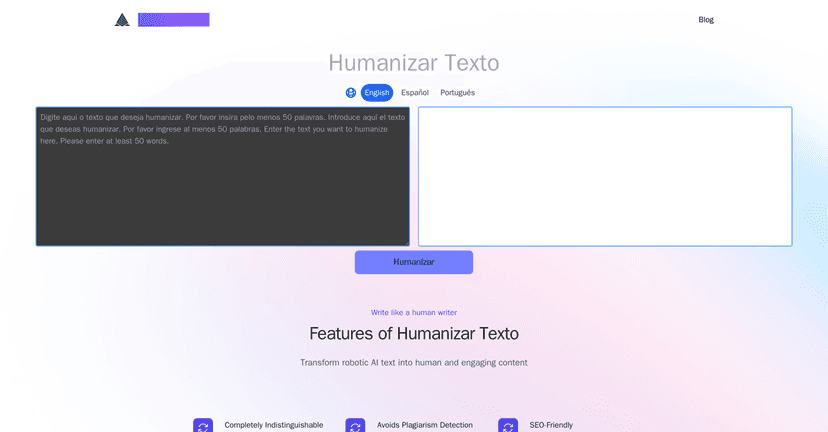
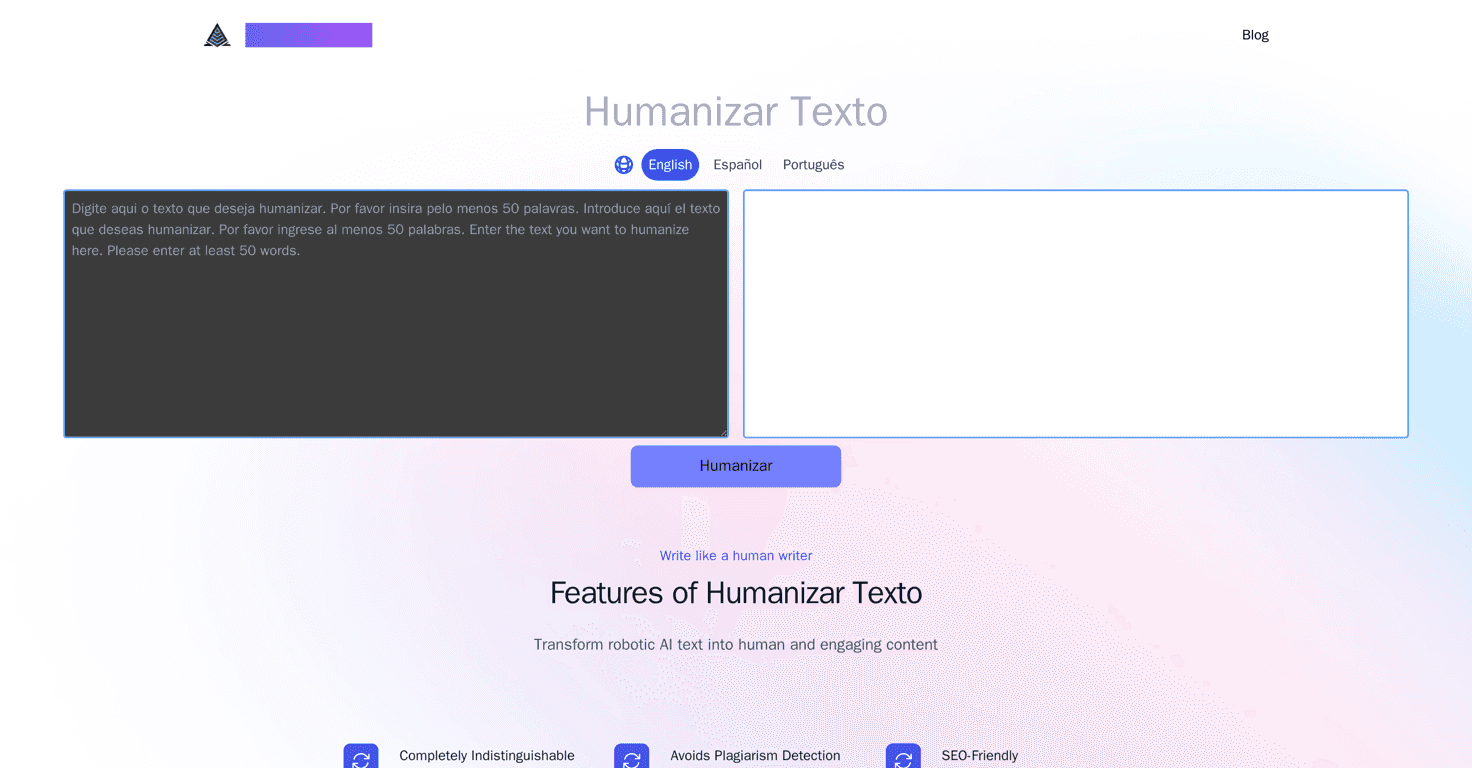
Humanizar Texto is positioned as a text “humanizer” for AI content. The idea is that it rewrites your text so it reads more naturally—less robotic, more engaging—and keeps it original enough to avoid plagiarism issues. It also claims to be SEO-friendly and to help with spam filter avoidance, which are the two things I always worry about when I’m publishing at scale.

When I ran a few samples through it, what stood out wasn’t just synonym swapping. The rewritten versions felt more like they had a point of view. Sentences were re-ordered, some phrases were tightened, and the overall flow sounded smoother. That’s what I mean by “usable.” If you’re planning to paste the output into a blog draft and then do light edits, this kind of output saves time.

That said, I wouldn’t treat it as a magical “press button, publish” solution. If the original input is vague, the rewrite can still end up vague—just with better wording. Garbage in, garbage out, but with nicer formatting.

Key Features

  1. Completely Indistinguishable Rewrites
    This is the big headline feature. In practice, I looked for changes in phrasing, sentence rhythm, and readability—not just replacing a few words. The better results were when the input had clear structure (headings, short paragraphs, and a defined topic).
  2. Plagiarism-Free Content
    The tool focuses on originality. I didn’t run a full plagiarism database check from inside the tool (you’d still want a separate checker if this is for client work), but the rewrites didn’t look like they were copying common phrases verbatim.
  3. SEO-Friendly
    SEO-friendly usually means it doesn’t destroy your meaning and it keeps the topic consistent. In my testing, it didn’t randomly add unrelated keywords, which is a good sign. Still, I recommend you re-check: meta descriptions, headings, and keyword placement can shift after rewriting.
  4. Bypasses Spam Filters
    This claim is always tricky, because spam filters depend on more than wording (links, formatting, domain reputation). What I did notice is that the rewritten text tends to sound less “over-optimized,” which can help if your current content feels spammy.
  5. Enhanced Perplexity
    Higher perplexity is basically about variation and naturalness. I noticed fewer repetitive patterns compared to typical AI output, especially in longer paragraphs.
  6. Increased Variability
    This is useful if you’re repurposing content across multiple pages. Just keep an eye on consistency—if you need the same claims, stats, or product details everywhere, you may still need to manually align them.

Pros and Cons

Pros

  • It actually improves readability. The rewrite tends to sound smoother and more “human” in how it strings ideas together.
  • Better variety than basic AI rewrites. You’ll see changes in sentence structure, not just word-level edits.
  • Meaning stays mostly intact. When the original text is specific, the rewrite usually keeps the same topic and intent.
  • Helpful for SEO drafts. It doesn’t automatically turn everything into keyword soup, which is a relief if you’re trying to stay natural.
  • Good for repurposing. If you’re turning one draft into multiple versions, the variability can reduce the “same article, different words” problem.

Cons

  • You’ll still want to edit. Even with better wording, I still recommend a quick pass for grammar, tone consistency, and any factual details you care about.
  • Pricing info isn’t clear here. The content provided doesn’t show transparent pricing plans, and that matters. I don’t love signing up for tools without knowing what I’m paying per month or per rewrite.
  • Not a substitute for subject-matter accuracy. If your original text has incorrect claims, the rewrite won’t magically fix facts—it can just restate them differently.

Pricing Plans

In the information available on this page, there aren’t detailed pricing plans listed for Humanizar Texto. If you’re considering it, I’d check the official site for current rates and whether they charge per month, per word, or per rewrite. If you can’t find pricing quickly, that’s a red flag for me—because budget planning is part of choosing any writing tool.

If you want, I can also help you figure out what pricing model would make sense based on how often you publish (for example: 2 posts/week vs. daily output).

Wrap up

Overall, I like what Humanizar Texto is trying to do: take AI-generated writing and make it easier to publish by improving flow, readability, and variation. It’s especially useful when you’re working with drafts that already have a clear point and you just need them to sound less robotic.

Just don’t expect it to replace your editorial pass. The best results come when you rewrite with a solid input, then do a quick human review for tone, accuracy, and SEO basics. If you’re tired of “AI-ish” text and you want something you can actually use, this tool is worth testing.

Stefan

Stefan

Stefan is the founder of Automateed. A content creator at heart, swimming through SAAS waters, and trying to make new AI apps available to fellow entrepreneurs.

Related Posts

Jargonize Review – Transform Your Text Effortlessly

In today’s fast-paced business world, clear communication is key. Many professionals find themselves struggling to adapt their informal language to a more formal tone. That’s where Jargonize comes in to bridge the gap between casual chat and corporate speak. In this Jargonize review, we’ll explore how this tool can upgrade your writing style, making you … Read more

Stefan
Napkin Review – Transform Text into Visuals Effortlessly

Napkin Review – Transform Text into Visuals Effortlessly

Napkin AI simplifies creating professional visuals

Stefan
WUI.AI Review – Transform Your Videos Effortlessly

WUI.AI Review – Transform Your Videos Effortlessly

efficient ways to repurpose their material

Stefan

Create Your AI Book in 10 Minutes