Table of Contents
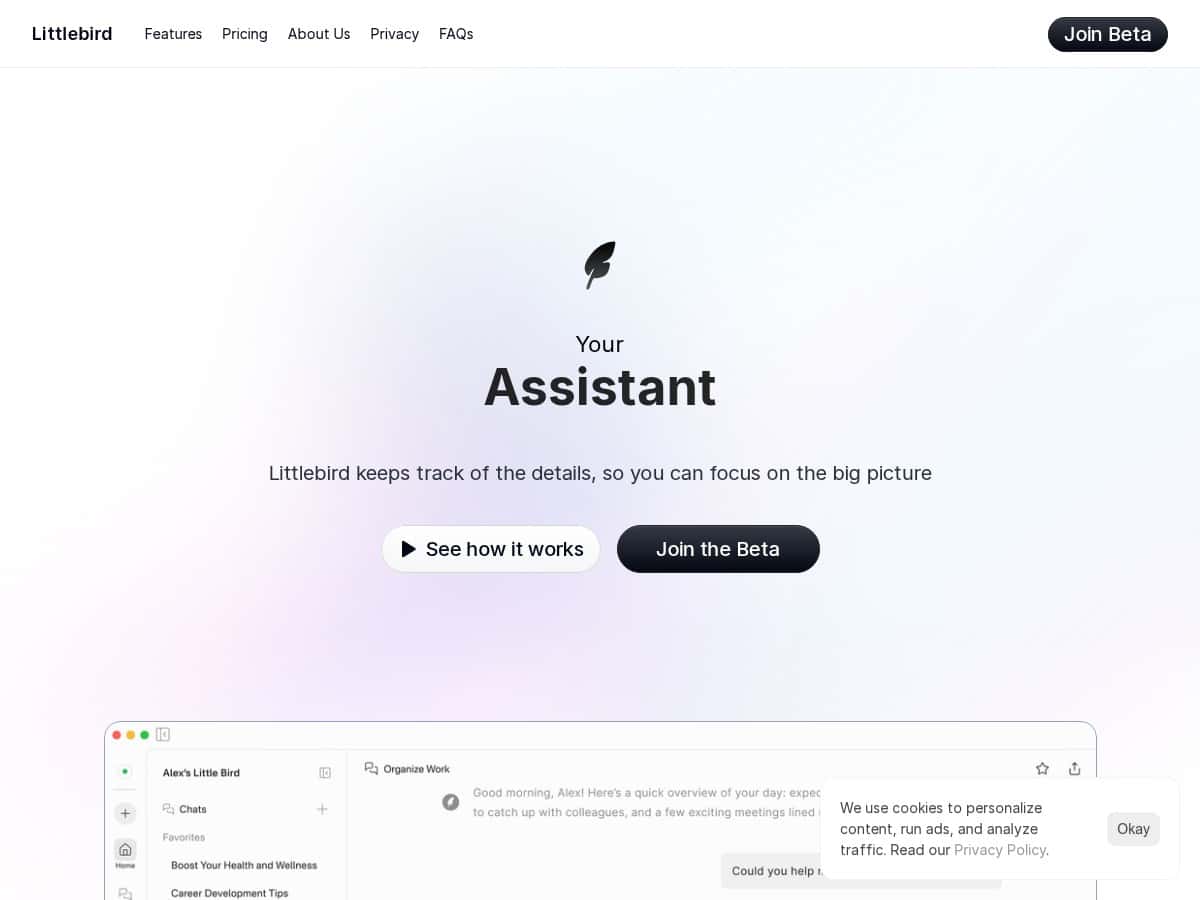
Looking for a smarter way to organize your daily tasks and stay on track? Littlebird promises to simplify your workflow with its AI-powered help. It’s designed to work seamlessly without setup, so you can start right away. Today, I’ll share my experience after testing this innovative digital assistant and what makes it stand out in a crowded market.
Littlebird Review
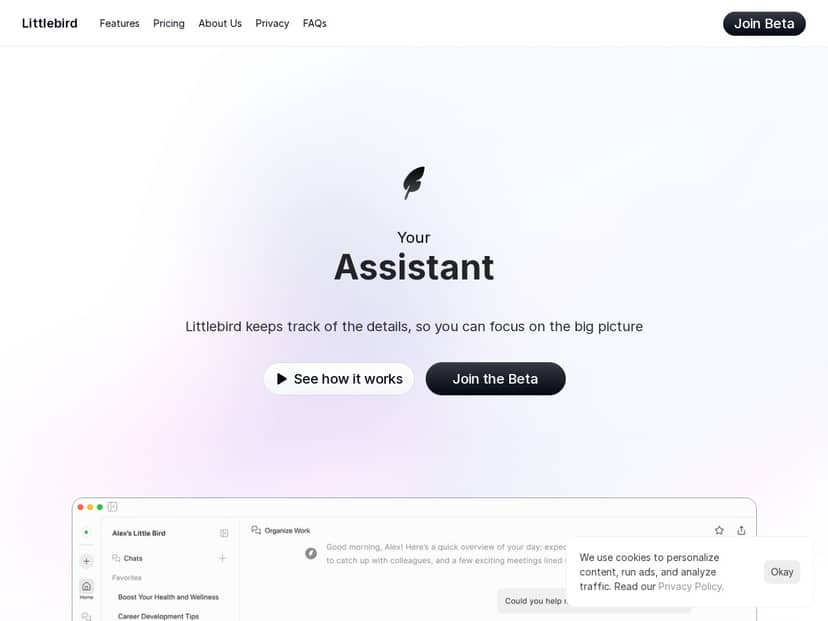
After trying Littlebird for a few weeks, I can honestly say it feels like having a personal assistant working behind the scenes. It automatically captures insights from my calls, notes, and app activities, then organizes them into daily journals and task lists. The AI is surprisingly adaptable—it picks up my work habits quickly and tailors support accordingly. The real game-changer is how effortlessly it integrates with my existing tools, saving me time and mental energy. While it’s still refining some features, I already see a lot of potential for boosting productivity every day.
Key Features
- Personalized AI Assistance: Learns and adapts to your habits for tailored support
- Task Organization: Automatically creates daily journals and task lists based on activity
- Multi-Model Functionality: Switch between text, images, and web search seamlessly
- Chat Synchronization: Keeps your chats and data backed up across devices
- Unified Knowledge Base: Centralizes info from various apps for easy access
- Data Security: Ensures encrypted and secure storage, giving full control over your data
Pros and Cons
Pros
- No setup required — start using immediately
- Automatically generates useful outputs like journals and tasks
- Integrates well with existing apps and workflows
- Learns your preferences for a personalized experience
- Strong data security and user control
Cons
- Still refining some features as a new platform
- Limited access during the beta phase might restrict full experience
Pricing Plans
Currently, Littlebird offers a free beta program, allowing users to explore and use the platform at no cost. Details about future pricing plans after the beta remain undisclosed.
Wrap up
Overall, Littlebird is a promising tool for anyone seeking to boost productivity with minimal effort. Its automatic task and journal generation, combined with personalized support, make it a handy companion for busy professionals. While it’s still evolving, its ease of use and security features make it worth trying out during the free beta period. If you want a seamless AI assistant without complex setup, Littlebird is definitely worth checking out.