LIFETIME DEAL — LIMITED TIME
Get Lifetime AccessLimited-time — price increases soon ⏳
AI Tools

MakeBrand LogoMaker Review – Create Custom Logos Easily

Updated: April 20, 2026
5 min read
#Ai tool#Design

Table of Contents

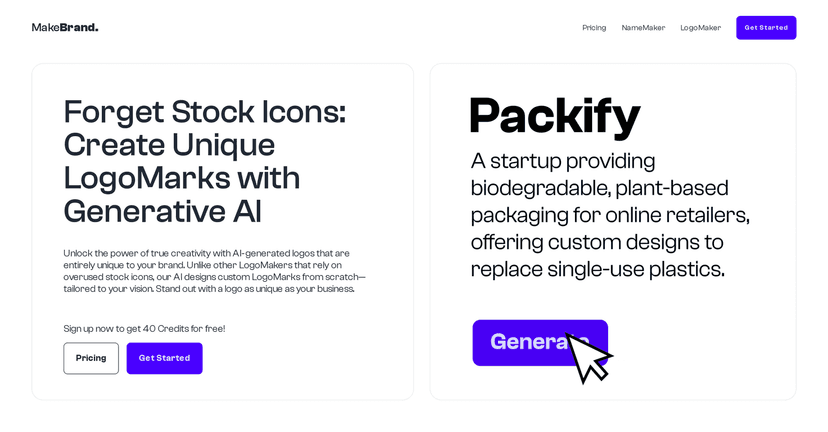
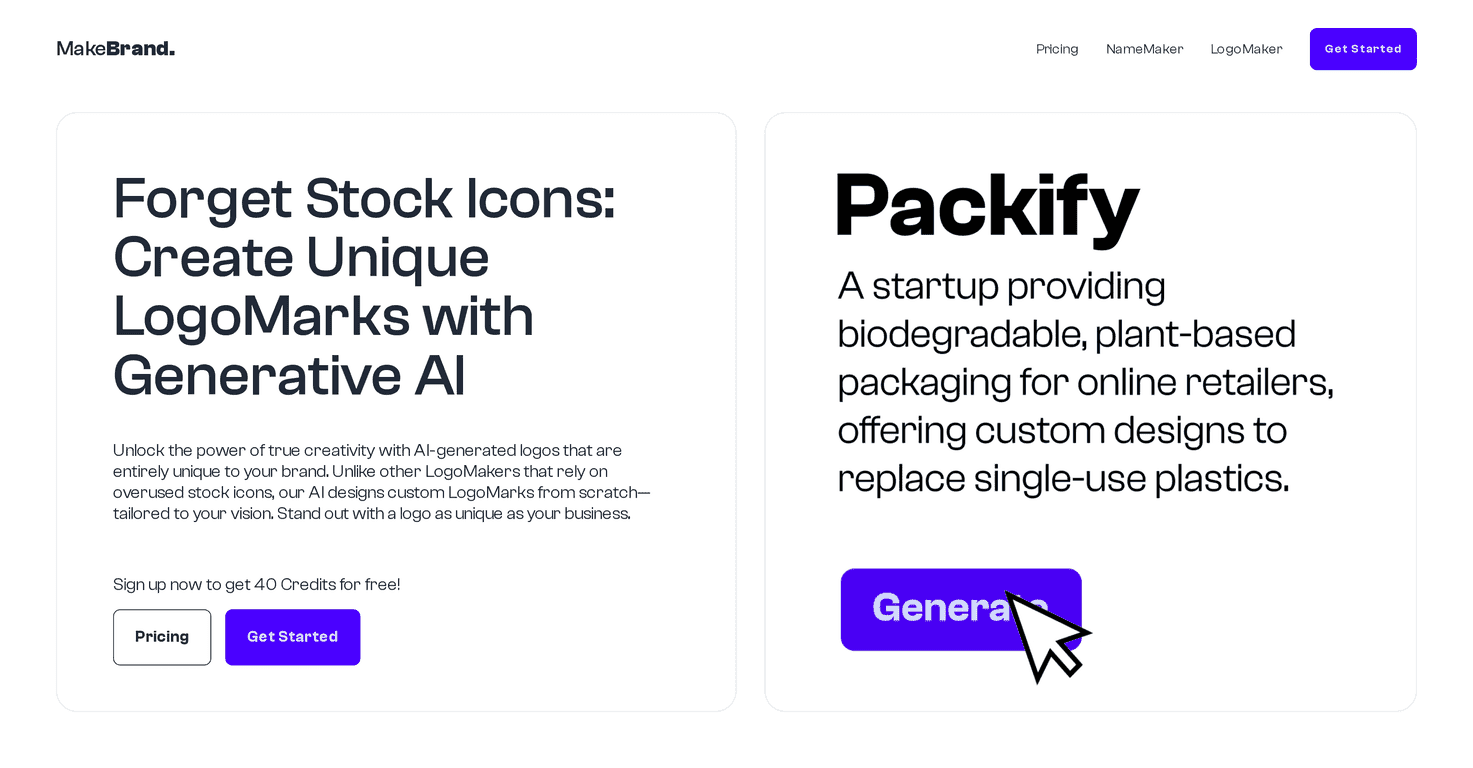
When I’m trying to launch a brand (or refresh one that’s starting to feel stale), the logo is usually the first thing people notice. And honestly? Most “free logo” tools end up feeling generic fast—same icons, same layouts, same vibe. That’s why I was curious about MakeBrand LogoMaker. It’s an AI logo generator that focuses on creating custom LogoMarks instead of leaning on stock graphics. In my experience, that difference matters.

Makebrand Logomaker

So what’s it like to actually use? The interface is pretty straightforward, and you’re not stuck in some complicated design software maze. You can tweak things until it starts to look like “your” brand. Still, if you’ve never edited a logo before, there’s a small learning curve—mostly around adjusting styles and picking fonts that don’t clash. The good news is that there are tutorials and support to help you get unstuck.

MakeBrand LogoMaker Review: AI Logos That Don’t Feel Copy-Paste

MakeBrand LogoMaker is built around AI-generated designs that aim to be original for your brand. Instead of throwing you a handful of stock-style icons, it focuses on creating LogoMarks you can refine. That’s the big selling point, and in my testing, it does make a difference—more variety, less “I’ve seen this before” energy.

Where it really shines is customization. You’re not just downloading whatever the generator hands you. You can adjust the look in the LogoMaker Editor so the final mark matches the vibe you’re going for—modern, playful, minimal, bold, etc. And if you’re picky (I am), that flexibility is a lifesaver.

One thing to keep in mind: the “AI” part can still produce concepts you’ll want to redo. You might generate a few variations before you land on something you actually love. That’s normal with logo design, but here it ties into the credit system (more on that below).

Key Features I’d Actually Use

  1. AI-Generated Logos for originality: The goal is to avoid stock icon reuse and generate LogoMarks that feel more tailored to your brand.
  2. Customization Options in the LogoMaker Editor: You can tweak the design instead of being stuck with a one-click result.
  3. Credit-based pricing: You pay in credits for generation and downloads, which is helpful if you don’t want to commit to a subscription.
  4. FontScout tool: This is useful because typography can make or break a logo. In practice, having font suggestions that fit the style you’re building saves time.
  5. High-quality vector outputs: Vector format is a big deal if you plan to use your logo on anything more than a single website page.
  6. Unlimited NameMaker access: If you’re still experimenting with brand names, this is a nice extra so you’re not juggling multiple tools.
  7. Download options: You can grab SVG, JPEG, and PNG depending on what you need (web, print, social profiles, etc.).

Pros and Cons (Realistic Take)

Pros

  • Less dependence on stock images: The generated designs feel more custom, which helps your brand stand out.
  • Clear, flexible pricing: The credit structure makes it easier to control spending rather than paying for features you won’t use.
  • Customization goes beyond minor tweaks: I like that you can refine the logo until it actually matches your branding direction.
  • Transparent credit system: No mystery—credits are tied to generation and downloads, so you can plan.
  • Outputs are usable for real work: Vector downloads are especially important if you want consistent quality across sizes.

Cons

  • Credits add up if you’re exploring a lot: If you generate dozens of concepts, you’ll likely end up buying more credits.
  • New users may need a minute: If you’ve never built a logo before, learning what to change (and what not to) takes a little time.

Pricing Plans: What You Get for the Money

In my opinion, the pricing is pretty straightforward because it’s based on credits. Here are the tiers:

  • Starter: 100 Credits for €10 (they say this supports about 25 logos).
  • Designer: 400 Credits for €25 (about 80 logos).
  • Business: 900 Credits for €50 (about 180 logos).

Quick practical tip: if you’re early-stage and just want 1 strong logo, I’d start with Starter and be intentional. Generate a few directions, pick the best one, then refine. If you’re doing multiple brands (or you know you’ll iterate a lot), Designer or Business will probably make more sense.

Wrap up

MakeBrand LogoMaker is a solid option if you want a custom-feeling logo without spending weeks learning design tools. The AI LogoMarks, the editor-based customization, and vector downloads are the parts that stood out to me most. The main downside is the credit system—if you keep generating new concepts, costs can creep up.

Still, if you approach it like a real design process (generate, compare, refine, then download), it’s genuinely useful. And if you’re building a brand from scratch or tightening up an existing identity, that’s exactly where tools like this can earn their keep.

Promote MakeBrand LogoMaker

Stefan

Stefan

Stefan is the founder of Automateed. A content creator at heart, swimming through SAAS waters, and trying to make new AI apps available to fellow entrepreneurs.

Related Posts

SuperMaker Review – Create Stunning Videos Easily

SuperMaker Review – Create Stunning Videos Easily

turn your ideas into professional-quality videos

Stefan
ShortPix AI Review – Create Stunning AI Photos Easily

ShortPix AI Review – Create Stunning AI Photos Easily

generate photos of yourself directly through WhatsApp

Stefan
InstaInfluencer Review – Create Amazing AI Videos Easily

InstaInfluencer Review – Create Amazing AI Videos Easily

AI-generated influencer videos simplify marketing strategies

Stefan

Create Your AI Book in 10 Minutes