Table of Contents
Are you looking for a way to simplify your content creation? ReyoAI might just be the answer! Imagine having an AI tool that not only generates articles but also creates images and social media posts. It promises to make your writing process faster, easier, and more efficient. In this ReyoAI review, we’ll explore its features, pros, cons, and pricing plans to help you decide if it’s the right fit for you.
ReyoAI Review
ReyoAI has quickly made a name for itself as a versatile content generation platform. This tool is designed for both individuals and businesses looking to streamline their content workflows. By leveraging advanced artificial intelligence, ReyoAI allows users to create a variety of content, including SEO-optimized articles and engaging images, in no time. The user-friendly interface ensures that whether you’re a seasoned marketer or a newbie, you can dive right in without a steep learning curve.
One of the standout assets of ReyoAI is its ability to generate thematic content tailored to specific brand voices. This means that no matter your niche, you’re likely to find features that resonate with your target audience. Plus, with the addition of chatbots and analytics, ReyoAI covers vast ground in content marketing strategies. Overall, it’s a comprehensive solution that caters to the many needs of modern content creators.
Key Features
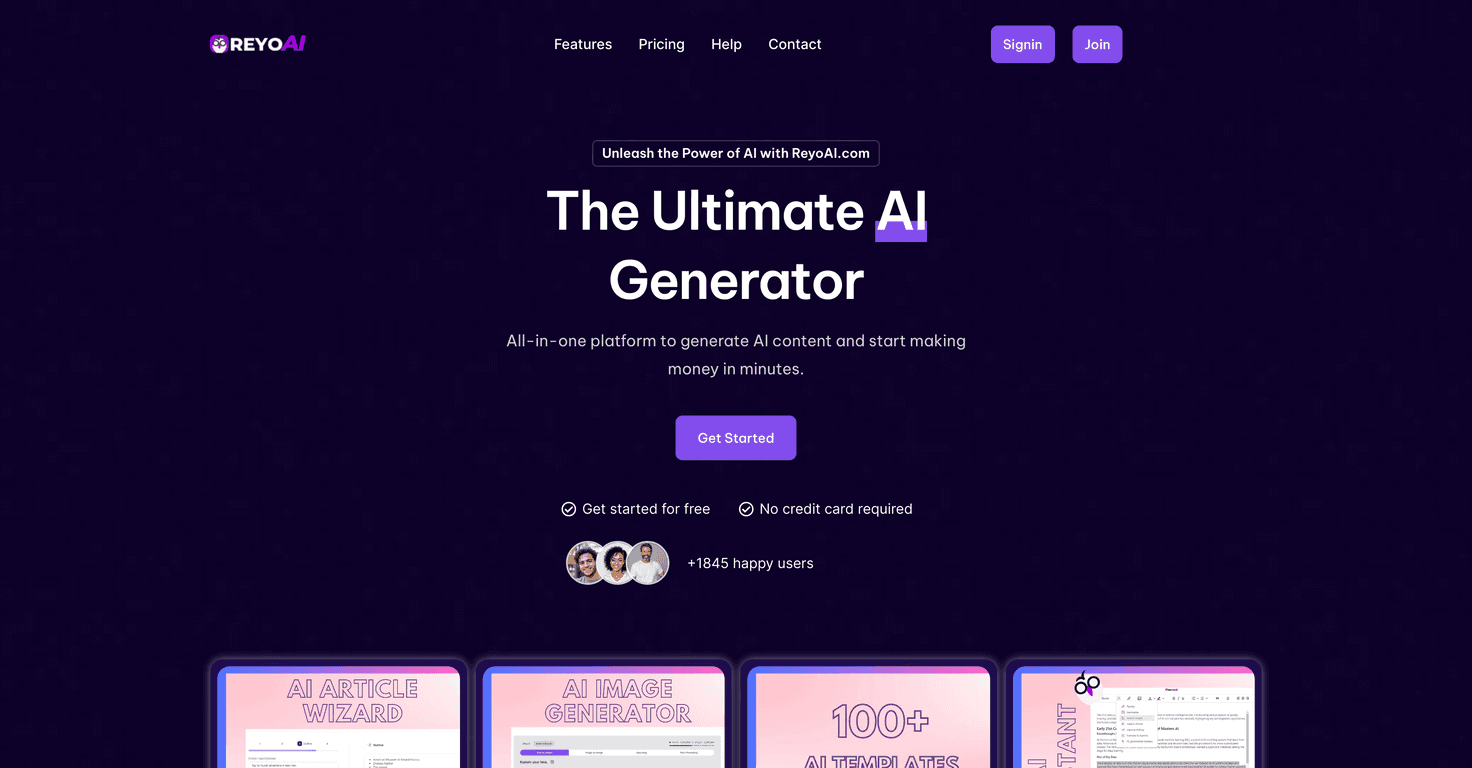
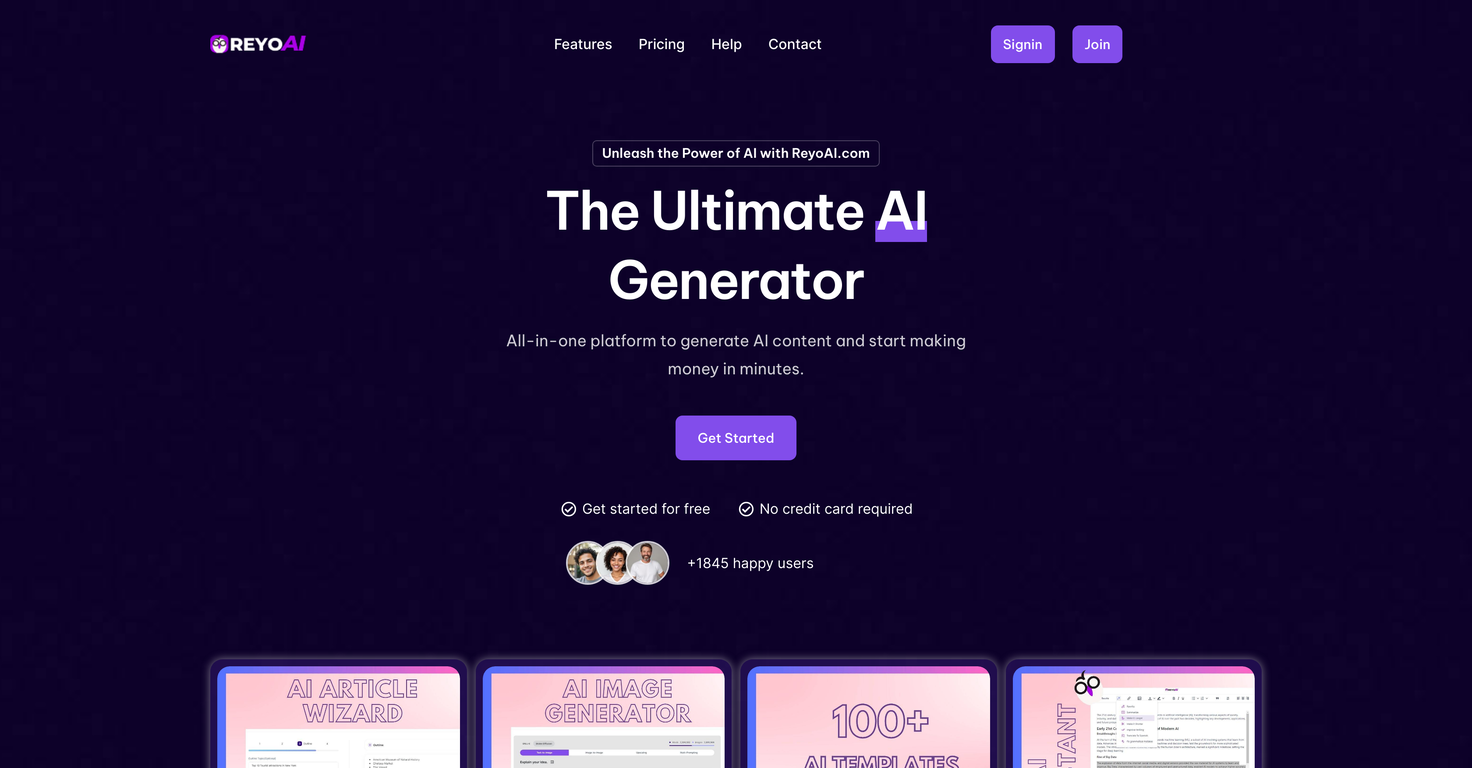
- AI Article Wizard for SEO-optimized article generation
- AI Image Generator for unique image creation
- Access to 100+ pre-designed templates
- AI Assistant for editing and refining content
- Content generation tailored to specific brand voices
- Chat Image Generator for producing images in chat environments
- AI YouTube Tools for video content transformation
- Text-to-speech and vice versa in multiple languages
- Customer support tools for chatbot creation
- Website analytics for user behavior insights
Pros and Cons
Pros
- Comprehensive toolset for content creation and marketing
- User-friendly interface for quick adoption
- Free plan to explore platform features before commitment
- No credit card required for free trials
- Various pricing plans to suit different user needs
Cons
- Some premium features can be costly at higher-tier plans
- Initial learning curve for AI tools may challenge first-time users
Pricing Plans
ReyoAI offers a diverse range of pricing plans catering to different levels of users. The Free Plan gives limited access, while the Starter Plan at $10/month provides a generous word and image credit allowance. The Growth Plan for $14/month includes more advanced features, while the Premium Plan at $24/month unlocks all capabilities of ReyoAI, making it ideal for heavy users and marketers.
Wrap up
In summary, ReyoAI is an excellent tool for anyone looking to enhance their content creation process. Its wide variety of features, flexible pricing, and user-friendly design make it a standout option. Whether you’re a freelancer or a business, ReyoAI promises to elevate your workflow. If you’re considering modernizing how you create content, ReyoAI is worth exploring!