Table of Contents
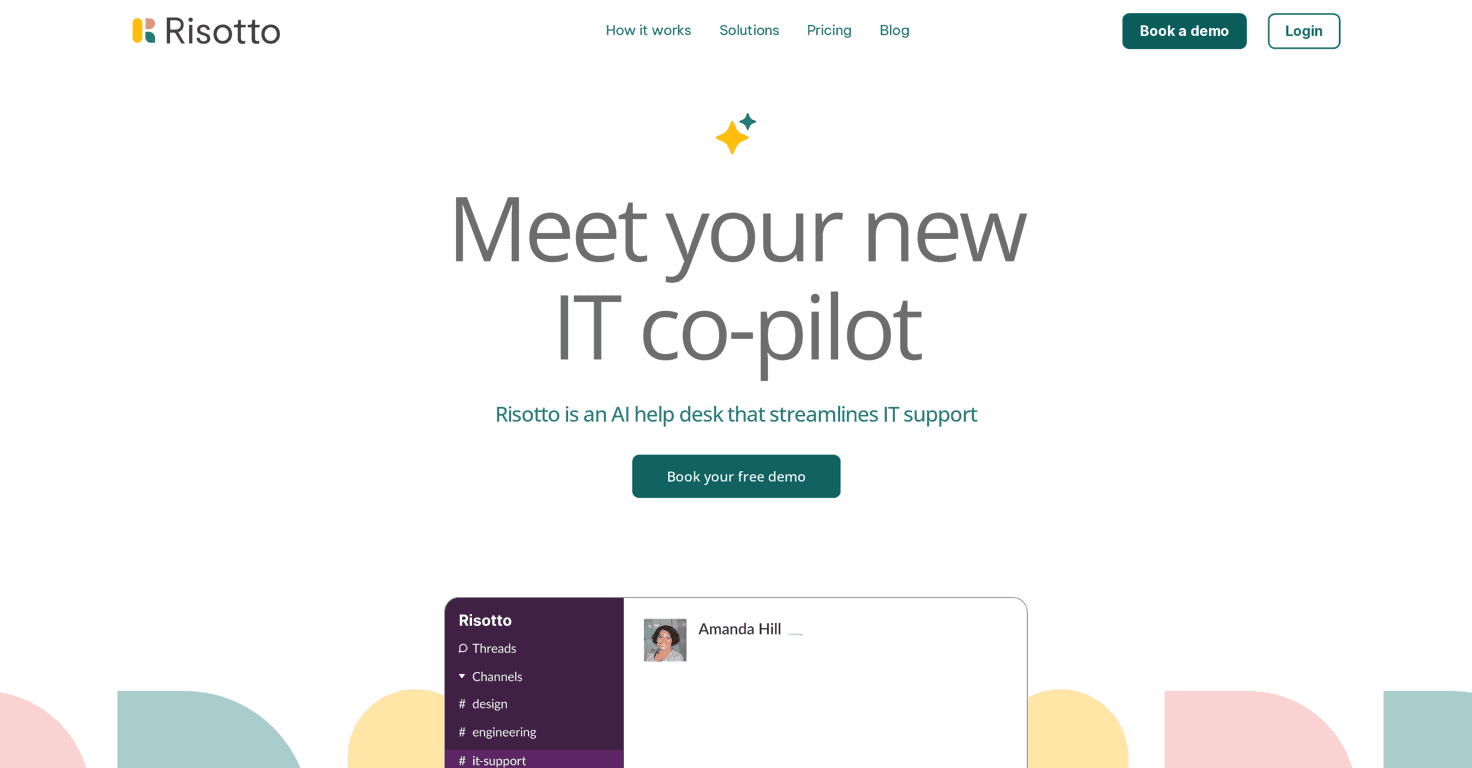
If you’ve ever tried to run IT support while bouncing between Slack, email, and a ticketing tool, you already know how messy it gets. That’s why I was interested in Risotto—it’s an AI-powered help desk built to live inside Slack, so employees can ask questions where they already work.
In my experience, the biggest win isn’t just “AI.” It’s the fact that Risotto can actually handle the boring stuff: ticket creation, routing, and answering the repeat questions that show up every week. When it’s set up well, your IT team spends less time copy/pasting the same responses and more time on the stuff that really needs a human.
Now, I’ll be honest—if your org doesn’t use Slack heavily, this won’t feel as useful. But if Slack is your main hub, the integration is the whole point, and Risotto leans into that hard.
Risotto Review: AI Help Desk in Slack (What I Noticed)
Risotto is positioned as an AI-driven help desk that automates ticket management and answers common questions using your existing knowledge. The first thing I looked for was how smoothly it fits into Slack conversations—because if it feels bolted on, people won’t use it.
What I noticed right away:
- Less switching for IT. When requests come in through Slack, the back-and-forth stays in one place instead of spilling into email threads or random forms.
- Faster responses for common issues. For “usual suspects” (password resets, basic setup questions, access-related FAQs), Risotto can respond quickly using your knowledge base.
- Ticket handling that feels automatic. Instead of manually creating tickets for every new message, Risotto can take those requests and turn them into tickets without you chasing details.
One thing I liked is the workflow flexibility. Depending on how you want it to operate, Risotto can handle requests coming in via direct messages or through public Slack channels. That matters because different teams have different habits—some people prefer DMing support, while others want everything visible in a channel for transparency.
Another practical detail: Risotto’s integration with knowledge sources like Notion and Confluence. If your documentation already lives there, you’re not starting from scratch. In setups like this, the “quality” of the AI output is heavily tied to how good your docs are—garbage in, garbage out. But when your docs are organized, the answers tend to be noticeably more accurate.
For security-minded teams, Risotto also supports access management and approval workflows for software requests. That’s a big deal in companies where you can’t just grant access because someone asked nicely in Slack. Approvals and auditability help keep things compliant without adding extra steps for users.
And yes—24/7 support is included. In reality, that means employees can get immediate help outside business hours instead of waiting for the next morning. That alone can reduce “urgent” pings that are really just “I need this right now” moments.
Key Features (The Stuff You’ll Actually Use)
- Automated Ticket Management: turns Slack requests into tickets so your IT team doesn’t have to manually create and organize every case.
- Common Questions Automation: answers frequently asked questions using your knowledge base, which helps reduce repetitive tickets.
- Workflow Management: routes and handles requests based on the workflow rules you set up (DM vs channel, routing logic, etc.).
- Direct Messaging Support: employees can ask for help privately, and Risotto can respond and/or open the right ticket.
- Integrations with Notion and Confluence: pulls from documentation you already maintain instead of forcing you into a new system.
- Access Management for Software Requests: supports approval workflows so access isn’t granted blindly.
- Audit Trail for Compliance and Reporting: helps track what happened for reporting and security reviews.
- 24/7 Support: covers after-hours questions so employees aren’t stuck waiting.
Pros and Cons (Realistic Expectations)
Pros
- Slack-first support reduces context switching. If your team already lives in Slack, this is a major quality-of-life improvement.
- Quicker answers for repeat questions. People get help faster, and IT gets fewer “did you see my email?” follow-ups.
- Automation cuts down repetitive work. Ticket creation and basic triage can be handled without human effort for every single request.
- Security and approvals are built in. Software access requests can go through proper review instead of becoming a free-for-all.
- Potential cost control. If you’re currently paying for multiple overlapping tools, consolidating workflows can help prevent SaaS sprawl.
Cons
- It’s primarily Slack-focused. If your org uses Slack lightly (or not at all), you’ll feel the limitation immediately.
- Automation can’t replace judgment. Edge cases and unusual IT issues still need a human. If your team expects the AI to “handle everything,” you’ll end up frustrated.
Pricing Plans (What I Could and Couldn’t Confirm)
Pricing details weren’t clearly listed in the content I reviewed. What I recommend is checking the official site’s Pricing section directly, because plans and feature limits can change fast with tools like this.
If you’re evaluating Risotto, I’d also suggest confirming:
- How many Slack workspaces or channels are supported
- Whether knowledge base integrations (like Notion/Confluence) have any usage limits
- What’s included for audit trail and access approvals
Promote Automateed

Wrap up
If you want an IT support setup that feels more “in the flow” and less like your employees have to go hunting for the right place to ask for help, Risotto is worth a look. The Slack integration is the core strength, and the automated ticket management + knowledge-based answers can genuinely cut down the repetitive workload for IT.
Just don’t expect it to handle everything perfectly out of the gate. Like any AI help desk, it performs best when your documentation is solid and your workflows are thought through. If you’re already using Slack and you have docs in Notion/Confluence, that’s where Risotto tends to shine.
If you want to test it, start small—pick one or two common request categories, tune the knowledge base, and watch how quickly ticket volume and response times change. That’s usually the fastest way to tell if it’s a fit for your team.