LIFETIME DEAL — LIMITED TIME
Get Lifetime AccessLimited-time — price increases soon ⏳
AI Tools

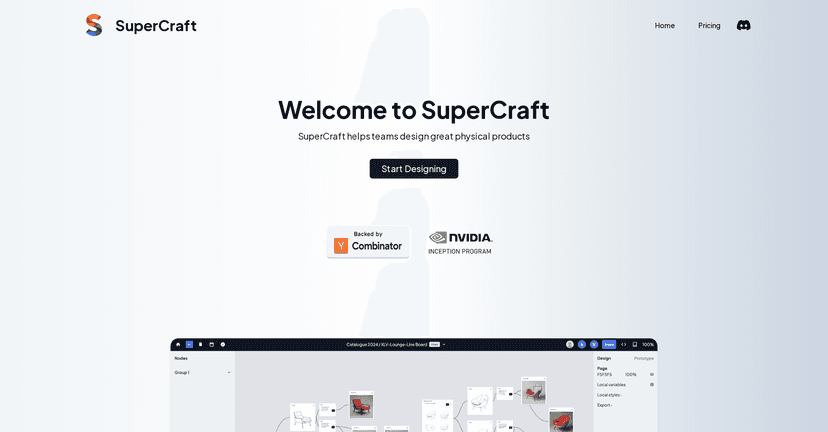
SuperCraft Review – A New Era in Product Design

Updated: April 20, 2026
5 min read
#Ai tool

Table of Contents

If you build physical products, you already know the pain: ideas look great on paper, but turning them into something manufacturable can get messy fast. I tested SuperCraft specifically to see how it handles the “from concept to production” part—because that’s usually where teams lose time, rework, and sanity.

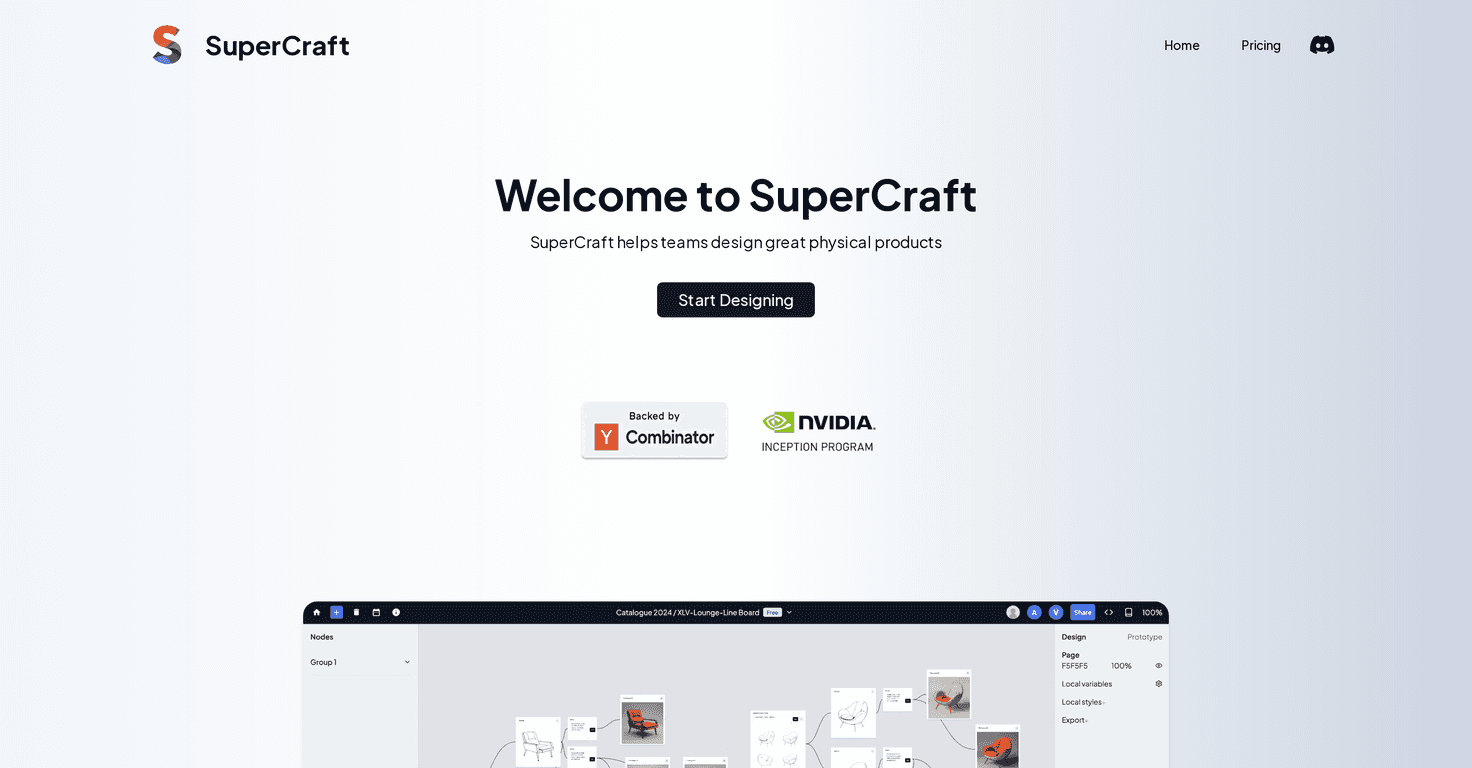
SuperCraft focuses on product design workflows that are meant for real-world builds, not just pretty mockups. It’s positioned as an easier way to plan, iterate, and collaborate, with tools that connect more directly to manufacturing steps. In my experience, that’s the big promise here: fewer handoffs, fewer “wait, what dimensions did you use?” moments, and a smoother path to production.

Supercraft

SuperCraft Review: What It’s Like for Real Product Work

SuperCraft is aimed at people designing physical products—think hardware, consumer goods, prototypes, and anything where you eventually need to hand off specs to someone who can actually manufacture it. The pitch is pretty clear: you shouldn’t have to stitch together five different tools just to go from “idea” to “ready to build.”

What stood out to me right away is the emphasis on keeping the process accessible. The interface is designed so you’re not constantly fighting menus or hunting for basic settings. I don’t mind learning a tool, but I do mind tools that feel like they were built for experts only.

SuperCraft also leans into collaboration. If you’ve ever worked on a product with engineers, designers, and maybe a manufacturer in the mix, you know how quickly feedback gets lost in comments, spreadsheets, and version confusion. The goal here is to keep everyone looking at the same design context instead of chasing down “the latest file.”

And yes, it claims integration with manufacturing processes. I like that direction because it’s usually the bottleneck—getting from design decisions to production requirements without turning it into a giant translation exercise.

Key Features That Matter (Not Just the Marketing Ones)

  1. Design tools built for physical product creation
    Instead of treating your work like a purely visual mockup, SuperCraft is structured around the kind of decisions you need for real parts and real constraints.
  2. User-friendly interface
    I found the workflow easier to follow than some “power user” CAD-style platforms. It doesn’t mean it’s dumbed down—it just means you spend less time figuring out where things are.
  3. Collaboration capabilities
    This is where the platform tries to earn its keep. It’s meant for teams that need feedback loops without everyone working in separate silos.
  4. Manufacturing integration
    The big idea is reducing the gap between design and production. Even small improvements here can save hours of back-and-forth later.
  5. Customization options
    For unique designs, you don’t want to feel boxed into templates. SuperCraft includes options meant to support variation instead of forcing everything into one shape.

Pros and Cons From My Hands-On Perspective

Pros

  • More efficient iteration
    I noticed the workflow encourages faster cycles—less time bouncing between stages and more time actually refining the design.
  • Collaboration feels more structured
    When multiple people are involved, it helps to keep feedback attached to the right context instead of sending “version 12_final_reallyfinal.pdf” around.
  • Design-to-production time can drop
    Anything that reduces handoff friction is a win. If SuperCraft’s manufacturing handoff matches your use case, you’ll likely feel the speed improvement.
  • Tools cover different design needs
    It’s not one-trick software. I could see it working for different kinds of projects, from early concept work to more build-ready planning.

Cons

  • There’s still a learning curve
    If you’re used to a specific design/CAD tool already, you’ll need time to get comfortable here. New users might feel it more.
  • Pricing could be a deal-breaker for small teams
    SuperCraft’s entry cost will matter. If you’re a solo creator on a tight budget, you’ll want to confirm what you get at each tier before committing.
  • Niche requirements may not be fully supported
    For very specialized manufacturing needs or highly specific design standards, you might run into limitations and need workarounds.

Pricing Plans: What I Could Confirm (and What I Couldn’t)

I didn’t see specific pricing details included in the information I reviewed here. So instead of guessing, I’d recommend checking the official SuperCraft website for the latest plan options.

If you’re evaluating it, here’s what I’d look for before you pay anything: team seats (if collaboration matters), limits on projects/exports, and whether the manufacturing integration covers the types of output you actually need.

Wrap up

Overall, I think SuperCraft is a solid option if you want a design workflow that’s closer to real product production—especially if you care about collaboration and reducing handoff chaos. It’s not automatically perfect for every niche requirement, and the learning curve (and cost) are real considerations. But if you’re working on physical products and you want fewer steps between concept and build, it’s worth a serious look.

Promote SuperCraft

Stefan

Stefan

Stefan is the founder of Automateed. A content creator at heart, swimming through SAAS waters, and trying to make new AI apps available to fellow entrepreneurs.

Related Posts

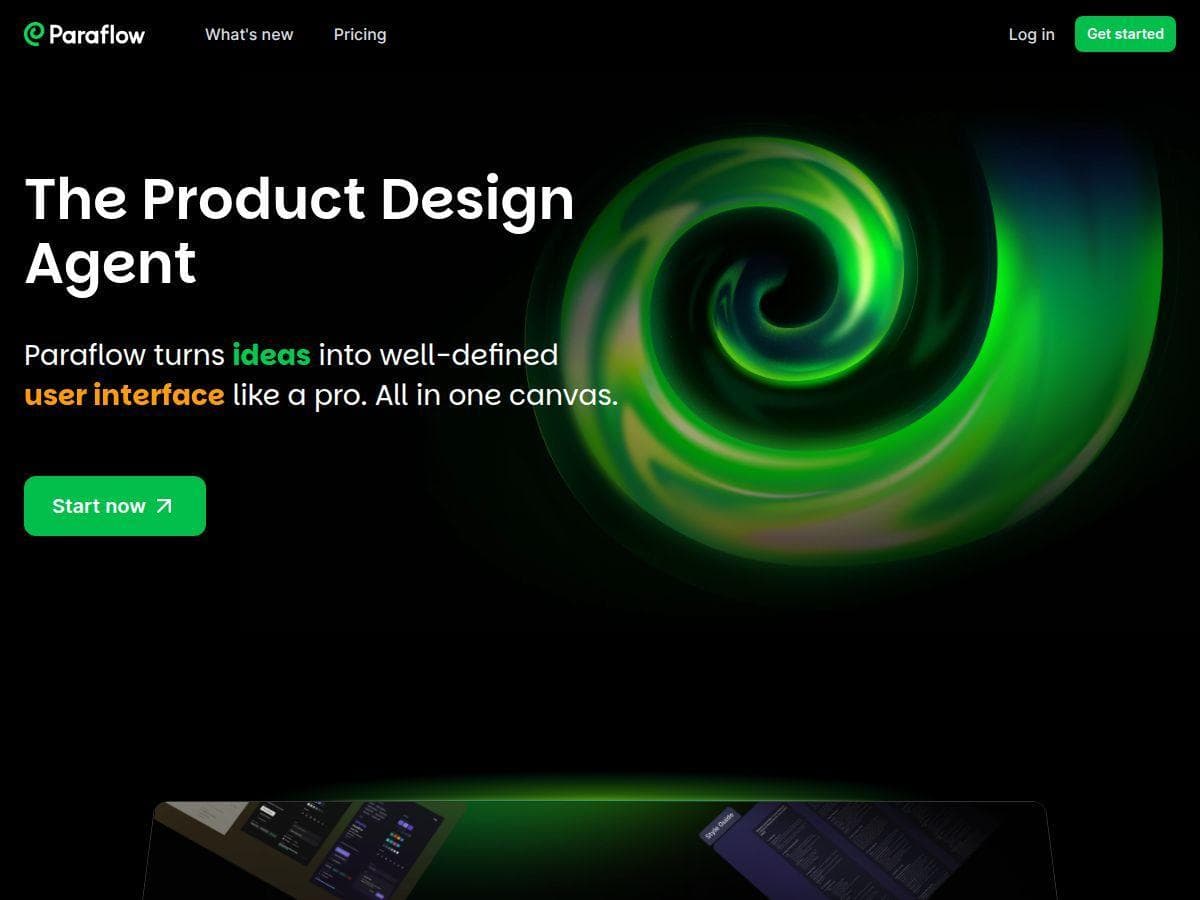
Paraflow Review – Simplifying Product Design with AI

Paraflow Review – Simplifying Product Design with AI

AI-powered platform speeds up product design

Stefan
kick-co screenshot

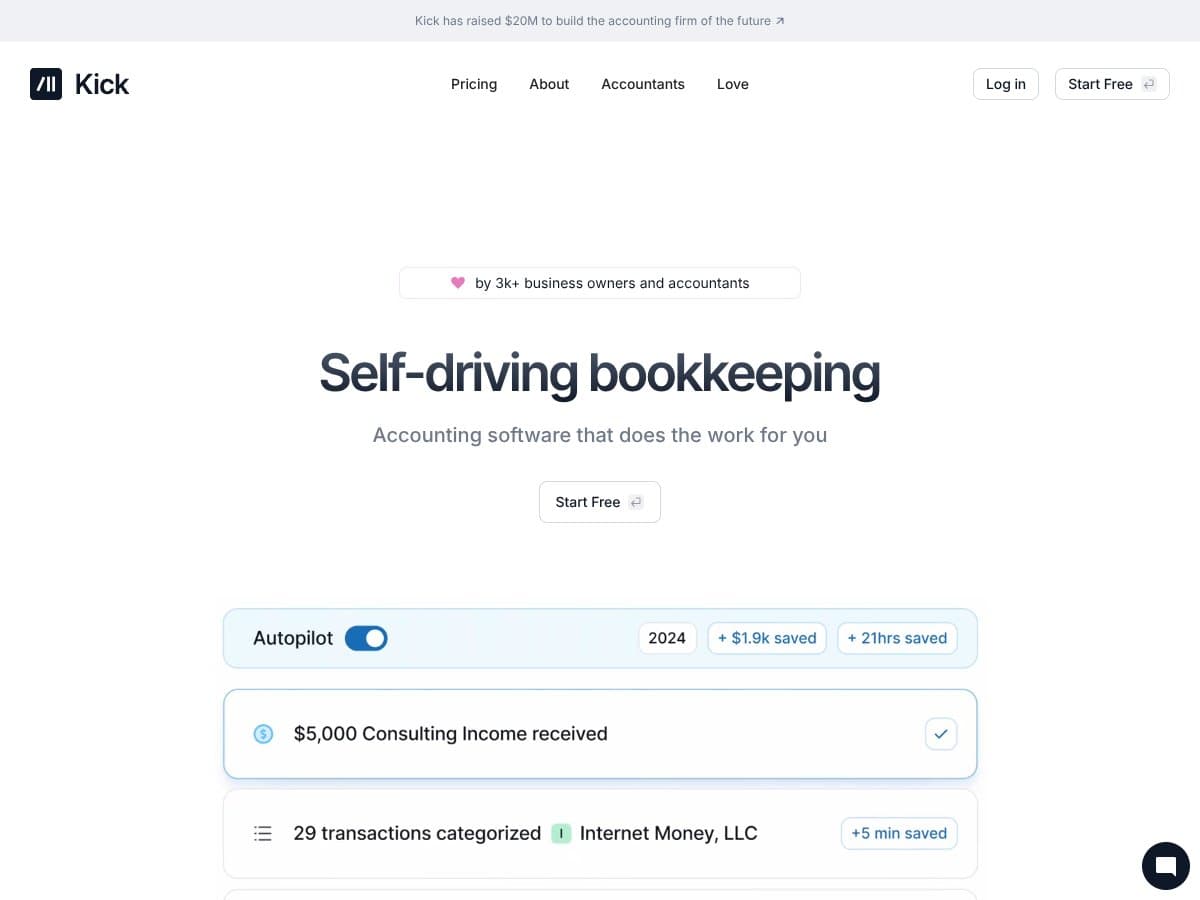
kick-co Review – A Powerful AI Design Tool

Kick is a personal bookkeeper made for the modern Entrepreneur or Accountant who wants to automate their business life. Kick is free to use–or pays for itself.

Stefan
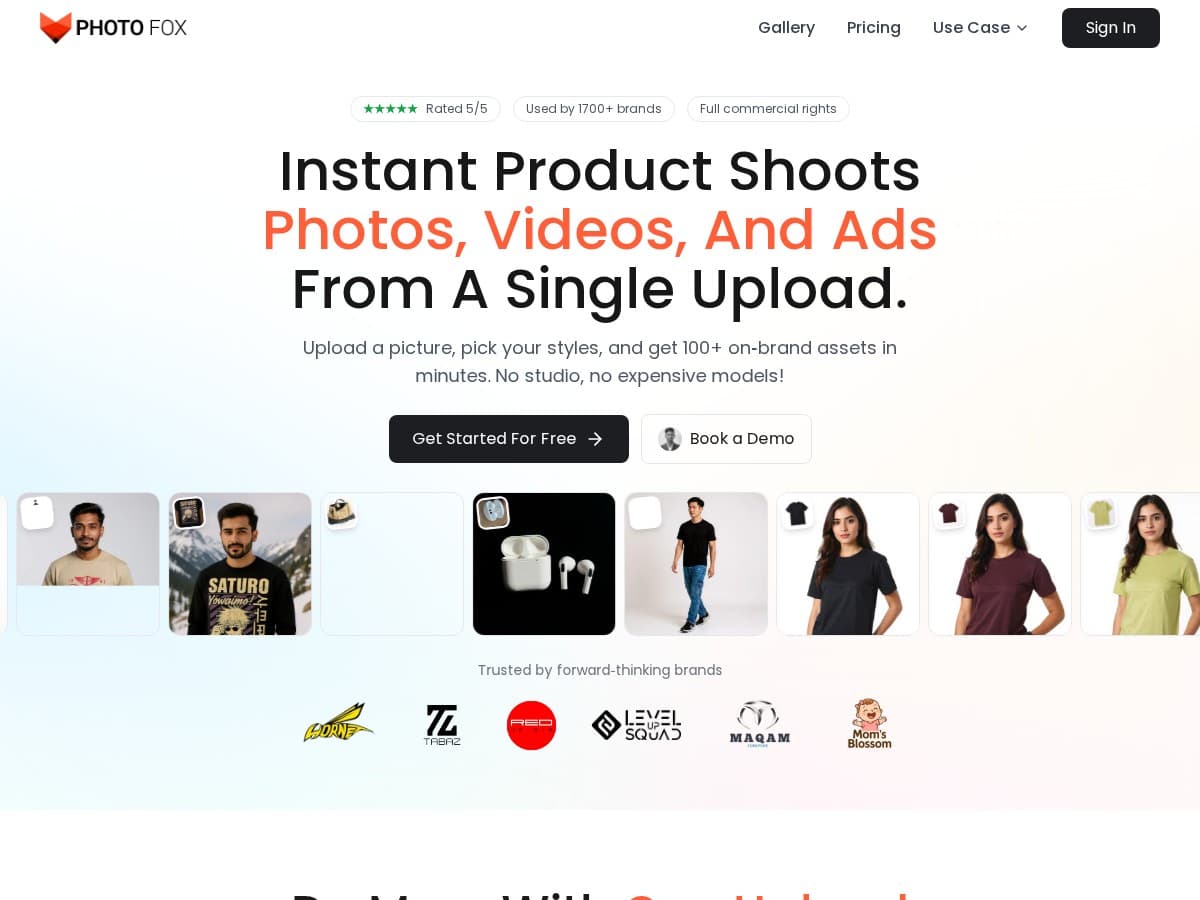
PhotoFox AI Review – Effortless Product Visuals

PhotoFox AI Review – Effortless Product Visuals

streamline your product photography process

Stefan

Create Your AI Book in 10 Minutes