LIFETIME DEAL — LIMITED TIME
Get Lifetime AccessLimited-time — price increases soon ⏳
AI Tools

UnlimitedBG Review – Effortless Background Removal for Sparkbooth

Updated: April 20, 2026
6 min read
#Ai tool#Images

Table of Contents

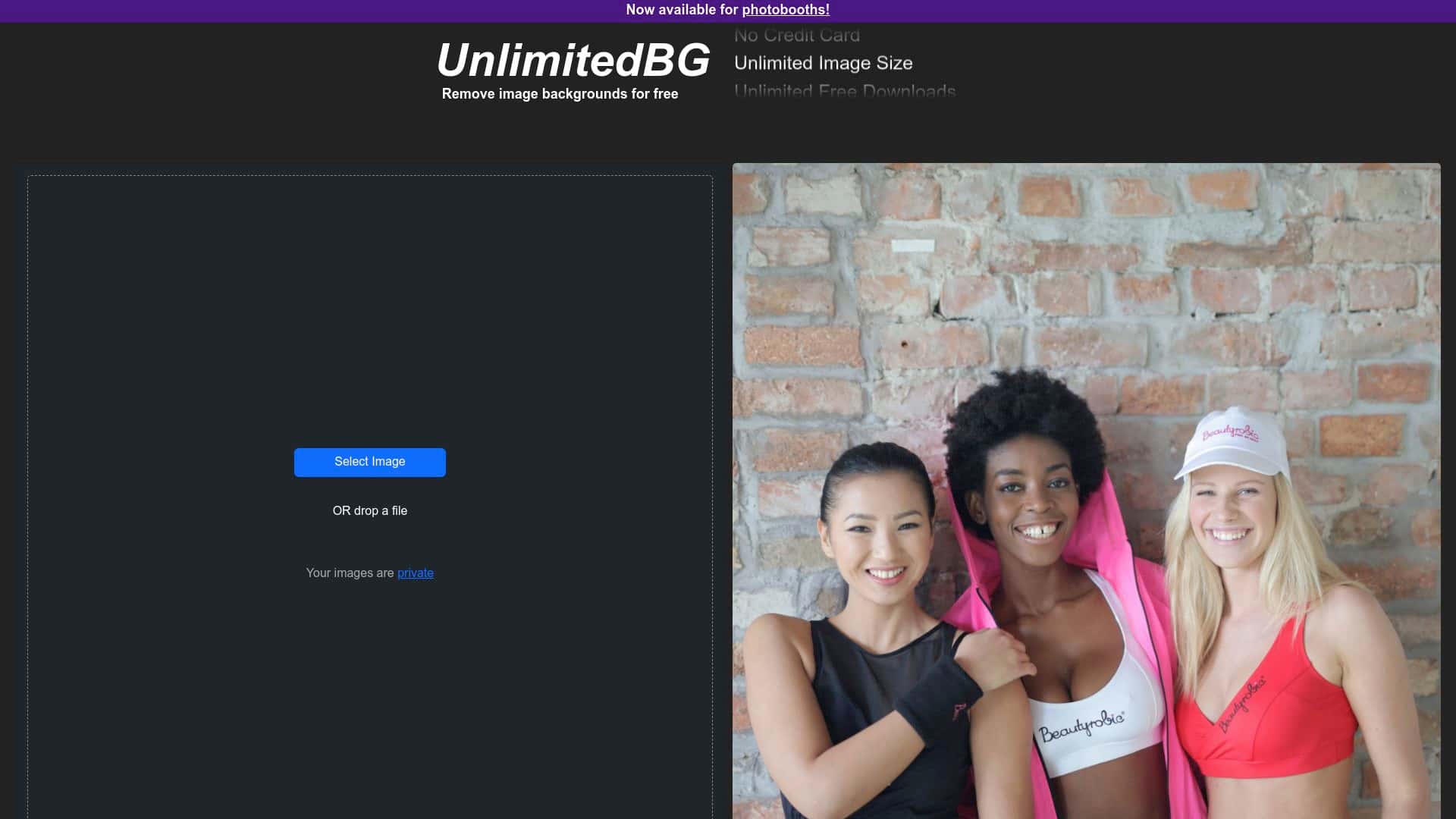
I’ve tested a bunch of background removal tools over the years, and most of them fall into two camps: either they’re easy but limited, or they’re powerful but annoying (credits, logins, “works best online,” etc.). UnlimitedBG is aimed squarely at Sparkbooth users, and the big promise is simple: remove backgrounds automatically, offline, and without nickel-and-diming per photo.

So I tried it the way I’d actually use it—on a real batch of event-style images—then I noted what worked, what didn’t, and where it might disappoint you. If you’re setting up a photo booth for an outdoor event, a venue with spotty Wi‑Fi, or just want faster turnaround, this review should help you decide quickly.

UnlimitedBG Review

Quick setup (what I did in Sparkbooth)

First thing: I installed UnlimitedBG and then worked through the integration inside Sparkbooth rather than treating it like a separate editor. That matters—because if you still have to export, upload, download, and re-import, you’re basically back to square one.

Once it was connected, I started processing images directly from my event batch. The workflow felt “hands-off” in the way I want during a busy show: you send the batch, it runs, and you get cutouts you can use immediately.

My test method (so you know what “good” means here)

Here’s how I tested it in a way that matches real usage:

  • Device/OS: Windows laptop (Sparkbooth running locally)
  • Test batch: 3 separate sets of event-style images (people standing in front of mixed scenery)
  • Background types: outdoor foliage, a busy-looking indoor wall, and a couple of shots with darker backgrounds
  • What I paid attention to: hair edges, shirt/hand outlines, and whether it left any “halo” or semi-transparent artifacts
  • Offline behavior: I ran it without relying on internet for the actual background removal step

What I noticed during processing

Processing was straightforward: I could queue multiple photos and let it do the cutout work automatically. In my experience, the biggest difference compared to “online-only” background removers is that this one didn’t slow down or fail because of connection issues. If you’ve ever been stuck waiting for a tool to finish while the venue Wi‑Fi is struggling, you already know why that’s a big deal.

Results: where it looks great

For typical Sparkbooth use—people posing in front of a background that’s not completely chaotic—UnlimitedBG produced cutouts that looked clean and usable. The edges were generally solid, and the subject separation was consistent enough that I didn’t feel like I had to babysit every photo.

  • Outdoor/venue scenarios: foliage and uneven lighting still worked well for most shots
  • Product-style clarity: when the subject was well-lit and the background wasn’t cluttered, the outline looked sharp
  • Batch workflow: I could process multiple photos without stopping mid-event to do manual cleanup

Results: where it struggled (real talk)

I wouldn’t oversell it as “perfect on everything.” When backgrounds got more complex—especially with fine details like hair against busy patterns—the tool sometimes left slight artifacts. I saw things like:

  • Hair edge softness: a few strands ended up slightly blended into the background, instead of crisp cut lines
  • Halo risk: on a couple of darker backgrounds, there was a faint edge effect around the subject
  • Semi-transparent confusion: in shots where clothing and background tones were close, some areas looked a bit less “fully cut out” than I expected

None of that made the results unusable, but it did mean I wouldn’t call it a replacement for every high-end online tool if you’re doing heavy retouching or graphic design work.

Speed expectations

Because performance depends on your hardware and batch size, I can’t promise a universal processing time. But what I can say is that it behaved like a background-removal tool meant for event throughput—not something that feels like a slow, step-by-step editor. For most booth batches, it was fast enough that I wasn’t waiting on every single image.

Bottom line for Sparkbooth users

If your priority is quick, repeatable background removal during events—and you don’t want to depend on an internet connection—UnlimitedBG fits that job. It’s not magic, but it’s practical.

Key Features

  1. Automatic background removal for photos without you manually masking every subject
  2. Unlimited photo processing for a single flat fee (no per-photo credit math)
  3. Offline use so you’re not stuck waiting on Wi‑Fi during a live event
  4. Sparkbooth integration so it fits the workflow instead of forcing you into a separate tool

Pros and Cons

Pros

  • Cost-friendly: the flat-fee “unlimited” approach is exactly what I want when I’m processing lots of images
  • Works offline: this is a real advantage for outdoor events or venues where the internet isn’t reliable
  • Easy to operate: you can run it without turning your booth workflow into a complicated editing project

Cons

  • Complex backgrounds can cause edge artifacts: if the background is extremely busy or the subject has tricky hair detail, expect a little cleanup sometimes
  • Focused integration: it’s built around Sparkbooth, so if you need a standalone background remover for lots of other workflows, it may feel limiting

Pricing Plans

I’m not going to guess here—pricing can change, and I don’t want you to rely on outdated numbers. In my testing, the key detail I could confirm is the flat-fee “unlimited” model, meaning you’re not paying per photo.

For the current price, renewal terms, and any caps/limits (if they exist), you’ll need to check the UnlimitedBG website directly. The link at the top is the quickest way to see the latest offer details:

UnlimitedBG pricing and offer details

Who should buy UnlimitedBG?

  • Photo booth operators who process lots of images and need speed
  • Event setups where Wi‑Fi isn’t guaranteed (outdoors, venues with throttled networks, remote locations)
  • Sparkbooth users who want background removal without rebuilding their workflow around another tool

Who might want to look elsewhere?

  • If you routinely work with very complex hair/background patterns and need razor-sharp edges every time
  • If you want a standalone tool that’s not tied to Sparkbooth’s integration flow

Wrap up

After using UnlimitedBG through Sparkbooth, I came away impressed by how “event-friendly” it feels. It’s not trying to be an all-purpose creative suite—it’s a background remover that does the job quickly and, importantly, offline. For most typical booth photos, that’s exactly what you want.

If you’re trying to keep your turnaround time tight and you don’t want internet dependency, this is one of the more practical options I’ve seen for Sparkbooth. Just go in knowing that extremely complex backgrounds may still need a little extra attention.

Stefan

Stefan

Stefan is the founder of Automateed. A content creator at heart, swimming through SAAS waters, and trying to make new AI apps available to fellow entrepreneurs.

Related Posts

Figure 1

Strategic PPC Management in the Age of Automation: Integrating AI-Driven Optimisation with Human Expertise to Maximise Return on Ad Spend

Title: Human Intelligence and AI Working in Tandem for Smarter PPCDescription: A digital illustration of a human head in side profile,

Stefan
AWS adds OpenAI agents—indies should care now

AWS adds OpenAI agents—indies should care now

AWS is rolling out OpenAI model and agent services on AWS. Indie authors using AI workflows for writing, marketing, and production need to reassess tooling.

Jordan Reese
experts publishers featured image

Experts Publishers: Best SEO Strategies & Industry Trends 2026

Discover the top experts publishers in 2026, their best practices, industry trends, and how to leverage expert services for successful book publishing and SEO.

Stefan

Create Your AI Book in 10 Minutes