Table of Contents
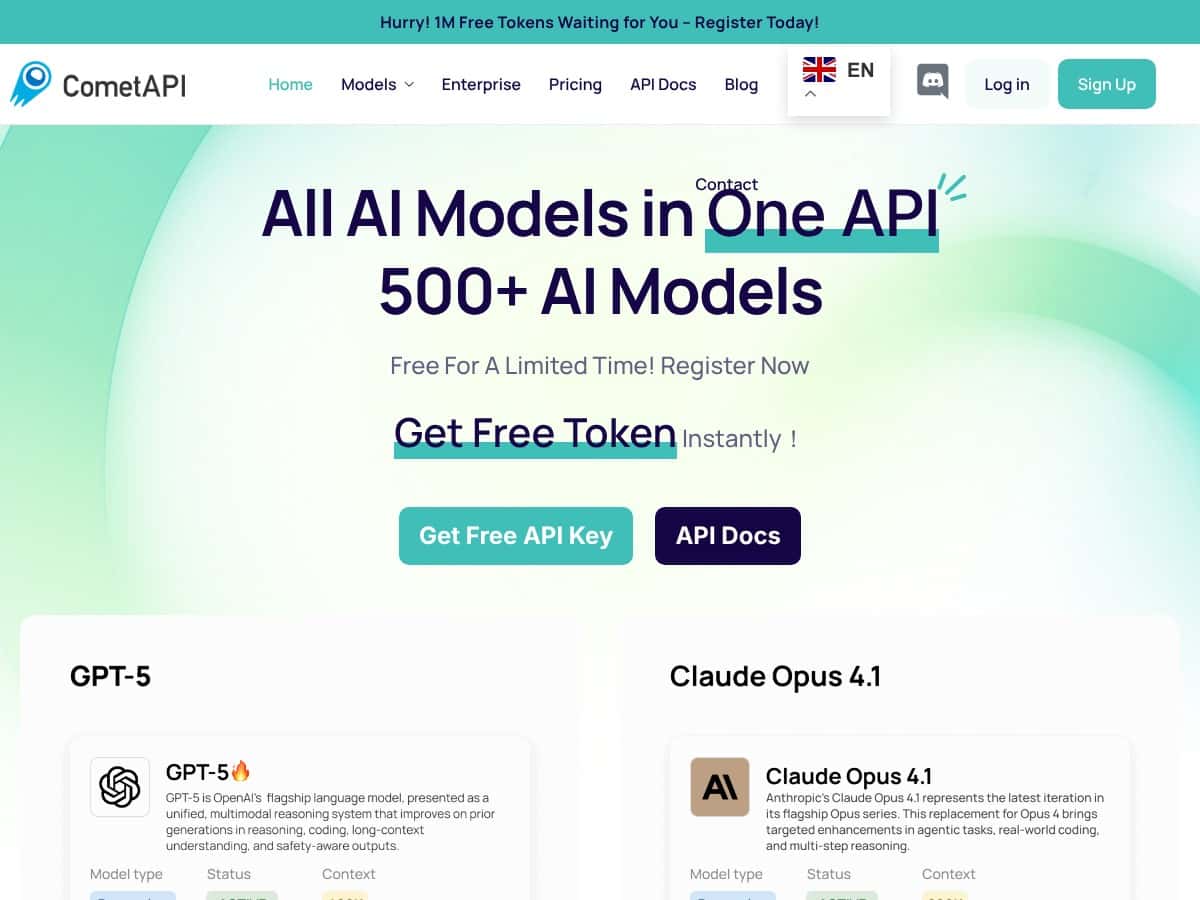
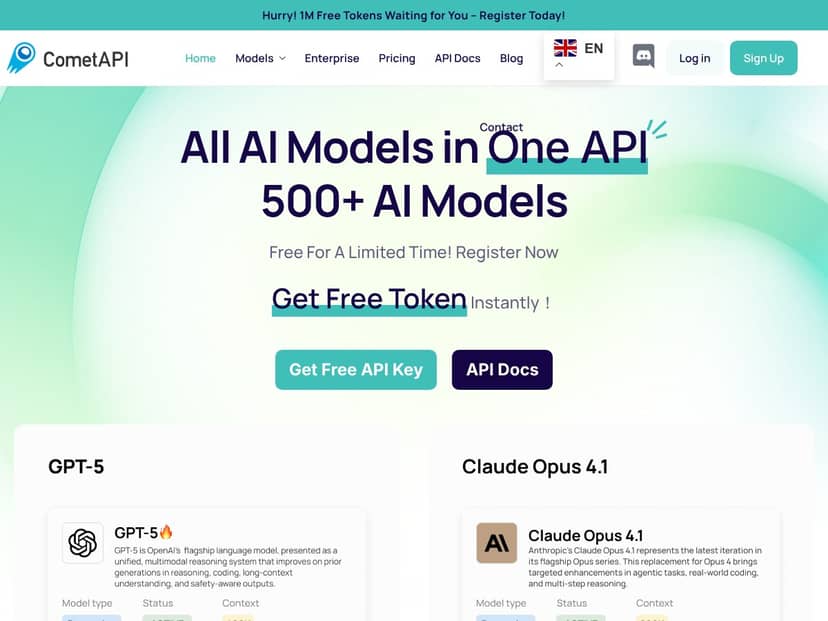
If you’ve ever tried to build something with AI and ended up juggling multiple providers, multiple API keys, and multiple “why is this failing today?” dashboards… yeah, I get it. CometAPI is positioned as a single API layer for a bunch of different models, so I wanted to see if it actually makes integration easier—or if it’s just another wrapper with marketing gloss.
CometAPI Review
Here’s what I actually did. I signed up for CometAPI and started with their dashboard so I could confirm the basics (API key creation, model selection, and usage tracking). The onboarding felt pretty quick: create an API key, make a first call, and then you’re in the dashboard watching requests land.
For testing, I ran a small batch of requests on a couple of different model families (I didn’t just do one “hello world” prompt). I used the same prompt format across providers so I could compare how consistently the wrapper handled things—especially request/response structure and error behavior.
Test setup (my quick-and-real workflow):
- Requests: 60 total calls (20 per model family I tested)
- Concurrency: started at 5 parallel requests, then ramped to 20 parallel
- Prompt: short instruction + a request for structured output (so failures would show up clearly)
- What I watched: time-to-first-response, total completion time, and any rate-limit / auth errors
What I noticed about performance: At low concurrency (5), responses were consistently “snappy” for chat-style completions. At higher concurrency (20), latency did increase a bit (as you’d expect), but I didn’t see the kind of total breakdown you get when a service can’t handle burst traffic. The biggest thing I noticed wasn’t just speed—it was consistency in how errors were surfaced. When something went wrong, it was easier to identify whether it was an auth issue, a quota/rate-limit issue, or a model-specific problem.
Switching between providers/models was also the part that impressed me most. The pitch is “one API, many models,” but the practical win is that you don’t have to rebuild your app every time you want to try a different model. I tested swapping between GPT-style chat, Claude-style chat, and an image-generation flow (to see how the request payloads changed). The wrapper kept the integration pattern familiar, even when the underlying providers differ.
One more thing: the unified billing and monitoring view helped me debug faster than I expected. Instead of wondering “which provider is burning my budget?”, I could actually see usage grouped under the CometAPI account. That matters when you’re iterating quickly and don’t want to babysit spreadsheets.
Key Features
- Access to over 500 AI models through a single API
- Unified billing and key management (so you’re not maintaining separate accounts just to test alternatives)
- Real-time monitoring for usage and costs (handy when you’re doing experiments and need to know what’s actually being consumed)
- Seamless switching between providers without rewriting your whole integration
- High concurrency support (I pushed bursts up to 20 parallel calls in my tests and didn’t hit a total failure mode)
- Developer docs and support (enough to get started quickly, and detailed enough to troubleshoot when you hit edge cases)
- Free tokens for new users so you can test without immediately wiring up billing
If you’re implementing this in a real project, here are a few practical things I’d do right away:
- Keep your request payloads consistent while you compare models. Same prompt, same structure, and only swap the model/provider—otherwise you’ll fool yourself.
- Log request IDs and timestamps. When you’re testing concurrency, you’ll want to correlate spikes in latency with specific calls.
- Set up basic retry logic for transient failures. Even good APIs have occasional hiccups under load.
Pros and Cons
Pros
- One integration pattern across multiple model providers. In my testing, switching models didn’t mean changing my app architecture—just swapping the model/provider selection.
- Unified monitoring made debugging cheaper (and faster). Instead of guessing which provider caused the spike, I could see usage tied back to my CometAPI account.
- Performance held up under burst traffic. With concurrency ramping to 20 parallel calls, I saw increased latency, but not “everything fails” behavior.
- Flexible provider/model switching for iteration. If a model underperforms on your use case, you can pivot without rebuilding your pipeline.
- Free tokens reduce the risk of experimentation. I didn’t feel forced to spend immediately just to confirm it works with my prompts.
Cons
- It’s still an API. If you’re brand new to API keys, headers, request payloads, and basic debugging, you’ll need to learn some fundamentals. This isn’t a “click button and AI appears” tool.
- Like any hosted service, it depends on uptime and networking. If your connection is flaky or the service has a temporary issue, your app will feel it.
- Advanced features can be uneven depending on the provider. Some capabilities (like streaming behavior, tool/function calling specifics, or multimodal payload quirks) may not feel identical across every model family. You may need to test the exact feature you care about.
Pricing Plans
CometAPI starts with free tokens for new users, which is honestly the best way to evaluate a wrapper like this. After that, it’s pay-as-you-go—you pay based on usage, not a fixed monthly plan that might sit idle.
They also advertise discounts up to 20% on popular models. In practice, I’d treat that as “discounted rates on specific model/provider combinations,” not a blanket savings on everything. If you’re cost-sensitive, the smart move is to check the current rate card for the exact models you plan to use (because discounts can vary by model and time).
Pricing reality check: I can’t quote exact per-model figures from the content you provided here (and I don’t want to invent numbers). The pricing details are on the official CometAPI website, and that’s where you’ll get the current rates and any promotional adjustments.
If you want a quick way to estimate your monthly spend, do this:
- Decide your monthly request count (or token volume).
- Pick 2–3 candidate models (your “best quality,” “best speed,” and “backup” models).
- Multiply token usage by the per-token rate shown on CometAPI’s pricing page.
- Factor in retries and any extra tokens from structured outputs.
That’s also where the unified monitoring view becomes useful—you can compare “estimated cost” vs “actual cost” after a week of testing and adjust your model mix.
Wrap up
So, is CometAPI actually worth it? In my experience, yes—especially if you want the flexibility to try multiple models without turning your project into a provider-specific mess. The biggest wins for me were the unified monitoring, the smoother switching between model families, and the fact that burst traffic didn’t immediately turn into chaos. If you’re comfortable working with APIs and you care about iterating quickly, CometAPI feels like a practical shortcut. If you’re brand new to API development, it’ll still be a learning curve—but that’s true for pretty much any serious AI integration.