Table of Contents
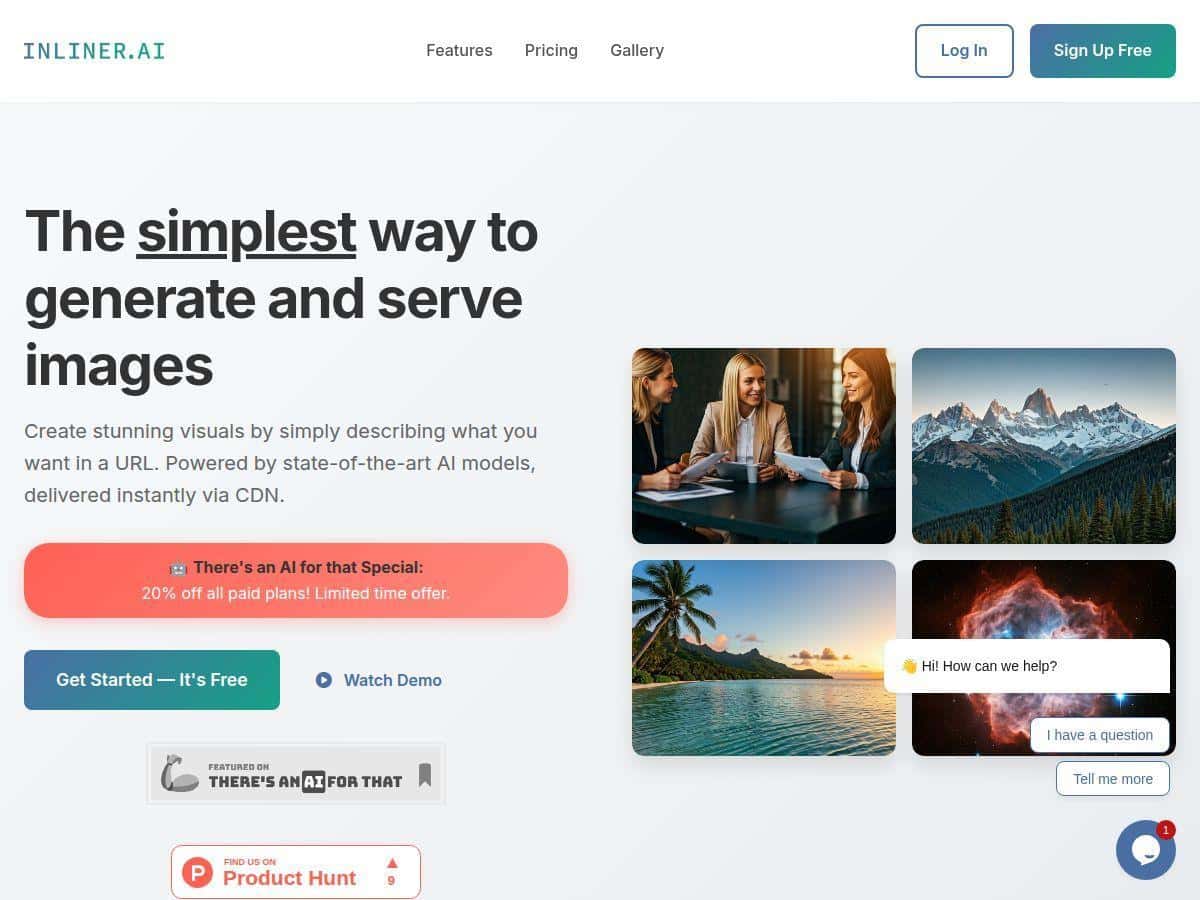
Looking for an easy way to create stunning images without complex tools? Inliner.AI promises to deliver high-quality visuals with just a simple URL. It’s designed to be developer-friendly and quick, making image creation hassle-free. In this review, I’ll share my experience and what you can expect from this innovative platform.
Inliner.AI Review
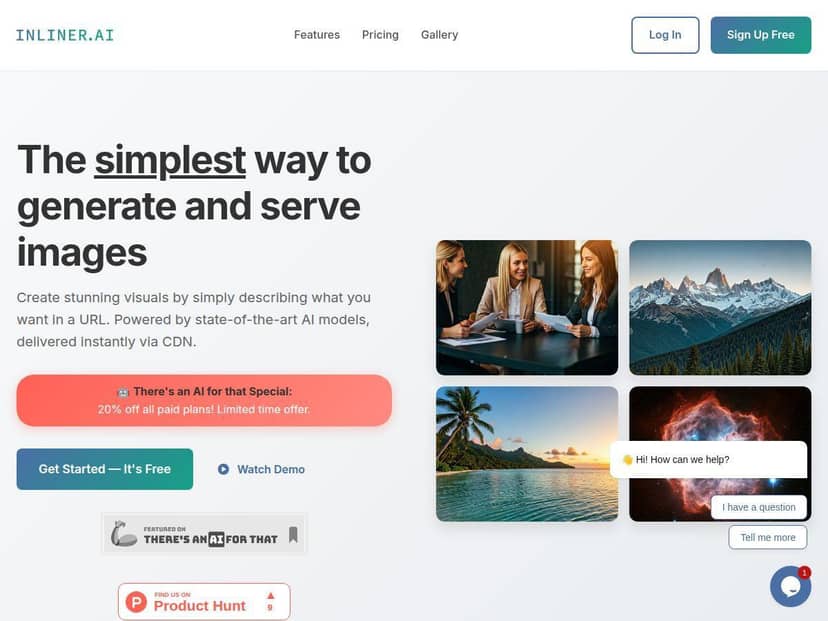
After trying Inliner.AI, I was impressed by how straightforward and fast it is. All I had to do was describe the image I wanted in a URL, and within seconds, the platform served the generated image through a global CDN. The interface is clean, and I could easily organize projects and generate multiple image variations at once. The quality of the images was surprisingly good, especially considering how simple the process was. For web development, marketing, or creative tasks, it feels like a real time-saver. Plus, no need to fuss with API keys or complicated workflows—just describe, generate, and use.
Key Features
- URL-Based Image Generation for simple integration
- Instant CDN delivery for fast access
- Supports batch image creation and comparisons
- Upload reference images for style consistency
- Organize images by project with custom prompts
- Direct URL editing for quick modifications
- Permanent cached images with reliable links
Pros and Cons
Pros
- Very user-friendly; no API setup needed
- Fast image delivery and reliable caching
- Flexible for developers and creative teams
- Supports multiple variations and references
- Permanent URLs prevent broken links
Cons
- Image quality depends heavily on prompt clarity
- Results may vary for highly complex images
- Limited free credits might be restrictive for heavy users
Pricing Plans
Inliner.AI offers several plans, starting with a free tier that includes 25 base credits and 2 trial premium credits. Paid plans range from $7.99/month for the Basic plan with 75 base credits to $79.99/month for the Pro plan, which includes 1000 base credits and unlimited projects. They often run promotional discounts, like 20% off, making it more affordable. The paid plans also unlock higher quality styles and priority support, suitable for serious users.
Wrap up
Overall, Inliner.AI is a powerful yet simple tool for anyone needing quick, high-quality images. Its URL-based approach makes it especially friendly for developers and marketers who want seamless integration without hassle. While image quality can vary depending on prompts, the fast delivery and organizational features make it a standout option. Whether you’re creating visuals for websites, social media, or presentations, Inliner.AI offers an efficient solution—worth trying, especially during its promotion period.