Table of Contents
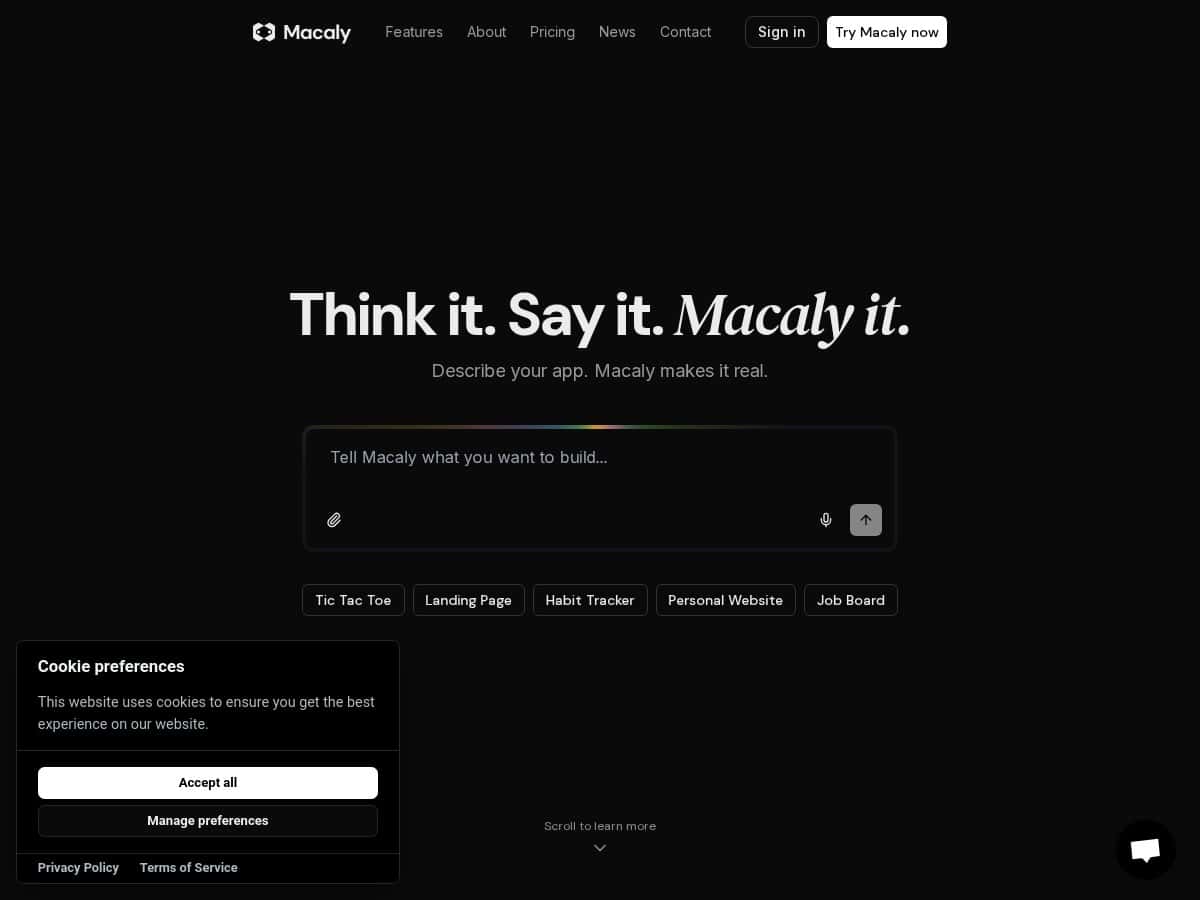
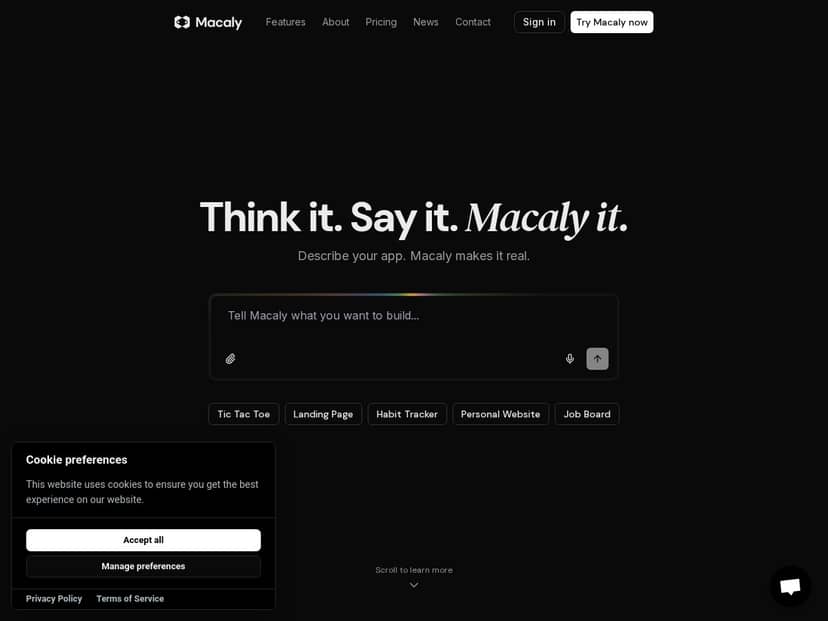
If you’ve ever thought, “I could build this… I just don’t want to learn another coding stack,” then you’ll probably be interested in Macaly. The big promise is simple: you describe what you want (voice or text) and it generates a working app/website prototype.
In my experience, the real question isn’t “Can it generate something?” It’s “Can it generate something you can actually use without spending hours fixing the details?” So I tested Macaly with a few practical prompts and looked for the spots where it shines—and where it starts to feel limiting.
Macaly Review
I started by treating Macaly like a “fast prototype” tool, not a magic wand. My test criteria were pretty straightforward:
- How fast it could produce a usable first draft
- How much cleanup I needed before it looked right
- Whether it handled changes when I asked for edits
- What broke when I pushed beyond basic layouts
For my first prototype, I asked it (text) to build a simple landing page for a fictional “newsletter signup.” I included specifics like:
- a hero section with a headline + short subtext
- a features list
- a pricing block (3 tiers)
- a basic email capture form
What I noticed: the initial page showed up quickly, and the structure was already there. The part I had to adjust wasn’t the layout—it was the small details. For example, the form styling looked close, but spacing and button alignment needed a couple of manual tweaks before it felt consistent across sections.
Next, I tested voice input. I recorded a short prompt like: “Make a small internal tool page with a dashboard header, a table of items, and a button that says ‘Add new item.’ Use a clean admin-style theme.” I’ll be honest—voice is convenient, but it also introduces ambiguity. In my run, it interpreted “table of items” as a simple list rather than a proper table layout. A follow-up message (“No, make it a real table with columns: Name, Status, Updated”) fixed it, but it took an extra iteration.
Finally, I tested a more “app-like” flow: a page with multiple sections and conditional behavior. I asked for a simple “request form” with dropdown options and a confirmation message. Macaly could generate the UI, but when I tried to get more custom logic (like validation rules and edge-case messages), the generated behavior wasn’t as deterministic as I’d want. I ended up doing more cleanup than I expected—especially around how errors were displayed and how consistent the messaging was.
So does Macaly make development easier? Yes—if your goal is to go from idea to a functional prototype fast. But if you want pixel-perfect UI and very specific business rules, you’ll still be in “review and edit” mode.
Key Features
No-Code Development (and what “no-code” really means)
Macaly’s no-code approach is basically: you describe, it generates, and then you refine. In practice, I didn’t just get a static page—I got something I could iterate on. My workflow looked like this:
- I described the UI sections in plain language
- It produced an initial layout quickly
- I requested changes (“move the CTA up,” “add testimonials,” “make the header sticky”)
Where it gets tricky is when you want very specific UI patterns (rare component combinations, complex nested layouts). The more “standard” your request is, the smoother it went.
Voice and Text Input
I used both. Text was more reliable for detailed requirements (forms, labels, exact copy). Voice was great for getting the broad structure down quickly.
Example from my test:
- Voice: “Dashboard page, admin theme, table and add button.”
- Result: It generated the general dashboard layout, but the “table” needed clarification.
- Fix: I followed up with “Use a table with columns Name, Status, Updated.”
So if you use voice, expect at least one clarifying message—especially for anything form-related.
Rapid Prototyping
This is probably the strongest part. I didn’t spend time setting up frameworks, routing, or styling systems. I spent time deciding what I wanted the prototype to do.
In my run, the fastest wins were:
- landing pages and marketing sections
- simple internal dashboards
- basic multi-section layouts
Longer projects weren’t impossible, but the iteration loop mattered. You’ll get better results by writing clearer prompts and asking for specific edits instead of vague “make it better” requests.
SEO-Friendly Websites
Macaly helped me generate pages that looked responsive and had sensible section structure. The part I checked (because I care about it) was whether the page structure felt “crawlable” and not just a pretty image.
What I noticed in practice:
- headings were placed logically (H1/H2 style structure)
- the page sections were readable and not overly nested
- mobile layout was generally clean
That said, if you want full SEO control (schema, advanced meta rules, exact URL strategies), you’ll likely want to review the output and adjust manually.
GitHub Integration
This is a feature I actually used because I wanted to see how easy it was to collaborate. The workflow I aimed for was:
- generate a prototype
- export/push it to GitHub
- make a small change and see how quickly it was reflected
In my experience, the GitHub integration made sharing easier, especially for review with someone else. The limitation: if you’re expecting a fully production-ready repo with perfect project structure out of the box, you may still need to polish.
Real-Time Feedback (preview + edits)
Being able to preview while you iterate is huge. I liked that I could request an edit and immediately see whether it fixed the thing I was unhappy with.
Example:
- I asked for “three pricing tiers”
- It generated the tiers, but the spacing felt off
- I requested “tighten padding and align the buttons”
- The next preview matched the intent much better
Just keep expectations realistic: “real-time feedback” helps you iterate quickly, but it doesn’t guarantee that every generated component will be perfect on the first try.
Hosting and Deployment
Macaly’s deployment workflow is aimed at speed. I wasn’t trying to deploy a high-traffic app—more like “can I get this live and share it?”
What I liked:
- it felt like the platform wanted to get you to a shareable URL
- the setup didn’t require me to wrestle with a bunch of config files
What I didn’t love: if you need advanced deployment settings (custom domains, specific environment variables, complex auth flows), you’ll probably end up doing extra work outside the platform.
Pros and Cons
Pros
- Fast path from idea to prototype: I could get a usable first draft quickly without setting up a project from scratch.
- Good for common UI patterns: landing pages, simple dashboards, and straightforward forms came out well with minimal back-and-forth.
- Preview-driven iteration: I could spot issues immediately (spacing, alignment, section order) and correct them faster than starting over.
- GitHub makes collaboration easier: exporting/pushing helped me share the work without screenshots-only reviews.
Cons
- Complex logic needs more hand-holding: when I tried to get beyond basic UI into more specific validation and edge-case behavior, the results weren’t consistently “production-grade.”
- Natural language can be imprecise: voice input especially sometimes turned a “table” into a “list” until I clarified.
- Fine-grained control isn’t instant: if you want very specific styling rules or component-level behavior, expect manual tweaks.
- Potential tier limits: advanced usage (like heavier generation or more frequent iterations) may be restricted depending on your plan.
Pricing Plans
Pricing is the one area where I don’t want to guess. I can’t verify exact current plan names and message/usage limits from the text in this draft.
What I recommend (and what I did to avoid making up numbers) is checking Macaly’s official pricing page directly for:
- plan names
- exact monthly price
- message/usage limits
- what features unlock on higher tiers
If you want, paste the pricing table here and I’ll rewrite this section with the exact figures and what each tier includes.
Wrap up
After testing Macaly, my honest take is this: it’s genuinely useful when you want to prototype quickly and you’re building something relatively straightforward. I got from “idea” to “shareable UI” much faster than I expected, and the preview/edit loop made iteration feel manageable.
Where I’d be cautious is anything that depends on very specific logic, complex integrations, or tight control over behavior. For those projects, Macaly can still help with the UI draft—but you shouldn’t treat it like a full replacement for custom development.
If your goal is internal tools, simple apps, or landing pages you can refine and ship, Macaly is worth exploring.