LIFETIME DEAL — LIMITED TIME
Get Lifetime AccessLimited-time — price increases soon ⏳
AI Tools

Pix AI Video Review – Transforming Text into Captivating Videos

Updated: April 20, 2026
5 min read
#Ai tool

Table of Contents

If you’ve ever stared at a blank page and thought, “I wish this story looked like something,” Pix AI Video is exactly the kind of tool you’ll want to try. I tested it with a few short text prompts and what stood out right away was how quickly it turns plain writing into an actual video you can share. No complicated editing timeline. No learning curve that drags on for days.

In this Pix AI Video review, I’ll walk you through what it does well, where it can feel a bit limited, and what I’d watch for before you pay. I’ll also point out some practical tips so your results look more “finished” and less like a first draft.

Pix Ai Video

Table of Contents

Pix AI Video Review

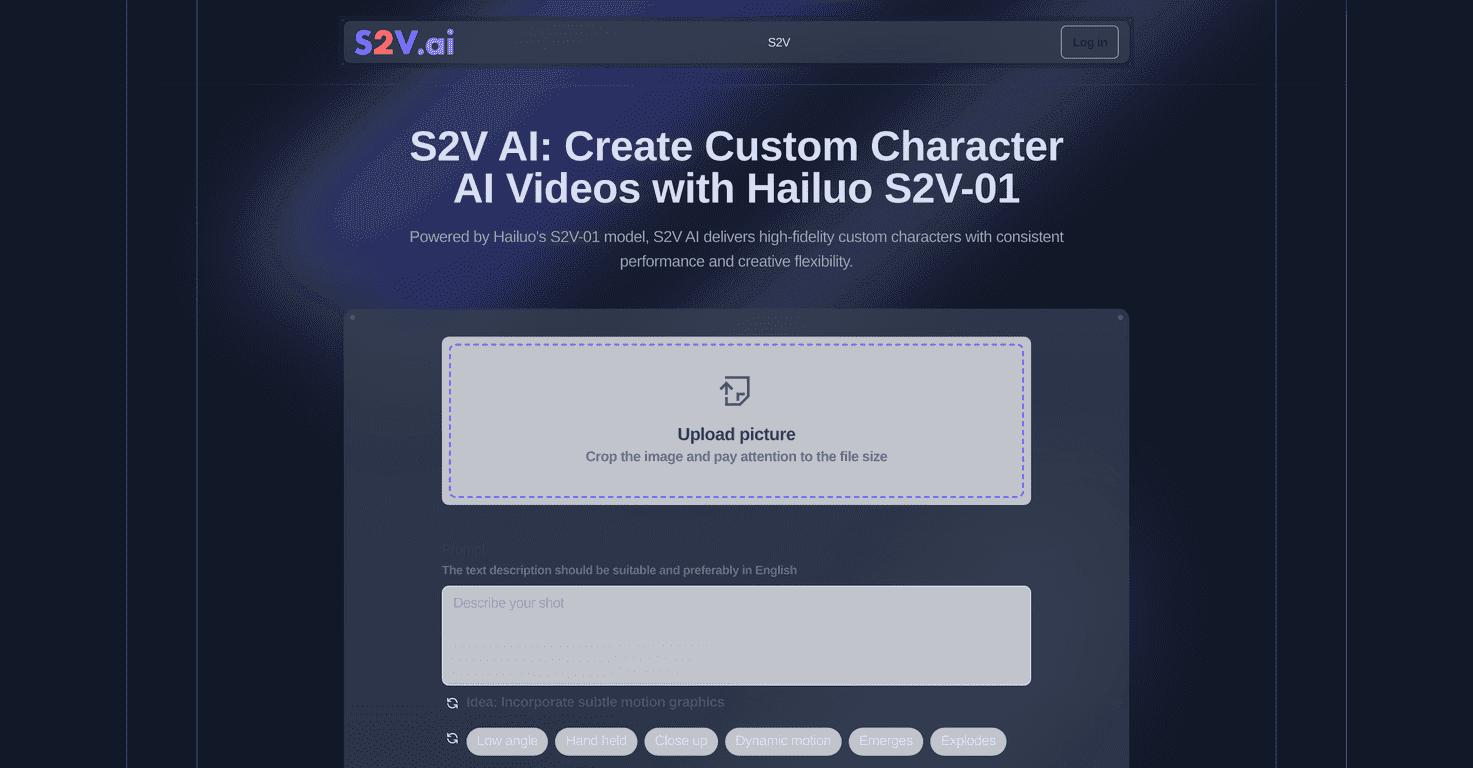
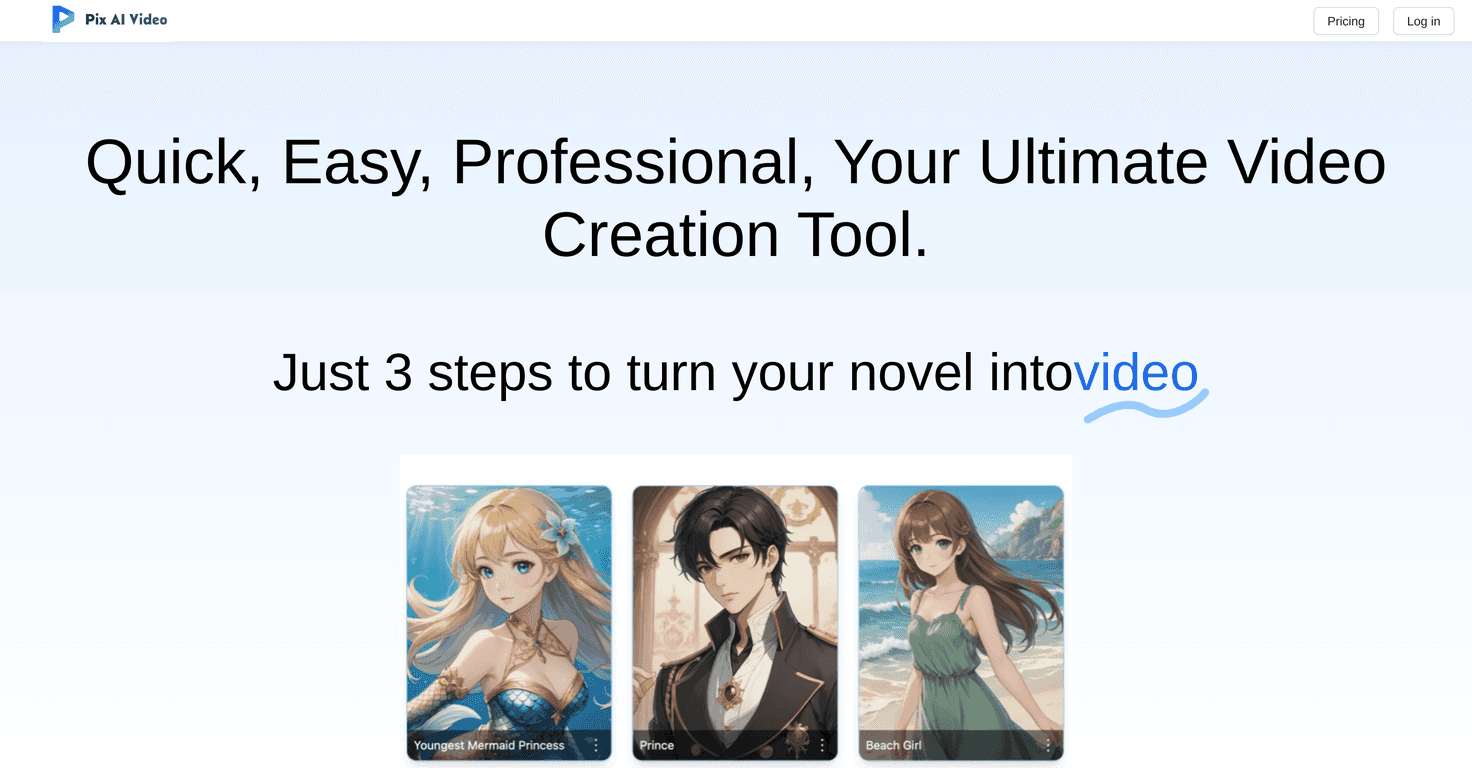
Pix AI Video is basically a text-to-video creator. You feed it your story (or at least the key points), and it generates a video with visuals and sound so your message actually feels alive. That’s the whole appeal, and it’s real—especially if you’re making content for kids, classroom projects, or quick explainers where you want visuals without hiring an editor.

What I noticed during my tests:

  • The workflow feels fast. You’re not building a scene-by-scene timeline. You’re writing (or pasting) your text and letting the tool handle the structure.
  • Visual consistency depends on your input. If your text is vague (“a person goes on an adventure”), you’ll get more generic results. If you’re specific (“the kid finds a glowing map in an old library”), the video tends to look more on-theme.
  • Audio matters for pacing. Even when the visuals are decent, the synthesized sound effects and audio help the video feel like it’s moving forward instead of just “playing images.”

Now, I’m not going to pretend it’s perfect. AI video tools can sometimes misread tone or compress your story into fewer beats than you expected. Still, for most short-form storytelling, it gets you to a draft you can refine instead of starting from scratch.

Key Features

  1. Text-to-video conversion — Paste your script or story and the platform generates a video based on the text.
  2. High-definition image generation — You get crisp visuals (in my experience, the “HD” output is noticeable on exported files, not just in previews).
  3. Sound synthesis for audio effects — It adds audio elements so your scenes don’t feel silent and flat.
  4. Professional transition effects — Scene changes are handled for you, which helps the final output feel smoother.
  5. Suitable for different storytelling types — From kid-friendly narratives to biography-style summaries and history overviews.
  6. Interactive narrative capabilities — If the platform supports branching or prompts (depending on the version you’re using), it can help turn a story into something more engaging than a straight read-through.

Quick tip: how to get better results from your text

Here’s what worked best for me: write in short chunks. Instead of one long paragraph, break your story into 3–6 sentence sections. Add a bit of detail about setting, character, and what happens next. Think: who, where, what changes.

Example (simple):

  • Bad input: “A hero travels to a mysterious place and finds something important.”
  • Better input: “A young hero walks into a foggy forest at night. A glowing stone appears on the path. The hero picks it up and hears a faint message.”

That extra specificity gives the generator something concrete to “see,” and the visuals usually match the story more closely.

Pros and Cons

Pros

  • Beginner-friendly. I didn’t feel like I needed a tutorial to get a decent first video.
  • Turns text into a shareable asset quickly. Great for short social posts, school projects, and quick marketing concepts.
  • Visuals and audio help with engagement. The combination of images plus sound effects makes the story feel more “real” than a slideshow.
  • Good for different genres. Kids’ stories, historical summaries, personal bios—Pix AI Video can adapt to a range of topics.

Cons

  • You may need internet access. Since it’s cloud-based, expect it to require a stable connection for generation and exports.
  • Story accuracy isn’t always perfect. If your text has lots of nuance, the AI might simplify it. You may need to rewrite parts to get the tone right.
  • Long scripts can feel compressed. For longer content, you’ll likely want to split it into multiple videos so the pacing doesn’t get too rushed.

Pricing Plans

Pricing details for Pix AI Video aren’t clearly specified here, and I don’t want to guess. What I recommend instead: check the official Pix AI Video site’s pricing page before you commit, especially if you care about things like:

  • Export quality (HD vs lower resolutions)
  • Video length limits per project
  • Watermarks on free outputs (if any)
  • Monthly generation limits (credits, caps, or throttling)

If you’re comparing plans, also pay attention to whether they offer more than one style/template, because that can affect how “custom” the output feels.

Wrap up

Pix AI Video is a solid choice if you want a fast way to turn text into animated videos with visuals and sound already handled. It’s especially useful for short storytelling, educational content, and anyone who doesn’t want to spend hours editing. The main thing to watch is input quality—your text directly affects how clear and on-topic the visuals end up—and the fact that cloud tools typically rely on an internet connection.

If you’ve got a story you want to see come alive, I’d say it’s worth testing. Start small, write in clear chunks, and iterate based on what the video generator produces.

Stefan

Stefan

Stefan is the founder of Automateed. A content creator at heart, swimming through SAAS waters, and trying to make new AI apps available to fellow entrepreneurs.

Related Posts

general fiction definition featured image

General Fiction Definition: Complete Reading Guide for 2026

Discover the comprehensive definition of general fiction, its genres, examples, and tips for writers and readers in 2026. Unlock the secrets today!

Stefan
cover software featured image

Cover Software: Top Tools & Trends for 2025

Discover the best cover software solutions in 2025, including industry trends, key features, expert tips, and how to choose the right tool for your business.

Stefan
author social media manager featured image

Author Social Media Manager: Strategy & Growth Tips for 2026

Discover how an author social media manager can boost your book marketing, grow your audience, and build your brand with proven strategies and tools in 2026.

Stefan

Create Your AI Book in 10 Minutes