Table of Contents
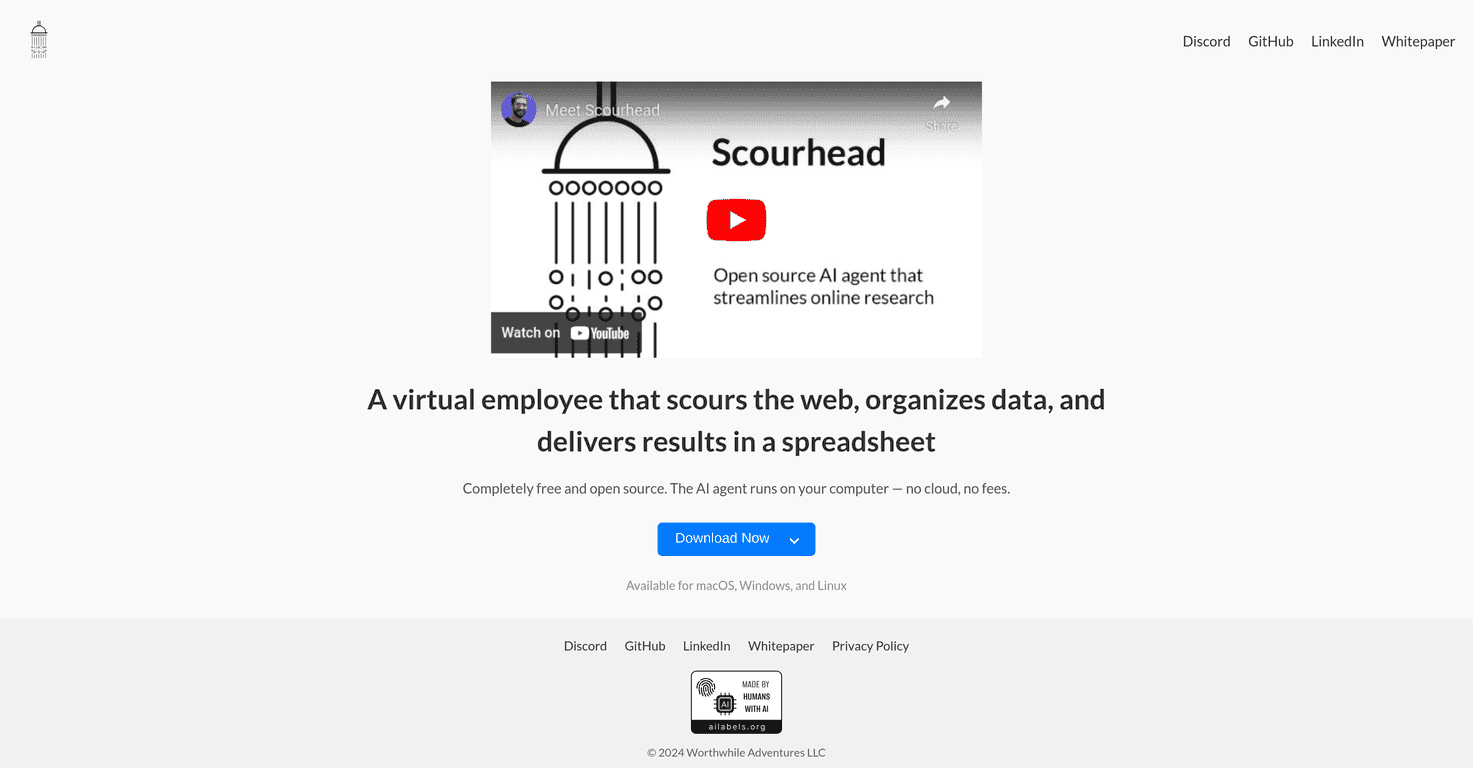
If you’ve ever tried to pull data from the web and then manually paste it into a spreadsheet, you already know how annoying it gets. I’ve been there—copy, paste, clean up, repeat. That’s why I wanted to test Scourhead. The big promise is simple: it scours the web and organizes what it finds into a spreadsheet-like output, without charging you for the software.

One thing I appreciate right away is that Scourhead runs locally on your machine. No “send your data to the cloud” story to worry about. In my experience, that matters when you’re scraping or compiling anything sensitive—even if you’re just working on a personal project, it’s nice not to feel like everything is leaving your computer.
Scourhead Review: Web Data, Neat Spreadsheet Output (Local-First)
Scourhead is an AI agent that’s built to run on your computer, not somewhere in the cloud. That local-first setup is the main reason I kept using it for my tests. If you’re the type who doesn’t want scraped content bouncing around online, you’ll probably feel the same.
What I actually liked during testing was the workflow feel: you search for what you need, it gathers results, and then it formats the output so you can work with it later in a spreadsheet. It’s not just “here’s a blob of text.” It’s structured enough that you can filter, sort, and clean up without starting from scratch.
Is it perfect for everyone? Not quite. If you’re brand new to local installs and tooling, you might hit a learning curve. But the good news is that it’s open-source, so you can inspect what’s going on and get help from the community when something doesn’t behave as expected.
Key Features That Matter in Real Use
- Free and open-source AI agent — no paywall to test the basics.
- Runs locally — no cloud dependency, which is a big deal for privacy-minded users.
- Organizes web data — it turns messy results into something you can work with.
- Spreadsheet-style output — I found this especially helpful when I wanted to sort by source or quickly spot duplicates.
- macOS, Windows, and Linux support — it’s not locked to one ecosystem.
- Architecture support — including Apple silicon and Intel, which makes it easier to set up depending on your hardware.
Pros and Cons (What I’d Tell a Friend)
Pros
- No hidden costs. I didn’t run into “surprise” fees—it's just free software.
- Open-source transparency. If you care about how things work under the hood, that’s a win. You’re not stuck guessing.
- Better privacy posture because it runs on your device. You’re not handing everything off to a third party just to get a spreadsheet.
- Multi-platform support. If your team is mixed (Windows + macOS, for example), that’s less hassle.
Cons
- Local-only approach can be limiting. If you work across multiple devices, you’ll likely need to set it up again (since it’s not a cloud dashboard).
- Installation can be tricky for beginners. Not impossible—just not “click once and done.” If you’re comfortable with local tools, you’ll probably be fine.
- Community support varies. With open-source projects, responsiveness can depend on the maintainers’ bandwidth compared to commercial products.
Pricing Plans: Free (For Real)
Scourhead is entirely free to download and use. There aren’t subscription tiers, and you’re not pushed toward a paid plan just to unlock basic functionality. For anyone who wants to automate web data organization without paying for a tool every month, that’s a refreshing change.
If you’re deciding whether it’s “worth it,” my take is: it’s worth trying if you’re okay with local setup and you want the privacy benefits that come with keeping the work on your machine.
Wrap up
After testing Scourhead, I can say it’s a solid option if your goal is to organize web data into a spreadsheet format without paying for the software. The local-first design is the standout feature for me, and the open-source nature makes it feel more trustworthy than closed tools.
That said, it won’t be the easiest choice if you want instant cloud convenience or you’re completely new to installing local software. Still, if you’re willing to do a bit of setup, Scourhead can save real time—especially when you’re dealing with repeated “web research → spreadsheet” tasks.
Promote Scourhead