Table of Contents
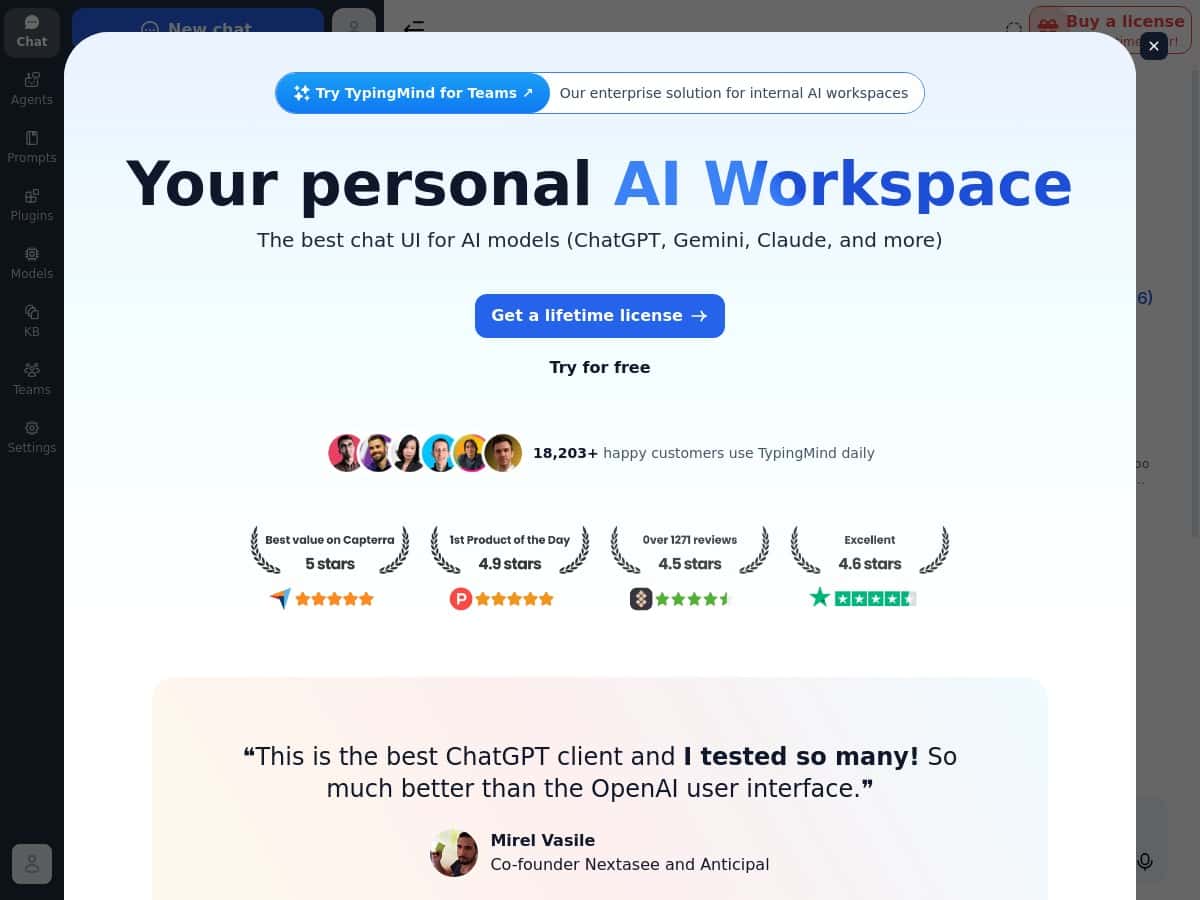
If you’ve ever bounced between ChatGPT, Claude, and a couple of “random” model UIs, you know the pain: different logins, different formatting, different workflows. TypingMind is trying to fix that by putting multiple AI models behind one interface.
I tested it for a few days with the goal of answering one question: can it actually replace my normal “messy” setup, or is it just another frontend?
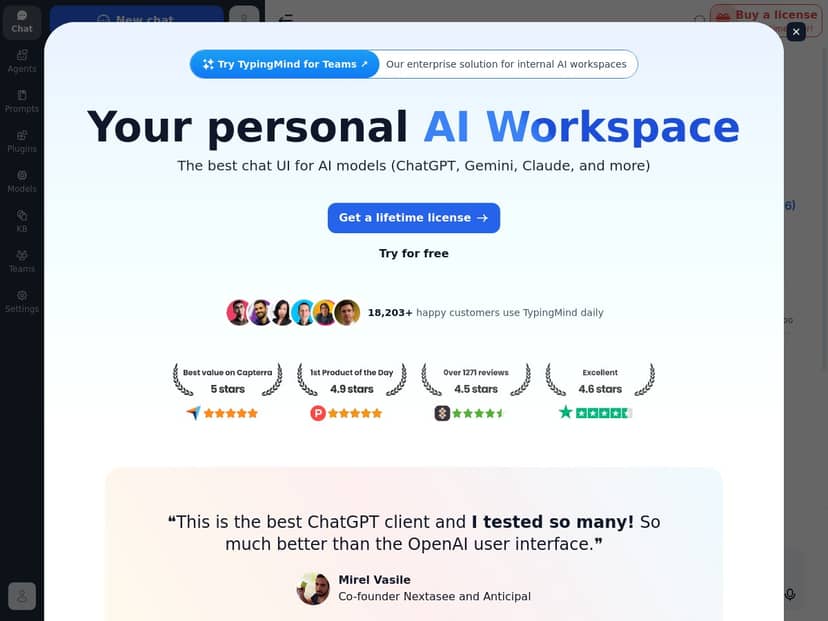
TypingMind Review: What I Actually Did (and What Worked)
Let me be upfront: TypingMind isn’t “zero setup.” It’s a tool that sits between you and your model providers, so you’ll need your own API keys. That’s not a dealbreaker, but it does mean you can’t just click around and magically use every model on day one.
Setup (my experience): Once I logged in, I had to connect providers by adding API keys. After that, I created a new chat and started swapping models to see how consistent the experience felt.
What surprised me was how quickly I got productive. The UI is clean, and model switching happens without the whole “start over” vibe you sometimes get in other tools. I also liked that it’s easy to keep conversations organized—more on that below.
My test prompts (so you can picture the workflow):
- Draft + revise: “Write a 120-word product description for a reusable water bottle. Then rewrite it for a more technical audience.”
- Structured output: “Turn these notes into a JSON outline with headings, bullet points, and a short FAQ. Keep keys consistent.”
- Role-based assistant: “Act as a technical editor. Tighten this paragraph and flag vague claims.”
- Longer context check: I pasted a few paragraphs of my own text and asked for a summary + action items. I paid attention to whether it stayed on track or drifted.
What I noticed while testing:
- Chat history is actually usable. I didn’t just create random threads and lose them. Tags, folders, and search made it easy to find “the one prompt where I tested JSON formatting.”
- Export matters. I exported a couple of chats to reuse the final outputs elsewhere. The export workflow felt straightforward enough that I didn’t hesitate to use it.
- Latency depends on the model. When I switched between providers, response speed changed. That’s expected, but it’s still useful to know you might feel it day-to-day.
- Formatting consistency isn’t perfect. Some models returned slightly different formatting (especially with lists and JSON). It wasn’t a dealbreaker, but if you need “always valid JSON,” you’ll want to test and maybe add stricter instructions in your prompt.
Agents and plugins: This is where it starts to feel more like a workflow tool than a chat box. I tried a simple agent-style task (think: “take this document, extract key points, then generate a summary and a checklist”). The big win was that you can chain steps instead of doing everything manually every time.
Plugins also add practical capabilities—like connecting tools for web search or handling media/image-related tasks. I didn’t use every plugin available, but the ones I tested made it easier to move from “ask” to “do something with the result.”
Privacy controls: TypingMind’s privacy story is one of the reasons people pick it. In my setup, local storage and encryption were the headline features I checked first. I also looked for what “optional cloud sync” means in practice—basically, it’s there if you want it, not something you’re forced into.
Bottom line from my testing: TypingMind feels best when you want one workspace for multiple models and you care about keeping outputs organized. If you only want a quick chat and don’t want to think about API keys, you might find it a bit more involved than you expected.
Key Features (with Real Examples)
- Multiple AI model support including GPT-4, Claude, Gemini, plus open-source options (depending on what you connect). In my testing, switching models didn’t break my workflow, but you do need to configure each provider with your key.
- Conversation management that doesn’t annoy you You get folders, tags, pinning, archiving, and search. The practical part: I could separate “drafting” chats from “JSON formatting” chats and quickly find the right one later.
- AI agents, prompt libraries, and document uploads Agents are great when you want multi-step behavior (extract → transform → summarize). Document uploads made it easier to test “summarize this” prompts without copy/paste chaos. Voice input is there too, though I didn’t lean on it heavily.
- Customization via plugins and UI tweaks I liked that you can tailor the experience instead of being stuck with a single rigid interface. If you embed TypingMind for a project, that customization becomes even more useful.
- Privacy controls: local storage, encryption, and optional cloud sync Here’s the part I paid attention to: local data storage means your chats and related content are handled on your side (not just “floating” everywhere). Encryption adds a layer of protection for stored data. Optional cloud sync is exactly what it sounds like—sync is available if you want it, but it’s not the default “everything goes to the cloud” setup.
- Team features (if you’re working with others) Access controls, roles, basic analytics, and branding options are useful if you’re supporting more than one person. I checked this as if I were managing a small team and wanted to prevent random access to certain conversations.
- Real-time web search and image generation I tested web search-style prompts to see if it improved answers for time-sensitive questions. Image generation is also supported, which is handy when you want visuals without leaving the workspace.
Pros and Cons (What I Liked vs. What Frustrated Me)
Pros
- Model flexibility without changing apps. I could compare outputs across providers in the same interface, which is a big time saver.
- Organization features are genuinely useful. Tags + folders + search saved me from scrolling through a hundred messy chats.
- Privacy controls feel thoughtful. Local storage + encryption were the big ones I cared about, and optional cloud sync gives you a choice instead of forcing the cloud.
- Agents/plugins expand what “chat” can do. Multi-step tasks are where TypingMind starts to stand out.
- UI is smooth. The chat interface didn’t feel clunky in day-to-day use.
Cons
- You’re responsible for API keys. If you don’t already have provider accounts or you hate setup/config work, this will slow you down.
- Costs can swing based on what you use. Because pricing is tied to API usage, your monthly bill depends heavily on model choice and how long your prompts/conversations get.
- Power features can overwhelm new users. If you just want “one box, one prompt,” agents/plugins might feel like too much at first.
- Support is not as “plug-and-play” as some hosted chat tools. I found the documentation and help resources, but it’s not the same level of fast, human support you might expect from a fully managed consumer app. If you run into a provider-specific error, you’ll likely do some troubleshooting yourself.
Pricing Plans (How I’d Estimate Costs)
TypingMind isn’t a flat “$X per month for unlimited everything” setup. It’s pay-as-you-go based on the API calls you make. That means the exact total depends on which models you use and how much text you send (and how long the responses get).
What I checked: I looked at the pricing approach and how it maps to provider usage. The key point is that some models (including open-source options) can reduce costs, but premium models will cost more per call.
A realistic example (to make it concrete): Let’s say you do 50 prompts per day. If each prompt averages ~800 input tokens and ~400 output tokens, that’s 1,200 tokens per prompt. Over 30 days, you’re at roughly 1,800,000 tokens total. Your cost then depends on the model’s per-token pricing from the provider you’re using. Swap to a more expensive model and that number can jump quickly.
So yeah—costs aren’t fixed. If you want a clean estimate, pick your top 1–2 models, test for a day or two, and then use your token usage to project a monthly number. That’s the only way I’ve found pricing “clicks” without guessing.
Wrap up
TypingMind is the kind of tool I’d recommend if you want one workspace for multiple AI models and you care about keeping conversations organized. After testing it, I’d summarize it like this: it’s powerful, it’s customizable, and it’s best when you’re willing to handle your API keys and spend a little time setting up your preferred workflow.
If you want a simple hosted chat with zero configuration, you might feel like you’re doing extra work. But if you’re the type who’s already juggling prompts, comparing model outputs, and reusing results—TypingMind hits the sweet spot.