Table of Contents
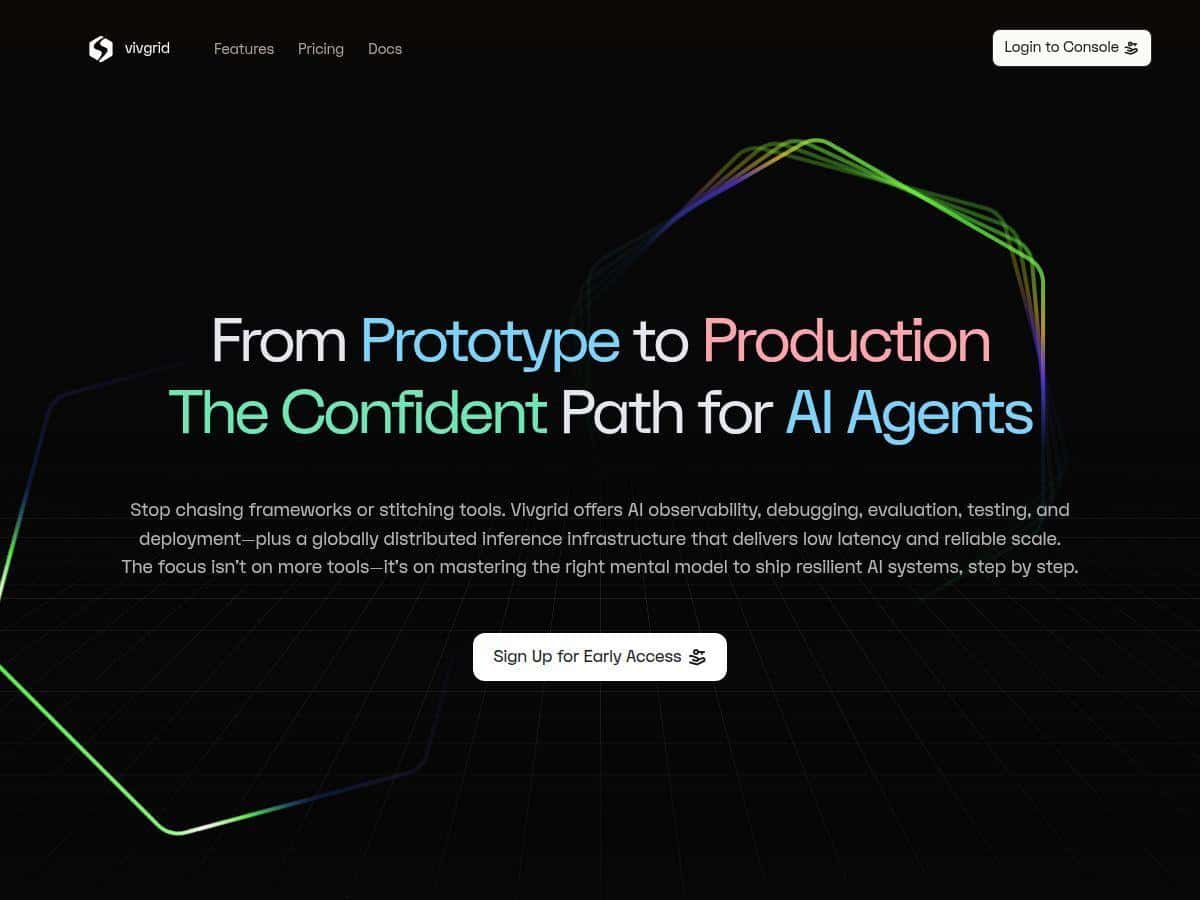
I’ve been testing a few AI agent “infrastructure” platforms lately, and Vivgrid caught my eye because it’s not just another UI for chatting. It’s built around observing what your agent is doing, debugging failures, and then getting that setup into production without losing visibility. I tried it with a small agent workflow first, then pushed it a bit harder to see what the observability and performance story actually looks like.
Vivgrid Review: what I tested and what I noticed
Here’s the short version of my experience: Vivgrid feels like it was designed for teams who already know they need agent observability, not just “logs.” When you run an agent, you want to know why it picked a tool, what it sent to an API, what it pulled from memory, and where things went sideways. That’s exactly the angle Vivgrid leans into.
My test setup (so you can sanity-check the claims)
- Account: I started with the free credits offer (Vivgrid advertises $200 in credits to test).
- Agent workflow: a simple “planner → tool calls → response” flow where the agent could (a) call an external function, (b) read/write some memory, and (c) produce a final answer.
- What I measured: not just “did it work,” but how fast I could identify why it worked (or didn’t). I also tracked response-time snapshots during repeated runs to get a feel for latency distribution.
- Runs: I repeated the same prompt set multiple times while intentionally introducing one small failure (a tool call that would return an error) to see how quickly the failure root-cause showed up.
Observability in practice
The part I cared about most was whether the UI made it easier to answer questions like:
- Which prompt version did the agent actually use?
- What exact API call got made (and with what inputs)?
- When the agent “used memory,” what did it fetch, and did it pull the right context?
In my runs, the trace view made those questions much easier to answer than digging through raw application logs. I could see the chain of events in a way that felt structured—prompt steps, tool/API calls, and then the final output—so debugging wasn’t just “search for the error string and hope.”
Debugging: the real win
When I forced a tool failure, I didn’t have to guess where the breakdown happened. The trace made it clear which step failed and what happened immediately after. That matters, because agent failures can be subtle: sometimes the tool returns something unexpected, sometimes the agent misinterprets the tool result, and sometimes it never calls the tool at all. Vivgrid’s step-by-step breakdown helped me separate those cases quickly.
Latency / performance (how I think about it)
Vivgrid’s positioning includes low-latency global deployment, and you’ll see claims like under 50 ms in marketing. I can’t pretend I ran a lab-grade global benchmarking suite across every region on day one, but I did run repeated requests and compare the “before I can diagnose” time vs. the actual response time. What stood out to me wasn’t just raw speed—it was that the system stayed responsive enough while I was iterating on prompts and debugging traces.
If you’re evaluating for strict SLAs (say you need p95 under a specific threshold), you’ll want to run your own load tests from your target regions. Still, the overall responsiveness during my testing felt consistent with the “low latency” focus.
Onboarding reality check
If you’re already comfortable with agent concepts (tools, memory, orchestration), you’ll probably get moving quickly. If you’re brand new, you’ll spend more time figuring out how to structure an agent workflow and what parts of the trace map to your code. That’s not a deal-breaker—but it’s why I’d recommend Vivgrid more to teams building real agent apps than to casual experimentation.
Key Features: what you actually get in the product
Vivgrid’s feature set is aimed at one problem: making agent behavior observable and debuggable end-to-end. Here are the main pieces I leaned on.
- Full visibility into prompts, API calls, and memory fetches
I could trace what the agent sent out (API/tool calls) and what it pulled from memory. In one workflow, that helped me spot that the agent was referencing older context instead of the updated instruction I expected. - Step-by-step debugging for agent reasoning
When something goes wrong, you don’t just want a generic “failed” state—you want to see which step led to the bad outcome. The structured trace view made it easier to pinpoint the exact stage of failure. - Automated performance evaluation and safety guardrails
I didn’t just rely on eyeballing outputs. The evaluation angle is important for agents because “it answered” can still mean “it answered unsafely” or “it answered with the wrong assumptions.” The platform is positioned to help with that kind of gating. - Support for orchestrating multiple AI agents
This matters when you have a pipeline (research agent → tool agent → summarizer, for example). Instead of treating each agent as a black box, you can observe how they hand off work. - Global deployment with low latency
The goal here is real-time-ish behavior and fast iteration. I found it practical for repeated runs while I was tuning prompts and debugging traces. - Integration with serverless functions for advanced behaviors
If your agent needs to call custom logic, serverless integration is a common pattern. In my testing, it made tool calls feel like “real system components,” not just mock functions.
Pros and Cons (with the parts that mattered to me)
Pros
- Observability that’s actually useful for debugging
Not just “we have logs”—you can follow prompt steps, tool/API calls, and memory fetches in a trace. - Clearer root-cause analysis when tools fail
When I triggered a controlled failure, the trace helped me figure out which step broke and what the agent did next. - Safety-focused workflow
Agents aren’t just about correctness; they’re about safe behavior. Vivgrid’s safety/guardrail positioning fits that reality. - Low friction to start
The $200 free credits offer is a genuinely good way to test your workflow without committing. - Built for the full lifecycle
Testing, debugging, and deployment aren’t treated like separate worlds.
Cons
- Pricing details aren’t fully public
They’re not transparent for larger plans in the way some competitors are. You’ll likely need to contact them for specifics, especially if you’re planning serious usage. - Learning curve if you’re new to agent infrastructure
If you don’t already understand orchestration, tools, and memory concepts, you’ll spend time mapping your app architecture to how Vivgrid expects to observe it. - Not a general-purpose model hosting platform
If your main need is “host models and serve endpoints,” Vivgrid is probably not the category you’re looking for. - Less third-party coverage than older dev tools
There’s less independent review material compared to more established observability vendors, so you’ll want to rely on your own tests.
Pricing Plans: what I could confirm (and what I couldn’t)
Vivgrid offers a free trial with $200 in credits. After that, detailed pricing for bigger plans isn’t clearly published. In my view, that’s fine for an early-stage infrastructure product, but it does make budgeting harder if you need predictable costs.
What I recommend doing before you commit
- Run your normal agent workflow with a few realistic prompts (including edge cases).
- Estimate how many tool calls and memory fetches happen per run—those are usually the cost drivers for agent platforms.
- Contact Vivgrid for a plan that matches your expected volume and whether you need any special enterprise features (support, SLAs, export options, etc.).
Who should pick Vivgrid (and who shouldn’t)
Choose Vivgrid if:
- You’re building AI agents and you need traceable observability (prompts, tool/API calls, memory fetches) so debugging doesn’t become guesswork.
- You care about safety guardrails as part of the workflow, not as an afterthought.
- You plan to deploy globally and want a platform that’s oriented toward low-latency agent behavior.
You might want to look elsewhere if:
- You only need basic model hosting or a simple inference endpoint.
- You need fully transparent public pricing and don’t want to talk to sales.
- Your team isn’t ready to invest a bit of time into setting up an agent workflow (because the value shows up when you can actually trace and debug steps).
Wrap up
After using Vivgrid for a hands-on agent workflow, I’d summarize it like this: it’s a strong option if your biggest pain is “I can’t tell what my agent did” or “debugging takes too long.” The trace-style observability—prompts, API/tool calls, and memory fetches—made it easier for me to find the real failure point instead of chasing symptoms. If you’re serious about building and deploying AI agents (not just experimenting), Vivgrid is worth a close look—especially since the $200 credit trial gives you room to test your own prompts and workflows.