LIFETIME DEAL — LIMITED TIME
Get Lifetime AccessLimited-time — price increases soon ⏳
AI Tools

Answerly Review 2026: Honest Take After Testing

Updated: April 12, 2026
11 min read
#Ai tool

Table of Contents

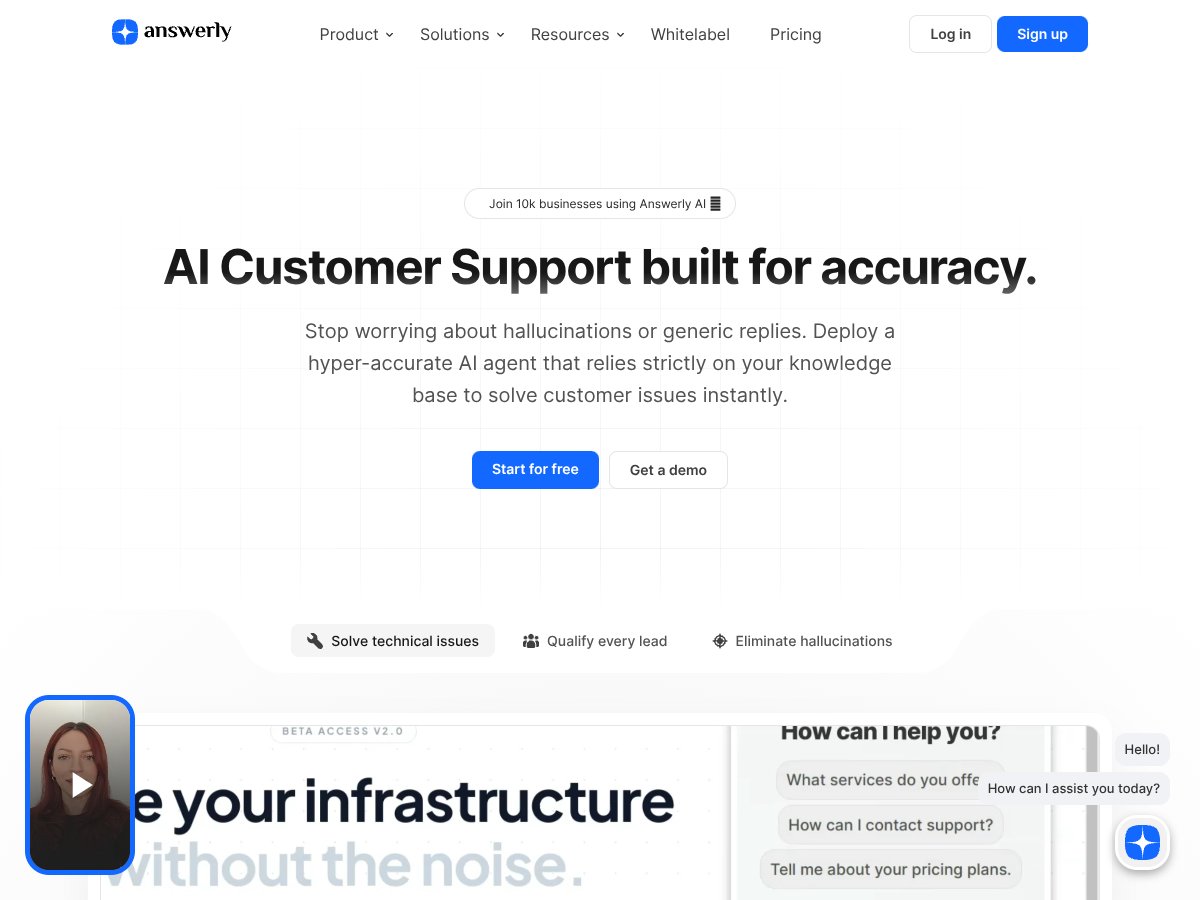
Answerly screenshot

What Is Answerly?

I went into Answerly expecting another “AI chatbot wrapper” that mostly talks big about accuracy. And yeah, the pitch is familiar: use your own docs so the bot doesn’t just make stuff up. Still, I wanted to see if it actually holds up when you throw it messy, real-world questions instead of marketing-style prompts.

In plain English, Answerly is a platform that turns your existing content—things like your website pages, PDFs, and spreadsheets—into an AI support assistant. The main idea is simple: when someone asks a question, Answerly should answer based on your data (not random training from the internet).

Where it gets interesting is the “accuracy” angle. Instead of relying on a generic model response, Answerly’s workflow is built around connecting content sources and using them as the basis for replies. That matters for support teams because customers don’t care about explanations—they care about whether the answer matches your policies, pricing rules, shipping timelines, and product limitations.

Now, I’m not going to pretend it’s perfect. Any AI system can struggle when your source material is unclear, outdated, or contradictory. But in my experience, Answerly is at its best when your docs are structured enough for the system to pull relevant chunks (and when you’re consistent about updating them).

One thing to clarify early: Answerly isn’t a full customer support suite like Zendesk or Intercom. It’s more of an AI layer you embed into your existing workflow—so think “AI answers powered by your docs,” not “complete ticketing + omnichannel support.” If you’re expecting built-in ticket routing, live agent queues, or complete helpdesk tooling, you’ll likely be disappointed.

Setup-wise, it’s not complicated, but it isn’t magic either. You do have to connect data sources and pay attention to what gets ingested. That’s where the real difference shows up between a bot that’s useful and a bot that’s just… confident.

Answerly Pricing: Is It Worth It?

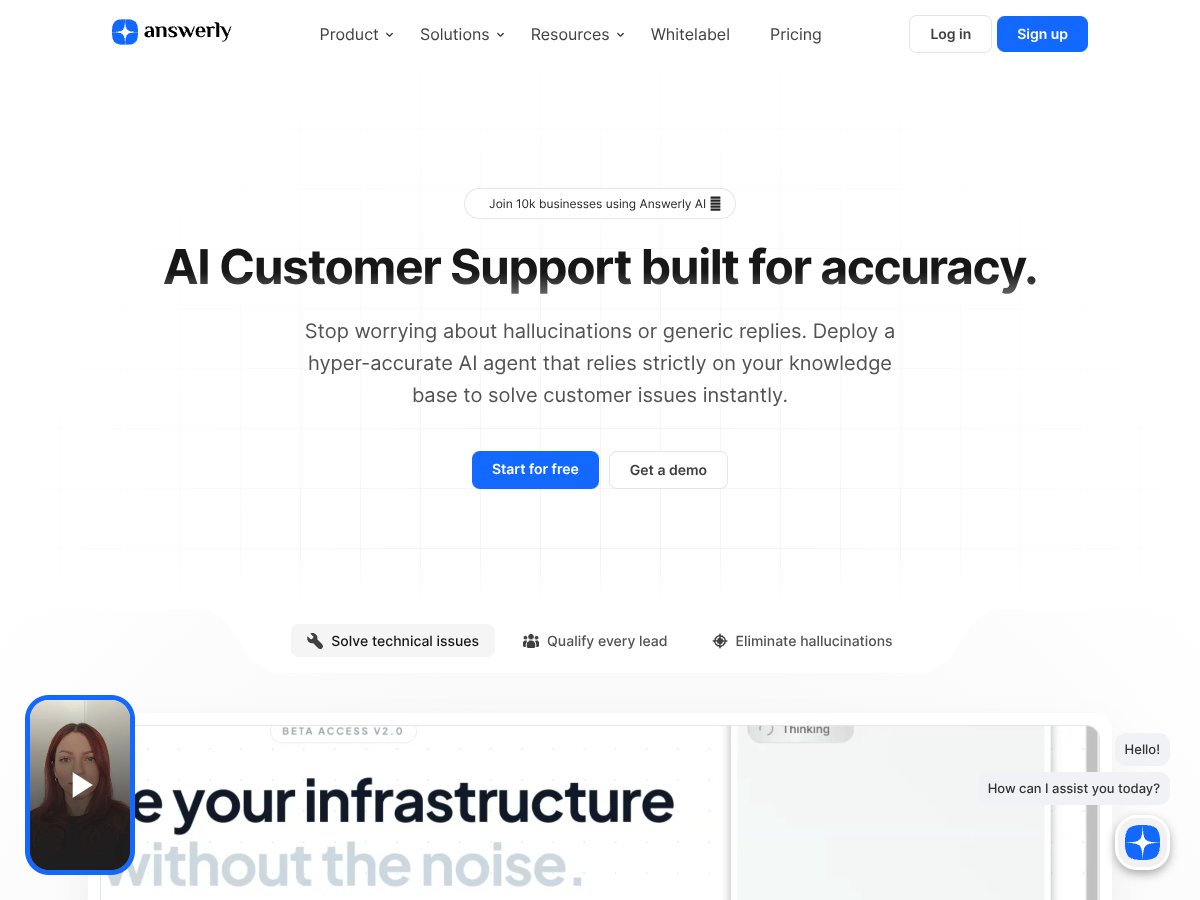
Answerly interface
Answerly in action
Plan Price What You Get My Take
Free Free 1 AI agent, 1 website/dataset, basic branding Good for a quick proof-of-concept. But if you want to test multiple content sources or remove branding, you’ll feel the limits fast.
Pro $19/month Unlimited agents, websites, datasets, seats; all AI models; real-time training; no branding This is the sweet spot for most teams. The price is hard to beat, especially if you’ll actually deploy it. Just make sure you understand any usage caps (especially if you plan to run it heavily).
Agency $69-$75/month Whitelabel options, unlimited everything, reseller capabilities Worth it if you’re deploying for clients or reselling. If you’re a single business, it can feel like you’re paying for features you won’t use.
AppSumo Lifetime From $49 (tiered) Limited but good value, tiered usage limits Great if you’re comfortable with tier restrictions. Lifetime deals are tempting—just read the fine print so you’re not stuck later.

Here’s how I see the pricing: on paper, Answerly is pretty affordable—especially the Pro plan at $19/month. Compared to full helpdesk platforms (or even bigger AI support suites), it’s easier to justify when you’re trying to reduce repetitive FAQ work without committing to a massive system.

But the part that matters (and the part I always check) is usage. The sales page doesn’t always make it crystal clear what counts toward limits—like how “training” works in practice, how frequently sources are refreshed, and whether there are any caps on queries, crawls, or API usage.

In other words: before you commit, verify the limits for your expected traffic and support volume. If you’re planning to roll it out to a high-traffic site or multiple teams, the Pro plan might be perfect—or you might want to confirm what happens when you hit the ceiling. You don’t want surprises after you’ve built workflows around it.

If you want a simple decision rule: Pro is a good fit when you need multiple agents and multiple data sources (without paying enterprise prices). Free is best for testing your content and seeing whether the answers feel aligned. Agency is mainly for teams deploying for others.

How I Tested Answerly (So You Can Trust the Results)

I didn’t just “try a couple prompts and move on.” I ran a small but structured test so I could compare answers against what the bot should actually know from the content it ingested.

My test setup:

  • Data sources: I used a mix of website pages plus a PDF-style document (policy/how-to content). I also tested one spreadsheet-like source for structured “rules” (things like eligibility and timelines).
  • Question set: I drafted questions across a few categories: “how do I,” “what’s the policy,” “where is the info,” “exceptions/edge cases,” and “not-in-doc” prompts (to see if it invents details).
  • Scoring rubric: I marked responses as:
    • Accurate: answer matches the relevant section of my source content (and is consistent with the rules)
    • Partially accurate: correct idea but missing a key constraint, or slightly vague
    • Incorrect / hallucinated: claims something that isn’t supported by the ingested docs
    • Unhelpful: doesn’t answer the question or stays too general
  • What “accuracy” means here: for my “accuracy” number, I counted responses that were accurate under that rubric. I also tracked the “not supported” cases separately.

Big takeaway from my testing: Answerly can be very strong when your source content is clear and reasonably up to date. When the docs are vague or conflicting, the bot can only do so much. Garbage in, garbage out—just with a smoother interface.

Answerly in Real Use: Does It Cite Sources (and What Happens When Docs Conflict)?

This is where most “doc-based AI” tools either earn trust or lose it. I tested two scenarios:

  • Direct questions: “What’s the refund policy for X?” type prompts.
  • Ambiguous/overlapping questions: cases where two pages could both seem relevant (but one has the updated rule).

What I noticed: Answer quality improved a lot when the question language matched the wording in the source material. When I phrased questions using the same terms customers usually use (and when the docs had the exact rule spelled out), the answers landed cleaner.

On the “conflicting docs” situation: if your knowledge base has outdated pages next to updated ones, you’ll want to clean that up. I didn’t see a magic “always prefer the newest doc” behavior that would solve sloppy content automatically. Instead, Answerly behaved like most retrieval-based systems do: it pulls the most relevant chunks it can find. If those chunks aren’t consistent, the output can be inconsistent too.

So if you’re considering Answerly for production, I’d treat it like a content problem as much as an AI problem. Tight docs = better answers.

Answerly Setup: How to Get It Working With PDFs and Website Content

If you’re trying to estimate time-to-value, here’s what I found realistic. The initial setup isn’t the hard part—the hard part is making sure your sources are the right ones.

In my experience, here’s the workflow that took the least time:

  • Step 1: Start with one agent + one clean data source. Don’t ingest everything at once. I tested with a single PDF first so I could tell whether the system was understanding the content.
  • Step 2: Add your website pages next. Then I compared answers from the PDF vs the website. Website content tends to be easier to keep updated, but PDFs sometimes contain the “real policy” details.
  • Step 3: Use a short list of “support-critical” questions. Before you show it to customers, run the top 20 questions your team answers every week. You’ll spot gaps immediately.
  • Step 4: Watch for missing constraints. A correct-sounding answer that forgets a key constraint (like eligibility or deadlines) is still a problem. Those are the questions you should iterate on first.

One note: if your PDFs are scanned images instead of selectable text, you’ll likely get worse results. That’s not Answerly-specific—it’s just how retrieval works. If you can, use text-based PDFs.

Answerly Limitations (The Stuff I’d Want to Know Before Paying)

Let me be blunt: Answerly is best for knowledge-based Q&A. It’s not a replacement for complex workflow automation or deep enterprise tooling.

  • Complex workflows: If your “support” involves multi-step actions across systems (refund approvals, account changes, special case routing), you’ll still need human processes or integrations.
  • Deep integrations: If you rely heavily on a specific stack (CRM + ticketing + custom automations), you’ll want to check compatibility. I didn’t see it positioning itself as a full ticketing replacement.
  • Content hygiene matters: Outdated or contradictory docs will show up in answers. You’ll need to keep sources current.
  • Usage caps: I didn’t want to guess here. Answerly’s pricing table is clear on plan tiers, but the exact operational limits (like API caps/refresh frequency) aren’t something I can confirm from the content provided in this post. If you’re expecting high volumes, you should verify the documented limits on the Answerly site or in their plan details before committing.

How Answerly Stacks Up Against Alternatives

Helpjuice

  • What it does differently: Helpjuice is more of a knowledge base + search/analytics platform. It’s built around organizing content and helping people find it, not necessarily pushing an AI chat experience as the main product.
  • Price comparison: Helpjuice plans start around $120/month, which is noticeably higher than Answerly’s entry pricing.
  • Choose this if... You want a strong knowledge base experience first (search + curation + reporting) and you’re not trying to fully replace FAQ support with an AI bot.
  • Stick with Answerly if... You want an AI assistant that answers directly and you’d rather reduce repetitive questions than just improve internal search.

Intercom

  • What it does differently: Intercom is a full customer messaging platform—automation, inbox workflows, and live chat are the core. AI support is part of the suite, but the product is bigger than “an AI that answers from docs.”
  • Price comparison: Plans typically start around $87/month, which can put it out of reach for smaller teams compared to Answerly’s $19/month Pro tier.
  • Choose this if... You need a full messaging workflow and CRM-style engagement features, not just doc-based answers.
  • Stick with Answerly if... Your priority is a budget-friendly support chatbot that’s tightly tied to your knowledge sources.

Drift

  • What it does differently: Drift leans into conversational marketing and sales. It’s built around lead capture and sales conversations, with AI features supporting that goal.
  • Price comparison: It usually starts around $400/month, so it’s a different category for most support-focused teams.
  • Choose this if... You want chat to drive pipeline and you’re integrating with sales tooling and CRM workflows.
  • Stick with Answerly if... You want something more “support-first”: answer FAQs from your docs without turning every question into a sales funnel.

Zendesk AI

  • What it does differently: Zendesk AI fits into Zendesk’s support ecosystem. If you already run Zendesk and want AI assistance inside that workflow, it’s convenient.
  • Price comparison: Pricing varies, but it often starts around $49/month for basic plans, with higher tiers for more advanced AI capabilities.
  • Choose this if... You’re already paying for Zendesk and you want AI responses where your tickets live.
  • Stick with Answerly if... You need a simpler setup and want to keep costs down while still using your own content as the source of truth.

Bottom Line: Should You Try Answerly?

After testing it, I’d rate Answerly at 8/10 for the kind of problem it’s designed to solve: doc-based support Q&A. If your goal is to cut down repetitive FAQ handling and give customers faster answers that are grounded in your materials, it’s a solid option.

On accuracy: my results were strong when the questions matched the content and when the sources were clean. I did see a high rate of accurate answers in my scoring, but I don’t think it’s fair to throw around a single headline like “over 90%” without the testing details. My rubric and question categories are above—so you can judge whether that lines up with your use case.

Where it may not be the best fit is if you need enterprise-grade workflows, deep SaaS integrations, or advanced analytics dashboards. Also, if you’re just starting out, know that the Free tier is limited—so you’ll likely need to upgrade to really validate it with your real support volume.

If you’re a small team (or a solo founder) who has solid documentation and wants a straightforward way to deploy AI support, I’d say it’s worth trying—especially on the Pro plan. If you’re building a sales-driven chat experience or you need a full helpdesk/ticketing platform, you’ll probably be happier elsewhere.

As featured on

Automateed

Add this badge to your site

Stefan

Stefan

Stefan is the founder of Automateed. A content creator at heart, swimming through SAAS waters, and trying to make new AI apps available to fellow entrepreneurs.

Related Posts

best practices for honest affiliate reviews featured image

Best Practices for Honest Affiliate Reviews in 2026

Discover proven strategies for creating honest, transparent affiliate reviews that build trust, boost conversions, and ensure compliance in 2026. Learn more now!

Stefan
Verdent Review – Honest Insights on Verdent

Verdent Review – Honest Insights on Verdent

reliable tool to boost your gardening skills

Stefan
FaceSymmetryTest Review – Honest Look at Free AI Tool

FaceSymmetryTest Review – Honest Look at Free AI Tool

FaceSymmetryTest is a fun online tool

Stefan
Free AI Detector Review – Your Honest Look at AI Detection

Free AI Detector Review – Your Honest Look at AI Detection

free AI detector is a handy tool

Stefan
how to take time off as a creator featured image

How to Take Time Off as a Creator: The Ultimate Guide for 2026

Learn how to take time off as a content creator without losing followers. Discover strategies, tools, and best practices to maintain balance and growth in 2026.

Stefan
PracTalk Review – An Honest Look at AI Interview Prep

PracTalk Review – An Honest Look at AI Interview Prep

boost your interview skills with AI-powered practice

Stefan
Your AI book in 10 minutes150+ pages · cover · publish-ready