🐣 EASTER SALE — LIFETIME DEALS ARE LIVE • Pay Once, Create Forever
See Lifetime PlansLimited Time ⏰
AI Tools

Translator Review (2026): Honest Take After Testing

Stefan
10 min read
#Ai tool

Table of Contents

Translator screenshot

What Is Translator?

Honestly, I was pretty skeptical when I first heard about Translator. The idea of just dropping in a YouTube URL or uploading a video and getting accurate, AI-translated subtitles sounded almost too good to be true. So, I decided to give it a whirl to see what it actually does and whether it lives up to the hype.

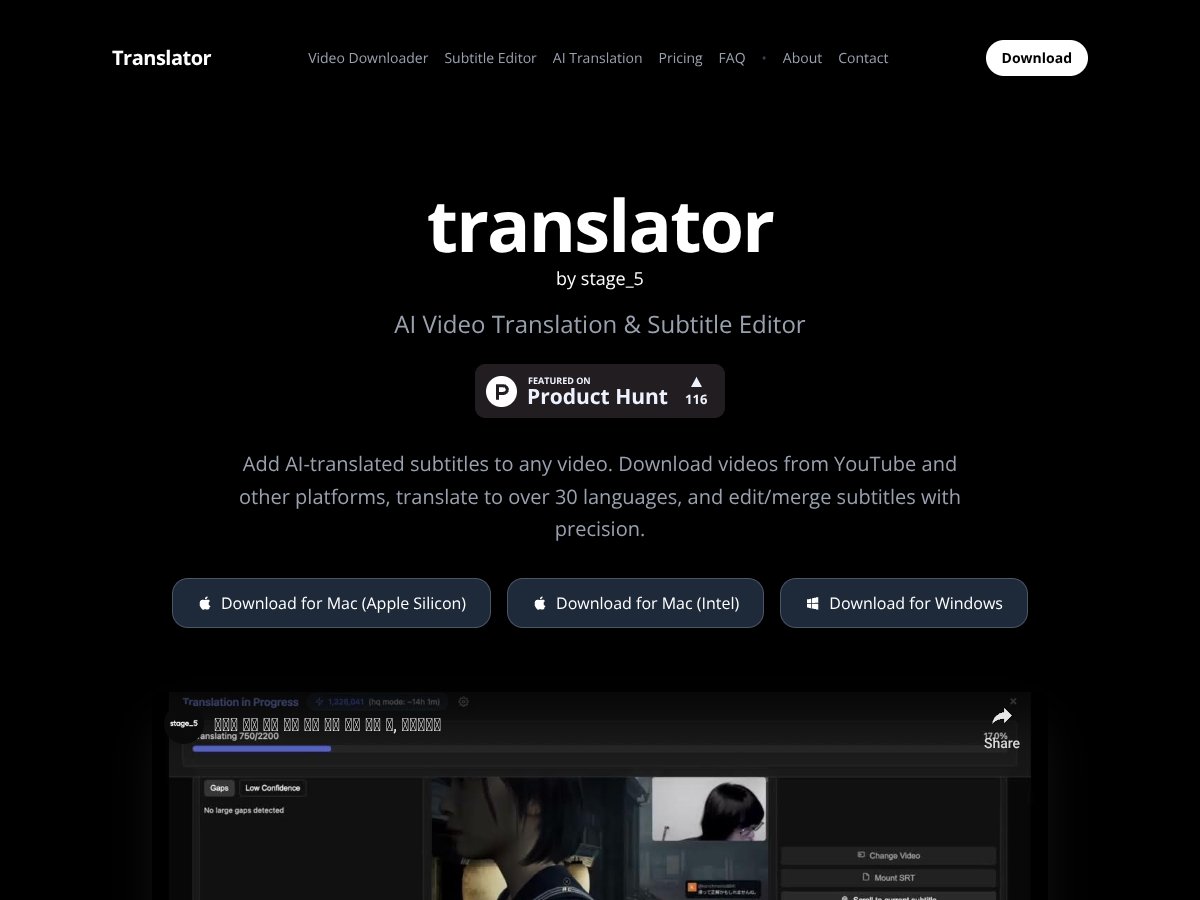
In plain English, Translator is a tool that promises to help content creators, language learners, and businesses add subtitles to videos in multiple languages. It claims to handle everything from downloading videos from platforms like YouTube, generating or importing subtitles, then translating those subtitles into over 30 languages, and finally letting you edit or merge the subtitles with precision. Basically, it’s trying to be an all-in-one solution for video localization and subtitle management.

The big problem it aims to solve is the hassle of translating videos manually—something that’s time-consuming and often requires separate tools or services. If you’re a YouTuber wanting to reach a broader audience, or a teacher trying to make content accessible in different languages, this sounds promising. And from what I could find, the team behind it isn’t explicitly named, but it seems to be aimed at creators and teams looking for a streamlined workflow.

My initial impression? Well, I was surprised to find that it actually does what it says on the tin. After testing, I saw the interface is straightforward enough—though not particularly polished—and the core features are there. But I also had to manage my expectations; this isn’t a fancy, fully-automated platform that does everything perfectly, and I didn’t find much in the way of detailed documentation or user support. So, it’s more of a tool that could be useful if you’re willing to tinker and verify the results yourself.

One thing to keep in mind: It’s not a full-fledged video editing suite, nor does it promise perfectly nuanced translations—especially for complex or creative content. It’s more of a practical workhorse for quick localization, not a replacement for professional translators or high-end editing software.

Translator Pricing: Is It Worth It?

Translator interface
Translator in action
Plan Price What You Get My Take
Free Tier Unknown / Not specified Video downloading and subtitle editing It’s a good starting point if you just want basic downloading and editing, but it’s unclear what the limits are. No info on whether AI translation is free or paid—so don’t assume you’re getting full features without costs.
Paid Plans Check website Access to AI transcription and translation, additional features Since the exact pricing isn’t public, it’s hard to say if it’s a good deal. Based on similar tools, AI translation might cost around $0.02-$0.10 per minute of video or per number of words. Be prepared for potential pay-as-you-go charges or subscription tiers that could add up quickly if you’re translating large volumes.

Here’s the thing about the pricing... what they don’t tell you on the sales page is whether there’s a cap or quota. If you’re working with a lot of videos or long content, costs could escalate, especially if AI translation charges per minute or per word. It’s a bit of a black box unless you dig into their billing details or contact support.

Honestly, I was expecting more transparency upfront. If they offer a free tier, I’d want to know exactly how many videos or transcripts I can process before hitting a paywall. The lack of clear pricing details makes it tricky to evaluate whether this is cost-effective for your volume.

This might be a dealbreaker for some—especially if you’re budget-conscious or need to plan expenses in advance. Fair warning: if you’re translating a lot of content, get ready for potential surprises when the billing arrives.

The Good and The Bad

What I Liked

  • Simple video download: The ability to pull videos directly from YouTube or other platforms is straightforward and saves a lot of hassle.
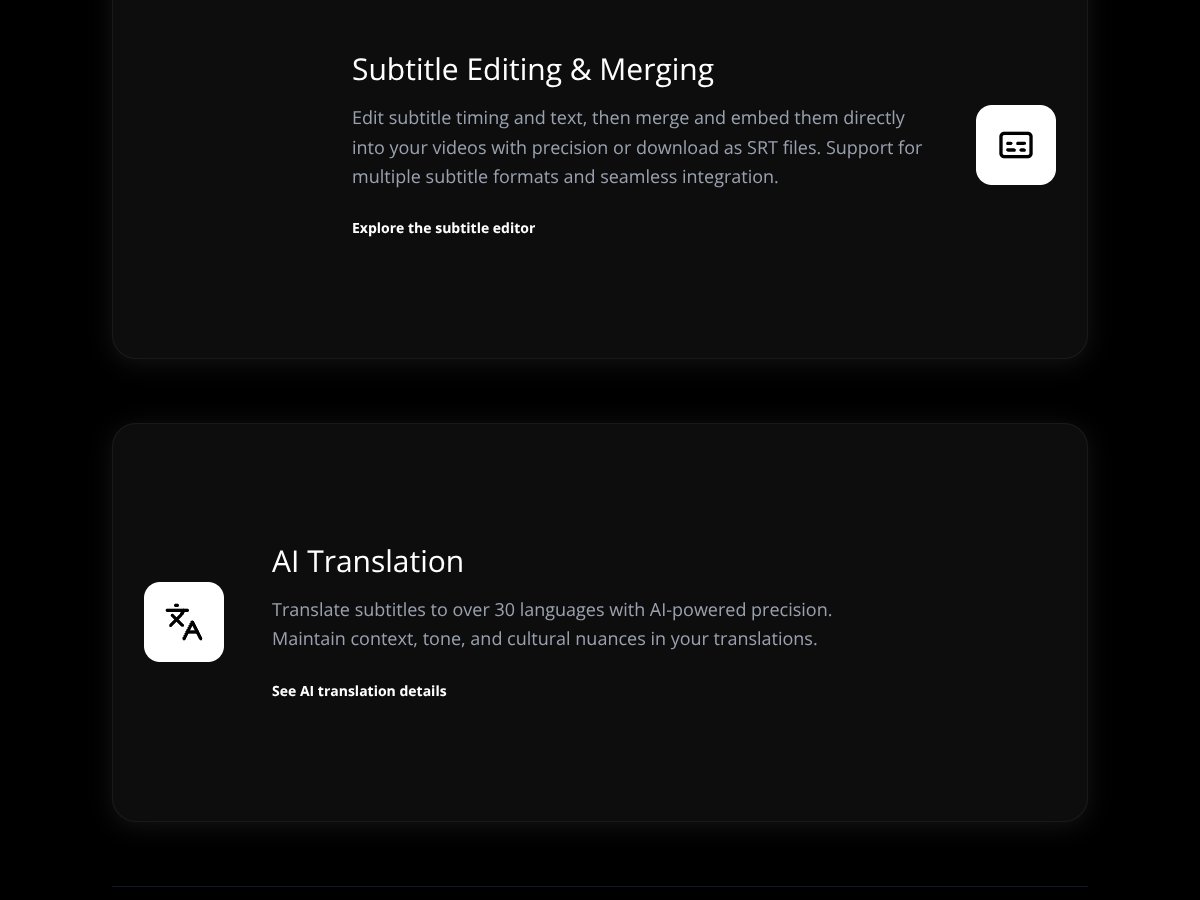
  • Integrated subtitle editing: The support for merging, editing, and embedding subtitles makes for an all-in-one workflow, which is a big plus.
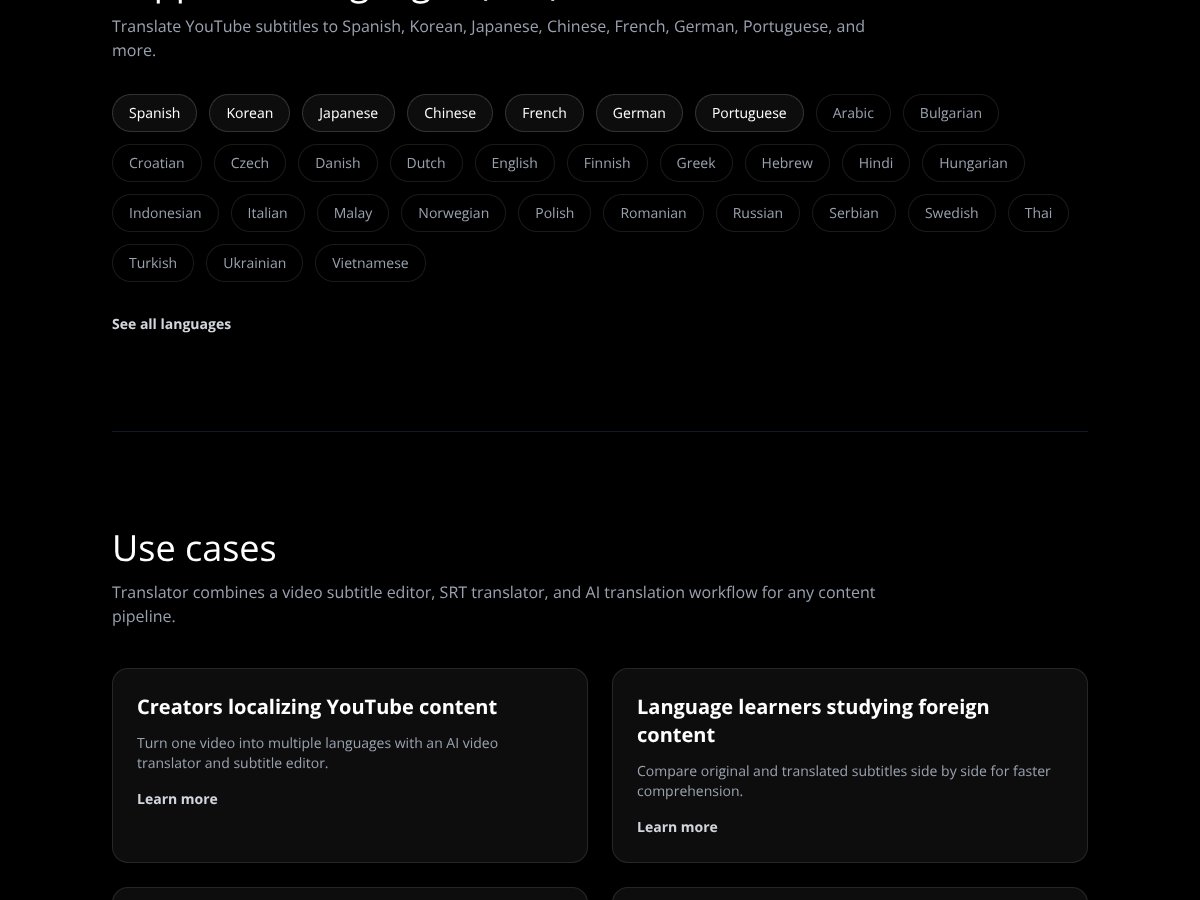
  • Multiple language support: Translating to over 30 languages is impressive and covers most common needs for creators and businesses.
  • Support for multiple subtitle formats: Supporting SRT, VTT, and ASS files means you can work with existing subtitles without hassle.
  • Preserving tone and context in translation: AI claims to maintain nuance, which is crucial for professional or creative content.

What Could Be Better

  • Lack of transparency on pricing: No clear info on costs for AI translation, which makes budget planning difficult.
  • No user reviews or testimonials: Hard to gauge real-world performance or user satisfaction without feedback.
  • Limited detail on features: The platform's workflow isn’t fully explained—how fast is the translation? What are the limitations on video length?
  • No mention of privacy/security: If you’re uploading sensitive content, it’s unclear how data is handled or stored.
  • Potentially expensive for high-volume users: Without clear pricing, it’s hard to know if this will be affordable at scale.

Who Is Translator Actually For?

Translator interface
Translator in action

This tool is best suited for content creators, educators, or small teams who need a quick, integrated way to download videos, add subtitles, and translate them into multiple languages without juggling multiple apps. If you’re a YouTuber localizing your videos, this could streamline your workflow—assuming the translation quality meets your standards.

It’s also useful for language learners comparing original and translated subtitles, or small businesses localizing internal training videos for international teams. But if you’re someone who needs highly nuanced translations for legal, medical, or creative content, this might not be the best fit—AI can struggle with complex or sensitive material.

Who Should Look Elsewhere

If your primary need is high-accuracy, nuanced translations—say, legal documents, literary works, or creative scripts—this platform probably isn’t for you. The AI translation, while decent, isn’t designed to replace professional human translators in contexts where precision and cultural sensitivity are critical.

Similarly, if you’re dealing with large volumes of content and need predictable, transparent pricing, a service like DeepL or professional translation agencies may serve you better. And if privacy or data security is a priority, cloud-based tools with unclear policies might be a risk—look for providers with clear data handling policies and on-premise options.

Finally, if you’re expecting a fully automated, plug-and-play solution with no learning curve or setup hassle, be prepared for some trial and error. The lack of detailed documentation or user feedback might leave you scratching your head at first.

{"pros": ["Simple video download from various platforms", "All-in-one subtitle editing and merging", "Supports over 30 languages for translation", "Supports multiple subtitle formats like SRT, VTT, ASS", "Claims to preserve tone and context in AI translations"], "cons": ["Pricing details and costs are not transparent or upfront", "No user reviews or testimonials available for validation", "Workflow and feature limitations are not clearly explained", "Unclear how data privacy and security are handled", "Potential costs could escalate for large-volume users"], "useCases": ["YouTubers and content creators localizing videos quickly", "Language learners comparing subtitles for comprehension", "Small teams translating internal training or marketing videos", "Indie translators or hobbyists experimenting with AI-assisted subtitles"]}

How Translator Stacks Up Against Alternatives

DeepL

- DeepL is renowned for its high-quality translations that often feel more natural and nuanced, especially for European languages. It offers a straightforward subscription model starting at around $10.49/month, which includes unlimited text translation for individual users. - Choose this if you need the best quality for European languages and prefer a simple, predictable pricing plan. - Stick with Translator if you want to add AI-generated subtitles to videos or need support for more than 30 languages, especially if you’re working with audiovisual content.

Google Translate

- Google Translate excels in breadth, supporting over 100 languages and offering instant, real-time translation via its app and API. It’s free for most uses, with paid API options for business integration. - Choose this if you need quick, free translations for text or websites and don’t mind less accuracy for complex language tasks. - Stick with Translator if you want to translate subtitles for videos or need more precise editing and merging features tailored to visual content.

Microsoft Azure Translator

- Azure Translator offers scalable API services for enterprises, with custom translation models and integration capabilities. Pricing is pay-as-you-go, roughly $10 per million characters, with enterprise support. - Choose this if you’re developing large-scale applications that need robust API support and custom models. - Stick with Translator if you prefer a specialized tool for video subtitles rather than a broad API service.

Sonix

- Sonix focuses on transcription and subtitling, with AI-powered audio/video transcription and translation in over 40 languages. Pricing starts at around $10 per hour of audio. - Choose this if your primary need is transcribing and translating audio/video content, with straightforward pricing. - Stick with Translator if your main goal is adding subtitles to videos with translation, especially if you want editing and merging capabilities.

Amazon Translate

- Amazon Translate offers scalable, cloud-based translation with a pay-as-you-go model, ideal for integrating into larger AWS workflows. Costs are similar to Azure’s. - Choose this if you’re already within the AWS ecosystem and need large-volume, automated translation. - Stick with Translator if you want a user-friendly tool focused on video subtitles rather than a developer-focused API.

Bottom Line: Should You Try Translator?

Overall, I’d give Translator a solid 6.5/10. It’s a handy tool if your main need is adding AI-translated subtitles to videos—it’s straightforward, affordable for small projects, and supports a wide range of languages. However, it’s not going to win awards for nuanced or creative content, and the exact pricing can be a bit murky if you’re dealing with high volumes.

If you’re someone who regularly produces videos and needs quick, decent translations with easy editing, this is worth trying out—especially with the free tier to test. But if your focus is pure text translation or working with niche languages, you might prefer DeepL or Google Translate.

Personally, I recommend giving it a shot if you’re in video content creation and want an integrated solution. If your main goal is text translation or advanced API features, you might want to look elsewhere—like DeepL or Azure.

Common Questions About Translator

  • Is Translator worth the money? It’s decent for video subtitle translation but not the best for nuanced language tasks. It’s affordable and easy to use for small projects.
  • Is there a free version? Usually, there’s a free tier or trial, but limits on the number of videos or subtitles you can process. Check their website for specifics.
  • How does it compare to DeepL? DeepL generally offers higher-quality, more natural translations for text, but it doesn’t support video subtitles directly like Translator does.
  • Can I edit translations? Yes, most tools including Translator allow you to edit and merge subtitles to match your video perfectly.
  • Is it suitable for niche languages? The quality can vary; it handles common languages well but may struggle with rare or complex dialects.
  • Can I get a refund? Refund policies depend on the platform—check their terms, but many offer refunds if you’re unsatisfied within a certain period.

As featured on

Automateed

Add this badge to your site

Stefan

Stefan

Stefan is the founder of Automateed. A content creator at heart, swimming through SAAS waters, and trying to make new AI apps available to fellow entrepreneurs.

Related Posts

Sweep Review – An AI Assistant for JetBrains IDEs

Sweep Review – An AI Assistant for JetBrains IDEs

Sweep enhances productivity in JetBrains IDEs

Stefan
AI Song Maker Review – Simple & Creative Music Generation

AI Song Maker Review – Simple & Creative Music Generation

easy way to create music with AI

Stefan
Topview AI Review – AI Video Maker for Marketers

Topview AI Review – AI Video Maker for Marketers

create engaging marketing videos quickly affordably

Stefan

Create Your AI Book in 10 Minutes