Table of Contents
Looking for a simple way to add music to your videos without worrying about copyright issues? Vidsembly promises to do just that—generate custom, royalty-free tracks tailored to your content. In this review, I’ll share my experience using their Video Music-Score tool and see how it really stacks up. If you want quick, hassle-free background music for your videos, keep reading to find out if Vidsembly delivers on its promise.
Vidsembly Review
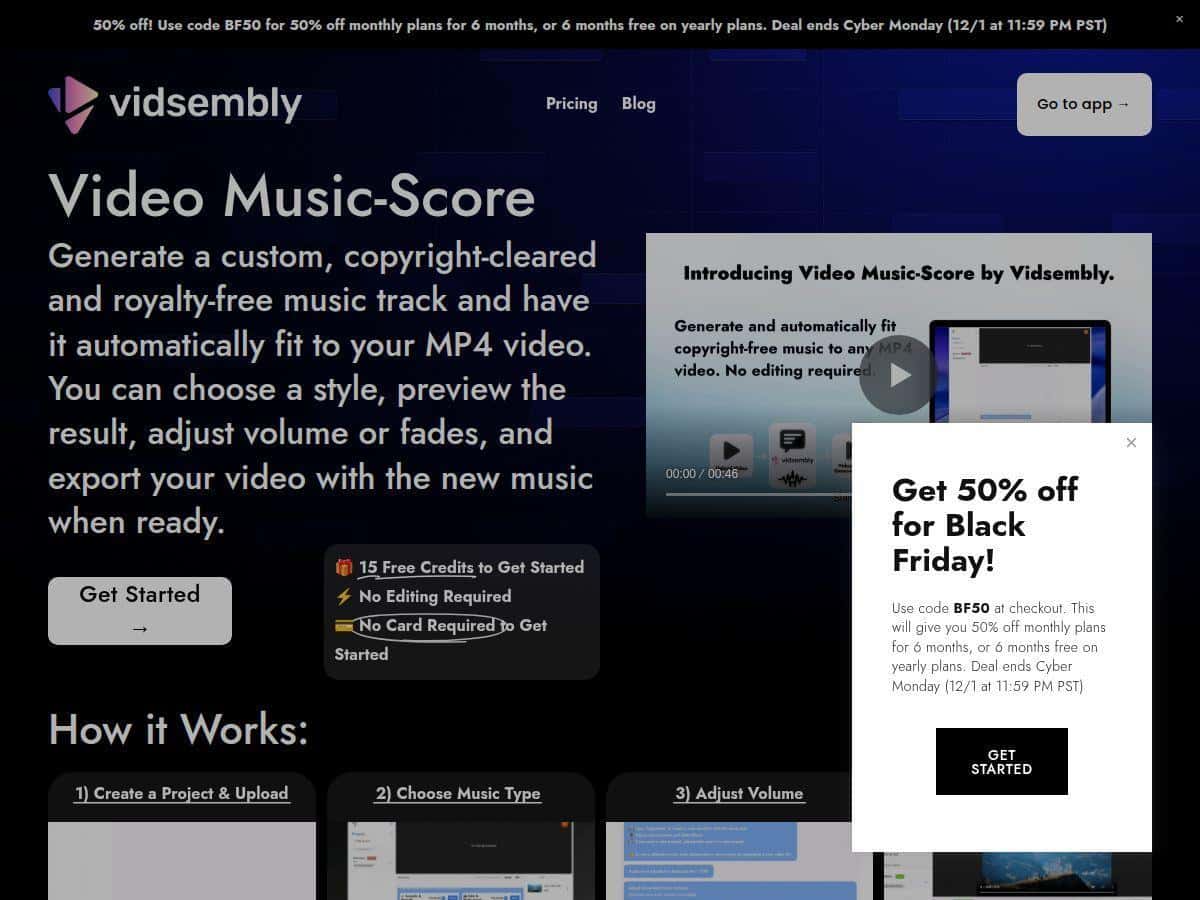
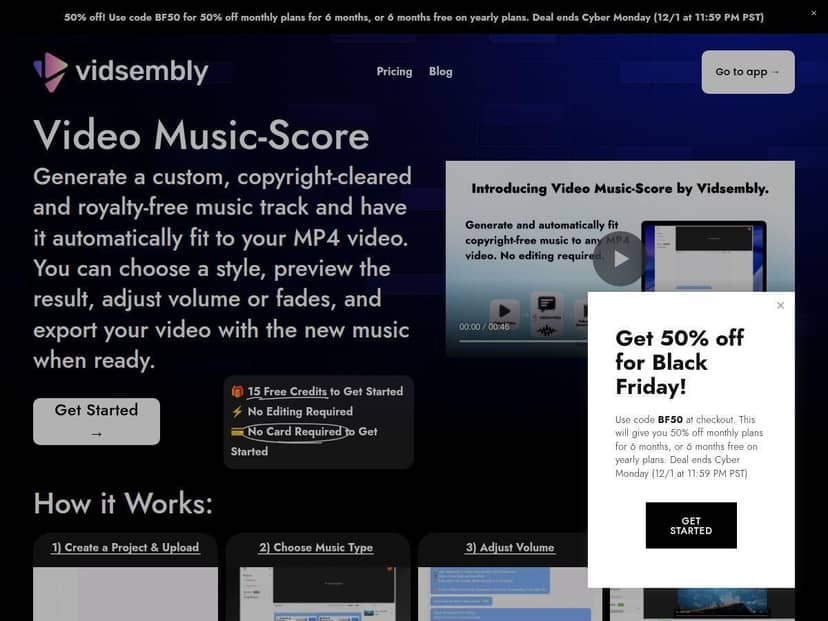
I recently gave Vidsembly’s Video Music-Score a try while working on a few social media clips. Uploading my MP4 was straightforward, and choosing a music style took seconds. The tool instantly generated tracks that perfectly matched my video length, saving me the usual hassle of searching for the right music or editing tracks myself. The interface was friendly and intuitive, even for someone with no audio editing background. I appreciated the ability to preview the track, tweak the volume, and add fade effects before exporting. Overall, it made adding background music effortless and quick, with very little learning curve.
Key Features
- Custom Music Generation
- Automatic Syncing with Video Length
- Six Different Music Styles
- Preview & Adjustments (Volume, Fade)
- Seamless Export to MP4
- No Prior Audio Skills Needed
Pros and Cons
Pros
- Very easy to use, perfect for beginners
- Fast music creation saves time
- Royalty-free, copyright-clear tracks
- Flexible for social media and marketing
- Free credits to start with
Cons
- Supports only MP4 videos, limit for some users
- Limited to six music styles (more options with paid plans)
- Credit system might be tricky with adjustments
- Basic editing features, no advanced controls
- Best for shorter videos under 30 seconds
Pricing Plans
Vidsembly offers a free tier with 15 credits to get started. Each 15 seconds of music costs 5 credits, and volume adjustments cost 1 credit for every three tweaks. Paid plans start at $2 for 30 credits, up to $35 for 1000 credits, with discounts for bulk purchases. There are also subscription options with monthly or yearly credits, plus premium plans for more features. Credits never expire, making it easy to manage as you go.
Wrap up
Overall, Vidsembly’s Video Music-Score is a fantastic tool for anyone who needs quick, copyright-free background music for videos. It’s especially great for beginners who want a straightforward, no-fuss solution. While it has some limitations, like support only for MP4 files and basic editing options, the ease of use and instant results make it worth trying out. If you’re looking to enhance your videos without hassle or licensing worries, this tool is definitely worth a shot.