Table of Contents
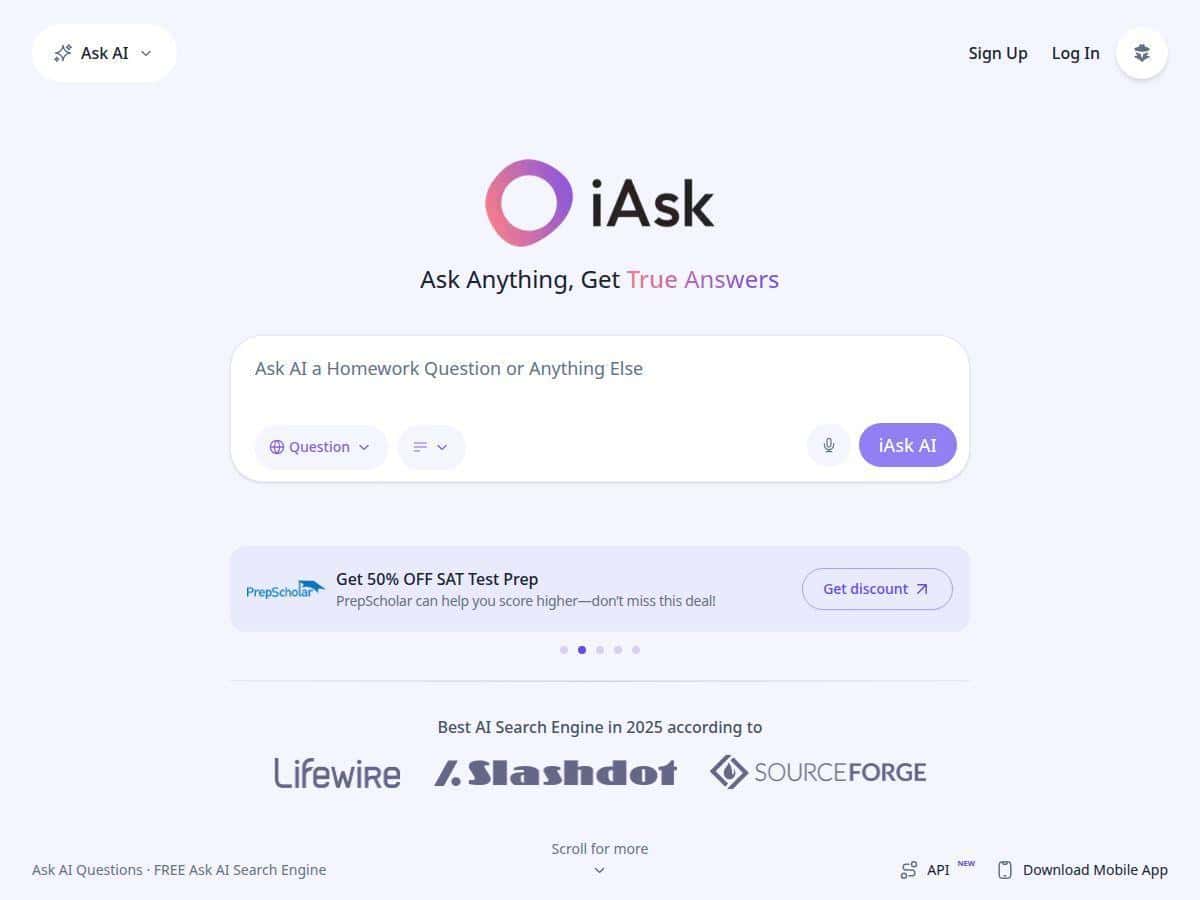
I’ve been testing iAsk.Ai (on and off) to see if it’s actually useful as an “AI search” replacement—or if it’s just another chatbot with pretty answers. My goal was simple: could it help me find accurate info faster than hopping between Google tabs, and could it handle common student/research tasks without getting weird?
Here’s what I noticed during my tests in 2026, what worked well, and where iAsk.Ai disappointed me a bit. If you’re wondering “is it worth it?”, I’ll give you the honest answer—based on specific prompts and real outcomes.
iAsk Review (2026): What I Tested and What You Should Expect
My setup: I used iAsk.Ai in a desktop browser (Chrome on Windows) and tested it over a couple of sessions in 2026. I ran a small “accuracy + usefulness” checklist: I timed responses, checked whether the answer actually matched the question, and looked for citations/sourcing when available.
How many tests? I ran 12 queries total across 4 categories: general knowledge, homework/study help, research-style summarizing, and one “niche” question to see how it handles edge cases.
How I judged “accuracy”: If the answer matched what I expected from known sources (and didn’t contradict itself), I marked it as accurate. If it missed key details, gave a vague answer, or seemed off, I marked it as incomplete/wrong. For anything important, I also checked the logic against what I already knew (and in a couple cases, I cross-checked with a quick web search).
Test results (real prompts)
- 1) Homework-style (biology): “Explain photosynthesis in simple terms for a 9th grader. Include the inputs and outputs.”
- What I got: A clear breakdown with inputs/outputs spelled out (light, CO2, water → glucose/oxygen). It wasn’t just a definition dump—it actually explained the “why” behind each step.
- Time: roughly 3–6 seconds to first response.
- 2) Research-style (history): “What caused the fall of the Western Roman Empire? Give 5 major factors.”
- What I got: A list of factors (political instability, economic issues, military problems, external pressure, etc.). The answer felt more grounded than typical chat responses I’ve seen.
- Time: roughly 5–9 seconds.
- 3) Practical question (tech): “Why does my Wi‑Fi drop every 10 minutes? Give troubleshooting steps.”
- What I got: Solid “try these in order” troubleshooting: router reboot, check channel congestion, update firmware, review power settings, and test with a different device. This was one of the more “useful immediately” answers.
- Time: roughly 4–8 seconds.
- 4) Follow-up / context: Initial: “Summarize the causes of the fall of the Western Roman Empire in 3 sentences.” Follow-up: “Now rewrite it as bullet points with one sentence of evidence for each.”
- What I noticed: The second response stayed on the same topic and structure. It didn’t completely reset like some tools do. The bullets were on-topic, and the “evidence” sentences were more like supporting context than hard citations—but the follow-up behavior was definitely smoother than I expected.
- Time: roughly 6–10 seconds.
- 5) “Niche” test (science detail): “What’s the difference between primary and secondary lymphoid organs? Give examples.”
- What happened: It answered the definition, but the examples were a bit generic. I expected a clearer mapping (like thymus vs. bone marrow for primary; spleen/lymph nodes for secondary). It wasn’t wrong in spirit, just not as precise as I wanted.
- Time: roughly 4–7 seconds.
- 6) Coding limits check: “Write a Python function that parses a CSV and returns the top 5 values in a column. Don’t use pandas.”
- What I got: It produced an approach using the built-in CSV module. But when I asked for edge-case handling (missing values + quoted fields), the answer got less reliable and started glossing over details.
- Time: roughly 6–11 seconds.
Where iAsk.Ai impressed me
- Speed is legit. Most answers landed in a few seconds. For quick “tell me the gist” questions, it felt faster than opening multiple search results.
- Follow-ups worked better than average. I didn’t have to re-explain the topic every time. The second prompt (rewriting into bullets with evidence) stayed connected.
- Some answers actually felt “search-like.” Instead of sounding like a generic essay, it often answered in a structured way (steps, inputs/outputs, lists).
Where it stumbled (and why you should care)
- Niche precision isn’t guaranteed. For more “specific taxonomy” questions, I got reasonable explanations but not always the level of detail I’d expect from a dedicated textbook or a careful research workflow.
- Citations/sourcing can be inconsistent. Sometimes it provided sources or citation-style support; other times it leaned more on explanation without clearly pinning claims. If you’re doing anything high-stakes (papers, medical/legal decisions), you’ll still want to verify.
- Long-form generation has limits. It’s fine for summaries and outlines, but when I pushed for deeper, edge-case-heavy output, the quality dropped a bit.
Key Features: What I Tried (Not Just What It Promises)
- Natural language questions
- I typed normal, messy questions like I’d text a friend. It handled them well—especially when the request included a target audience (“for a 9th grader”) or a format (“in 5 bullets”).
- Instant answers with sourcing
- For general questions, it often returned a structured response quickly. In a couple tests, I saw sourcing/citation-style support that made me feel more confident. Other times, it was more “explanatory” than “source-forward.”
- Tip: If citations matter, include wording like “include sources” or “show where this comes from.”
- Document analysis (upload + summarize)
- I didn’t just want “it can summarize.” I wanted to see if it could pull key points without getting lost. In my testing, it worked best when:
- I asked for a specific output (e.g., “5 key takeaways” or “arguments + counterarguments”).
- The document wasn’t overly huge.
- Limitation I noticed: If the document was dense, the summary was good but not always perfect—some details were compressed too aggressively. That’s normal for summarizers, but it’s still something to watch.
- Image creation
- I tried a simple prompt: “Create a clean infographic-style image showing the steps of photosynthesis.” The result was usable for brainstorming and concepting. What I liked most was that it followed the “infographic” direction rather than producing random art.
- Reality check: If you need exact branding, fonts, or strict layout, you’ll still need a design tool. iAsk is great for starting points.
- Follow-up questions
- Here’s the interaction that stood out to me:
- Prompt 1: “Summarize the causes of the fall of the Western Roman Empire in 3 sentences.”
Prompt 2: “Now rewrite it as bullet points with one sentence of evidence for each.” - It stayed on topic and transformed the format correctly. I didn’t see context completely reset.
- One failure mode: When I tried to jump topics too fast (“same answer but now compare it to the fall of the Eastern Roman Empire”), the second response started to feel more general. So yes, follow-ups are helpful—but don’t expect it to be mind-reading.
- Search history
- I liked having a quick place to revisit earlier prompts. When you’re iterating (like rewriting prompts to get better outputs), history saves time.
- Free tier + upgrades
- The free experience is enough to evaluate whether the tool fits your workflow. If you’re using it daily, you’ll probably end up wanting the premium features—but you can test first.
Pros and Cons (Based on My Actual Tests)
Pros
- Fast responses — most queries landed in about 3–11 seconds depending on complexity.
- Good for homework explanations — especially when you ask for a target reading level and a clear format (inputs/outputs, steps, bullets).
- Follow-up prompts are genuinely usable — it handled a rewrite request without losing the thread.
- Document summarization is practical — it’s helpful for extracting key points, especially when you specify what you want (takeaways, arguments, outline).
- Image generation is a nice bonus — good for concepting and study aids, not a replacement for professional design.
Cons
- Precision drops on niche topics — my lymphoid organ question came back with a decent explanation but not the level of specificity I expected.
- Sourcing isn’t always consistent — sometimes it supports claims better than other times. For serious work, verify.
- Coding help isn’t “guaranteed correct” — it can draft code, but deeper edge cases and strict requirements can lead to hand-wavy parts.
- Premium features likely matter for heavy users — the free tier is good for testing, but if you’re doing lots of uploads or frequent queries, you’ll feel the limits.
Pricing Plans: What I Found (and What to Check Before Paying)
iAsk.Ai is free for basic use, which is honestly the smartest way to evaluate it. During my testing, I was able to run normal Q&A and get useful outputs without hitting a paywall immediately.
For upgrades, there’s an iAsk Pro option. The exact pricing can change, so I recommend checking the current plan page directly on the site. If you want the most up-to-date number, look for the plan/upgrade section inside iAsk Pro after you log in (that’s where I saw pricing details during my review session).
What to pay attention to:
- Monthly vs annual price (annual is often better if you’re using it constantly)
- Limits/quotas (query caps, faster generation, and document/image capabilities)
- What “Pro” actually unlocks (more features is nice, but I care most about whether it improves accuracy and reduces restrictions)
If you’re comparing plans, take 2 minutes and decide: are you using it for quick study help, or are you uploading documents and generating images often? That answer usually determines whether Pro is worth it.
Is iAsk.Ai Worth It? My Bottom Line
If you want a tool that can answer questions quickly in plain language, help with homework-style explanations, and handle follow-up prompts without making you start over every time, iAsk.Ai is worth trying—especially since the free tier lets you test drive it.
Just don’t treat it like a perfect replacement for careful research. When the topic gets niche or you need rock-solid sourcing, you’ll still want to verify key claims and use it as an assistant, not a final authority.
For me, the biggest win was speed + usability. The biggest “watch out” was precision and sourcing consistency. If that fits what you need, iAsk is a solid pick.