LIFETIME DEAL — LIMITED TIME
Get Lifetime AccessLimited-time — price increases soon ⏳
AI Tools

KREV Review (2026): Honest Take After Testing

9 min read
#Ai tool

Table of Contents

KREV screenshot

What Is KREV?

Honestly, I was pretty skeptical when I first heard about KREV. The idea of turning a single product image into a whole suite of branded ads, studio-quality photos, and videos in just minutes sounds almost too good to be true — especially if you’ve dealt with the high costs and slow turnaround of traditional photoshoots. So, naturally, I had to try it myself.

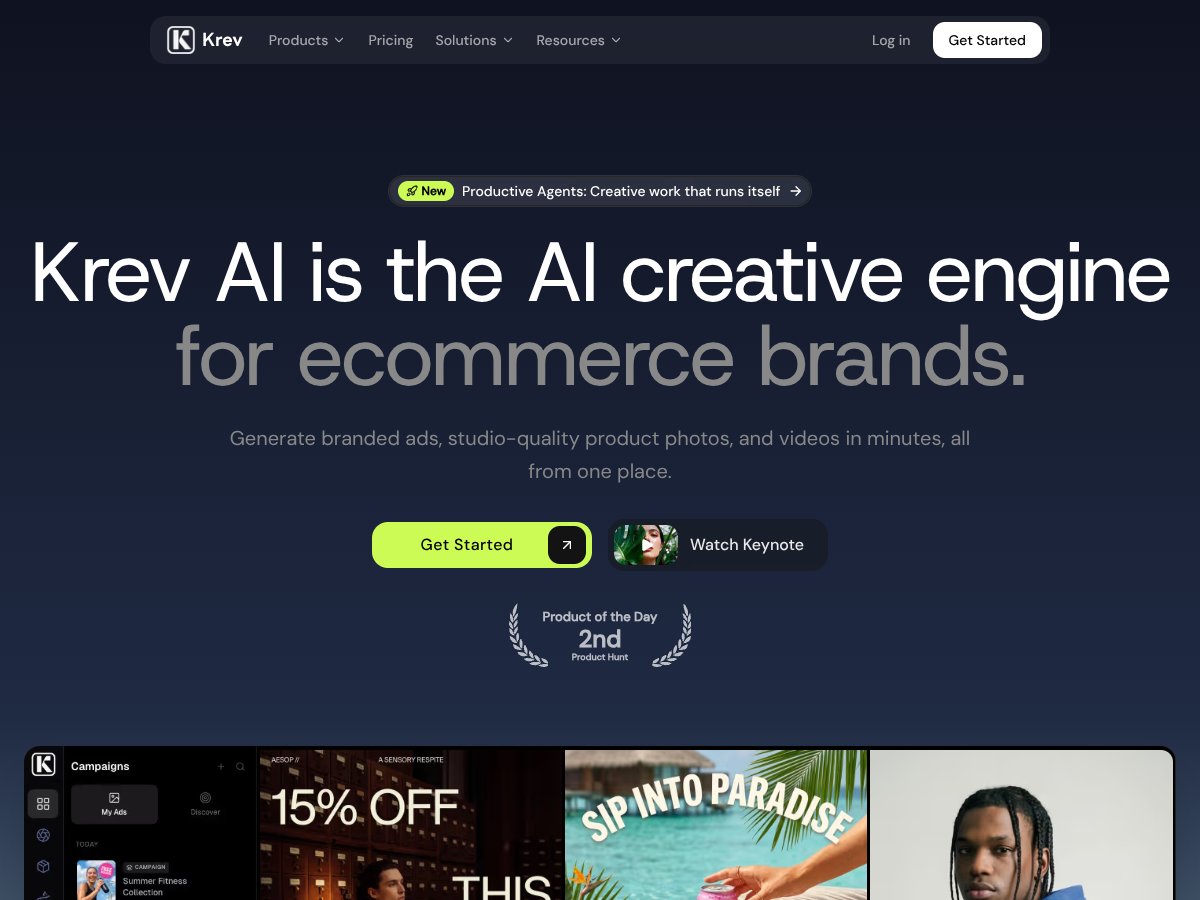
What KREV actually does is straightforward on the surface: it’s an AI-powered platform that takes one product image and generates various types of visual content — from standard product photos to lifestyle shots, videos, and even ad creatives optimized for platforms like Meta, TikTok, and Google. The goal? Help ecommerce brands produce a high volume of visual assets without the need for a professional photographer or expensive studio setup.

The problem it’s trying to solve is clear: traditional content creation for ecommerce is time-consuming and costly. Producing multiple high-quality images and videos for testing different ad angles or social media formats can cost thousands of dollars and take weeks. KREV aims to streamline that process, making it faster and cheaper to generate a variety of creatives from just one product shot.

As for the team behind it, the website doesn’t provide much info about the founders or the company’s background. It’s marketed as an AI “creative engine” for ecommerce brands, with a focus on scale and efficiency. That’s fine, but it does make me wonder about how long they’ve been around and the level of support you can expect — no details there.

My initial impression? It’s as advertised — at least in broad strokes. I was surprised to find that creating a basic set of images from a single photo was quite quick, and the interface is quite minimal, which is a plus. That said, I think it’s important to manage expectations: this isn’t going to replace professional photography entirely, especially if you need highly specific or polished assets. It’s more of a quick, scalable way to generate variations and test creatives.

One thing I want to emphasize early on: KREV isn’t a general-purpose image generator like DALL·E or Midjourney. It’s tailored specifically for ecommerce visuals, which means the outputs are designed to fit product catalogues and ad formats. Also, it’s not a full-blown video editing suite — it creates cinematic-style videos optimized for social media, but don’t expect Hollywood-level production quality.

Who Is KREV Actually For?

KREV interface
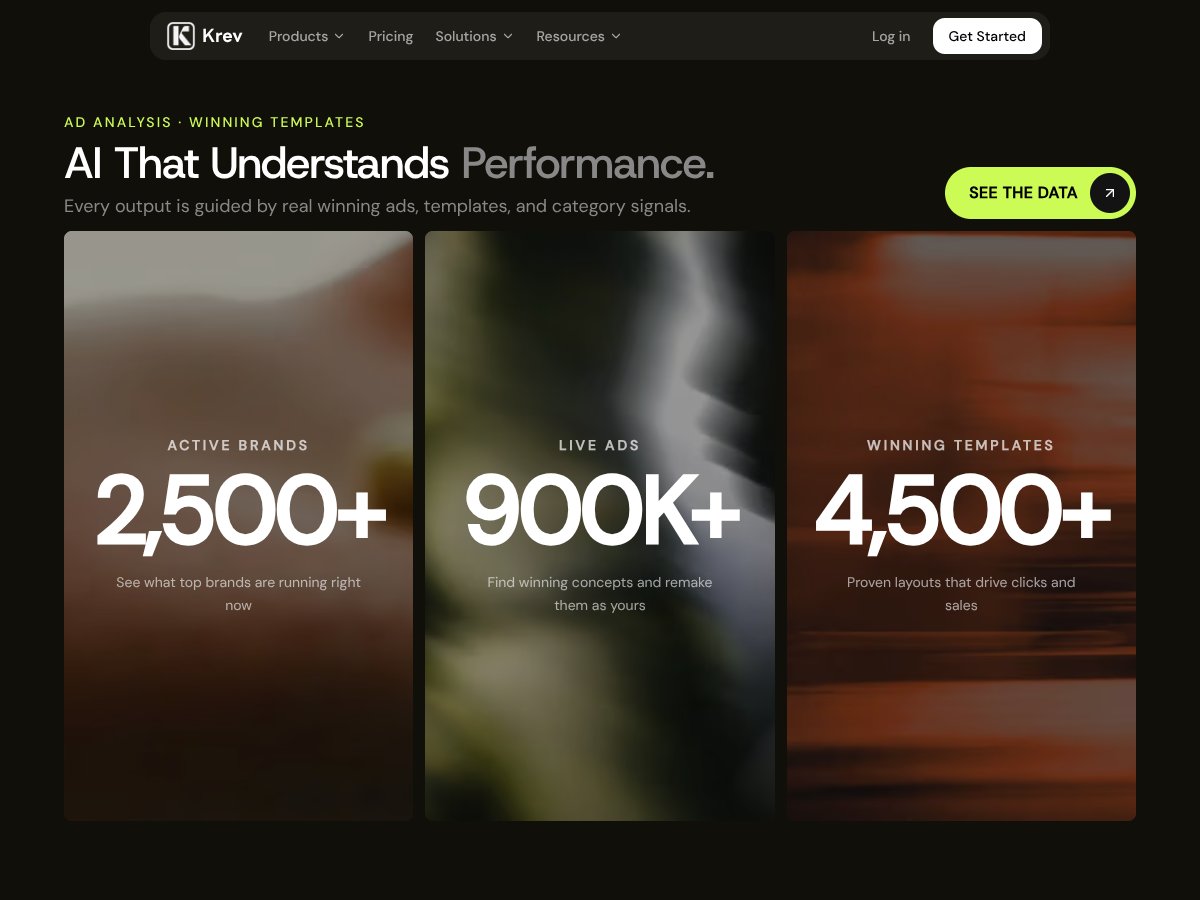
KREV in action

This platform is best suited for small to mid-sized ecommerce brands, especially those running direct-to-consumer (D2C) models, who need quick, scalable visual content without the high costs of traditional photoshoots. If you're managing social media ads across platforms like Facebook, TikTok, and Instagram, Krev can help you generate a variety of creatives from a single product shot, making A/B testing easier and faster.

Ideal users include solo marketers, small creative teams, or agencies handling multiple clients who want to produce professional-looking content without hiring photographers or videographers for every new campaign. If you’re launching a new product line and need multiple visuals in a short timeframe, Krev can streamline that process.

However, it’s not designed for large-scale production houses or brands requiring ultra-high-resolution assets for print or extensive branding campaigns. Also, if your products are complex or require detailed modeling, Krev’s AI might not meet your expectations.

In short, if your workflow involves rapid ad testing, need consistent branding, and want to reduce creative production costs, Krev is worth considering—but don’t expect it to replace professional photography for high-stakes campaigns.

Who Should Look Elsewhere

If you require absolute top-tier image quality, especially for print or premium catalogs, Krev might fall short. Its AI-generated visuals are impressive but sometimes feel generic or synthetic, which could hurt brands that need a highly authentic or luxurious look.

Also, if your creative process involves complex scene setups, intricate product details, or very niche aesthetic styles, Krev’s outputs might not meet your standards. In these cases, a traditional professional photographer or specialized studio might be a safer bet.

For teams that rely heavily on custom branding integrations, advanced animations, or seamless platform integrations (like direct publishing to ad accounts via API), Krev’s current feature set may be limiting. Alternatives like Flair.ai, Krea.ai, or even manual production might better serve those needs.

Finally, if you’re on a tight budget with minimal content needs, investing in a more affordable or free tool might be smarter. Krev’s credit system and paid plans are powerful but can add up quickly if you’re not careful.

How KREV Stacks Up Against Alternatives

KREV interface
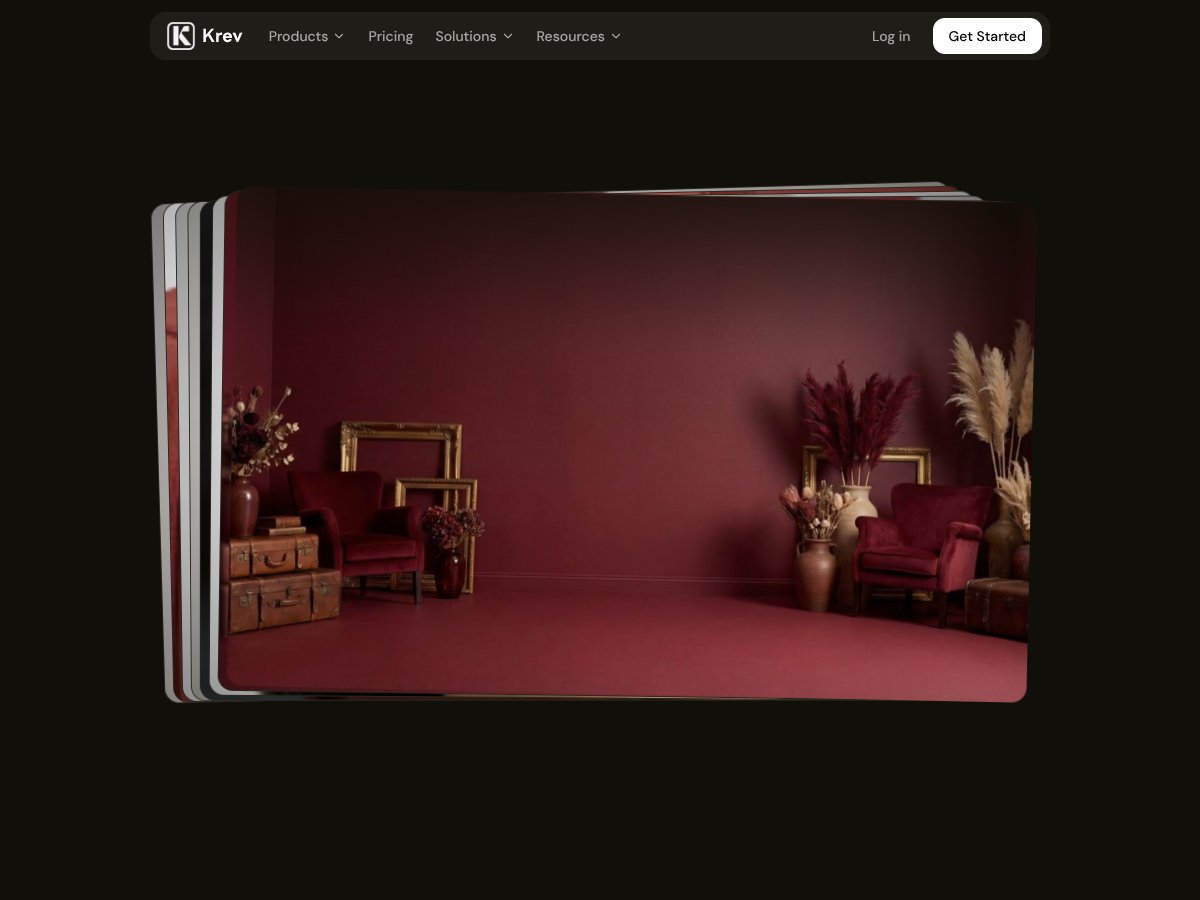
KREV in action

Flair.ai

  • What it does differently: Flair.ai focuses heavily on creating high-quality product images and videos optimized for ecommerce, with a strong emphasis on customizable styling options and seamless integrations for product catalogs. It offers AI-powered photo and video automation but with a slightly more artistic, less studio-focused approach compared to KREV.
  • Pricing: Flair.ai’s pricing isn’t as transparent publicly, but it tends to be more premium, often requiring custom quotes, which can be expensive for small brands. KREV’s plans start as low as $29/month for fairly generous credits.
  • Choose this if...You need highly stylized, artistic product visuals and are willing to invest more for bespoke creative outputs, especially if you want flexible customization beyond typical ecommerce needs.
  • Stick with KREV if...You're after rapid, scalable, and consistent product photos and ads with a focus on performance creatives, especially if budget is a concern and you prefer a more straightforward platform.

Claid.ai

  • What it does differently: Claid.ai specializes in AI-enhanced image editing and product photo enhancement, making it great for refining existing images rather than generating new ones from scratch. It’s more about improving photos than creating full campaigns.
  • Pricing: Claid.ai offers tiered subscriptions, generally starting around $50/month, but costs can increase with usage. KREV offers more comprehensive content creation from a single image at similar or lower prices.
  • Choose this if...You already have decent product photos but want to enhance or optimize them quickly without a full creative overhaul.
  • Stick with KREV if...You're starting from a single product shot and need a complete creative suite—photos, videos, and ad-ready assets—without extra editing steps.

Pebblely

  • What it does differently: Pebblely is focused on generating studio-quality product photos from a single image, similar to KREV, but it’s more targeted at creating quick, high-quality product shots rather than full ad campaigns or videos.
  • Pricing: Typically around $30–$50/month, with credits per generation. It’s comparable in price to KREV’s starter plans but may lack some of KREV’s broader ad and video features.
  • Choose this if...Your main need is high-quality, standalone product photos without the need for scenes, lifestyle shots, or videos.
  • Stick with KREV if...You want an all-in-one platform that can produce not just photos but also videos and ad creatives, especially for testing different formats.

AdCreative.ai

  • What it does differently: AdCreative.ai is primarily focused on generating ad creatives, including copy and visuals, optimized for conversion. It’s more about ad copy and creative testing rather than product photography or videos.
  • Pricing: Starts around $49/month for basic plans, with higher tiers offering more creatives and features. KREV’s integrated approach might reduce the need to use multiple tools.
  • Choose this if...Your main goal is ad copy and variations rather than product images or videos, and you want quick A/B testing assets.
  • Stick with KREV if...Visual content generation from a single product image that aligns with your brand is your priority, especially if you want a combined solution for photos, videos, and ads.

Final Verdict: Should You Try KREV?

Overall, I’d rate KREV around 7/10. It’s a solid tool if you’re an ecommerce brand looking to scale your visual content without the headache of organizing photoshoots or video shoots. The quality is good, and the speed is impressive, especially if you want to test multiple ad formats quickly. But, it’s not perfect—your results depend heavily on input image quality, and the credit system can feel limiting if you’re producing a lot of content.

If you’re a small to medium DTC brand or dropshipper who needs a reliable way to generate professional-looking creatives fast and cost-effectively, KREV is definitely worth trying. The free trial is a no-brainer for testing its capabilities. If you’re an agency or a larger brand that needs ultra-customized visuals or has very specific creative needs, you might find other solutions more suited.

Personally, I’d recommend giving it a shot if you want a straightforward, all-in-one AI creative platform that can keep up with your ad testing needs. But if you require highly stylized or bespoke content, or if you’re already heavily invested in other design tools, then maybe look elsewhere.

If you’re just starting out or need rapid batch content for testing, give KREV a try. If you’re after polished, unique branding visuals that stand out in a crowded feed, your money might be better spent on a dedicated designer or a more artistic AI tool.

Common Questions About KREV

  • Is KREV worth the money? It’s a good value for ecommerce brands needing quick, scalable creative assets. However, it might not be ideal if you require highly customized or artistic visuals.
  • Is there a free version? Yes, KREV offers a free trial, but beyond that, you’ll need to subscribe to a plan. No free tier with ongoing credits.
  • How does it compare to Flair.ai? Flair.ai is more artistically inclined and premium-priced, suitable for brands needing highly stylized visuals. KREV is more straightforward and cost-effective for performance-focused creatives.
  • Can I generate videos and ads from a single image? Yes, KREV can produce cinematic videos and ad creatives optimized for social platforms from just one product photo.
  • What input image quality is required? The better your initial photo, the better your results—blurry or poorly lit images may not produce optimal outputs.
  • Can I get a refund? Refund policies depend on the purchase platform; check KREV’s terms during signup, but generally, digital tools often have limited refund options.

As featured on

Automateed

Add this badge to your site

Stefan

Stefan

Stefan is the founder of Automateed. A content creator at heart, swimming through SAAS waters, and trying to make new AI apps available to fellow entrepreneurs.

Related Posts

best practices for honest affiliate reviews featured image

Best Practices for Honest Affiliate Reviews in 2026

Discover proven strategies for creating honest, transparent affiliate reviews that build trust, boost conversions, and ensure compliance in 2026. Learn more now!

Stefan
Verdent Review – Honest Insights on Verdent

Verdent Review – Honest Insights on Verdent

reliable tool to boost your gardening skills

Stefan
FaceSymmetryTest Review – Honest Look at Free AI Tool

FaceSymmetryTest Review – Honest Look at Free AI Tool

FaceSymmetryTest is a fun online tool

Stefan
Free AI Detector Review – Your Honest Look at AI Detection

Free AI Detector Review – Your Honest Look at AI Detection

free AI detector is a handy tool

Stefan
how to take time off as a creator featured image

How to Take Time Off as a Creator: The Ultimate Guide for 2026

Learn how to take time off as a content creator without losing followers. Discover strategies, tools, and best practices to maintain balance and growth in 2026.

Stefan
PracTalk Review – An Honest Look at AI Interview Prep

PracTalk Review – An Honest Look at AI Interview Prep

boost your interview skills with AI-powered practice

Stefan
Your AI book in 10 minutes150+ pages · cover · publish-ready