Table of Contents
Amazon KDP doesn't publish a universal minimum page count for a reflowable Kindle ebook. The often-quoted 24-page minimum applies to many paperback options, not ordinary Kindle ebooks. On a Kindle, text rearranges when readers change their screen or font settings, so the page count in your writing app isn't a reliable publishing target. kdp.amazon.com
That does not mean any length is acceptable. KDP’s quality policy explicitly includes “Content that is too short” among prohibited disappointing content, without giving a numerical cutoff in that section. A short manuscript still needs to deliver what its title and description promise. (kdp.amazon.com)
Start by asking whether the book delivers what its title promises. Then check the requirements for each edition you want to publish. A complete short guide may work as an ebook while being too short for your chosen hardcover option. Those are separate decisions, and adding empty pages won't solve the first one.
Is there a minimum page count for a Kindle ebook?
No universal numerical minimum appears in KDP’s ebook manuscript formatting guide for ordinary reflowable ebooks. However, the absence of a published number is not an approval guarantee: Amazon also evaluates content quality. Read the formatting guidance alongside its Guide to Kindle Content Quality.
Use the following distinction when deciding which rules apply to your manuscript. The print figures below reflect KDP’s published specifications checked on September 11, 2026; they are production requirements, not suggested ebook lengths. (kdp.amazon.com)
| Format | Page-count rule | Your planning priority |
|---|---|---|
| Reflowable Kindle ebook | No universal numerical minimum in the cited ebook guidance; quality restrictions still apply | Complete content, honest positioning, readable formatting |
| Fixed-layout or Print Replica ebook | A fixed design does not make paperback binding limits applicable | Whether the layout is necessary and works in the supported reading environment |
| KDP paperback | Many black-ink and premium-color options start at 24 pages; available standard-color options start at 72 | The exact trim, ink, and paper combination |
| KDP hardcover | Published range: 75–550 pages | Supported print options and the final interior |
For layout-dependent ebooks, consult Amazon’s ebook format selection guidance. Print Replica preserves a print-style layout but limits text resizing and device availability. Choose it because the content requires that design, not to preserve an impressive-looking page count.
Why Kindle ebook page count changes
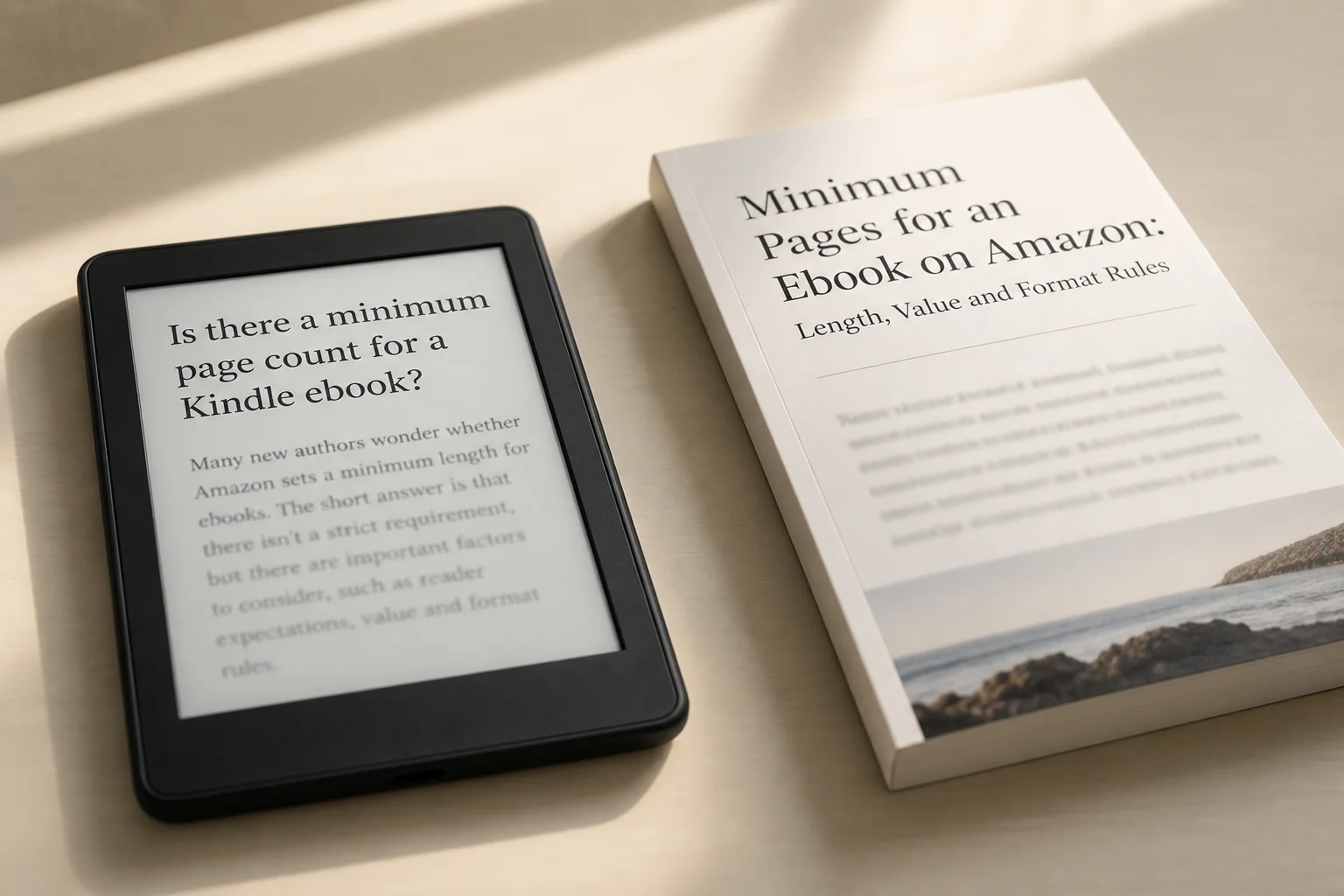
Reflowable text is arranged for the reader’s screen rather than locked into your manuscript’s paper dimensions. Larger text can occupy more screens; a different display width can change line wrapping. Amazon explains this distinction in its reflowable ebook formatting instructions.
Open the same chapter on a phone and a tablet. The lines wrap differently, but the chapter hasn't gained a scene or lost an explanation. That's why an A4 or US Letter page total can mislead you. Use the manuscript's content and word count to plan the book, then preview how that content behaves on different screens.
Instead of chasing a page total, check whether the manuscript gives readers what they need:
- Match each promise in the title and description to material in the book.
- Give every chapter a distinct job; merge chapters that do the same work.
- Check that readers can navigate to each substantial section.
- Read the opening, main text, and ending as one complete experience.
- Inspect images and tables at a small reading size.
- Verify factual claims, quotations, and permissions before final export.
- Review the converted file, not just the document used to create it.
Word count is still handy for planning your writing time and comparing drafts. Just don't turn it into a promised Kindle page count or a guaranteed acceptance rule. A useful short book needs a clear purpose and enough substance to fulfill it, whichever font size the reader chooses.
What Amazon expects in the ebook file
Prepare a structured manuscript with a title page, chapter navigation, deliberate section breaks, and correctly inserted images. Remove print-only page numbers, running headers, and footers from the reflowable edition. These are among the subjects covered by KDP’s manuscript instructions.
KDP supports EPUB and DOCX manuscripts and recommends checking conversion with Kindle Previewer; its supported-format page, linked here through Kindle Previewer, explains those options. An accepted file type answers a technical question, not whether your manuscript is worth buying. (kdp.amazon.com)
For a short ebook, check that these essentials are present before you spend time polishing the layout:
- Clear identification: the correct title and author, without leftover template text.
- A purposeful opening: who the book serves and what it will cover.
- Sufficient development: the scenes, explanations, or instructions needed to fulfill its scope.
- Usable navigation: a reader should not have to hunt for a promised section.
- Supporting material: relevant examples, sources, or notes—not decorative extras.
- A real ending: a conclusion, resolution, or practical next step.
Keep the opening material in proportion to the book. A long author biography can feel like a barrier in a focused guide. Consider placing it after the main text so readers reach the practical material quickly, while still having somewhere to learn more about you.
How long should your ebook be?
Decide what the book will help someone do or experience, then give that promise enough room. For a guide, try finishing this sentence: “After reading this, you'll be able to…” A clear answer helps you choose what belongs in the manuscript and what would be better saved for another book.
For a practical guide
For a practical guide, follow the steps your reader actually needs to take. Explain prerequisites, show the difficult parts and include troubleshooting where people are likely to get stuck. You don't need the same set of subheadings in every chapter; give each task the amount and kind of help it needs.
For example, a guide to organizing a first author reading at a local library needs more than advice to contact the venue and promote the event. It should help the author define the occasion, agree responsibilities, choose an excerpt, invite attendees, rehearse, and manage the day.
Read each instruction and ask what the reader still has to invent. “Send an inquiry” isn't much help without explaining what to include or showing an example. Add that missing material. Another paragraph about how exciting public readings can be won't help someone write the email they're staring at.
For fiction
For fiction, think about the story you promised. A short story can center on one choice and its consequences, while a novel usually makes room for a larger journey. Read the conflict, character change and ending together. The question is whether this feels like a complete small story or a fragment cut from something larger.
A 2,000-word story might follow one difficult decision and what happens afterward. That gives you an example of a small narrative shape, not an Amazon minimum or an acceptance guarantee. Describe it honestly as a short story. Calling it a full-length novel would set readers up for a different experience.
Read the first and last scenes back to back. What question does the opening raise, and what changes by the ending? If the central problem simply vanishes, more scenery won't fix it. Work on the missing choice, consequence or resolution before deciding that the story needs a bigger word count.
For a workbook or journal
Choose print when the product’s main purpose is writing or coloring directly on its pages. KDP identifies such books, including blank journals, as unsuitable for Kindle and says they may be rejected or removed. (kdp.amazon.com)
A guide with exercises can work differently: readers may complete the activities in a separate notebook. Tell them what materials they need, explain each exercise and show a completed example. That gives them something useful to read on the Kindle without pretending the ebook itself is a blank journal they can write across.
Try one representative task in the intended setting. Drawing a large map or completing several columns may call for a printable PDF companion or a print edition. Keep any download supplementary: KDP’s quality guidance treats core content available only through external links as a missing-content problem.
For reference material
For a reference book, think about complete entries and easy navigation. Readers may jump straight to one topic instead of starting at page one. Use a consistent pattern for related entries so they can quickly find the definition, explanation, example and any conditions that affect the answer.
An entry in a manuscript-submission guide could name the document, explain why an agent asks for it, show a sample and distinguish it from a similar document. A dictionary-style definition alone may leave the reader unable to prepare the submission. Add the part that helps them do the job.
Use the book-length planning workflow to turn the scope into a chapter plan. Before adding another topic, ask whether an existing entry needs a clearer example or a cross-reference. Improve access to the answer before increasing the amount of material surrounding it.
Do not pad a Kindle ebook to imitate print
Add substance where something is missing. Bigger headings, extra blank screens and repeated quotations can make a file look longer without making the book more helpful. If a reader still can't complete the task or understand the story's ending, work on that gap instead of the apparent size.
For each addition, ask: “What will this help the reader understand or do?” If you can't answer, the paragraph may be adding length without adding much else.
- Add a worked example where the explanation is difficult to apply.
- Add a decision table where two choices are easily confused.
- Add a checklist immediately before a multi-part action.
- Add troubleshooting where the main procedure can fail.
- Add a source note where a factual claim needs support.
- Delete a section that merely repeats the opening promise.
A recap can be useful after a complicated chapter, especially if it helps readers choose their next step. If another summary merely repeats the same points, combine them and use the space for an example or explanation that was missing.
Apply the readability formatting guide once the structure is sound. Use typography to show which ideas belong together and which deserve emphasis—not to make a small amount of content resemble a longer book.
Paperback minimum pages are a separate rule
Check the exact paperback configuration: KDP’s trim-size specification table lists minimums of 24 pages for many black-ink and premium-color options, and 72 pages for available standard-color options. These are physical-book specifications, not Kindle ebook requirements.
For example, the table’s 6 × 9-inch paperback row lists 24–828 pages for black ink on white paper and 72–600 pages for standard color on white paper. A hypothetical 40-page interior clears the first configuration’s length minimum but not the second’s; other production checks still apply. (kdp.amazon.com)
Finalize the trim and layout before calculating the print cover. KDP explains in its print formatting troubleshooting that it derives page count from the manuscript file and rounds up to an even number when necessary. Thus, a 101-page uploaded interior is counted as 102 pages under that rule.
Keep the final print interior clearly labeled with its trim, paper and color settings. If you change the size, margins or content, check the new page count and cover dimensions. A cover built around yesterday's draft may no longer fit today's interior, even when the ebook itself is unaffected.
Hardcover minimum pages are also separate
KDP’s hardcover documentation gives a hardcover range of 75–550 pages and lists fewer trim choices than paperback. A book that fits a paperback option can therefore fall below the hardcover minimum.
A guide falling below the hardcover minimum doesn't automatically need more content. It may already do its job well as an ebook or paperback. Reconsider the optional format before asking readers to work through extra material that exists mainly to make the binding possible.
Choose among these practical responses:
- Release only the ebook and a suitable paperback edition.
- Add missing explanations or examples that genuinely improve the book.
- Investigate another print route for the intended physical product.
- Combine related material when the combined edition serves a coherent purpose.
If you combine several guides, explain why readers would want them together. A collection that supports one larger task can make sense. Unrelated chapters added only to cross a page threshold usually make the original promise less clear. Choose the collection because it helps the reader, then check which print options it fits.
Prepare a short ebook for KDP
Finish the content and check the book's promise before doing your final formatting pass. This sequence helps you avoid polishing pages that still need substantial changes:
- Write the promise. Name the intended reader and the outcome or experience. State important boundaries.
- Build a complete outline. Assign each chapter a separate purpose and identify its required example, scene, or output.
- Structure the manuscript. Use real heading and paragraph styles, lists, and deliberate chapter breaks rather than manual spacing.
- Create navigation. Include every substantive section, then test each destination.
- Verify the material. Check claims, quotations, image permissions, statistics, and any licensed content.
- Remove padding. Merge repeated introductions, delete unnecessary blank space, and retain recaps only where useful.
- Export the intended format. Follow the EPUB export process for a reflowable EPUB workflow, and retain the editable source file.
- Inspect the conversion. Review the whole book and examine difficult layouts under different reading settings.
- Compare the listing with the file. Check every promised feature against what the reader will actually receive.
For the technical stages, use Amazon’s ebook formatting guide and upload and preview instructions. Stop at a review-ready file until your content, formatting, and listing checks are complete.
What to inspect in Kindle Previewer
Inspect navigation, section boundaries, and the most demanding layouts—not only the opening chapter. Amazon describes Kindle Previewer as a way to examine different screen sizes, orientations, and font sizes in its Kindle publishing tools guidance.
- Title and opening: look for unwanted blank space and a clear route into the book.
- First and last chapter starts: confirm both use the intended hierarchy and breaks.
- Longest heading and list: inspect wrapping, indentation, and separation.
- Largest image and widest table: check whether the information remains legible.
- Notes and return links: follow the complete journey out of the text and back.
- Back matter: check the ending, references, and any external links.
- Small-screen view with enlarged text: look for layouts that demand unnecessary effort.
When you spot a problem, note the section and viewing setting, then fix the source and export again. Recheck that section and the material around it. A caption can move when an image changes, for example. A few clear notes make the process easier than trying to remember which screen looked wrong.
Check the ending as carefully as the opening. In a short guide, the final checklist or example may be a large part of what makes the book useful. Make sure readers can reach it, read it and understand what to do next.
Example outline for a useful short guide
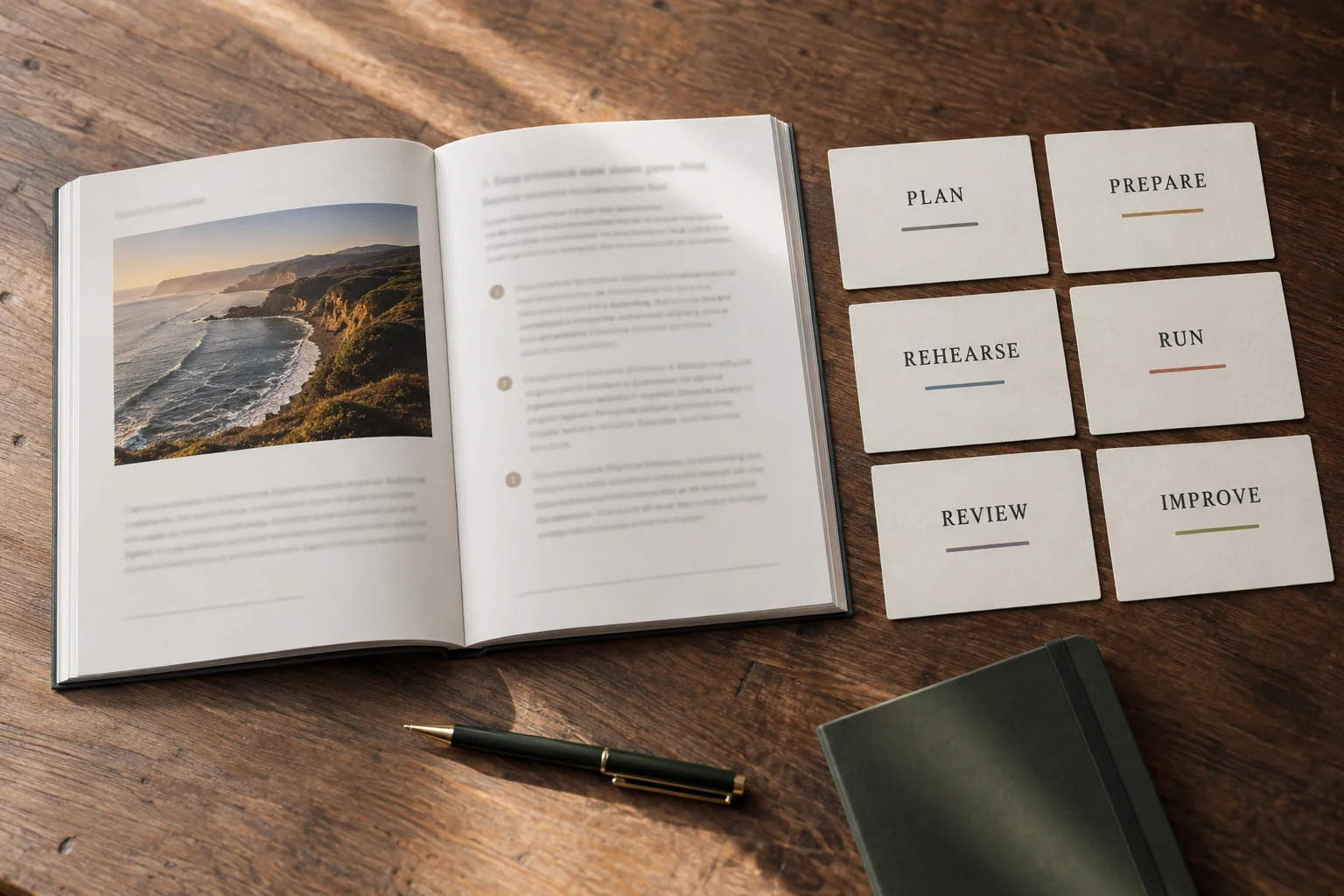
Our example guide helps an author organize one reading at a local library. It isn't trying to cover a national tour or an entire publicity campaign. The six stages below each leave the reader with something usable, which gives the short book a clear reason to exist.
| Section | Decision or action | Completed material to include |
|---|---|---|
| Define the event | Choose the audience, purpose, and duration | A sample 45-minute schedule |
| Agree with the venue | Confirm the date, room, access, and responsibilities | A sample inquiry and agreed-role checklist |
| Select the reading | Choose an excerpt and provide necessary context | A marked excerpt with a short introduction |
| Invite attendees | Choose the message and available channels | A sample invitation and response record |
| Rehearse and prepare | Check timing, equipment, and alternatives | A rehearsal log and backup plan |
| Run and review | Manage the event and follow up | A completed run sheet and debrief example |
An illustrative schedule allocates 5 minutes to welcoming attendees, 15 to reading, 15 to questions, and 10 to informal discussion: 5 + 15 + 15 + 10 = 45 minutes. If the chosen excerpt takes 23 minutes in a hypothetical rehearsal, it exceeds the reading allocation by 8 minutes. The guide should explain how to cut the excerpt or agree a revised schedule.
That's a good place to add detail. Show how to cut an excerpt without making the remaining scene confusing, or provide a sample message asking the venue for a revised schedule. A broad chapter about confidence might sound encouraging, but it wouldn't solve the author's eight-minute timing problem.
Try the same check at each stage. Can the reader adapt the inquiry email? Does the schedule allow questions? What happens if the slides fail? Who handles each job on the day? When an answer is missing, you've found a reason to develop that section further.
The outline is ready when someone can follow the necessary work without inventing instructions you've left out. Keep an eye on word count as you draft, but let those practical checks tell you when the guide is complete. More pages are useful only when they contain something the reader still needs.
How to expand a section that feels too thin
To improve a thin section, show how to do the task, how to tell whether it worked and what to change if it didn't. Simply naming the task leaves most of the work with the reader.
For example, “Rehearse your reading. Make sure it fits. Be confident” offers little help. Explain how to time the spoken excerpt at a comfortable pace, time the introduction separately and mark optional passages. After cutting, rehearse the whole sequence again. Now the reader has a method they can actually follow.
Then show an explicitly hypothetical rehearsal record: the first run takes 18 minutes for a 15-minute slot. Removing a two-minute digression and shortening the introduction by one minute gives a planned duration of 18 − 2 − 1 = 15 minutes. A second timed rehearsal is still necessary to check the revised delivery; the arithmetic alone does not establish its actual duration.
You can include a sample completed log showing a second rehearsal at 15 minutes, with a note that the shortened scene still makes sense. Make clear that it's an example so readers can adapt it, rather than presenting an invented rehearsal as something you personally tested.
Use that approach throughout the manuscript. Add an example where someone needs to see the task done, explain a difficult step and combine headings that split one simple idea into fragments. You'll end up with a more satisfying book, and its length will follow from the work it does for the reader.