Table of Contents
I’ve been watching the Apple-vs-ChatGPT chatter for a while, and this week’s “secret chatbot” claim is getting louder. The big question is: is Apple actually building something new, or is this just more rumor-cycle noise? I dug into the reporting and then mapped what it would mean if even part of it is true—especially for Siri, Spotlight, and Safari.
Here’s what’s being reported, what we can verify, and what I think it could realistically look like.
- Apple’s Secret AI Chatbot
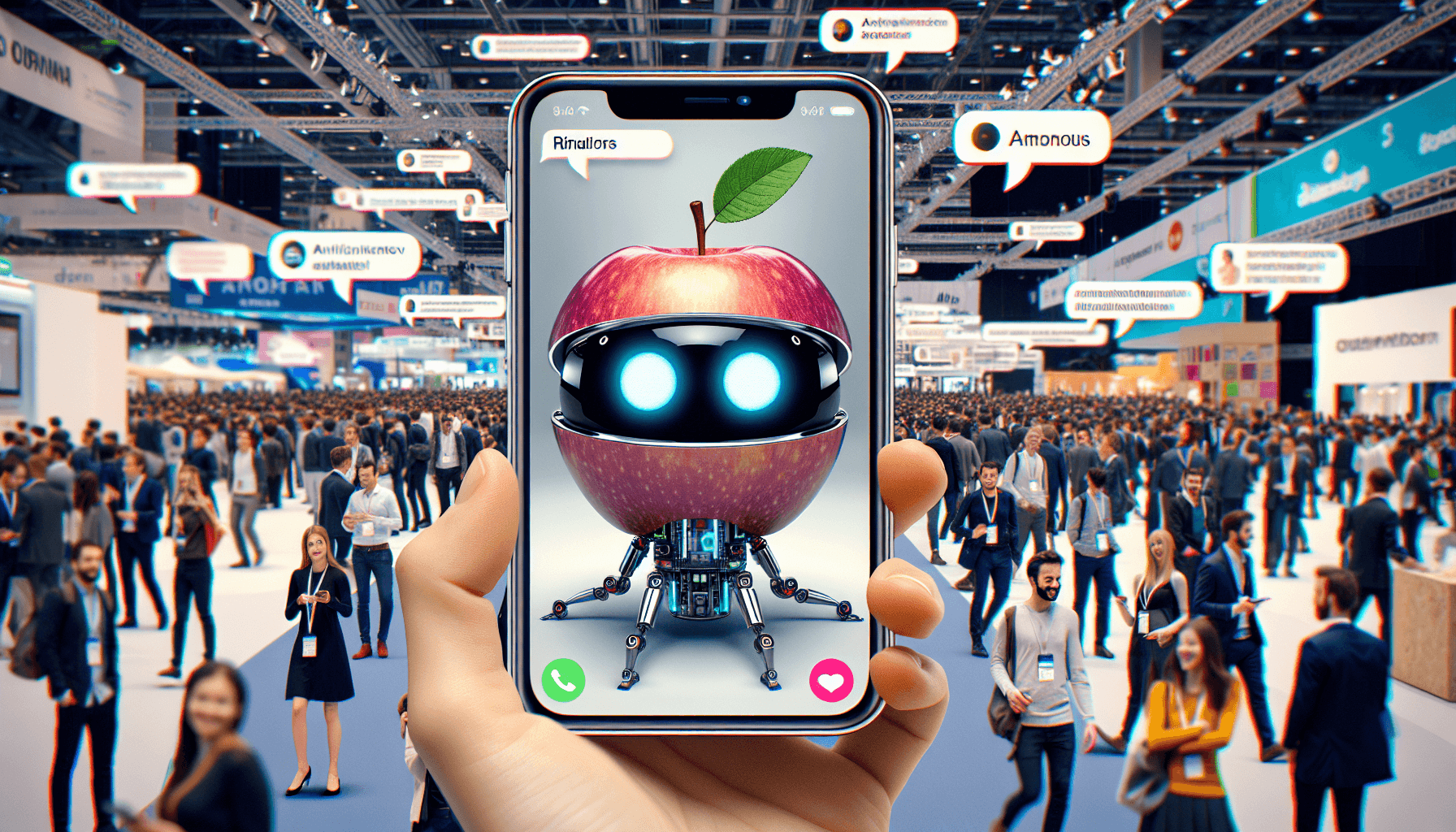
- What’s claimed: Engadget reports that Apple is working on a “stripped-down” AI chatbot intended to compete with ChatGPT, and that it could be integrated into Siri, Spotlight, and Safari.
- What that likely means (in plain English): I don’t expect Apple to ship a single, generic chatbot experience that replaces everything. A “stripped-down” assistant usually points to a narrower set of tasks—things like answering questions, summarizing, drafting, and helping you navigate your device—rather than fully open-ended freeform chat.
- Where the sourcing stands: As of now, this is reported information (not an official Apple announcement). So I’d treat it as plausible, but not confirmed.
- What would be different from ChatGPT today? If it’s truly tied into Siri/Spotlight/Safari, the differentiator isn’t just the model—it’s the context. Imagine asking a question and getting an answer that’s grounded in what’s on your screen, what you’ve searched, or what’s in your files—without you copy/pasting everything into a separate website.
- My take: Apple’s advantage has always been control of the OS layer. If this chatbot shows up where people already work (search, voice, web browsing), it could feel “smarter” even if the underlying model isn’t the biggest on the planet.
- The AI Vision Race Just Got Hotter
- What’s reported: VentureBeat covers Cohere’s “A Vision” model, highlighting that it runs on two GPUs and is said to perform strongly on visual tasks.
- So… what does “beats” actually mean? In AI coverage, “beats” usually refers to benchmark performance on specific datasets (like OCR, visual question answering, or document understanding). The important detail is that it’s not a single universal “wins everything” claim—it’s performance on defined tests.
- Why the two-GPU angle matters: Lower hardware requirements often translate to cheaper inference and easier deployment. If you’re building OCR or image understanding into an app, shaving cost and latency can be the difference between “cool demo” and “we can afford to ship this.”
- What I’d try first: If you’re doing document workflows, test it on your own PDFs/screenshots. Run a small batch (say 50–200 images) and compare accuracy + speed to your current OCR or vision stack. Benchmarks are helpful, but your real inputs tell the truth.
- AI Pricing Uses Data, Not Discrimination
- What’s being discussed: The Verge reports on Delta’s explanation of its AI-driven dynamic pricing approach—specifically that it relies on broader market and competitor information rather than individual-level personalization based on someone’s search history.
- Why this matters: People are understandably nervous about “AI discrimination” in pricing. If the system uses aggregated signals (demand patterns, competitor fares, market timing), then the pricing changes are less about “your browsing behavior” and more about supply/demand realities.
- How this differs from classic personalization: Personalization often means “we saw you searching for X, so we adjust your price.” A market/competitor model is more like “fares in this route/time window are moving because the market is moving.”
- My honest question for anyone using similar systems: Even if it’s not based on search history, what proxies are still in play? Location, device type, booking timing—those can still influence outcomes. It’s worth watching how they validate fairness and how they explain changes to customers.
I’m not a fan of tool lists that read like marketing blurbs, so I’m going to frame these around what you’d actually use them for. If you want, tell me your niche and I’ll suggest which 2–3 are most worth your time.
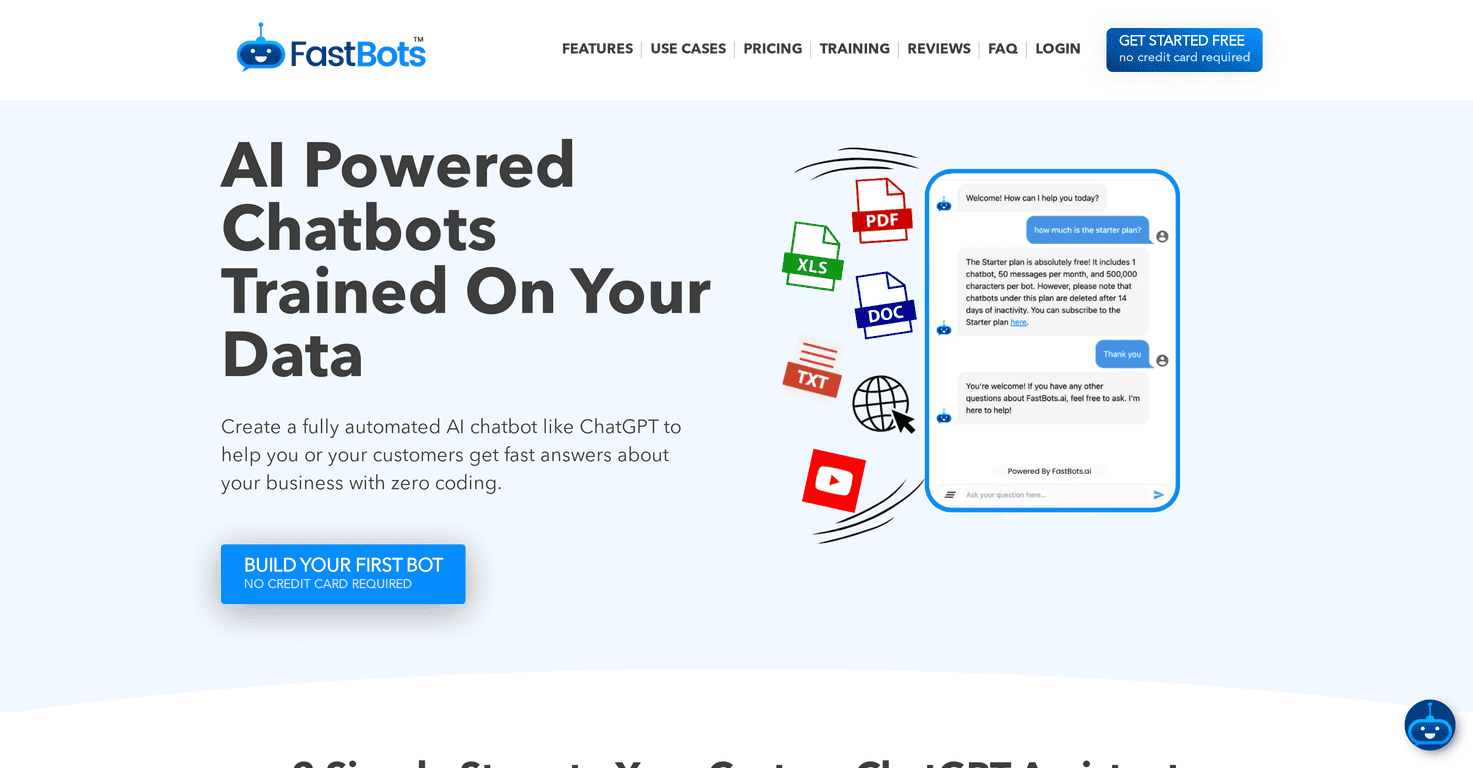
- ChatFlow
- Best for: teams that want chatbots to handle customer questions without turning every support ticket into a project.
- What to look for before you commit: can it connect to your FAQ/knowledge base, does it support handoff to a human, and can you control tone + escalation rules?
- Example workflow: set up “billing,” “order status,” and “returns” flows first. Measure deflection rate after 2 weeks—if it can consistently solve those top 10 queries, you’ll feel the impact fast.
- Hemingway Editor Plus
- Best for: anyone who writes a lot and wants clarity (not just “grammar fixes”).
- What I’d check: does it highlight readability problems like sentence length, passive voice, and overly complex phrasing? Also—does it suggest rewrites you can actually accept?
- Example workflow: paste a landing page draft, clean up readability, then re-check headings and calls-to-action. You’ll usually see a drop in “wall of text” complaints immediately.
- DailyMe
- Best for: journaling that feels structured instead of staring at a blank page.
- What to clarify (privacy + behavior): when it “reveals more about your feelings,” is it doing lightweight analysis of your entries, or does it learn a model over time? Either way, you’ll want to know what data is stored and whether you can export/delete it.
- Example workflow: write 3–5 lines daily for a week, then review the themes it surfaces. If it helps you notice patterns (sleep, stress, triggers), it’s doing its job.
- BizPlanner AI
- Best for: turning “we should probably plan” into something concrete you can execute.
- What to expect: strategy outlines, competitor/positioning prompts, and action steps you can assign to a calendar.
- Example workflow: generate a 90-day plan, then force yourself to pick 1 metric per month (leads, conversions, churn reduction, etc.). AI can propose ideas—your job is choosing what to measure.
- Brandolia
- Best for: quick brand visuals when you don’t have a designer on standby.
- What I’d verify: what formats it exports (PNG/SVG?), how it handles brand colors/fonts, and whether it uses your assets in a way you control (style transfer vs. “learning” from your materials).
- Example workflow: upload a logo + 2–3 brand references, generate 10 banner concepts, then pick the top 2 and refine typography manually. AI is great for options; you still want consistency.
- LetzAI
- Best for: creating images that feel personal rather than generic stock-art.
- About “learns from your own materials”: this usually means one of three things—style reference, retrieval of similar patterns, or fine-tuning. Fine-tuning is rare for consumer tools, so I’d look for “style reference” or “prompt conditioning” language first.
- Example workflow: provide a photo set + a style goal (e.g., “warm editorial portraits”), generate variations, then keep the seed/style settings consistent so your series looks cohesive.
- Organize with AI
- Best for: people drowning in photos and screenshots.
- What to check: duplicate detection quality, whether it clears “bad” whitespace, and how it handles multilingual labels (since it mentions 45 languages).
- Example workflow: run it on one folder first (like “2025-03”), then spot-check 30 items. If it deletes the wrong images, you’ll want to adjust settings before you unleash it on everything.
- CometAPI
- Best for: developers who want access to many AI models through one integration.
- What I’d look for: supported model types (text, vision, embeddings), latency expectations, and whether you can route requests based on cost/quality.
- Example workflow: start with a cheaper model for classification, then escalate to a stronger model for edge cases. That “routing” approach can cut costs without tanking quality.
Today’s prompt (and yes, I’d actually use this):
        Build a 30-day content + growth plan for [specific niche]. Include: (1) target audience segments with pain points, (2) 10 content ideas mapped to each segment, (3) a weekly posting schedule, (4) platform selection with reasons, (5) engagement tactics (community, comments, outreach, partnerships), and (6) 3 measurable KPIs with simple tracking methods (e.g., CTR, sign-ups, retention).

        Then add 2–3 real examples of strategies that worked in a similar niche (describe what they did, not just “they succeeded”). Finish with a short checklist the reader can follow each week.