01
Picture book
Use a compact story and let illustrations carry meaning not repeated by the text.
Book format playbook
Plan an age-appropriate story, page-by-page visual beats and recurring characters before generating the text and illustrations.
Reviewed by Stefan Mitrović, Founder of Automateed · Updated July 16, 2026
Direct answer first
To write a children’s book with AI, open Automateed’s storybook creator, choose the age group — 3–5, 6–8, 9–12 or teen — a story length from roughly 5 to 25 illustrated pages, and your language. Describe the story and the illustration style, then review every generated page: regenerate individual images, improve the text or upload your own art. Finish with the cover, export a print-ready PDF and publish the storybook to a public page.
Built for
Parents and families
Core output
Fixed-layout PDF
Quality focus
Sentence length matches the age
The real job
A children’s book is constrained by developmental stage, vocabulary, read-aloud rhythm, page count and illustration continuity. Those constraints should be set before the plot is drafted.
AI can explore premises and visual directions quickly, but adults remain responsible for appropriateness, accuracy and whether the words and images communicate the intended lesson without confusing or frightening the reader.
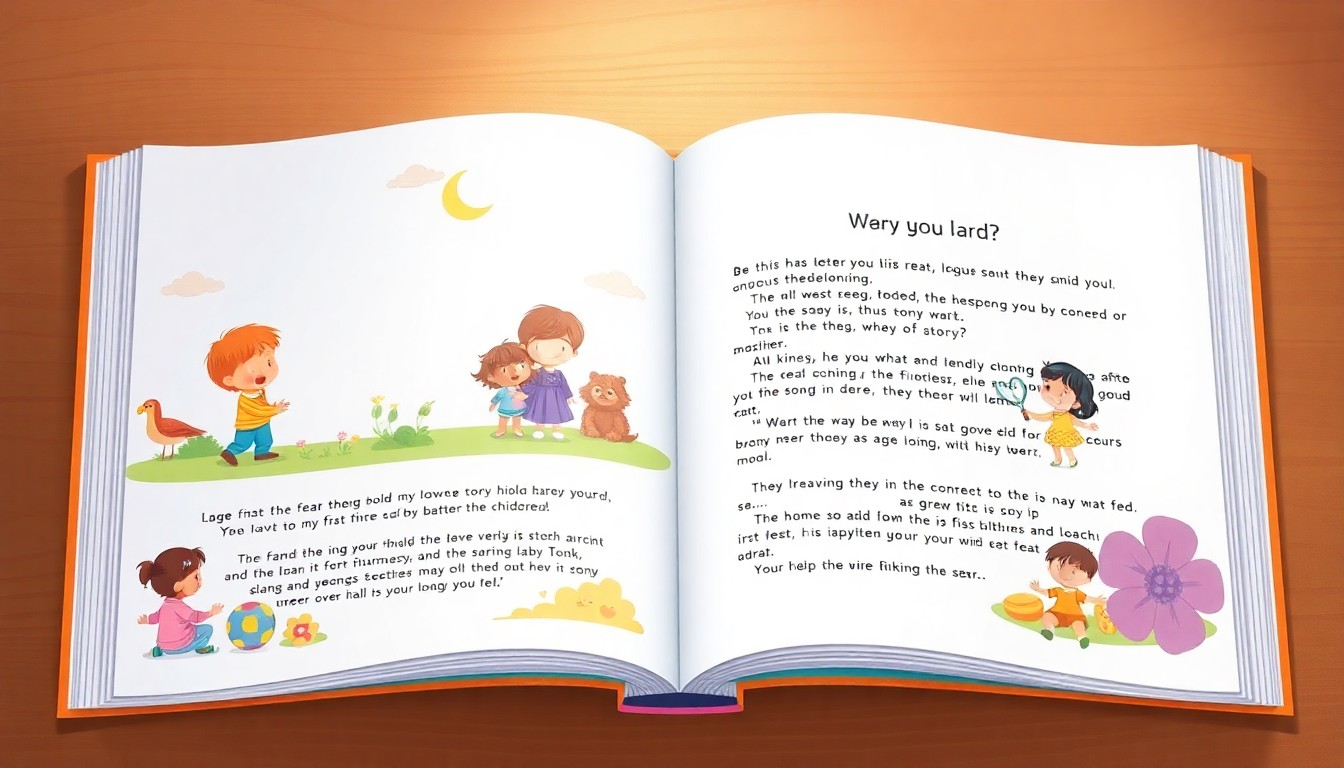
See the format, not a placeholder
Children experience the story page by page, so text density, visual continuity and read-aloud rhythm need to be planned together.
The visual is only the promise. The structure, examples and reader outcome described in this guide are what make the finished book useful after someone opens it.
Choose the right angle
The format should follow how the reader will use the book. These are distinct editorial structures, not title variations applied to the same outline.
01
Use a compact story and let illustrations carry meaning not repeated by the text.
02
Control vocabulary, sentence length and repetition for independent reading practice.
03
Embed one learning objective inside character action rather than adding a lecture.
04
Use a calming arc, predictable rhythm and a safe emotional landing.
05
Show a recognizable situation and model choices without diagnosing the child.
06
Sustain a simple larger arc across short chapters with recurring visual support.
Inside the finished project
Before illustrations begin, each page or spread needs a clear narrative and visual job.
Step-by-step workflow
These stages describe the real product flow — creators, outline editor, chapter editing, cover tools and the Export Center — plus the author judgment each stage still requires.
Pick the age band — 3–5, 6–8, 9–12 or teen — and a length: short at 5–8 pages, medium at 10–15 or long at 18–25 illustrated pages. Both choices control vocabulary, sentence rhythm and how much story each page carries.
Write the premise and emotional arc, then use the image instructions field to lock a look — for example “watercolor, soft lighting, consistent outfits.” Stuck on a name? The creator can suggest marketable titles from your keywords.
Each page arrives as text plus an illustration. Review them as a pair: does the picture show the action, does the text add something the picture cannot, and does the character still look like the same character?
The editor works page by page — regenerate a single image, improve one page’s text, or upload your own replacement artwork — so one wrong illustration never costs you the whole project.
Create the cover with the automatic cover tool or upload art, export a print-ready PDF (picture formats default to a generous 8×10-inch size) or a KDP package, and publish the storybook to its own public reader page.
Prompt templates
Replace the bracketed fields with real constraints, examples and source material. A longer prompt is not automatically better; specific production rules are.
Use when: You need a page-by-page plan
Create a [page count]-page picture-book storyboard for ages [range] about [premise]. Use age-appropriate vocabulary, one visual action per spread, a clear emotional change and a reassuring resolution. For each spread provide a strict text budget, illustration brief and continuity note. Do not put the illustration description inside the story text.
Use when: The same character appears across many images
Create a production character sheet for [character]. Define age, body proportions, face, hair, clothing, colors, signature object, typical expressions and features that must never change. Then list scene-specific changes separately so the core identity remains stable.
Use the guided Automateed flow to turn the brief into an outline and inspect a free preview before continuing.
Create a free previewchildren’s book generator
Text-only tools leave the hardest part — coherent, repeatable illustration — to you. Automateed’s storybook workflow generates each page as a text-plus-image pair, keeps the declared style across the book, and lets you regenerate any single image that drifts off-model.
The format is heavily used and heavily finished: the platform snapshot records 2,234 storybook projects, 2,152 completed and 198 published to public reader pages. Completion matters here, because a half-illustrated children’s book is not a shorter book — it is an unusable one.
personalized children’s book
Personalization is the strongest honest use case for AI storybooks: the hero shares your child’s name, hair, dog and street, which no shelf book can offer. Feed those specifics into the story description and image instructions, then check every page for continuity the way a child will — instantly and literally.
Keep two boundaries. First, review emotional content at the target age: personalization intensifies identification, including with scary moments. Second, keep real names and likenesses in private copies; a commercial edition needs consent and more caution.
how to publish a children’s book
For print, picture-heavy formats export at a generous 8×10-inch default, and the KDP package adds the spine-calculated wraparound cover Amazon requires. Order a proof before launch: color, bleed and text size read differently on paper held by small hands.
For direct publishing, Automateed gives the storybook its own public page readers can open immediately — useful for family distribution, classroom use or selling without a marketplace. Many authors run both: KDP for discovery, the public page for full-margin direct sales.
Publishing formats
Preserves the exact relationship between text and illustration for preview or print.
Requires trim, bleed, safe zones, image resolution and a full cover calculated after pagination.
Lets readers inspect illustrated pages in sequence and can support a public sample or sale page.
Who this serves
Create a personal story or preserve a meaningful lesson.
Build age-specific educational stories around classroom objectives.
Prototype and revise a visual narrative before final publication.
Explain a situation carefully with qualified review and appropriate boundaries.
Children's Book FAQ
Still weighing it up? Start a free preview and judge the outline on your own topic.
Create a free previewRelated tools and guides
Evidence from Automateed
The dedicated storybook workflow tracks a different unit from a long-form ebook: individual illustrated pages, age fit and recurring-character continuity.
Projects created through the illustrated storybook workflow.
Storybook projects recorded as successfully completed.
Storybooks published to public reader pages.
Real public examples
These are live public author pages, not sample titles invented for this guide. They show presentation and positioning; inclusion does not certify every claim inside a book.
Children's educational storybook
A public visual storybook that combines an age-specific learning objective with a recurring character and page-by-page format.
View public book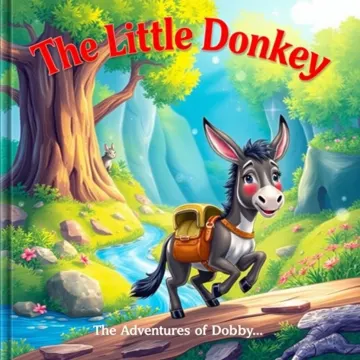
Children's storybook
A public storybook example where the cover, format and simple narrative promise are immediately recognizable to the reader.
View public bookData note: Counts come from an aggregate Automateed production snapshot. Public-category counts use the category selected by the publisher and are descriptive, not a market forecast. Snapshot: July 16, 2026.
Quality gate
Run these checks against the actual manuscript, files and reader journey before publishing.
Sentence length matches the age
The character stays recognizable
Text never overwhelms the image
An adult reviews safety and appropriateness
Continue the exact workflow
Editorial note
This page is a practical workflow, not a promise of sales, ranking, publishing approval or a specific reader outcome. Platform rules and professional requirements should be checked at the point of use.
Our broader publishing report is based on an anonymized analysis of more than 77,000 Automateed book projects across 216 countries.
Read the independent press releaseExplore next
Turn one focused idea into an outlined, illustrated and professionally formatted ebook you can edit, export, publish or sell.
Open guideShape expertise, research or lived experience into a coherent argument with evidence, examples and a serious editorial process.
Open guideCreate a focused cookbook with consistent recipe fields, original food visuals, practical organization and files built for real kitchen use.
Open guideUse your own topic
Review the outline, visual direction and available chapters before deciding whether to continue the full project.